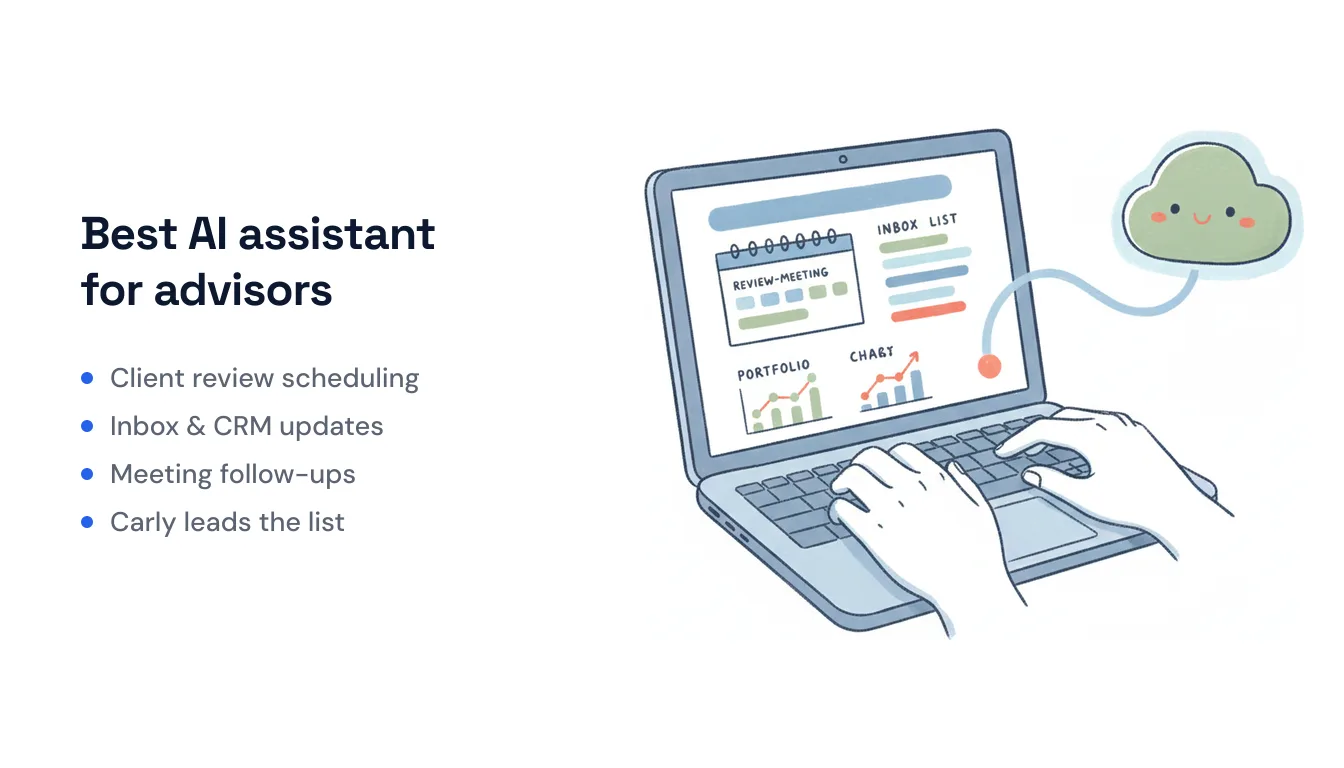
Best AI Assistant for Financial Advisors in 2026 (7 Compared)
An AI assistant for financial advisors has to earn its keep in two places most tools ignore: the client-facing back-and-forth (scheduling reviews, follow-ups, inbox triage) and the paperwork behind it (CRM notes, meeting summaries, task creation). The advisors reclaiming real hours — some firms cite up to 15–19 hours a week — are the ones that got AI to do the admin, not just draft the occasional email.
One caveat up front, because it matters in this profession: advisors and RIAs have their own books-and-records and communication-retention obligations under SEC/FINRA rules, and the SEC has flagged AI-assisted workflows in its 2026 examination priorities. No tool below removes those obligations. Some are purpose-built for advisor compliance; others are general assistants you should run inside your own compliant CRM/archiving and supervisory process. Verify each against your firm’s policies before it touches client data.
Here are seven AI assistants worth comparing in 2026, starting with the one that handles the operational glue.
At-a-Glance Comparison
| Tool | Best at | Own inbox / triggers | Advisor-specific | Pricing |
|---|---|---|---|---|
| Carly | Scheduling, inbox triage, CRM updates, follow-ups | Yes (own email + event triggers) | No (general assistant + connectors) | Free workflows; AI from $35/mo |
| Jump | Meeting notes → CRM | No (meeting-triggered) | Yes | ~$75–$100/user/mo |
| Zocks | Compliant meeting capture, notes, forms | No (meeting-triggered) | Yes | Custom / per-seat |
| Zeplyn | Planning-aware meeting notes + CRM sync | No (meeting-triggered) | Yes | ~$60–$120/seat/mo |
| Wealthbox AI | AI inside the advisor CRM | Partial (in-CRM agents) | Yes | CRM plan + AI add-on |
| ChatGPT / Claude | Drafting, document analysis | No (you prompt it) | No | $20–$200/mo |
| Holistiplan | Tax-return scanning | No (upload-triggered) | Yes | Per-advisor license |
1. Carly — The assistant for scheduling, inbox, and CRM upkeep
Most tools on this list start recording once a client meeting begins. Carly is built for everything around the meeting — the coordination and follow-through that quietly eats an advisor’s week.
Carly is an AI assistant and workflow platform where each agent gets its own name, email address, and memory. It can work over your existing Gmail or Outlook, or run as a separate teammate with its own inbox on your domain. Clients (or your team) email it, it emails back, and it does the work underneath: coordinating an annual-review time across calendars, triaging the inbox so client requests don’t get buried under newsletters and statements, updating the CRM after a call, and sending the follow-up you’d otherwise write at 7pm.
The bigger difference is that it runs in the cloud on triggers, not on you remembering to prompt it. A new prospect emails through your website? Carly can reply with times, create the contact, and drop them into your CRM. A review meeting lands on the calendar? It can send the prep checklist and the intake form. It fires on inbound email, calendar invites, form submissions, Slack messages, and schedules — Zapier-style Workflows you set once.
On integrations, Carly reaches the advisor stack through 260+ native connectors plus bring-your-own-key for almost any app with a public API — CRMs like Salesforce and HubSpot, calendars, Google Sheets and Airtable, DocuSign-style e-sign tools, Slack, and accounting apps like QuickBooks and Xero. For an advisor-specific CRM that isn’t a native connector (Redtail, Wealthbox), you can wire it up with your own API key.
Honest compliance note: Carly is a general assistant and automation layer, not a purpose-built advisor compliance product — it doesn’t ship WORM archiving or a books-and-records module. Route client communications and records through your compliant CRM/archiving system, keep it inside your supervisory process, and confirm data handling with your CCO before it touches client PII. The SEC’s own guidance still applies through the existing Advisers Act framework.
Best for: Solo advisors and small RIAs who want the scheduling, inbox, and CRM-upkeep work done automatically — not another tool they have to open and prompt.
Pricing: Free Zapier-style workflows; AI agents from $35/month.
2. Jump — Meeting notes straight into your CRM
Jump is the most widely adopted AI note-taker built specifically for financial advisors — trusted by 35,000+ advisors and rated #1 across the T3, Kitces, and Oasis reports. It captures the meeting, generates notes and follow-ups, and — the part advisors actually pay for — pushes structured notes and tasks into Redtail, Wealthbox, or Salesforce so you’re not retyping anything.
After its Series B, Jump dropped its basic note-taker to about $100/month ($75 for smaller firms) and moved into “operating system” territory with growth and ops modules — though, as InvestmentNews notes, it still isn’t a CRM itself.
What it doesn’t do: It’s meeting-triggered. It won’t triage your inbox, coordinate scheduling with clients, or fire on a form submission — it activates when you’re in a meeting. Pair it with an assistant like Carly for the between-meeting work.
Best for: Advisors who live in client meetings and want notes and CRM entries handled without lifting a finger.
Pricing: Roughly $75–$100 per user/month.
3. Zocks — Compliance-minded meeting capture without recordings
Zocks is a close Jump competitor aimed squarely at financial services, used by 5,000+ firms. Its differentiator is that it captures notes without storing raw audio/video recordings — it extracts the data points and structured facts from in-person, virtual, and phone conversations, then generates notes, forms, emails, CRM updates, and planning inputs. For firms nervous about retaining recordings of client conversations, that architecture is the pitch, and Zocks publishes its own AI compliance guidance for advisory firms.
What it doesn’t do: Like Jump, it’s a meeting assistant, not an inbox-and-scheduling operator. It also won’t replace your archiving obligations — verify how its outputs flow into your books and records.
Best for: Compliance-conscious firms that want structured meeting data without holding onto recordings.
Pricing: Per-seat / custom — request from Zocks.
4. Zeplyn — Meeting notes that understand financial planning
Zeplyn is another advisor-native meeting assistant, and its edge is domain language: it’s trained to pick up the nuance of a planning conversation — Roth conversions, RMDs, beneficiary changes — rather than treating a client review like a generic sales call. It offers meeting capture, auto-generated recaps, and instant CRM sync with the usual suspects (Redtail, Salesforce).
What it doesn’t do: Same category boundary as Jump and Zocks — it’s a meeting layer. Reported pricing runs about $60–$120 per seat/month billed annually.
Best for: Planning-led advisors who want notes that actually understand the substance of the meeting.
Pricing: Roughly $60–$120 per seat/month (annual).
5. Wealthbox AI — AI living inside the advisor CRM
If your system of record is Wealthbox — consistently a top-rated advisor CRM on G2 — its 2025–2026 AI features bring the assistant to the data instead of the other way around. That now includes AI Agents: background processes that handle CRM tasks without manual input, plus summarization and drafting inside the record you’re already looking at.
What it doesn’t do: It’s CRM-bound by design. It’s excellent for acting on data already in Wealthbox, less so as a front-door assistant that clients email or that reaches across a dozen non-CRM apps. Many advisors run a Wealthbox + dedicated note-taker + assistant stack rather than expecting one to do all three.
Best for: Firms standardized on Wealthbox who want AI acting directly on their CRM data.
Pricing: Wealthbox CRM subscription plus AI add-on.
6. ChatGPT & Claude — The general-purpose drafting and document brains
Most advisors start their AI journey here, and for good reason. ChatGPT requires zero setup and is strong at drafting client emails, simplifying complex concepts for clients, and producing newsletter copy. Claude tends to win when the task is dense documents — comparing annuity contracts, digesting a trust, or summarizing a long earnings report — where its handling of lengthy material shows.
What they don’t do: These are tools you prompt, one task at a time. No client emails it directly, nothing triggers automatically, and nothing lands in your CRM unless you copy it there. Treat anything you paste in as a data-handling decision — use enterprise/business tiers with the right data controls, and never paste client PII into a consumer account.
Best for: Drafting, explaining, and analyzing documents — the thinking-and-writing layer, not the operations layer.
Pricing: ~$20/month (Plus/Pro tiers) up to $200/month (Pro/Max).
7. Holistiplan — Tax-return reading on autopilot
Holistiplan is narrow and very good at its one job: scan a client’s tax return in seconds and surface planning opportunities — Roth conversion potential, charitable strategies, deduction optimizations — then generate a client-friendly report. It’s not an assistant in the conversational sense; it’s an OCR-plus-analysis engine purpose-built for advisor tax planning.
What it doesn’t do: Everything outside tax documents. It’s a specialist you add to a stack, not a hub.
Best for: Advisors who do meaningful tax planning and want return analysis reduced from an hour to a minute.
Pricing: Per-advisor annual license.
How to Choose
Think in layers, not in a single winner — most advisor stacks combine two or three of these:
- The operations layer (scheduling, inbox triage, CRM upkeep, follow-ups): Carly is the fit, because it runs on triggers with its own inbox instead of waiting to be prompted. See how it works as an AI scheduling assistant for financial advisors.
- The meeting layer (notes → CRM): Jump for reach and adoption, Zocks if avoiding recordings matters, Zeplyn for planning-language nuance.
- The CRM layer: Wealthbox AI if that’s your system of record.
- The thinking layer (drafting, document analysis): ChatGPT for everyday writing, Claude for dense documents.
- The tax layer: Holistiplan for return analysis.
The throughline on compliance: none of these tools inherit your fiduciary and recordkeeping duties for you. Regulators in 2026 want proof, not policies — that you can trace an AI-assisted communication back to a named human and produce it on request. Pick tools that fit inside that chain of custody, and confirm each one with your compliance team before it sees client data.
Frequently Asked Questions
What’s the best AI assistant for a solo financial advisor?
For the operational work — scheduling client reviews, triaging the inbox, updating the CRM, and sending follow-ups automatically — Carly fits because it runs in the cloud on triggers and has its own email address, so it works without you prompting it. For meeting notes specifically, Jump is the most widely adopted advisor-built option. Many solos run one of each.
Are AI assistants for financial advisors compliant with SEC and FINRA rules?
No tool makes you automatically compliant. The SEC applies the existing Advisers Act framework to AI use — covering recordkeeping, marketing, and supervision — and added AI to its 2026 exam priorities. Advisor-native tools like Zocks and Zeplyn are built with these workflows in mind, but you’re still responsible for retention, supervision, and attribution. Confirm any tool with your CCO before it touches client data.
Can an AI assistant update my advisor CRM automatically?
Yes. Meeting tools like Jump, Zocks, and Zeplyn push structured notes into Redtail, Wealthbox, and Salesforce. Carly can update CRMs through its 260+ native connectors or via bring-your-own-key for advisor-specific CRMs that aren’t natively listed — and it can do so on triggers, not just after meetings.
Do these tools record client meetings?
It varies. Most note-takers capture audio to transcribe, while Zocks is built to extract structured data without retaining raw recordings. Recording client conversations carries its own consent and retention implications — check your state’s consent rules and your firm’s policy.
How much should I budget for an AI advisor stack?
A working stack — an operations assistant plus a meeting note-taker — typically runs $100–$200/month for a solo advisor: Carly’s AI from $35/month plus a note-taker around $75–$100/month. Add specialist tools (Holistiplan, planning software) as your practice needs them.
Ready to automate your busywork?
Carly schedules, researches, and briefs you—so you can focus on what matters.
See what people say
"Before Carly, I relied on a Calendly link, but the whole process felt impersonal and not very professional. Carly changed that by handling all the back-and-forth, so I'm no longer stuck in endless email threads trying to line up schedules.
Now Carly reaches out to candidates, shares my real-time availability, lets them pick a slot, then sends a Zoom link and drops it straight into my calendar. She sends reminders to both of us before each call, which has significantly reduced no-shows and last-minute confusion.
On top of scheduling, Carly acts like a full executive assistant, sending me my schedule the night before so I can prepare for each call. It reminds me of the old x.ai assistant, but Carly is noticeably smarter, faster, and better suited to my healthcare recruitment business."