Carly AI tutorials
No tutorials match that search.
Getting Started 14
-
 How to Get Started with AI: What to Set Up First
 -
 Is Your Business Ready for AI Automation?
 -
 How to Run Your Business with AI Agents and Workflows
 -
 AI Agents vs Workflows: How to Choose (Animated)
 -
 AI Agents vs Automations: How to Choose
 -
 How to Set Up an AI Executive Assistant
 -
 How to Know When to Automate Your Business
 -
 How to Add an AI Sales Chatbot to Your Website
 -
 Set Up an AI SMS Assistant in Under a Minute
 -
 How to Build a Custom AI Dashboard
 -
 Set Up an AI Assistant for Your Inbox and CRM
 -
 Feeling Behind on AI? Do This Before You Hire
 -
 7 AI Automations I Use Every Day to Run My Business
 -
 The Easiest Way to Start Automating Your Work With AI
Email Agents 8
-
 How to Give Your AI Agent an Email Address with Meta Muse
 -
 How to Set Up an AI Customer Support Agent
 -
 How to Build a Custom AI Agent
 -
 How to Auto-Answer Customer Questions with an AI Email Agent
 -
 How to Build Custom AI Email Agents — No Code, in Minutes
 -
 Teach Your AI Assistant to Write Warm Intro Emails
 -
 How to Set Up an AI Email Agent with Carly to Answer Customer Questions
 -
 How to Auto-Reply to Customer Support Emails with Carly AI
Inbox Management 8
-
 How to Manage Email Overload with AI
 -
 How to Use AI for Email Management
 -
 Set Up Text Alerts for Urgent Emails in About a Minute
 -
 Build an AI Inbox Zero System
 -
 How to Manage Multiple Email Accounts With AI (3 Levels)
 -
 How to Auto-Label Gmail and Outlook Email with AI
 -
 Fix Your Gmail Auto-Labeling by Emailing Carly AI
 -
 How to Auto-Surface the Emails You Need to Reply To
Calendar & Scheduling 10
-
 How to Manage Multiple Calendars Without Double Booking
 -
 A When2meet Alternative That Connects Your Calendar
 -
 How to Set Up an AI Scheduling Assistant
 -
 Set Up a Team Booking Page With Round Robin
 -
 What Happened When AI Added Email Events to My Calendar
 -
 Let Your Calendar Fill Itself From Your Email
 -
 How Booking Links Get You More Calls Booked Every Week
 -
 How to Block Your Booking Page While You're on Vacation
 -
 How to Send Your Availability Without Leaving Gmail
 -
 How to Sync Google and Outlook Calendars Without Double-Booking
Workflows & Automations 14
-
 How to Choose AI Task Management Software
 -
 How to Automate Your Business with AI Workflows
 -
 How to Automate Spreadsheets with AI
 -
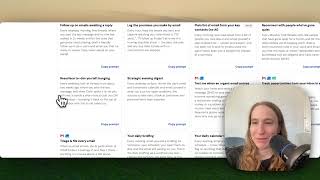 How to Automate Daily Email Reports
 -
 Organize Your To-Do List with AI: 70 Tasks Into 6 Projects
 -
 Automate Lead Intake: Capture, Enrich, Qualify and Follow Up
 -
 Automatically Text Leads Back and Book Appointments
 -
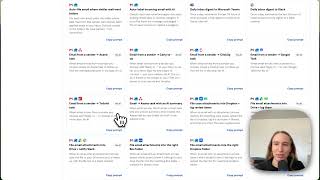 Turn Meeting Notes Into Tasks Automatically
 -
 Connect a Meeting Notetaker to Your CRM and To-Dos
 -
 Auto-Update Your CRM From Meeting Notes
 -
 How to Auto-Post Your Blog to Facebook with AI
 -
 Send an Email Sequence From a Messy Spreadsheet — Just by Asking
 -
 Turn Any Website Into a Daily Email Digest
 -
 How to Automate Email Tracking in Google Sheets
ChatGPT & Claude (MCP) 22
-
 How to Connect Multiple Calendars to ChatGPT
 -
 How to Connect Multiple Email Accounts to Meta Muse
 -
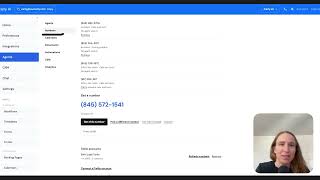 How to Call and Text People with ChatGPT and Claude
 -
 How to Build an AI Email Agent with ChatGPT
 -
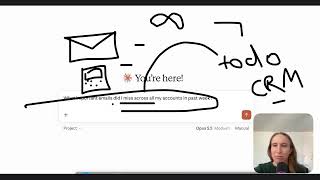 How to Use Claude and ChatGPT: Top 3 Ways
 -
 How to Make Phone Calls with Claude
 -
 How to Make Phone Calls with ChatGPT and Claude
 -
 How to Connect Apps to ChatGPT with MCP or an API
 -
 How to Stop ChatGPT From Training on Your Data
 -
 How to Stop Claude From Training on Your Data
 -
 How to Use Claude for Outlook as an AI Email Assistant
 -
 Connect Any App to ChatGPT and Claude
 -
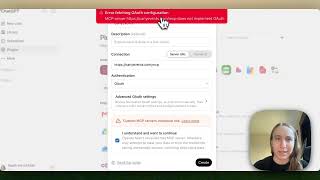 How to Connect an MCP Server to ChatGPT
 -
 How to Add Multiple Outlook Accounts to ChatGPT
 -
 How to Connect Multiple Outlook Accounts to Claude
 -
 How to Connect All Your Email Accounts to ChatGPT and Claude
 -
 Get Texted the Second an Urgent Email Arrives, From ChatGPT
 -
 How to Add a Custom Connector to Claude (MCP)
 -
 Edit Your Booking Pages by Just Asking ChatGPT
 -
 How Many Email Accounts Can ChatGPT and Claude Use?
 -
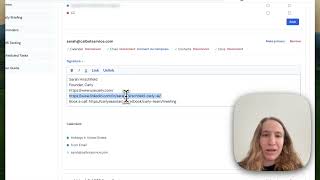 How to Fix Your Email Signature in ChatGPT and Claude
 -
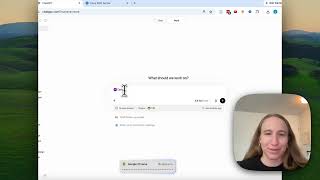 How to Use Carly AI Inside ChatGPT (MCP Setup)
AI Receptionist 9
-
 How to Give ChatGPT a Phone Number
 -
 How to Make Meta Muse Call and Text Your Leads
 -
 How to Set Up an AI Phone Agent with Meta Muse
 -
 How to Set Up an AI Receptionist for Missed Calls
 -
 How to Automatically Call Leads When They Fill Out a Form
 -
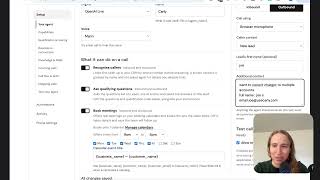 How to Set Up Speed to Lead with an AI Voice Agent
 -
 Test AI Receptionist Lead Qualification and Routing
 -
 Test Your AI Receptionist With a Call to Your Phone
 -
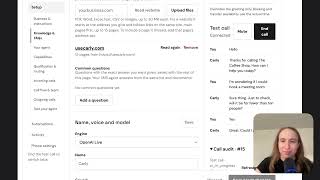 How to Build and Test an AI Receptionist
Advanced & Troubleshooting 4


Ready to automate your busywork?
Carly schedules, researches, and briefs you—so you can focus on what matters.
See what people say
"Before Carly, I relied on a Calendly link, but the whole process felt impersonal and not very professional. Carly changed that by handling all the back-and-forth, so I'm no longer stuck in endless email threads trying to line up schedules.
Now Carly reaches out to candidates, shares my real-time availability, lets them pick a slot, then sends a Zoom link and drops it straight into my calendar. She sends reminders to both of us before each call, which has significantly reduced no-shows and last-minute confusion.
On top of scheduling, Carly acts like a full executive assistant, sending me my schedule the night before so I can prepare for each call. It reminds me of the old x.ai assistant, but Carly is noticeably smarter, faster, and better suited to my healthcare recruitment business."