7 Best AI Assistants for Google Sheets (2026)
The gap between assistants on Google Sheets got much wider in 2026, and in an unusual direction: the native option pulled ahead of the chat assistants rather than trailing them.
Most tools in this category still do the same thing they did a year ago. They read your spreadsheet, reason about it well, and produce a separate file with the answer in it. Your sheet, the one your team has open, is unchanged. One tool now genuinely edits the sheet, and that reorders the whole list.
We checked seven assistants against Google Sheets in August 2026.
The three questions that decide it
Does it change the sheet, or copy it? The distinction almost nobody states plainly. Reading and analysing is table stakes now. Writing a value back into the cell you were asking about is not.
What file comes out? Several assistants that “save to Drive” save an .xlsx, which is an Excel file sitting in Google Drive rather than a native Sheet.
Does anything happen when a row lands? Form responses, imported data, a colleague’s edit. Every option except one waits for a prompt.
Assistants that act on the sheet without a prompt
1. Carly AI
Carly AI treats the spreadsheet as the place data lands rather than the document you are working on. A form response comes in, the row is written, the duplicate is caught, the owner is emailed, and a follow-up is put on the calendar. An invoice arrives as a PDF attachment, the amount and date are pulled out, and the log gets a line.
Being clear about the split: for interactively restructuring a complicated sheet while you watch, Gemini below is better. Carly is for the sheet that has to stay current when you are not looking at it, which is most operational spreadsheets.
It connects the sheet to everything around it, so the trigger can be an email, a booking, a payment, or a form, and the result can be a row plus a message plus a calendar entry. Several Google identities are authorized separately, so a client’s sheet and your own both work.
Best for: A spreadsheet that has to stay current on its own
Key features:
- Fires on the event, not on a prompt or a timer
- Writes rows into sheets as things happen, in the cloud
- Holds several Google identities at once, with per-account routing
- Chains the sheet to mail, calendar, CRM, and tasks in one workflow
- Runs Python over the data when the shaping is non-trivial
- Described in plain English rather than configured
Pricing: Free Zapier-style workflows; AI agents from $35/month
Limitations: It is not an in-cell copilot for interactive model building, and each Google account is authorized individually, so a multi-account setup means several consent screens on day one.
Why it stands out: Nothing else here notices that data arrived.
The native option, and it is now the strongest editor
2. Gemini in Google Sheets
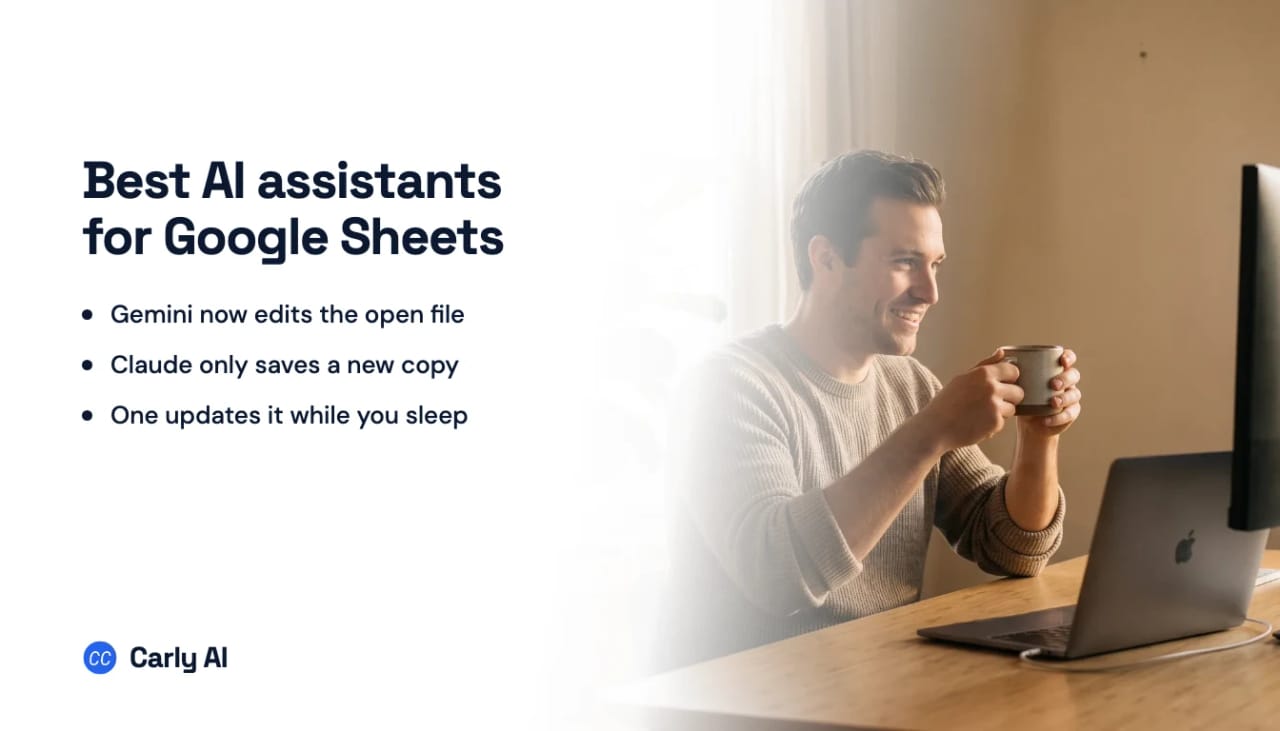
This is the entry that changed. Since April 2026, Gemini in Sheets builds and edits entire spreadsheets from a plain-English instruction rather than just suggesting a formula. It writes formulas against your real ranges, generates charts, restructures and formats, handles optimisation problems that used to need manual work or an add-on, and since June it explains a formula error by reading the surrounding data and handing back a corrected version.
There is also an =AI() function that runs a prompt inside an individual cell, which is a genuinely different primitive from a chat sidebar. On SpreadsheetBench, a benchmark of real-world spreadsheet manipulation, it scores around 70%, approaching expert human performance.
One disambiguation that matters, because it trips people constantly. Gemini in Sheets is not the same as the Gemini app’s Drive connection. The app connection finds and summarizes files in your Drive and cannot edit them. The editing described here happens in the Sheets side panel, in the file you have open.
Best for: Building and restructuring spreadsheets interactively, with the least setup of anything here
Limitations: One Google account, and connecting a second replaces the first. No event triggers. See Can Gemini access Google Drive?.
Chat assistants that read your sheet
3. Claude
Claude has no dedicated Google Sheets connector. It reaches a spreadsheet through the Google Drive connector, which reads the file and brings it into the conversation as CSV, and the analysis quality is excellent.
The line is new versus existing. Claude will generate a workbook and drop it into a folder you name, and what lands is an .xlsx rather than a native Sheet. What it will not do is append a row, update a cell, or add a tab to the tracker you already keep. True read and write means adding a custom MCP server as a connector, which needs a paid plan.
Best for: Analysing a spreadsheet and getting a written answer or a fresh file
Pricing: Pro $20, Max $100 to $200
Limitations: Cannot edit an existing sheet. Saves Excel files, not Sheets. One Google identity. No triggers. See Can Claude edit Google Sheets?.
4. ChatGPT
The Google Drive connector syncs and reads your files so answers are grounded in your own data, in chat, in Projects, and in Deep Research. Upload a sheet directly and Advanced Data Analysis does serious work on it, including producing a new file to download.
Unlike Claude, it can now write back. Google Drive actions create, update, move, copy, and delete Drive-family files, with Docs, Sheets, and Slides folded into the same app. On Enterprise and Edu an admin enables those actions first.
Best for: Grounding answers in your own spreadsheets, and heavier ad-hoc analysis
Pricing: Plus from $20/month
Limitations: One Google identity. No triggers. Drive actions are off by default on Enterprise and Edu until an admin turns them on.
5. Claude Cowork
Same Drive connector and the same inability to edit an existing sheet, with two additions: it builds working spreadsheets with real formulas as the output of a long run, and it does that on a schedule that fires with nothing of yours switched on.
The catch is the same one that runs through this whole category. A scheduled task fires on a clock, so a row landing at 2pm waits for the next run.
Best for: A recurring spreadsheet build or report on a fixed cadence
Limitations: Clock rather than event, and metered usage that multi-step runs consume fast. See Claude Cowork limitations.
Two narrower options
6. Google Apps Script with Gemini
Worth naming because it is free with the account and solves the trigger problem the rest of this list cannot. Apps Script genuinely fires on form submission and on edit, and Gemini will write the script for you.
What you are taking on is code. Someone maintains it, debugs it when the sheet structure changes, and handles the failures silently retrying in the background.
Best for: A developer-minded person who wants event-driven Sheets work at no extra cost
Limitations: You own and maintain code. Scoped to one account, with quotas on execution time.
7. Grok
Reasons well over data you paste or upload, with no Drive connector and no way to write anything back.
Best for: A second opinion on numbers you have already pulled out
Limitations: No file connection.
Quick comparison
| Tool | Edits your existing sheet | Reads Drive files | Saves native Sheets | Two Google accounts | Acts on triggers |
|---|---|---|---|---|---|
| Carly AI | Yes | Yes | Yes | Yes | Yes |
| Gemini in Sheets | Yes | Yes | Yes | No | No |
| Claude | No | Yes | No, .xlsx | No | No |
| ChatGPT | No | Yes | No | No | No |
| Claude Cowork | No | Yes | No, .xlsx | No | Scheduled only |
| Apps Script + Gemini | Yes | Within the account | Yes | No | Yes, if you code it |
| Grok | No | No | No | No | No |
How to pick
If the sheet has to stay current when nobody is looking, Carly. It is the only entry where a form response or an arriving email results in a row.
If you want to build and restructure spreadsheets interactively, Gemini in Sheets, and it is not close any more. Editing the open file from a sentence is a category ahead of suggesting a formula.
If the job is analysis that ends in a written answer, Claude. The reasoning over a messy sheet is the best here even though it cannot write back.
If you are comfortable maintaining code and want event triggers for free, Apps Script.
One thing not to do: assume “saves to Drive” means “updates your sheet.” For Claude and Cowork it means a new Excel file appears beside the original, and the original is exactly as stale as it was.
FAQ
What is the best AI for Google Sheets?
Gemini in Sheets for interactive building and editing, since it now changes the open file from a plain-English instruction. Carly AI if the point is a sheet that updates itself when data arrives.
Can AI edit an existing Google Sheet?
Gemini in Sheets can, and so can Apps Script if you write it. Claude and ChatGPT cannot: they read your sheet and produce a separate file, leaving the original untouched.
Can Claude write to Google Sheets?
Not to an existing one. Claude saves new files into Drive as .xlsx, but there is no append-a-row or update-a-cell tool. Read and write needs a custom MCP server on a paid plan.
Does any AI update a sheet when a form response comes in?
Not the native assistants, which have no event triggers. Apps Script does if you maintain the code, and Carly does it as a connected workflow without code.
What is the =AI() function in Google Sheets?
A Gemini feature that runs a prompt inside a single cell, so a column can be generated by instruction rather than by formula. It is separate from the Sheets side panel, which edits the wider spreadsheet.
Related: Best AI assistants for Excel · Can Claude edit Google Sheets? · Best AI assistants for Google Drive · Best AI assistants for Google Workspace · Claude and Google Sheets
Ready to automate your busywork?
Carly schedules, researches, and briefs you—so you can focus on what matters.
See what people say
"Before Carly, I relied on a Calendly link, but the whole process felt impersonal and not very professional. Carly changed that by handling all the back-and-forth, so I'm no longer stuck in endless email threads trying to line up schedules.
Now Carly reaches out to candidates, shares my real-time availability, lets them pick a slot, then sends a Zoom link and drops it straight into my calendar. She sends reminders to both of us before each call, which has significantly reduced no-shows and last-minute confusion.
On top of scheduling, Carly acts like a full executive assistant, sending me my schedule the night before so I can prepare for each call. It reminds me of the old x.ai assistant, but Carly is noticeably smarter, faster, and better suited to my healthcare recruitment business."