7 Best AI Assistants for Google Drive (2026)
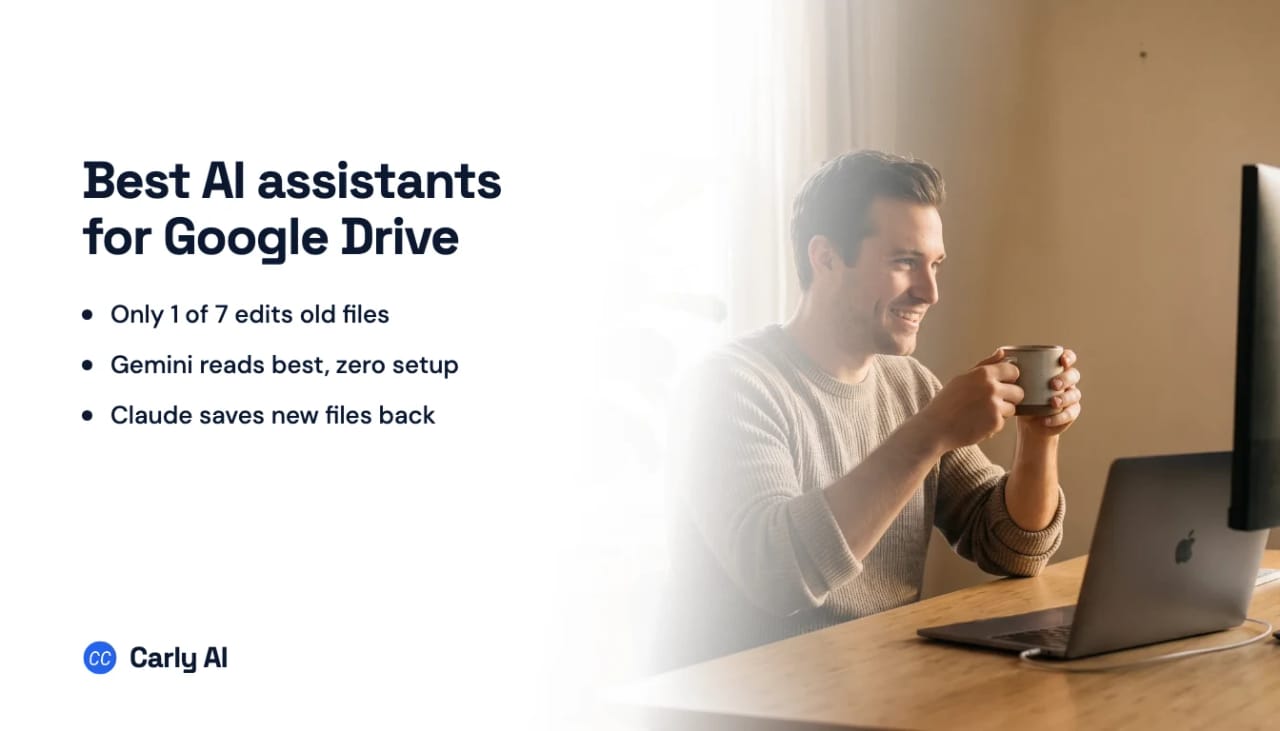
Reading your Drive is solved. Every assistant here finds a file and tells you what it says.
Two things are still not solved, and they are the two that decide whether your Drive stays organized: doing the work without being asked, and doing it across more than one Google account.
The quick answer: Carly AI is the best AI assistant for Google Drive. It edits, renames, and refiles documents it did not create, it fires when a file or an email arrives instead of waiting for a prompt, and it is the only one here that holds your work Drive and your personal Drive at the same time. Free Zapier-style workflows; AI agents from $35/month. Connect your Drive here. If you only want summaries inside one account, Gemini is free and already installed.
Quick comparison
| Tool | Reads files | Saves a new file | Changes an existing file | Two Google accounts | Acts when a file lands |
|---|---|---|---|---|---|
| Carly AI | Yes | Yes | Yes | Yes | Yes |
| ChatGPT | Yes | Yes | Yes, with approval | No | No |
| Gemini | Yes | Export to Docs or Sheets | No | No | No |
| Claude | Yes | Yes, as .xlsx | No | No | No |
| Claude Cowork | Yes | Yes, as .xlsx | No | No | Scheduled only |
| NotebookLM | Yes, chosen sources | No | No | No | No |
| Microsoft 365 Copilot | Yes, indexed | No | No | Not applicable | No |
1. Carly AI
Carly AI is the only entry that acts on its own. An invoice arrives by email, and the attachment is pulled, renamed, filed to the right client folder, logged as a row on the running sheet, and acknowledged to the sender. Nobody opened a chat window. It runs in the cloud, so your laptop can be shut.
It changes files it did not create: appending to the tracker you already keep, renaming forty documents to one convention, moving the misfiled ones where they belong.
And it holds more than one Google account, and works across all of them at once. Unlimited connected emails and calendars are included on the $35/month plan, so the third and fourth account cost nothing more. It reaches OneDrive, SharePoint, and Dropbox too, which matters if your files are split across both worlds.
Best for: Drive work that should happen without you, or more than one Google account
Key features:
- Edits, renames, moves, and reorganizes existing files
- Fires on events such as an email arriving, not on a prompt or a timer
- Holds several Google accounts at once and works across all of them
- Chains Drive to email, calendar, CRM, and tasks in one workflow
- Described in plain English rather than configured
Pricing: Free Zapier-style workflows; AI agents from $35/month
Limitations: Each account is authorized individually, so several consent screens on day one. A managed Workspace may need administrator approval.
Why it stands out: It is the difference between an assistant that reads your Drive and one that maintains it. Start here.
2. ChatGPT
The entry that changed in 2026. ChatGPT’s Drive actions now create, update, share, move, upload, copy, and delete Drive-family files, and the separate Docs, Sheets, and Slides apps have been folded into this one connector. Sync also grounds answers in your own files across chat, Projects, and Deep Research.
Actions are on by default on Business and switched on by an admin on Enterprise and Edu, so plenty of people still have the old read-only experience without knowing it.
Best for: Editing and reorganizing Drive from a chat window you already pay for
Pricing: Plus from $20/month
Limitations: One Google account for Drive. OpenAI’s August 2026 multi-account release covered Gmail, Calendar and Contacts and left Drive out, so a second Google account still replaces the first here. Nothing watches a folder, so every action starts with you typing. See ChatGPT + Google Drive and multiple Google Drive accounts in ChatGPT.
3. Gemini
The most native pairing available, because Drive is Google’s and nothing needs connecting. Summarize a folder, ask a question about a PDF or a video without opening it, build a table from what is in your files and export it to Docs or Sheets.
Best for: Fast reading and summarizing inside a single Google account
Limitations: It does not edit existing files. One Google account, so a work Drive and a personal Drive stay invisible to each other. Two settings gate access and neither says anything when it breaks: Gmail’s Smart features in other Google products, and Keep Activity. See Can Gemini access Google Drive?.
4. Claude
The strongest analysis on this list, particularly across several documents at once. It saves files it generates straight into a folder you name, so a spreadsheet it builds does not need downloading and re-uploading.
Two catches. File creation and code execution both have to be on, and what lands is an Office file, .xlsx or .docx or .pptx, rather than a native Google format.
Best for: Cross-document analysis, and generating new files into Drive
Pricing: Pro $20, Max $100 to $200
Limitations: Everything already in your Drive is untouchable. One Google account. No triggers. See Can Claude access Google Drive?.
5. Claude Cowork
The same Google connector as Claude, so identical Drive access, plus scheduled tasks that genuinely run with your laptop closed. A daily digest of a document library lands on time.
The distinction that decides whether this is enough is clock versus event. A file uploaded Tuesday afternoon is handled at Wednesday’s run, not when it arrives.
Best for: Recurring Drive work on a predictable schedule
Limitations: Same inability to edit existing files, same single Google account. See multiple Google Drive accounts in Claude Cowork.
6. NotebookLM
Built around a set of sources you choose, largely from Drive, and it stays inside them. Answers come back with citations to the source document, which for a due diligence folder or a policy set is the point.
Best for: Research over a fixed body of documents where citations matter
Limitations: A research surface, not a file manager. It does not organize, edit, or act on anything, and the sources are a set you assemble rather than your live Drive.
7. Microsoft 365 Copilot
Here because plenty of organizations run Microsoft for work and Google for files. Microsoft’s Google Drive connector indexes Drive content into Microsoft 365 so Copilot and Microsoft Search can ground answers in it, honouring existing Drive sharing rules.
Best for: Microsoft-first organizations that need Drive content searchable alongside their own
Pricing: Copilot Business from $18 per user/month paid yearly through September 30, 2026 ($21 standard, $25.20 monthly), plus a qualifying Microsoft 365 plan
Limitations: Read-only by design, authenticating with read-only scopes, and an administrator setup rather than a personal connection. See Microsoft 365 Copilot + Google Drive.
How to pick
If files should be filed, renamed, and updated without you, go with Carly. It is the only one that starts on an event and the only one that holds a second Google account. Connect Drive and go.
If you want to edit Drive from a chat window, ChatGPT, and check whether your admin has the actions switched on before assuming they are missing.
If you want zero setup and the best reading of Google formats, Gemini.
If the job is analysis across many documents, Claude.
If you are researching a fixed body of material, NotebookLM beats a general assistant.
FAQ
What is the best AI assistant for Google Drive?
Carly AI, because it edits existing files, holds several Google accounts, and fires when something arrives instead of waiting to be asked. Gemini if you only want fast native reading inside one account.
Can AI actually organize my Google Drive?
Two can. ChatGPT moves, renames, and deletes files on request, and Carly does it as work arrives, without a prompt. Gemini, Claude, and Copilot read but leave your existing files alone.
Can AI assistants see two Google Drive accounts?
Almost none. Gemini, Claude and ChatGPT each hold one Google account for Drive, and connecting a second replaces the first. ChatGPT’s August 2026 multi-account release covered Gmail, Calendar and Contacts only. Connect all your Drive accounts to Carly and it works across all of them at once.
Which AI can act when a file is added to Drive?
None of the chat assistants, which have no event triggers. A scheduled sweep in Claude Cowork is the closest they get. Carly fires on the event itself, in the cloud.
Is Gemini better than Claude for Google Drive?
For summarizing Google-format files with no setup, Gemini. For analysis across many documents and saving generated files back, Claude. Neither touches what is already there.
Can ChatGPT delete files in Google Drive?
Yes. Drive actions cover create, update, share, move, upload, copy, and delete, with approval on each. They are on by default on Business and require an admin to enable them on Enterprise and Edu.
Related: Can Claude access Google Drive? · Can Gemini access Google Drive? · Best AI assistants for Google Workspace · Best AI assistants for SharePoint · Carly’s Google Drive integration
Ready to automate your busywork?
Carly schedules, researches, and briefs you—so you can focus on what matters.
See what people say
"Before Carly, I relied on a Calendly link, but the whole process felt impersonal and not very professional. Carly changed that by handling all the back-and-forth, so I'm no longer stuck in endless email threads trying to line up schedules.
Now Carly reaches out to candidates, shares my real-time availability, lets them pick a slot, then sends a Zoom link and drops it straight into my calendar. She sends reminders to both of us before each call, which has significantly reduced no-shows and last-minute confusion.
On top of scheduling, Carly acts like a full executive assistant, sending me my schedule the night before so I can prepare for each call. It reminds me of the old x.ai assistant, but Carly is noticeably smarter, faster, and better suited to my healthcare recruitment business."