Choose Who Carly Texts Back on Its Own
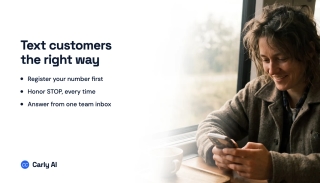
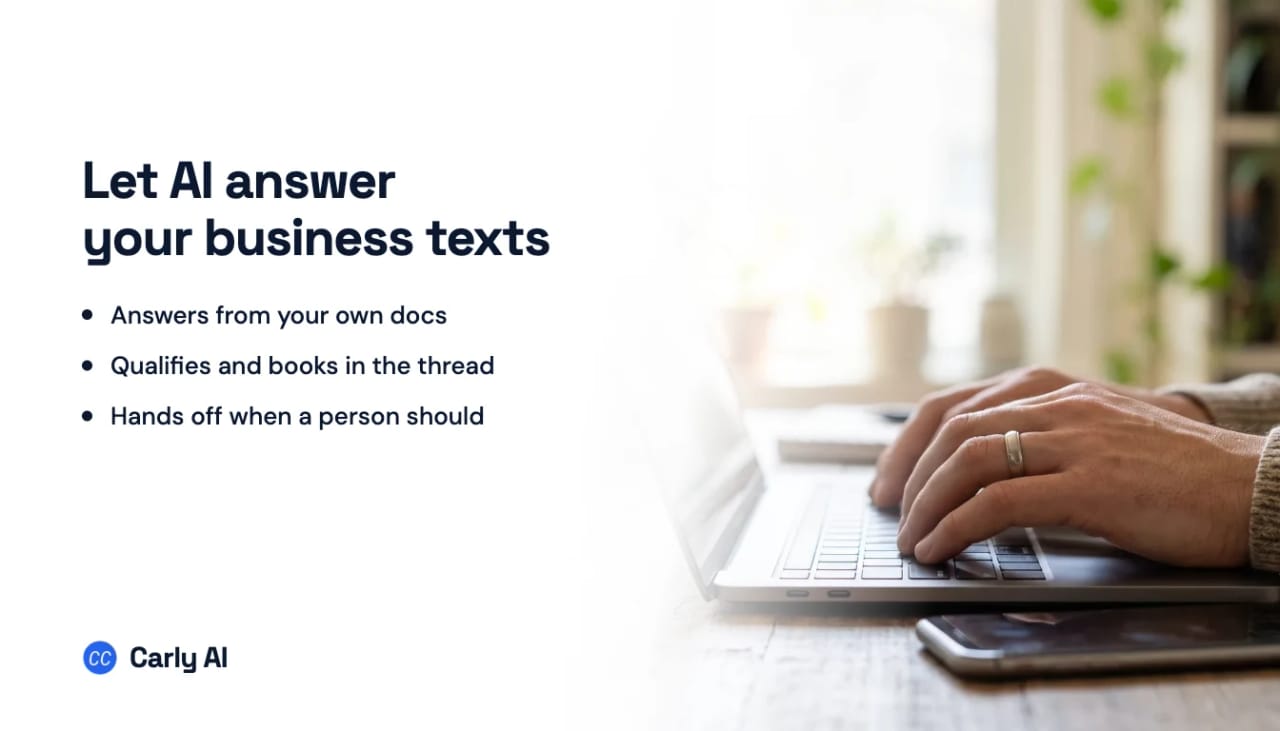
You decide who Carly’s agent answers by text. It replies on its own to the people you pick, and everyone else’s texts wait in your Inbox for you. Approving each text reply before it goes is on our roadmap. Today that works for email, where the agent can save drafts for you to send.
Pick who it answers
Open Agents, pick your agent and go to Replies. Under People it answers, choose:
- Anyone
- Only: the people you tick, such as New people (first time they reach you), People in a group from your CRM, Particular people, or People matching a CRM filter
- Anyone except: the same choices, for people you’d rather handle yourself
Everyone else waits in your Inbox
Texts from people the agent doesn’t answer land in your Inbox for you to answer from the business number. Turn on Auto-reply first to send them one message, such as “Thanks for reaching out. Someone from the team will get back to you shortly.” It goes once, to their first message.
Step in whenever you want
With Stop once a teammate replies on (it is by default), the agent stops answering a conversation as soon as you reply there yourself. Click Resume in that conversation to hand it back.
Turn text replies off for the whole line
Under Texts, untick Answers texts. Every text then waits in your Inbox.
Approving replies before they go
- Email: under When it replies by email, choose It saves a draft for a teammate to send. Drafts wait in your Inbox.
- Texts: approving each reply is on the roadmap. Until then, use People it answers to keep the agent to the people you trust it with.
FAQ
Can I see what the agent texted?
Yes. Every text it sends is in the conversation in your Inbox.
Can my team get a text when a customer writes in?
Yes: reply to business texts from your own phone.
Why aren’t any texts going out?
A new number can’t text until US carriers approve it: texting registration.
Last verified: November 19, 2026.
Ready to automate your busywork?
Carly schedules, researches, and briefs you—so you can focus on what matters.
See what people say
"Before Carly, I relied on a Calendly link, but the whole process felt impersonal and not very professional. Carly changed that by handling all the back-and-forth, so I'm no longer stuck in endless email threads trying to line up schedules.
Now Carly reaches out to candidates, shares my real-time availability, lets them pick a slot, then sends a Zoom link and drops it straight into my calendar. She sends reminders to both of us before each call, which has significantly reduced no-shows and last-minute confusion.
On top of scheduling, Carly acts like a full executive assistant, sending me my schedule the night before so I can prepare for each call. It reminds me of the old x.ai assistant, but Carly is noticeably smarter, faster, and better suited to my healthcare recruitment business."