What Is Claude Design? Anthropic's AI Design Tool
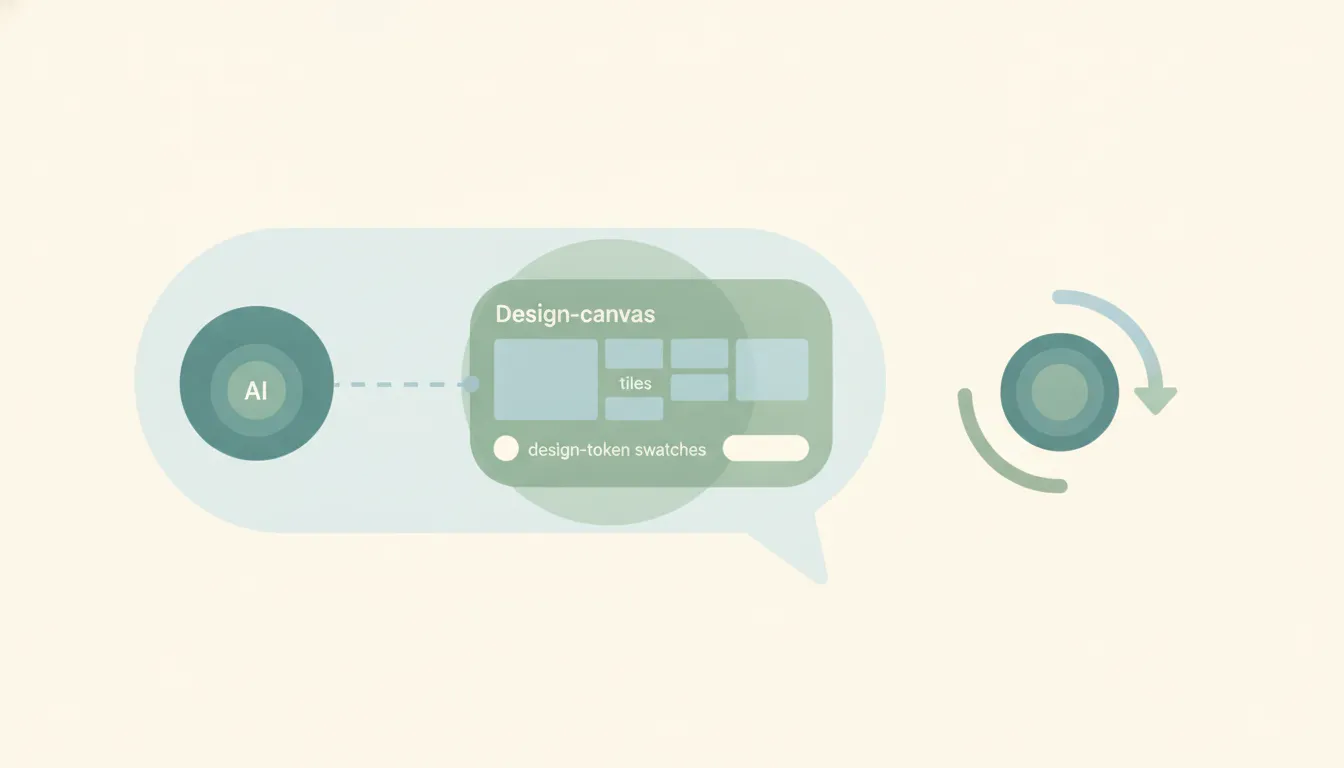
Claude Design is Anthropic’s tool for making visual work by describing it: prototypes, slide decks, wireframes, one-pagers. You write what you want, Claude builds a first version, and you refine it through conversation, inline comments, direct edits on a canvas, or sliders that adjust properties without another round of prompting.
It came out of Anthropic Labs as a research preview on April 17, 2026, powered by Claude Opus 4.7. More than a million people used it in the first week. In June 2026 it graduated to beta and opened to every paid Claude plan.
Who it was built for
Anthropic’s framing is specific: people who need to communicate a visual idea and aren’t starting from a design tool. Founders. Product managers. Anyone who can describe an interface but can’t build one in an hour.
That shapes what the product is good at. It gets you from nothing to something presentable fast. It does not give you the pixel-level control a designer expects, and Anthropic hasn’t claimed it does.
What you can actually make
| Output | What it looks like |
|---|---|
| Prototypes | Clickable, realistic enough to test a flow |
| Wireframes | Low-fidelity structure before you commit |
| Pitch decks | Full slide sets from a description |
| Marketing collateral | One-pagers, landing pages, social assets |
| Code-powered prototypes | Working elements including voice, video, and 3D |
That last row is the one people underestimate. Because generations are code underneath, a prototype can contain genuinely functional pieces rather than a static picture of them.
Design systems are the reason it stays on brand
The most common failure mode for AI design tools is output that looks generic. Claude Design’s answer is importing your actual design system, and the June beta rebuilt that pipeline around three sources:
- A GitHub repo, so it reads the components you already ship
- Design files exported from wherever your team works
- Raw uploads, when there is no system to point at yet
You can load more than one system and switch between them per project. Claude then checks its own output against the system before showing you anything, which is a meaningful change from the earlier behavior of generating first and letting you catch the drift.
The Claude Code round trip
Claude Design connects to Claude Code in both directions, which is the part that separates it from a standalone mockup generator.
/design-sync pulls your organization’s component library into Claude Design from the terminal. /design creates and edits design projects without leaving Claude Code at all. When a prototype is finished, the project hands off directly to Claude Code, so engineers implement from the real design rather than from a screenshot and a guess.
Plans, limits, and what it costs you
Claude Design is included with Pro, Max, Team, and Enterprise. There is no free tier and no standalone purchase.
It draws on your existing subscription usage rather than a separate quota, with the option to enable extra usage and keep working past your limit. Anthropic says the June rebuild cut tokens per generation and lowered error rates, which matters mostly because fewer model errors means fewer regenerations you didn’t want to pay for.
Enterprise organizations start with it off. An admin turns it on in Organization settings before anyone can use it.
Export is where the friction is
Claude Design exports to PDF, a shareable URL, PPTX, and Canva.
It does not export .fig. If your team’s handoff runs through Figma files, a Claude Design project arrives as something to look at rather than something to keep editing, and the Claude Code path becomes the real handoff instead. Anthropic positions the Canva export as the collaboration route, framing Claude Design as the fast first draft rather than a replacement for the tool your team already lives in.
For how that trade lands against a full design tool, see Claude Design vs Figma.
It makes the artifact, not the moment
Claude Design compresses the distance between an idea and something you can show. What it doesn’t touch is everything around that: sending the deck to the client, filing the prototype where the team will find it, following up when nobody opens it.
Give Claude's Cowork tasks a time and they will run. Give them something that just happened and they will not. ChatGPT goes further, but only as far as Gmail, Slack and GitHub, only on web and mobile, and never alongside a schedule on the same task. A lead moving stage, a form landing, an invoice clearing: none of it starts either one. Carly starts on all of it.
That is the boundary Carly works on. Carly runs workflows on triggers and schedules across roughly 260 native integrations, plus anything else with a public API through your own key on the integrations dashboard:
- When a deck lands in a shared Drive folder, notify the account owner and create the review task
- Every Friday at 4pm, pull the week’s new client assets into a summary and send it
- When a proposal is marked sent in your CRM, schedule the follow-up call and draft the reminder
Carly is free for Zapier-style workflows, with AI agents from $35/month.
FAQ
Is Claude Design free? No. It requires a paid Claude plan (Pro, Max, Team, or Enterprise) and uses your subscription’s usage limits rather than a separate allowance. There is no free tier and you cannot buy it on its own.
Can Claude Design export to Figma?
Not as a .fig file. Exports are PDF, URL, PPTX, and Canva. Teams whose handoff depends on editable Figma layers should treat Claude Design output as a reference rather than a starting file.
Is Claude Design still in research preview? No. It launched as a research preview in April 2026 and moved to beta in June 2026, at which point it became available across all paid Claude plans.
Does Claude Design work with Claude Code?
Yes, both ways. /design-sync pulls a component library into Claude Design, /design runs design projects from inside Claude Code, and finished projects hand off to Claude Code for implementation.
Why can’t my team see Claude Design? On Enterprise it ships off by default. An organization admin has to enable it in Organization settings before members can open it.
Ready to automate your busywork?
Carly schedules, researches, and briefs you—so you can focus on what matters.
See what people say
"Before Carly, I relied on a Calendly link, but the whole process felt impersonal and not very professional. Carly changed that by handling all the back-and-forth, so I'm no longer stuck in endless email threads trying to line up schedules.
Now Carly reaches out to candidates, shares my real-time availability, lets them pick a slot, then sends a Zoom link and drops it straight into my calendar. She sends reminders to both of us before each call, which has significantly reduced no-shows and last-minute confusion.
On top of scheduling, Carly acts like a full executive assistant, sending me my schedule the night before so I can prepare for each call. It reminds me of the old x.ai assistant, but Carly is noticeably smarter, faster, and better suited to my healthcare recruitment business."