Basecamp MCP: The Official Server Now Ships in Its CLI
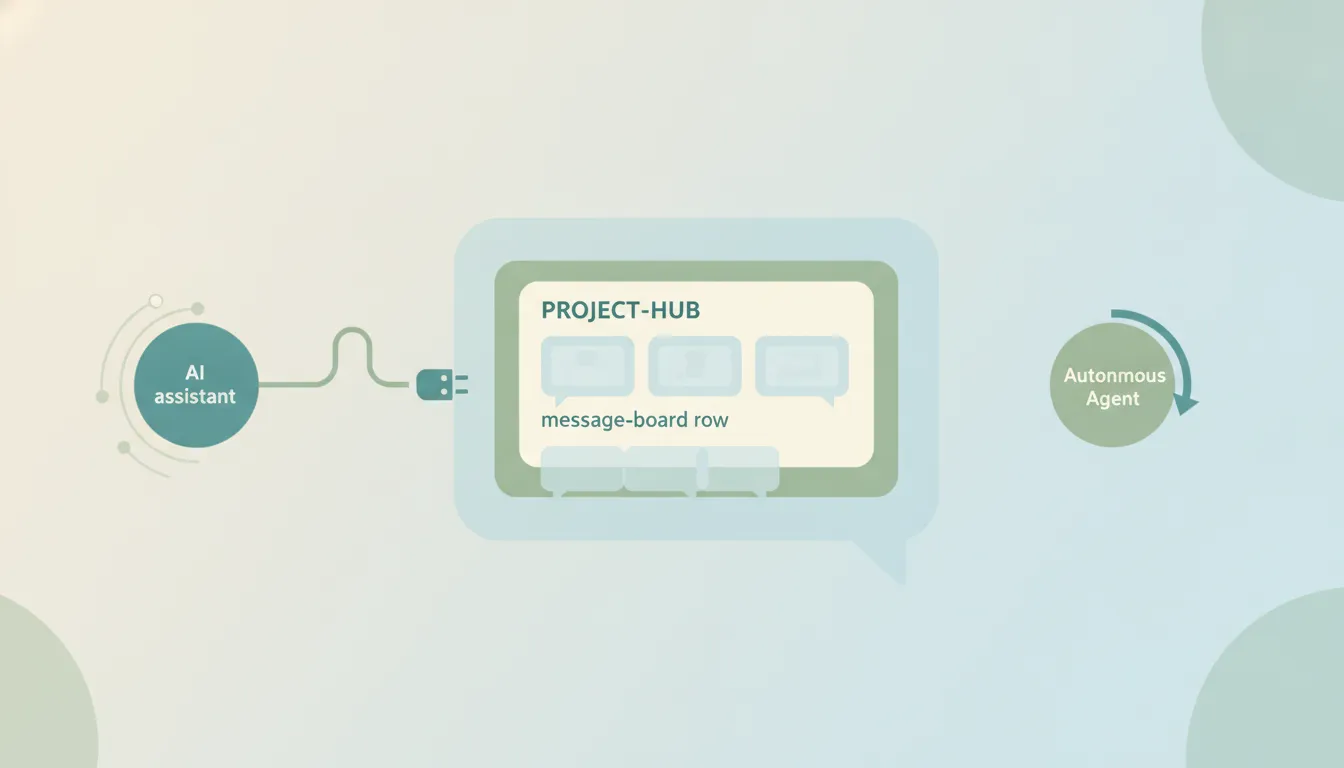
Yes. Since September 2026, Basecamp has an official MCP server, and it ships inside the Basecamp CLI. Version 0.10.0, released on 3 September, added a basecamp mcp command that serves Basecamp to any MCP client from the account you are already signed in with. It reverses the position 37signals took in March 2026, when it made Basecamp agent-accessible with a revamped API, the CLI and an agent skill, and pointedly not a server.
A second one is on the way. An MCP server is already answering at mcp.basecamp.com, behind a sign-in, but 37signals has not announced or documented it. Either way, an MCP server hands Basecamp to an AI inside a conversation you start. Nothing watches a project, nothing fires when a to-do is assigned, and nothing runs while the chat is closed.
Looking beyond Basecamp? MCP servers by category covers the rest.
What the official Basecamp MCP server does
basecamp mcp runs on your machine and speaks MCP over standard input and output, using the CLI’s own sign-in, so there is no separate developer app to register. It exposes fifteen domain tools covering the Basecamp API for the configured account: projects, to-dos, card tables, messages, Campfires, schedules, files, people, automation and reports, among others.
Each tool takes an action and its parameters, and each can describe its own actions, which keeps the tool list short without hiding what it does. Two flags matter before you give it write access:
--read-onlyserves read actions and nothing else.--domains projects,todosnarrows the server to the parts of Basecamp you name, and fails closed if you name one that does not exist.
How to connect it
- Install the Basecamp CLI and sign in to your Basecamp account.
- Register the server with your MCP client as a local stdio server. In Claude Code that is
claude mcp add basecamp -- basecamp mcp. Claude Desktop, Cursor and Codex CLI take the samebasecamp mcpcommand in their local server settings. - Start with
basecamp mcp --read-only, ask for a project’s to-do lists, and only then allow writes.
Because it is a local server, it works with clients that run on your machine. Claude on the web and ChatGPT need a remote server they can reach over the internet, which the CLI does not provide.
The hosted server at mcp.basecamp.com
The address answers MCP requests with a sign-in challenge and publishes the OAuth details an MCP client looks for. 37signals has not announced it, documented it, or listed it in Claude’s connector directory, and those details do not offer the self-registration Claude and ChatGPT rely on to add a custom connector. Until 37signals opens it up, there is no documented way to add it to either app.
The community servers that came first
Before either official server, “Basecamp MCP” meant community projects such as georgeantonopoulos/Basecamp-MCP-Server, jhliberty/basecamp-mcp-server and stefanoverna/basecamp-mcp, each calling the Basecamp API through an OAuth app you register at launchpad.37signals.com. They are still the way to reach Basecamp from a client that only takes remote servers, hosted by you or by a provider. For anything that runs locally, the official CLI server is now the better default: 37signals maintains it, and it needs no developer app.
Where the Basecamp MCP stops
- It only works inside a chat you start. Close the window and nothing continues.
- No triggers. A to-do assigned to you, a new message on a board, a deadline arriving: none of these can start anything through MCP.
- It runs where your machine runs. The official server is a local process, so it stops when your laptop does.
- One app at a time. Getting a finished to-do into a timesheet, a Slack channel and an invoice means more connections, each prompted by hand.
Running Basecamp work that doesn’t need a chat open
That gap is where Carly fits. Carly connects to Basecamp with a Basecamp sign-in, and to thousands of other apps, and its workflows start on triggers and schedules, so Basecamp work happens whether or not anyone has a chat open.
- When a to-do is assigned to you → check it against your calendar, and if the due date is tight, draft a heads-up and add a reminder.
- Every morning → gather the to-dos due today across your projects and send one digest to Slack.
- When a to-do is marked complete → log the hours to Harvest and add a line to the client’s invoice in QuickBooks.
You describe the outcome in plain language and Carly builds the workflow. Free Zapier-style workflows; AI agents from $35/month.
FAQ
Does Basecamp have an official MCP server?
Yes. The Basecamp CLI has included one since version 0.10.0, released on 3 September 2026. Run basecamp mcp and register it with your MCP client as a local server.
Can I add Basecamp to Claude on the web or ChatGPT? Not with an official connector yet. The official server runs locally, and the hosted server at mcp.basecamp.com is undocumented and does not offer the self-registration those apps use. A community server added as a custom connector is the current route.
Is the Basecamp MCP server read-only?
Only if you ask it to be. basecamp mcp --read-only serves read actions alone, and --domains narrows it to the parts of Basecamp you name.
Can a Basecamp MCP server trigger automations? No. MCP is request and response inside a chat, so nothing runs when a to-do is assigned or a message is posted. For event-driven Basecamp work across apps, you need a workflow tool like Carly.
Ready to automate your busywork?
Carly schedules, researches, and briefs you—so you can focus on what matters.
See what people say
"Before Carly, I relied on a Calendly link, but the whole process felt impersonal and not very professional. Carly changed that by handling all the back-and-forth, so I'm no longer stuck in endless email threads trying to line up schedules.
Now Carly reaches out to candidates, shares my real-time availability, lets them pick a slot, then sends a Zoom link and drops it straight into my calendar. She sends reminders to both of us before each call, which has significantly reduced no-shows and last-minute confusion.
On top of scheduling, Carly acts like a full executive assistant, sending me my schedule the night before so I can prepare for each call. It reminds me of the old x.ai assistant, but Carly is noticeably smarter, faster, and better suited to my healthcare recruitment business."