Can Copilot Send Text Messages? Yes, With Carly
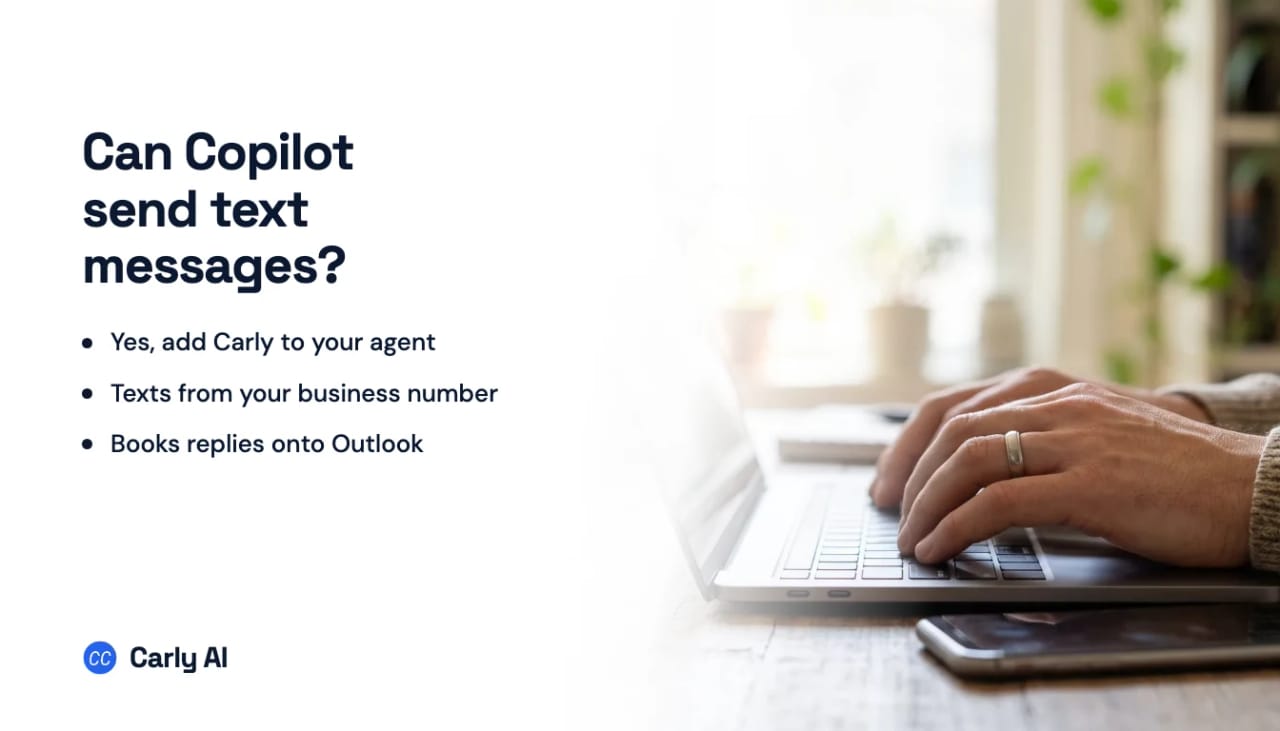
Yes. Add Carly to your Copilot agent and it texts customers from your business number and answers their replies, phone number included.
In Copilot Studio, add Carly as a tool to your agent: choose Model Context Protocol, enter https://carlyassistant.com/team/mcp and sign in to Carly. Then ask your agent for a phone number, and it’s ready to text.
What Copilot can do with Carly
- Text one customer. “Text Emily that her contract is ready to sign in DocuSign.”
- Text a whole list, each person on their own thread. “Remind tomorrow’s appointments to bring their ID.”
- Run a group text with 2 to 9 people. “Get Josh and Claire to agree on a site visit time.” The agent handles the back-and-forth.
- Schedule texts. “Text Michael the gate code at 7am tomorrow.”
- Send files by text, like a quote PDF or a photo of the job.
- Answer replies using your rules, and book customers onto your team’s Outlook calendars mid-thread.
- Text back every missed call within seconds, from your business number.
- Log every text to one team inbox and your CRM, with Dynamics 365, Salesforce and HubSpot supported.
- Work with the rest of Microsoft 365 and beyond. Carly connects to thousands of apps, and every text can start a workflow.
Watch an AI text leads back and book them
Your Copilot agent can make and answer calls on the same number, and message customers on WhatsApp. Using another AI? See ChatGPT, Claude, Grok, Meta Muse and Perplexity.
FAQ
Can Microsoft Copilot send text messages?
Yes, with Carly. Add Carly to your Copilot agent in Copilot Studio and it texts from your business number and answers the replies.
Can Copilot send a group text?
Yes, to 2 to 9 people, and the agent runs the conversation for you.
Can my team use it inside Microsoft 365?
Yes. Once your agent has Carly, your team texts customers from where they already work, and bookings land on Outlook calendars.
Ready to automate your busywork?
Carly schedules, researches, and briefs you—so you can focus on what matters.
See what people say
"Before Carly, I relied on a Calendly link, but the whole process felt impersonal and not very professional. Carly changed that by handling all the back-and-forth, so I'm no longer stuck in endless email threads trying to line up schedules.
Now Carly reaches out to candidates, shares my real-time availability, lets them pick a slot, then sends a Zoom link and drops it straight into my calendar. She sends reminders to both of us before each call, which has significantly reduced no-shows and last-minute confusion.
On top of scheduling, Carly acts like a full executive assistant, sending me my schedule the night before so I can prepare for each call. It reminds me of the old x.ai assistant, but Carly is noticeably smarter, faster, and better suited to my healthcare recruitment business."