Claude for a Knowledge Base: What It Can and Can't Do (2026)
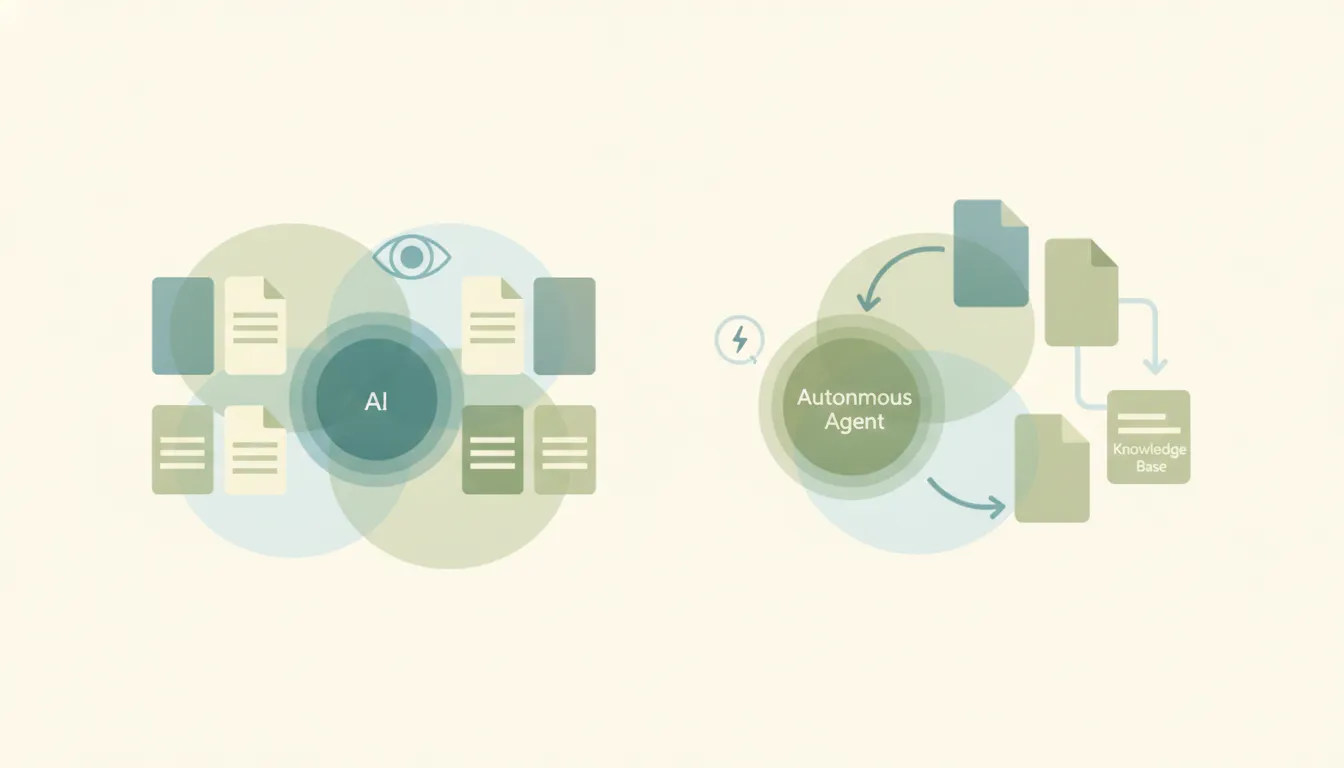
Partly — Claude is excellent at answering from a knowledge base, but it can’t maintain one on its own. Give Claude your internal docs in a chat and it will summarize them, answer questions, find contradictions, and draft new articles better than almost anything. What it won’t do is sit on your wiki and keep it current: it has no event triggers and doesn’t write changes back into your systems autonomously, so nothing updates because something changed.
Here’s the honest split between the reading-and-drafting half (where Claude genuinely shines) and the keeping-it-alive half (where it stops), plus what it takes to run a knowledge base that updates itself.
What Claude does well: answering from docs you give it
This is Claude’s real strength, and it’s worth saying plainly. Paste in a Notion export, a folder of PDFs, a Confluence page, or a Google Doc and Claude will:
- Answer specific questions grounded in that content, with citations to the source passages.
- Summarize a long policy doc or onboarding handbook into a one-pager.
- Spot contradictions across articles (“this page says 30-day refunds, this one says 14”).
- Draft a brand-new knowledge-base article in your house style from a few bullet points.
- Restructure a messy doc into a clean, scannable format.
If your question is “can Claude read my internal docs and reason over them?” the answer is an honest yes, and it does it well. Anthropic’s Projects feature even lets you attach a persistent set of documents so you don’t re-upload them every chat. Claude Skills can bundle reusable instructions (your tone, your taxonomy) so answers stay consistent.
Where it stops: keeping the knowledge base current
A knowledge base isn’t a static pile of files — it’s a living system that changes when a policy updates, a new product ships, or a support ticket reveals a gap. That maintenance loop is exactly what Claude can’t close:
- No autonomous writing back. Claude can draft a revised article, but it hands the text back to you. It doesn’t save the new version into Notion, Confluence, or your help center on its own. Cloud connectors are read-oriented; writing generated docs into your systems autonomously isn’t how it works.
- No triggers. “When a support ticket mentions a missing doc, draft the article” or “when the pricing page changes, update the internal FAQ” is impossible. Claude’s connectors run when you ask or when a timer fires, never when something changes.
- It forgets between chats. Outside a Project’s attached files, each conversation starts fresh. There’s no always-on memory of “what changed in the KB this week.”
So Claude is a phenomenal librarian for the questions you bring it — and blind to the ones your systems raise on their own.
No triggers means no maintenance loop
This is the unifying limit across everything Claude ships.
Give Claude's Cowork tasks a time and they will run. Give them something that just happened and they will not. ChatGPT goes further, but only as far as Gmail, Slack and GitHub, only on web and mobile, and never alongside a schedule on the same task. A lead moving stage, a form landing, an invoice clearing: none of it starts either one. Carly starts on all of it.
Claude Cowork’s scheduled tasks will genuinely run a documentation pass at 6am every day, remotely, with nothing open. What they can’t do is start because the pricing page changed or a ticket exposed a gap — and those are the moments a knowledge base actually goes stale. A KB that refreshes on a timer isn’t maintained; it’s audited, late.
The save / sync gap, side by side
| Answer from docs | Draft new articles | Save back to wiki/CRM | Runs unattended | Starts on an event | |
|---|---|---|---|---|---|
| Claude (chat + Projects) | Yes | Yes | No | No | No |
| Claude Cowork | Yes | Yes | Limited | Yes, on a schedule | No |
| Gemini | Yes | Yes | No | No | No |
| ChatGPT | Yes | Yes | No | Yes, Scheduled Tasks | No |
| Carly | Yes | Yes | Yes | Yes | Yes |
The pattern: every chat assistant is great at the read-and-draft half and stops at the save-and-maintain half. Several will now do that half on a timer. None of them notices the thing that made the article wrong.
What actually maintaining a knowledge base looks like
If the job is “keep our internal docs accurate and findable without me babysitting it,” you need something built to act. That’s Carly, an AI executive assistant that works inside your inbox, calendar, and connected tools:
- It acts on triggers, 24/7, in the cloud. When a new document lands in a folder, a ticket flags a gap, or a doc is updated, Carly can summarize it, file it, and draft or update the matching article — off the change itself, not a nightly sweep.
- It writes back into your systems. Not just a draft handed to you — Carly can save the organized note, update the sheet that indexes your docs, or route the new article to the right owner for review.
- It organizes incoming knowledge. Attachments sorted into folders, emailed updates filed under the right topic, briefings summarized and stored.
- It sends, too. When an article is updated, Carly can email the team the change — real email, with attachments, across Gmail and Outlook.
- It builds the workflow for you. Tell it “I’d like to set up a system that keeps our internal docs organized and current” in plain English; it interviews you, then builds it with you.
AI agents start at $35/month, and steps in a workflow that don’t use AI run free. Carly connects to 200+ tools across 40+ categories — see integrations. For the head-to-head, see Claude vs Carly.
Frequently Asked Questions
Can Claude build a knowledge base?
Claude can draft the articles and answer from documents you give it, and Projects can hold a persistent set of files. But it can’t keep a knowledge base updated on its own — it won’t save changes back into your wiki autonomously, and it has no triggers to act when docs change.
Can Claude read my internal documentation?
Yes, and it’s genuinely good at it. Upload files or attach them to a Project and Claude will answer questions grounded in that content with source citations. The limit is that it answers when asked; it doesn’t monitor your docs or notice when one goes out of date.
Can Claude update a knowledge base automatically when something changes?
No. Claude has no event triggers — there’s no way to say “when this doc changes, update the FAQ.” For automatic, trigger-based maintenance you need an agent platform built to act, like Carly.
Does Claude remember my knowledge base between conversations?
Only within a Project’s attached files. Outside that, each conversation starts fresh — Claude doesn’t carry an always-on memory of what changed in your KB week to week.
What keeps an internal knowledge base current automatically?
Carly. It runs on triggers 24/7 in the cloud, so when documents arrive or change it can summarize, file, draft updates, write them back into your systems, and notify the team — the moment they change, not on the next scheduled pass. AI agents start at $35/month.
More: Claude as a research assistant · Claude summarize documents · Claude customer onboarding · Claude data extraction · Claude vs Carly · Best AI personal assistants
Ready to automate your busywork?
Carly schedules, researches, and briefs you—so you can focus on what matters.
See what people say
"Before Carly, I relied on a Calendly link, but the whole process felt impersonal and not very professional. Carly changed that by handling all the back-and-forth, so I'm no longer stuck in endless email threads trying to line up schedules.
Now Carly reaches out to candidates, shares my real-time availability, lets them pick a slot, then sends a Zoom link and drops it straight into my calendar. She sends reminders to both of us before each call, which has significantly reduced no-shows and last-minute confusion.
On top of scheduling, Carly acts like a full executive assistant, sending me my schedule the night before so I can prepare for each call. It reminds me of the old x.ai assistant, but Carly is noticeably smarter, faster, and better suited to my healthcare recruitment business."