Claude for Data Extraction from Documents: The Honest Answer (2026)
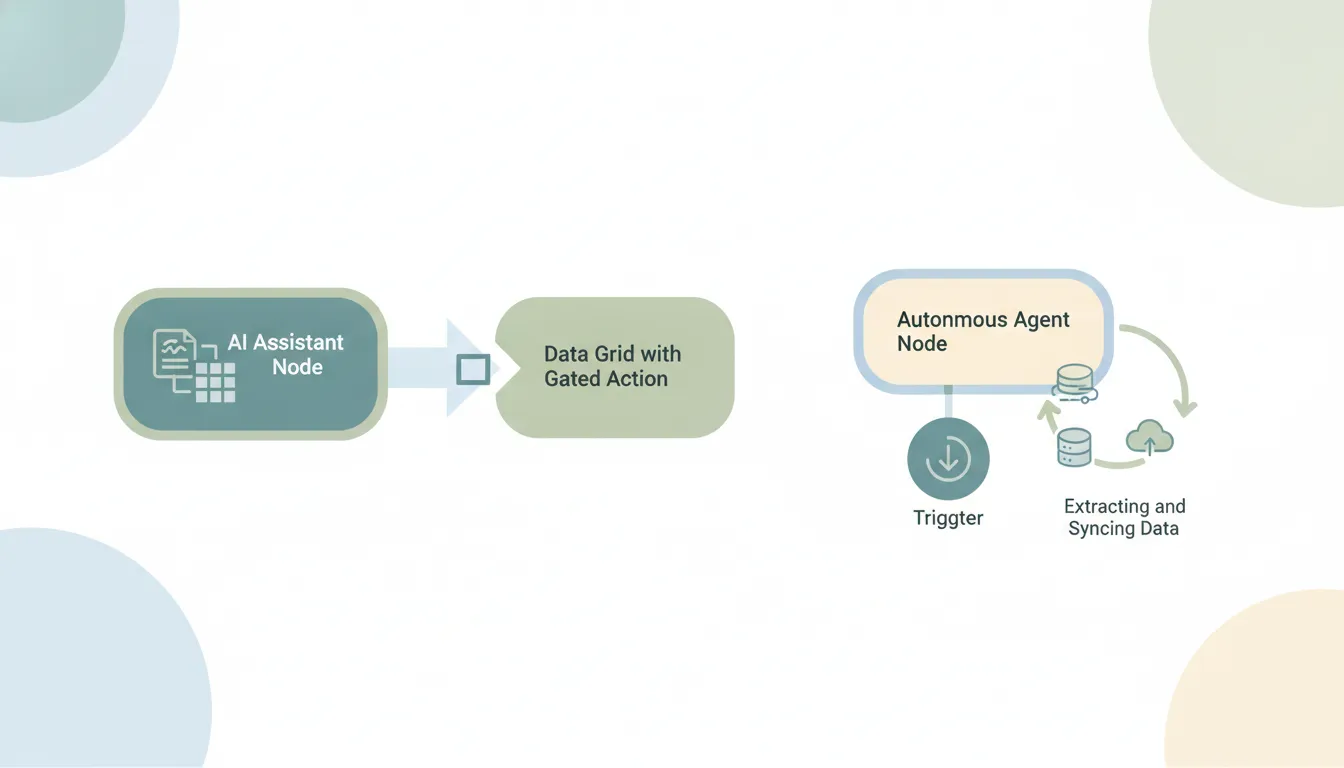
Yes — Claude extracts structured data from documents really well, but only the ones you hand it, and it won’t sync the results anywhere. Paste in a PDF, an invoice, a contract, or a scanned form and Claude will pull the fields you ask for into clean JSON or a table, accurately and fast. What it won’t do is sit on an inbox or folder and extract from new documents as they arrive, or write the extracted data into a sheet, CRM, or database on its own. Claude reads and extracts; it doesn’t act on a trigger, and it doesn’t sync.
Here’s the honest line between extracting data from a document in a chat and running an extraction pipeline that processes documents and lands the data where it belongs.
What Claude does well: pulling fields from a document you give it
This is one of Claude’s strongest, most reliable capabilities. Give it a document and a target shape and it will:
- Pull specific fields — vendor, date, line items, totals, party names, dates, amounts — into structured JSON or a table.
- Handle messy, unstructured source content: scanned PDFs, emails, contracts, forms, receipts.
- Normalize formats (dates, currencies) and flag values it’s unsure about.
- Extract the same schema consistently across a batch you paste in, using Skills to lock the output format.
- Explain its reasoning so you can audit a tricky field.
If your task is “get these fields out of this document,” Claude is genuinely excellent and worth using. This is distinct from data entry (typing values into a system) and from summarizing documents (condensing them) — extraction is pulling structured fields out, and Claude does it well. The boundary is everything around the single chat.
Where it stops: arriving documents and syncing the result
A real extraction job isn’t one PDF you paste in — it’s the stream of documents that keep arriving, and the data needing to land in a system. That’s the half Claude can’t do:
- No triggers. “When an invoice arrives in this inbox, extract the line items” is impossible. Claude’s connectors only run inside a conversation you start, so a new document can’t kick off extraction.
- It doesn’t watch a folder or inbox. Claude won’t monitor a Drive folder or your email for incoming documents. You find each one and paste it in yourself.
- It doesn’t sync the data out. Claude returns clean JSON or a table in the chat. Writing those values into a Google Sheet, your accounting tool, or a CRM autonomously isn’t how it works — many app connections are custom or third-party MCP, in-chat only.
- Nothing runs on its own. There’s no always-on, event-driven process extracting in the background — a document only gets processed when you bring it into a chat.
So Claude turns “extract these fields” into seconds of work — and leaves “do it for every document that arrives, and put the data where it goes” entirely on you.
Extraction at scale needs triggers and a destination
The value of data extraction is unattended throughput: documents come in, fields go into a system, no one touches it. That requires event triggers and a write-back path — neither of which Claude has. Its connectors are chat-only, invoked inside a conversation you open. Claude Cowork’s scheduled tasks fire on a fixed clock, not when a document arrives, so even that is a timer, not an event — it never reacts to a file landing in an inbox or folder. An invoice that lands overnight waits until you open a chat, upload it, and copy the result into your sheet.
In-chat extraction vs a pipeline, side by side
| Extract from pasted doc | Watch inbox/folder | Trigger on new doc | Sync data to sheet/CRM | Runs 24/7 (laptop off) | |
|---|---|---|---|---|---|
| Claude | Yes | No | No | No | No |
| Claude Cowork | Yes | No | Fixed clock only | Limited | No (timer only) |
| Gemini | Yes | No | No | No | No |
| ChatGPT | Yes | No | No | No | No |
| Carly | Yes | Yes | Yes | Yes | Yes |
Every chat assistant extracts well from what you give it and stops at watching for documents and syncing the result.
What actually running data extraction looks like
If the job is “every document that arrives gets its data pulled and landed in the right system, automatically,” you need something built to act. That’s Carly, an AI executive assistant that works inside your inbox and connected tools:
- It triggers on each arriving document, 24/7. When an invoice, contract, or form lands in an inbox or folder, Carly can extract the fields automatically — laptop off.
- It syncs the data out. Carly can append the extracted values to a Google Sheet, update your accounting tool, or create the record in your CRM — see integrations.
- It files the source, too. The original document gets sorted into the right folder, and a confirmation can go out by email.
- It sends with attachments. When extraction needs a reply or report, Carly sends real email across Gmail and Outlook. Each agent gets its own email address.
- It builds the workflow for you. Tell it “I’d like to set up a data-extraction system for incoming invoices” in plain English; it interviews you, then builds it with you.
AI agents start at $35/month, and steps in a workflow that don’t use AI run free. Carly connects to 200+ tools across 40+ categories. For the head-to-head, see Claude vs Carly.
Frequently Asked Questions
Can Claude extract data from documents?
Yes — and it’s very good at it. Paste in a PDF, invoice, contract, or form and Claude will pull the fields you ask for into structured JSON or a table, handling messy and scanned content well. The limit is that it works on documents you hand it in a chat.
Can Claude extract data from a PDF automatically when it arrives?
No. Claude has no event triggers and doesn’t watch inboxes or folders, so a newly arrived document can’t kick off extraction. For automatic, trigger-based extraction you need an agent that acts, like Carly.
For dedicated document-parsing tools, Reducto alternatives compares the options.
Can Claude put the extracted data into a spreadsheet or CRM?
No, not on its own. Claude returns the data in the chat; writing it into a Google Sheet, accounting tool, or CRM autonomously isn’t how it works. You copy it across yourself, or use an agent that syncs it for you.
Is Claude data extraction the same as data entry?
No. Extraction is pulling structured fields out of a document — Claude’s strength. Data entry is typing values into a system, which Claude can’t do autonomously. See Claude for data entry.
What actually runs document data extraction end to end?
Carly. On each arriving document it extracts the fields, syncs them into your sheet or CRM, files the source, and sends any confirmation — on triggers, 24/7, laptop off. AI agents start at $35/month.
More: Claude for data entry · Claude invoice processing · Claude spreadsheet automation · Claude document automation · Claude summarize documents · Claude vs Carly
Ready to automate your busywork?
Carly schedules, researches, and briefs you—so you can focus on what matters.
See what people say
"Before Carly, I relied on a Calendly link, but the whole process felt impersonal and not very professional. Carly changed that by handling all the back-and-forth, so I'm no longer stuck in endless email threads trying to line up schedules.
Now Carly reaches out to candidates, shares my real-time availability, lets them pick a slot, then sends a Zoom link and drops it straight into my calendar. She sends reminders to both of us before each call, which has significantly reduced no-shows and last-minute confusion.
On top of scheduling, Carly acts like a full executive assistant, sending me my schedule the night before so I can prepare for each call. It reminds me of the old x.ai assistant, but Carly is noticeably smarter, faster, and better suited to my healthcare recruitment business."