Can Claude Send Out-of-Office Auto-Replies? (2026)
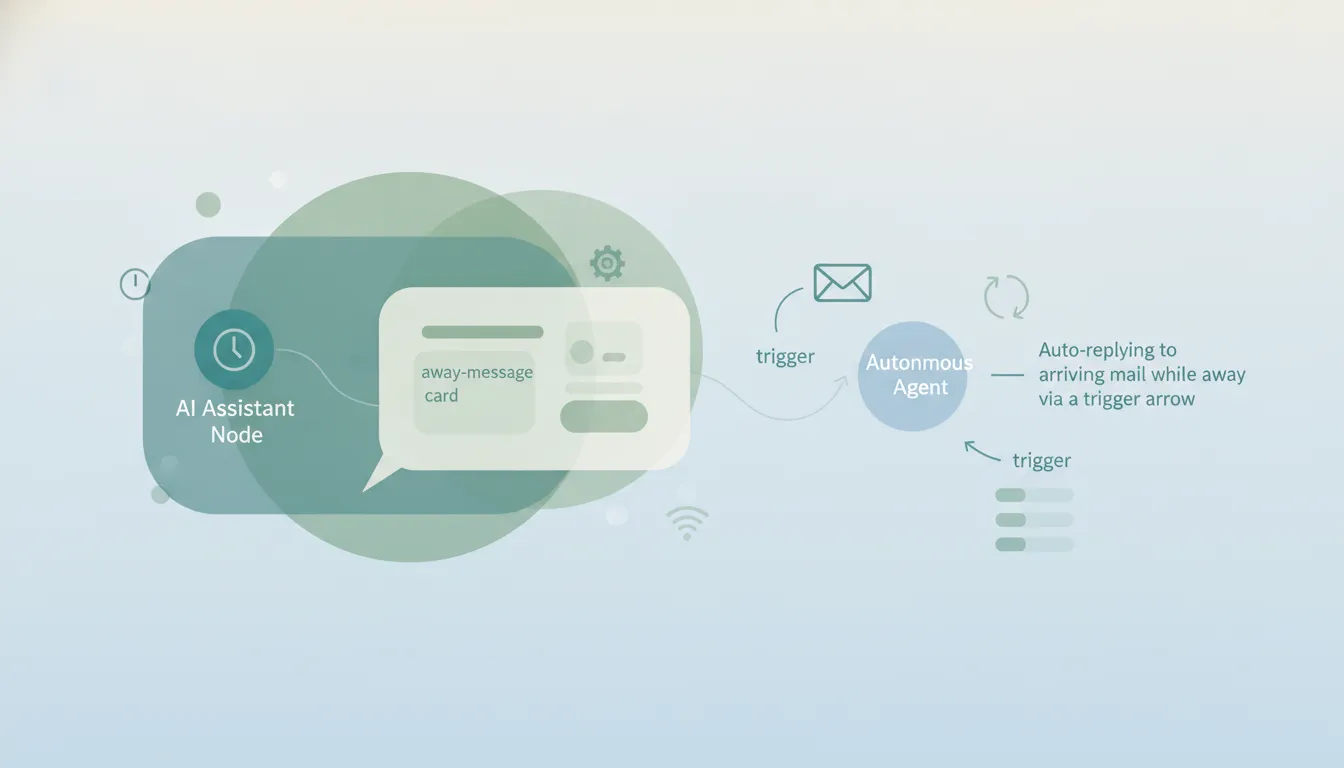
No — Claude can’t run an out-of-office responder. An OOO auto-reply is a trigger by definition: when an email arrives while you’re away, automatically reply. That “when… automatically” is exactly the thing Claude fundamentally cannot do. Claude has no event triggers — the unattended work it does run, like Cowork’s scheduled tasks, fires on a clock you set, not on mail arriving — and it doesn’t send email on its own. It will happily write you a polished away message, and on Outlook it can even flip the responder on, but it cannot watch your inbox or fire the reply.
Here’s the honest breakdown of Claude and out-of-office — and what actually covers your inbox while you’re gone.
In chat: Claude writes a great away message
This is the part Claude does well. Ask for an out-of-office message and it nails tone and detail: your return date, who to contact for what, a warm-but-brief sign-off, even variants for clients vs. internal vs. vendors. As a copywriter for your OOO, it’s excellent.
But writing the message is the easy 5%. The actual work is replying to everyone who emails while you’re out, and that’s where Claude stops cold. Setting the native responder is the one part it can now do for you, and only on Outlook.
It can set the responder on Outlook, and only there
Gmail and Outlook both have native vacation-responder settings, and the two sides of Claude answer differently. On Outlook, the Microsoft 365 connector’s write tools include outlook_set_vacation, which sets the automatic-reply message for you. Those write tools are off by default and a Microsoft Entra administrator has to enable them, so on a managed tenant this is not your call. On Gmail, the Google Workspace connector has no equivalent: it reads, drafts and sends mail, and exposes nothing that touches your vacation settings. The Claude for Outlook add-in is a third thing again, drafting replies without the Mail.Send permission and doing nothing with settings. See Claude for Microsoft 365 and Claude for Outlook.
It can’t auto-reply, because it has no triggers
Even setting the native responder aside, an intelligent away assistant would read each incoming message and reply appropriately — forward the urgent one, tell a client you’re back Monday, snooze the newsletter. Claude can’t do this at all, because there are no event triggers anywhere in the product. A scheduled task can go look at your inbox on a timer, but nothing in Claude notices “a new email arrived” the moment it does. There’s no “when X arrives, do Y” anywhere in the product — and that’s the single most important limitation for anything resembling an away responder.
And it can’t send anyway
Suppose Claude somehow knew an email had arrived. It still couldn’t reply on its own, because Claude can’t send email on any surface by default: the Gmail connector asks you to approve every send, the Outlook add-in lacks Mail.Send, and the M365 connector is read-only until a Microsoft admin turns on its July 2026 write tools. The best it could ever produce is an unsent draft sitting in your mailbox while you’re on a beach. The full breakdown is in Can Claude send emails?. The closest scheduling option, Claude Cowork’s scheduled tasks, runs on a fixed clock — useless for covering your inbox while you’re away, which is the whole point.
Claude vs an assistant that actually covers you while away
| Write OOO message | Set the responder | Auto-reply to incoming mail | On triggers / automatic | Send replies | |
|---|---|---|---|---|---|
| Claude (chat) | Yes | No | No | No | No |
| Claude for Outlook | Yes (draft) | No | No | No | No |
| M365 connector | No | Admin write tools only* | No | No | Admin write tools only* |
| Carly | Yes | Yes | Yes | Yes | Yes |
*Anthropic added admin-gated write tools to the Microsoft 365 connector in July 2026 (off by default; a Microsoft admin must enable them). They let Claude send email and update mailbox settings — but only inside a chat you start. There are still no triggers, so Claude can’t auto-reply to incoming mail or run an away responder that fires while you’re gone.
The native Gmail/Outlook vacation responder can fire a single canned reply automatically — but it’s the same message to everyone and can’t triage. Claude can’t even do that much. What you actually want is something that reads each message and responds intelligently.
What covering your inbox while away actually looks like
If the job is “handle my inbox while I’m out,” not “write me an away message,” you need something built to act. That’s Carly, an AI executive assistant that works inside your inbox and calendar:
- It auto-replies on triggers. When an email arrives while you’re away, Carly can read it and send an appropriate reply — different responses for clients, vendors, and newsletters — not one canned message.
- It actually sends. Real email with attachments, across both Gmail and Outlook, not unsent drafts. Each agent gets its own email address.
- It triages while you’re gone. Carly labels and files, flags the genuinely urgent, drafts and sends holding replies, and queues what needs you for your return.
- It runs 24/7 in the cloud. All of it happens with your laptop off — the entire point of an away assistant.
- It builds the system for you. Tell it “I’d like to set up an out-of-office triage system” in plain English; it interviews you, then builds it with you. No prompt engineering.
AI agents start at $35/month, and steps in a workflow that don’t use AI run free. It connects to 200+ tools across 40+ categories — see integrations, Gmail, and Outlook.
For the full comparison, see Claude vs Carly.
Frequently Asked Questions
Can Claude set up an out-of-office auto-reply?
No. Claude can write the away message, but it can’t reach your Gmail or Outlook settings to turn the responder on, and can’t auto-reply when mail arrives, because every send waits on your approval. You set the responder yourself.
Can Claude auto-reply to emails while I’m away?
No. Claude has no event triggers, so nothing notices when an email arrives; the unattended work it does run fires on a clock you set. And it can’t send on its own, even where the M365 connector’s write tools are enabled. See Can Claude send emails?.
Can the Claude for Outlook add-in turn on my vacation responder?
No. The add-in drafts replies but deliberately lacks the Mail.Send permission and isn’t a settings-automation tool. The separate Microsoft 365 connector is read-only by default; its admin-gated write tools (July 2026) can update mailbox settings, but only inside a chat you start — never on a trigger. See Claude for Outlook.
Will Claude reply to people automatically when I’m on vacation?
No. There’s no “when an email arrives, reply” mechanism in Claude — no triggers, no sending. An assistant like Carly reads each incoming message and sends an appropriate reply, 24/7, with your laptop off.
What can actually handle my inbox while I’m out of office?
Carly. It auto-replies on triggers with context-aware responses, sends real email across Gmail and Outlook, triages and files while you’re gone, and runs 24/7 in the cloud. AI agents start at $35/month.
More: Can Claude send emails? · Claude for Outlook · Claude for Microsoft 365 · Claude summarize emails · Claude vs Carly · Best AI inbox management tools
Ready to automate your busywork?
Carly schedules, researches, and briefs you—so you can focus on what matters.
See what people say
"Before Carly, I relied on a Calendly link, but the whole process felt impersonal and not very professional. Carly changed that by handling all the back-and-forth, so I'm no longer stuck in endless email threads trying to line up schedules.
Now Carly reaches out to candidates, shares my real-time availability, lets them pick a slot, then sends a Zoom link and drops it straight into my calendar. She sends reminders to both of us before each call, which has significantly reduced no-shows and last-minute confusion.
On top of scheduling, Carly acts like a full executive assistant, sending me my schedule the night before so I can prepare for each call. It reminds me of the old x.ai assistant, but Carly is noticeably smarter, faster, and better suited to my healthcare recruitment business."