Discord MCP: Community Servers and How to Set One Up
No, Discord hasn’t published an MCP server that works with your server. Discord’s developer docs site exposes a search-only MCP endpoint for its documentation, but it can’t read or post in a server. What you’ll find searching “Discord MCP” are community projects — discord-mcp, mcp-discord, discordmcp, and a handful of others — built by independent developers on top of Discord’s public bot API, not by Discord.
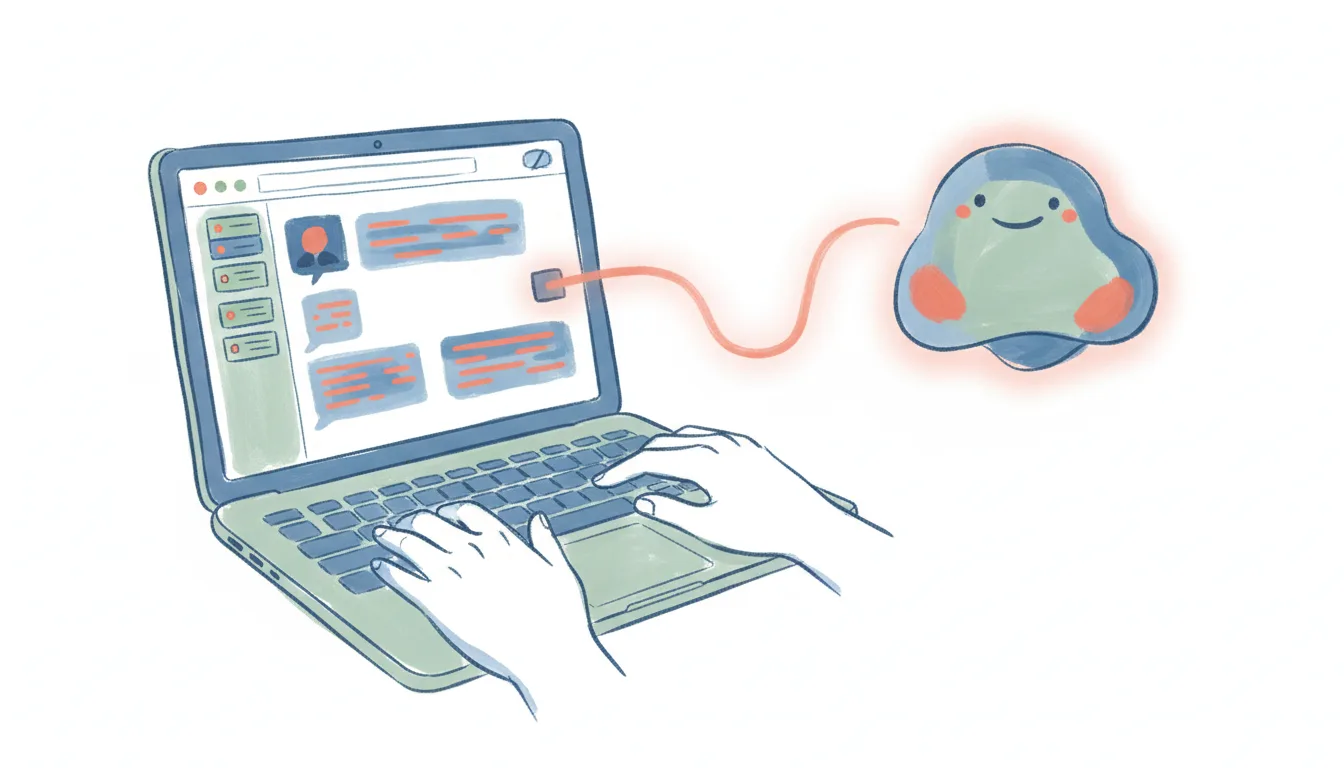
That’s not the same as saying MCP can’t reach Discord — it can, just through someone else’s code instead of Discord’s own. And even the best of these community servers share the same shape as any MCP server: it’s a doorway, not a worker. It only works inside a chat you start. Nothing watches your server for you, nothing fires when a message comes in, and nothing runs while the chat window is closed. Here’s what a Discord MCP connection actually does, how to set one up, where it stops — and what to use when you want Discord work that runs on its own.
Looking beyond Discord? MCP servers by category covers the rest.
What a Discord MCP connection does
Model Context Protocol (MCP) is the open standard that lets an AI client — Claude, ChatGPT, Cursor, and others — talk to an outside app through a shared interface. Discord hasn’t built one for its API, but several community servers (discord-mcp on GitHub from SaseQ, mcp-discord from IQAIcom, discordmcp from v-3, and others) wrap Discord’s bot API in an MCP-compatible layer. They vary in size — some expose a couple dozen tools, others cover 40-plus — but they cluster around the same core moves:
- Read and send messages — pull recent messages from a channel, or post one, without opening Discord.
- Manage the server — create channels, assign roles, kick or ban members, run moderation actions.
- Handle events and forums — schedule a server event, post to a forum thread, react to a message.
- Look things up — member lists, channel structure, server settings, all queryable from the chat.
Because these are unofficial, quality and safety vary by project. Each one runs as a real Discord bot under the hood, which means it needs its own bot account and token, and it can only do what that bot’s permissions allow in your server.
How to connect Discord to AI
Since there’s no official server to point at, the realistic path runs through a community project or the raw API:
- Create a Discord application and bot in the Discord Developer Portal, and copy its bot token.
- Invite the bot to your server with the permissions the MCP server needs (read messages, send messages, manage roles, etc. — only what you actually want it to touch).
- Install a community MCP server (discord-mcp, mcp-discord, or similar) locally, and add it to your AI client’s MCP config with the bot token as an environment variable.
- Restart the client and test it — ask it to read a channel or send a message, and confirm the bot shows the action happening in Discord in real time.
If you’d rather skip MCP entirely, Discord’s own REST API and webhooks are well documented and let any script — AI-written or not — post messages, manage channels, or react to events directly.
If MCP is a dead end for now, the best Discord integrations covers the routes that do work today, and Discord alternatives covers moving off the platform entirely.
Where the Discord MCP stops
None of this is a knock on the community projects — it’s the shape of the protocol, official or not:
- It only works inside a chat you start. Close the window and the bot goes quiet. Nothing is watching your server; the AI waits for you to ask.
- No triggers. A new member joining, a message matching a keyword, a reaction landing on a post — none of these can start anything through MCP. There’s no “when this happens in Discord, do that.”
- It’s one app at a time. The Discord MCP server knows Discord. Getting a new-member event into a welcome email, a CRM, and a spreadsheet means wiring up a separate MCP server for each and hoping your client can juggle them in one turn.
- You own the plumbing and the bot token. Hosting the server, keeping the token secret, and scoping the bot’s permissions are all on you — and because it’s third-party code, you’re also trusting whoever wrote it.
So a Discord MCP connection is a fine way to ask Discord things and make one-off edits from a chat. It is not a way to make Discord run — to have work happen on a schedule or in reaction to an event, across the other tools your community touches.
Running Discord work that doesn’t need a chat open
That “run on its own, across apps” gap is where Carly fits. Carly connects to Discord directly, with no bot token to manage and no MCP server to host, and to thousands of other apps. The difference from MCP is the important part: Carly’s workflows are triggered and scheduled, so Discord work happens whether or not anyone has a chat window open.
A few things that MCP can’t do but a Carly workflow can:
- When someone posts in your #support channel → draft a first response, log the question in a spreadsheet, and ping the on-call teammate — automatically, the moment it lands.
- Every Monday morning → summarize the week’s activity across your busiest channels and post a digest to #announcements.
- When a new member joins → send a welcome message, add them to a CRM or waitlist sheet, and route them to the right onboarding channel.
The non-AI steps — the moving, matching, and routing between apps — are free, the Zapier-style backbone of the workflow. The AI steps (drafting, summarizing, deciding) start at $35/month. You describe the outcome in plain language and Carly wires up the Discord connection and everything downstream.
If you just want to poke at your server from a chat, a community Discord MCP server is a reasonable way to do it, with the caveat that you’re trusting third-party code with a bot token. If you want Discord to actually do things — on a trigger, on a schedule, across every app your community touches — that’s the job MCP wasn’t built for, official or not.
FAQ
Does Discord have an official MCP server? Not one that works with your server. Discord’s docs site has a search-only MCP for its developer documentation. The Discord MCP servers you’ll find (discord-mcp, mcp-discord, discordmcp, and others) are community projects built on Discord’s public bot API, not official Discord software.
Is a Discord MCP server free? The community servers themselves are free, open-source code. You’ll need a Discord bot account (free to create) and, if you’re running the server continuously, somewhere to host it.
Can a Discord MCP server trigger automations? No. MCP is request/response inside an AI chat — it has no triggers and nothing runs when the conversation is closed. For event- or schedule-driven Discord work across apps, you need a workflow tool like Carly rather than an MCP server.
Can I connect Discord to AI without coding or hosting a server? Yes. You don’t have to touch MCP, a bot token, or any third-party code. Carly connects to Discord for you and lets you build the automation in plain language — describe what you want to happen and it wires up Discord and the other apps involved, with no server to host and no code to write.
Ready to automate your busywork?
Carly schedules, researches, and briefs you—so you can focus on what matters.
See what people say
"Before Carly, I relied on a Calendly link, but the whole process felt impersonal and not very professional. Carly changed that by handling all the back-and-forth, so I'm no longer stuck in endless email threads trying to line up schedules.
Now Carly reaches out to candidates, shares my real-time availability, lets them pick a slot, then sends a Zoom link and drops it straight into my calendar. She sends reminders to both of us before each call, which has significantly reduced no-shows and last-minute confusion.
On top of scheduling, Carly acts like a full executive assistant, sending me my schedule the night before so I can prepare for each call. It reminds me of the old x.ai assistant, but Carly is noticeably smarter, faster, and better suited to my healthcare recruitment business."


