Email Workflow Automation: Tools, Examples, and Setup
Email workflow automation means two different things in the software market:
- Outbound lifecycle automation sends scheduled or behavior-triggered marketing and sales messages.
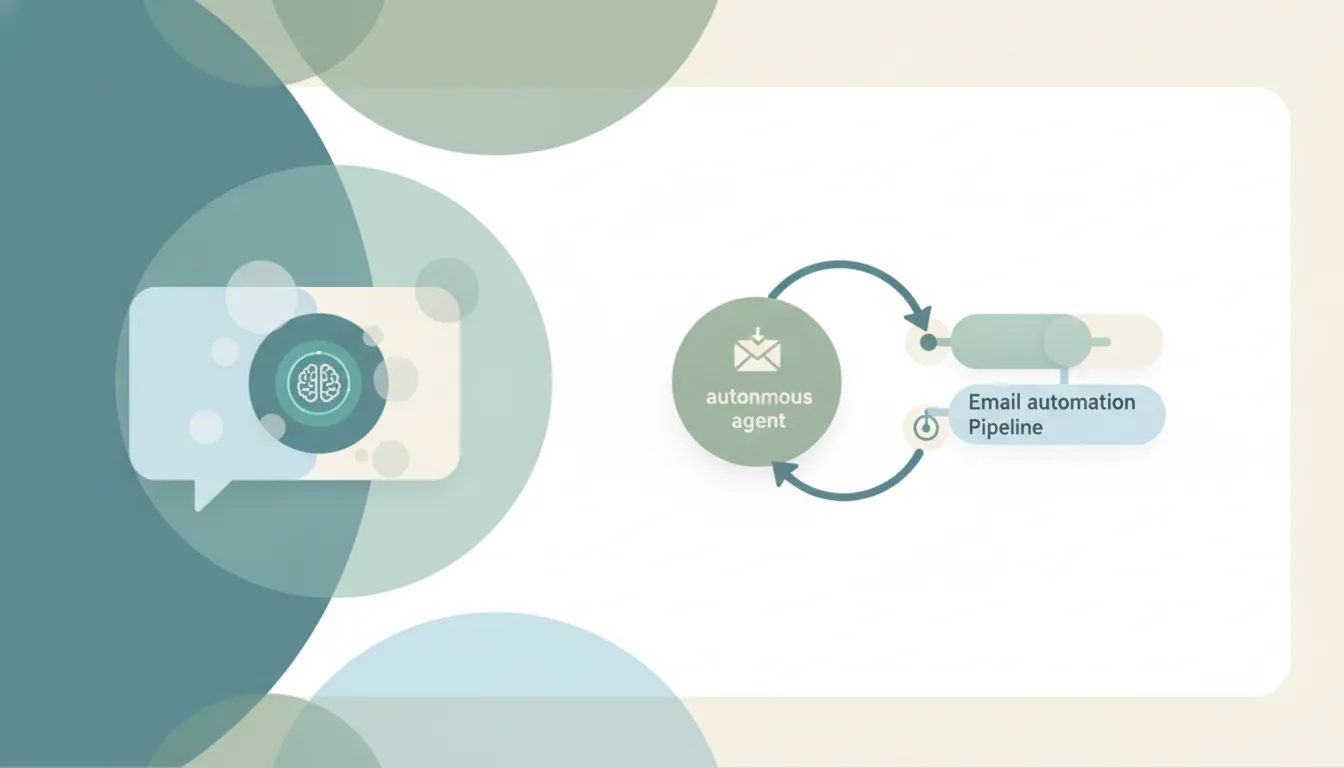
- Inbound operational automation reads incoming mail and turns it into replies, records, tasks, appointments, approvals, or alerts.
Both are useful. They require different tools, metrics, and safeguards. A welcome-email sequence cannot process an attached purchase order. An inbox agent should not replace a deliverability platform for a million-subscriber campaign.
Choose the tool by workflow type
| Need | Best-fit category | Examples |
|---|---|---|
| Newsletter welcome, nurture, re-engagement | Email marketing automation | Customer.io, Klaviyo, Mailchimp, Plunk |
| Sales sequences tied to CRM stages | CRM sales automation | HubSpot, Pipedrive, Salesforce |
| Incoming email to business action | AI agent or email workflow platform | Carly, ThinkAutomation |
| Fixed cross-app trigger and action | General workflow builder | Zapier, Make, n8n, Power Automate |
| Team assignment and service queue | Shared inbox or help desk | Front, Hiver, Help Scout, Zendesk |
Outbound email workflows
Outbound platforms are built around contacts, consent, segments, templates, delays, and engagement events. Plunk, for example, describes event triggers, sequences, delays, conditional branches, re-entry controls, and workflow analytics. Pipedrive connects email sequences to CRM activity and deal stages.
Typical workflows include:
- new subscriber → welcome email → delay → education sequence;
- abandoned cart → reminder → conditional incentive;
- deal stage changes → personalized follow-up sequence;
- inactive customer → re-engagement series;
- event registration → confirmation → reminders → post-event message.
Success is measured with delivery, conversion, reply, unsubscribe, and revenue metrics. Consent, suppression lists, sending-domain health, and frequency controls are core requirements.
Inbound operational workflows
Inbound automation begins with the content of a received message or attachment. The workflow may need to understand intent and then act in other systems.
Carly is built for this type of work. It connects to thousands of apps, including Gmail, Outlook, calendars, CRM, project management, files, accounting, and support tools. An agent can have its own email address and instructions, making it possible to delegate a mailbox or copy the agent on selected threads.
Examples:
Lead intake
New inquiry → identify company and request → check for duplicates → create or update CRM → assign owner → offer meeting times → send acknowledgment.
Accounts receivable
Invoice question arrives → locate account context → classify dispute or status request → draft approved response → update tracker → escalate exceptions.
Document intake
Attachment arrives → validate file and sender → extract approved fields → store document → update system of record → ask for missing information.
Customer request
Message arrives → identify intent and urgency → answer from approved information or route owner → create task → track unresolved commitment.
Carly offers free Zapier-style workflows; AI agents start at $35/month.
Rule-based alternatives
Zapier is approachable for predictable app-to-app flows. Make exposes branching and data transformation visually. n8n offers deeper customization and self-hosting. Microsoft Power Automate is a natural fit for Outlook, SharePoint, Teams, Excel, and other Microsoft systems.
Use rules when the email can be handled from stable fields such as sender, subject, mailbox, label, or attachment type. Add AI only when meaning must be interpreted: urgency, intent, requested action, extracted facts, or an appropriate response.
Build the workflow from a contract
Document six parts before opening a builder:
- Trigger: Which mailbox, sender, label, or event starts the process?
- Context: Which records and documents may the workflow read?
- Decision: What classifications or conditions determine the route?
- Actions: What may it send, create, update, move, or delete?
- Escalation: Which cases must go to a person?
- Evidence: Where are the inputs, decisions, and actions logged?
Example:
When
intake@company.comreceives a message from a new domain, identify the request type and required fields. Create a draft CRM record but do not merge possible duplicates. Send the approved checklist for missing information. Escalate complaints, legal language, payment-card data, and messages with unclear intent.
That is safer and easier to test than “automate our intake email.”
Controls that belong in production
- allowlists for mailboxes, senders, domains, and destination systems;
- approval gates for first-time recipients, refunds, deletions, and sensitive replies;
- idempotency so a retried event does not send twice or create duplicate records;
- rate limits and loop detection;
- a dead-letter or exception queue;
- activity logs with the source message and resulting actions;
- test and staging mailboxes;
- an explicit owner for failures.
Email is adversarial input: anyone can send it. Never treat instructions inside a message as trusted merely because an AI can read them.
Metrics that reveal real value
- percentage completed without intervention;
- median manual touches per message;
- time to first ownership and final resolution;
- incorrect sends or record changes;
- duplicate actions;
- escalation precision;
- hours of exception handling;
- downstream outcome such as meetings booked, invoices resolved, or cases closed.
An open or click rate is useful for outbound campaigns. It says very little about whether an inbound operations workflow completed the job.
Frequently asked questions
What is an automated email workflow?
It is a defined process triggered by an email event. Outbound workflows send sequences based on time or behavior. Inbound workflows interpret received messages and route, reply, update records, or start other business actions.
What is the best email workflow automation software?
Use Customer.io, Klaviyo, Mailchimp, or Plunk for lifecycle marketing; a CRM such as Pipedrive or HubSpot for sales sequences; Carly for inbound email that must become cross-app work; and Zapier, Make, n8n, or Power Automate for explicit trigger-action logic.
Can AI reply to emails automatically?
Yes, but start with low-risk categories and approved information. Require review for legal, financial, complaint, HR, security, and unfamiliar-recipient messages. The guide to building an AI email triage agent provides a narrower starting point.
Ready to automate your busywork?
Carly schedules, researches, and briefs you—so you can focus on what matters.
See what people say
"Before Carly, I relied on a Calendly link, but the whole process felt impersonal and not very professional. Carly changed that by handling all the back-and-forth, so I'm no longer stuck in endless email threads trying to line up schedules.
Now Carly reaches out to candidates, shares my real-time availability, lets them pick a slot, then sends a Zoom link and drops it straight into my calendar. She sends reminders to both of us before each call, which has significantly reduced no-shows and last-minute confusion.
On top of scheduling, Carly acts like a full executive assistant, sending me my schedule the night before so I can prepare for each call. It reminds me of the old x.ai assistant, but Carly is noticeably smarter, faster, and better suited to my healthcare recruitment business."