Glean vs Notion AI: Which to Pick in 2026?
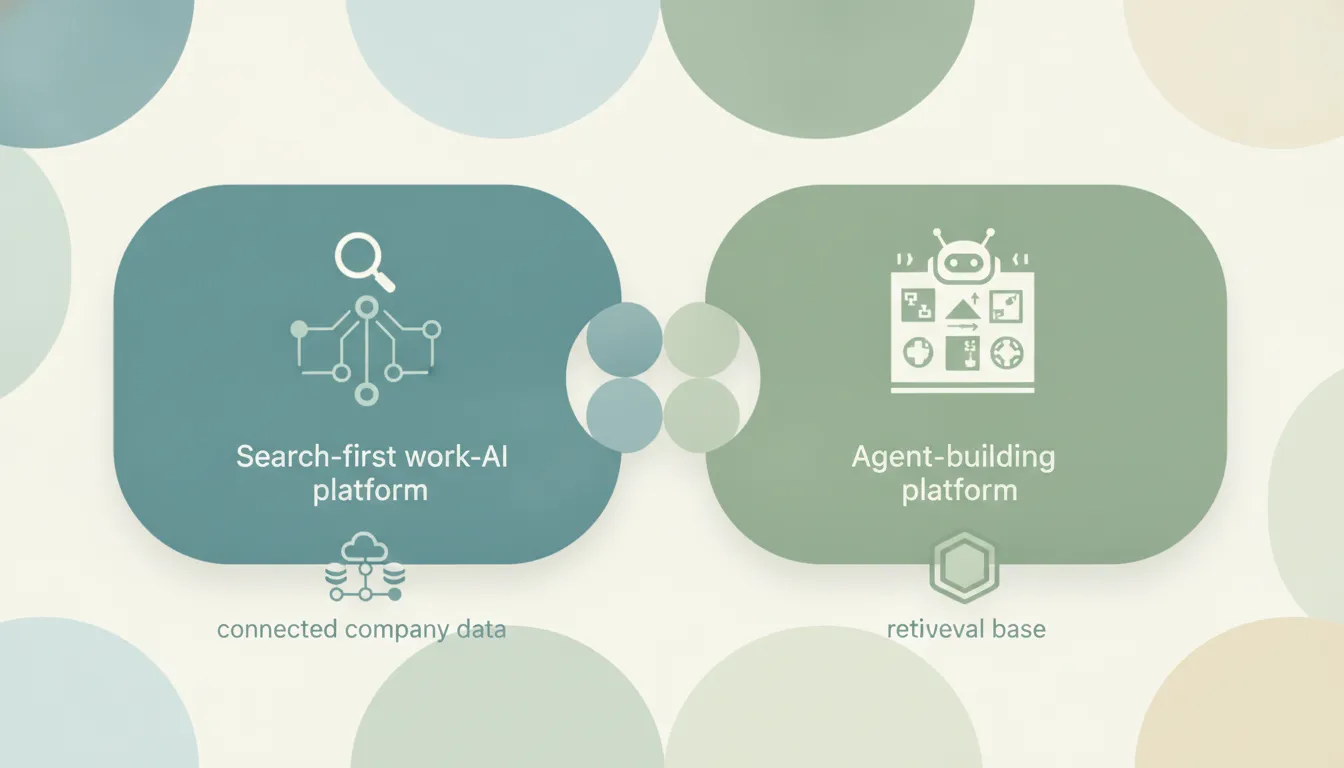
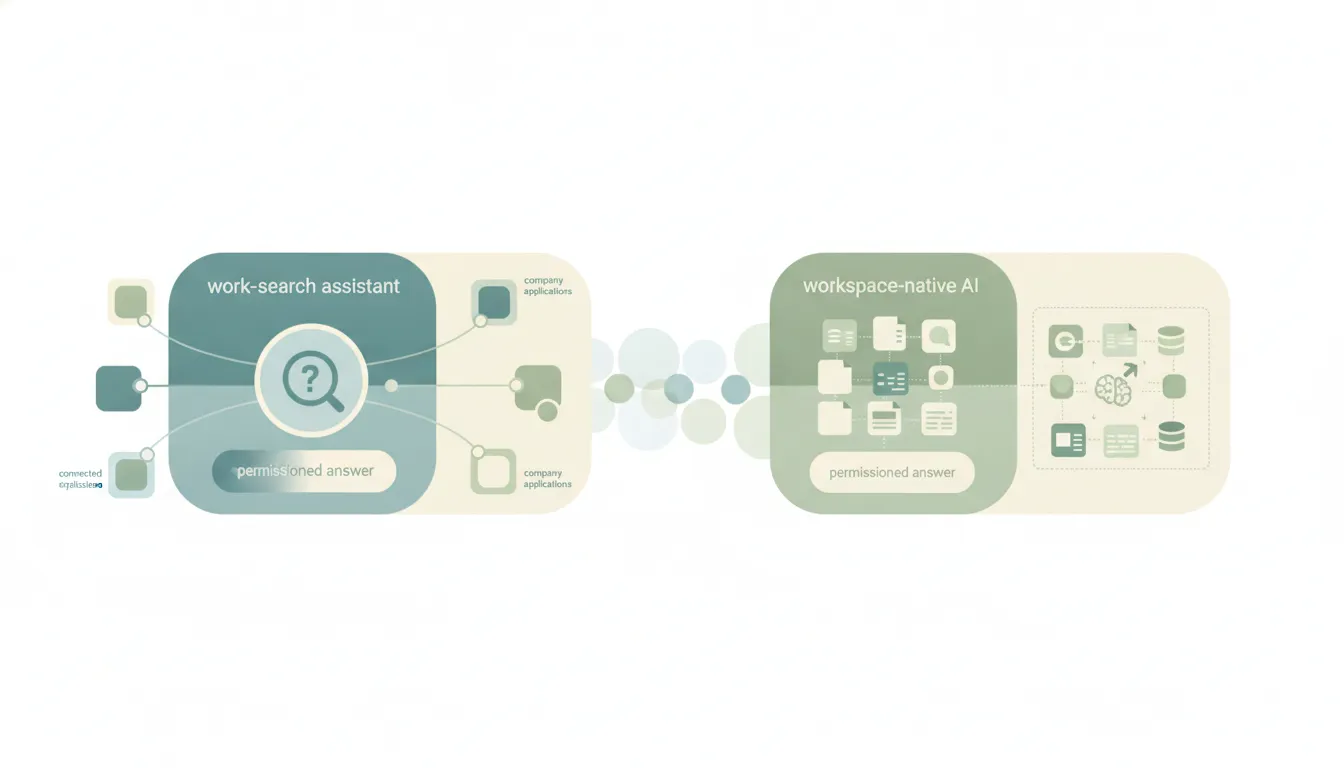
Both put AI on top of your company’s knowledge, but they start from opposite ends. Glean is an enterprise “Work AI” platform that indexes 100+ business apps into one permissions-aware search layer, then runs assistants and agents on top of it. Notion AI is intelligence built directly into the Notion workspace where your docs, wikis, and databases already live, with a growing set of connectors reaching out to a few other apps. If you mainly need to search and act across your whole tool stack, Glean. If your team’s knowledge already lives in Notion, Notion AI.
The One-Sentence Answer
Pick Glean if you need company-wide, permissions-aware search and autonomous agents across dozens of enterprise apps. Pick Notion AI if Notion is your knowledge hub and you want AI baked into the workspace you already pay for.
Side-by-Side Comparison
| Glean | Notion AI | |
|---|---|---|
| Core strength | Cross-app enterprise search + agents | AI inside your Notion workspace |
| Best known for | Indexing your whole company stack | Writing, Q&A, and agents in Notion |
| Connectors | 100+ native (Slack, Salesforce, Jira, GitHub, ServiceNow, more) | Notion plus ~9 (Slack, Google Drive, Jira, Teams, SharePoint, Salesforce, Box, more) |
| Pricing model | Custom enterprise quote; consumption via FlexCredits | Bundled into Business ($20/user/mo) and Enterprise |
| Minimum commitment | Roughly 100-seat enterprise minimum | Any team on the Business plan |
| Agents | Act across external systems (open tickets, update CRM) | Complete multi-step tasks; write back into Notion |
| Permissions model | Mirrors every source app’s access controls | Inherits Notion and connected-app permissions |
| Setup | Dedicated implementation and admin effort | Toggle on inside an existing workspace |
When to Use Glean
- Your knowledge is scattered across Slack, Salesforce, Jira, Confluence, SharePoint, GitHub, and a dozen other systems, and nobody can find anything.
- You need a single permissions-aware answer engine that never shows an employee a document they aren’t allowed to see.
- You want agents that take action in external systems: opening a Jira ticket, updating a Salesforce opportunity, or kicking off a GitHub PR.
- You have an enterprise budget and IT resources for a multi-app rollout, not just a per-seat add-on.
Think of it as a company-wide brain that reads every app your team touches.
When to Use Notion AI
- Your team already runs on Notion, and your docs, wikis, and project databases live there.
- You want AI writing, summaries, and “Ask Notion” Q&A without buying and deploying a separate platform.
- You need agents that draft content and update Notion databases, and a modest set of connectors (Slack, Google Drive, Jira) is enough reach.
- You want predictable per-seat pricing on the Business plan rather than a custom enterprise contract.
Where Your Knowledge Already Lives Decides It
The real fork is the shape of your knowledge, not the feature list. Glean is built for the reality that a large company’s information is spread across a hundred apps, so it indexes all of them into one searchable, permissions-aware layer and runs agents that reach back out to act. Notion AI assumes the opposite: that the important stuff already lives in Notion, so it makes that workspace smarter and stretches out to a handful of connected tools. Glean’s agents can update a CRM or ticketing system, while Notion’s agents reliably read from connected apps but mostly write back into Notion itself. Cost tracks that scope directly, since Glean is a six-figure platform with roughly a 100-seat minimum and consumption-based FlexCredits, while Notion AI comes bundled into the $20-per-user Business plan you may already have. One is an infrastructure decision for IT; the other is a checkbox on a workspace you use every day.
Rule of thumb: If your answers are trapped across dozens of apps, Glean. If your answers already live in Notion, Notion AI.
If the real goal is getting the work done rather than searching a knowledge base, neither tool does the work for you. Carly is an AI executive assistant you email or text — it schedules meetings, handles email, and runs tasks on your behalf. It also automates multi-step workflows across 200+ integrations, including Notion, Slack, and Salesforce. See our best AI personal assistants.
Quick Reference
| Your situation | Pick |
|---|---|
| Knowledge scattered across 100+ apps | Glean |
| Team already lives in Notion | Notion AI |
| Need permissions-aware company-wide search | Glean |
| Want AI in a plan you already pay for | Notion AI |
| Agents must act in external CRMs and ticketing | Glean |
| Predictable per-seat budget | Notion AI |
Related guides: Glean vs Perplexity · Notion vs Obsidian
Ready to automate your busywork?
Carly schedules, researches, and briefs you—so you can focus on what matters.
See what people say
"Before Carly, I relied on a Calendly link, but the whole process felt impersonal and not very professional. Carly changed that by handling all the back-and-forth, so I'm no longer stuck in endless email threads trying to line up schedules.
Now Carly reaches out to candidates, shares my real-time availability, lets them pick a slot, then sends a Zoom link and drops it straight into my calendar. She sends reminders to both of us before each call, which has significantly reduced no-shows and last-minute confusion.
On top of scheduling, Carly acts like a full executive assistant, sending me my schedule the night before so I can prepare for each call. It reminds me of the old x.ai assistant, but Carly is noticeably smarter, faster, and better suited to my healthcare recruitment business."