In-Inbox vs. Out-of-Inbox AI: When to Email Your Assistant and When to Open ChatGPT
There are two ways to put AI to work, and they’re easy to confuse because both involve “an AI doing something with your email.”
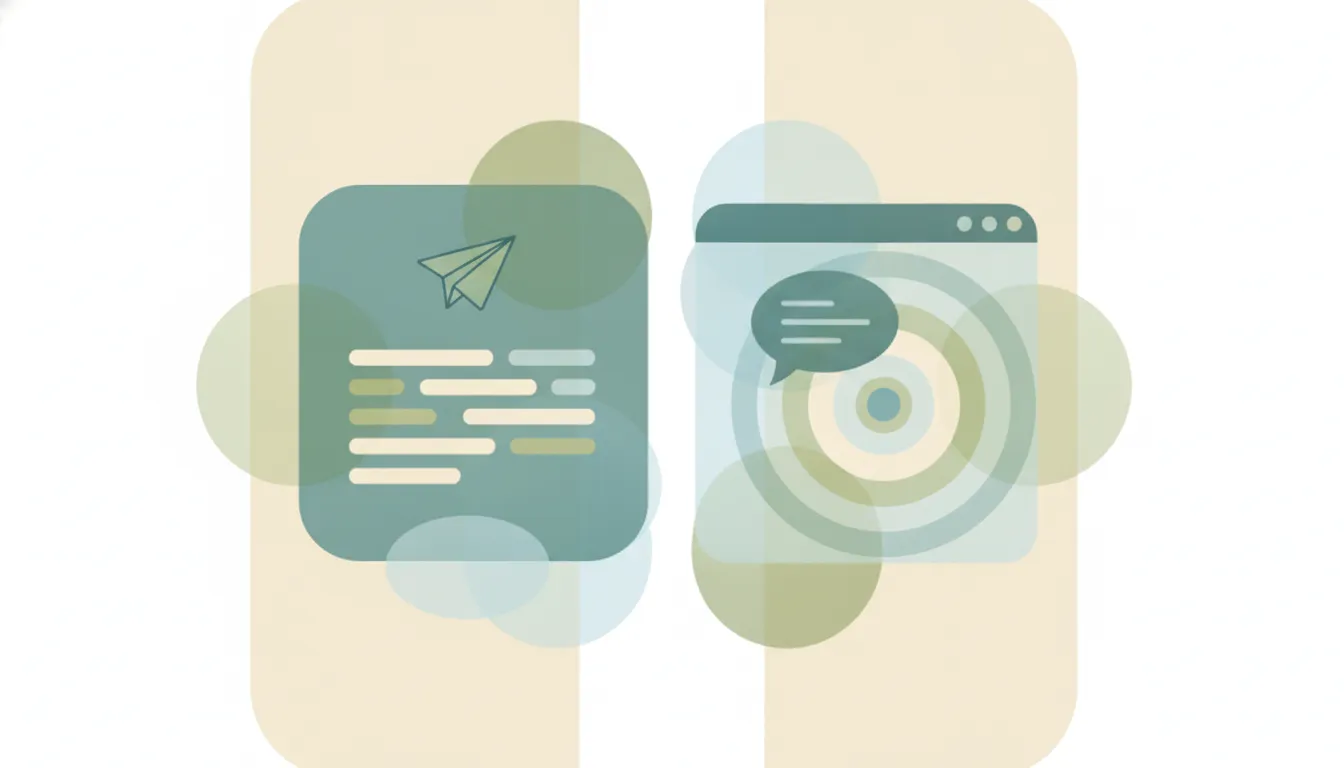
Out-of-inbox AI is the tab you open: ChatGPT, Claude, Gemini. You go to it, describe what you want, and it produces something you then act on. In-inbox AI is the assistant you email: you forward it a thread or CC it, and the work comes back to your inbox without you opening anything.
They’re good at genuinely different jobs. Picking the wrong one for a task is most of why AI can feel like more work instead of less. Here’s how to tell them apart.
The core difference
The distinction isn’t capability — the underlying models are often the same. It’s where the work starts and ends.
| Out-of-inbox (ChatGPT, Claude) | In-inbox (an assistant you email) | |
|---|---|---|
| You start by | Opening an app or tab | Forwarding or CC-ing an email |
| Best for | Thinking, drafting, exploring | Executing on real threads |
| Context it has | What you paste in | The full email thread, automatically |
| Handles back-and-forth | You drive each turn | It coordinates with the other person |
| Where the result lands | In the chat, to copy out | In your inbox / the live thread |
| Works from your phone | Web-focused | Anywhere you have email |
Gmelius framed this well: out-of-inbox tools give you room to reason before you write; in-inbox tools are faster and more grounded in the actual conversation. Even now that ChatGPT can send email directly, it’s still fundamentally out-of-inbox — the flow begins in the chat app and the email is the output of a session you go start.
When to reach for out-of-inbox AI (open ChatGPT/Claude)
Use the tab when the thinking is the hard part and speed isn’t:
- A sensitive or high-stakes reply where getting the framing exactly right matters more than getting it done fast.
- Open-ended work — brainstorming, outlining, drafting a doc, exploring options, writing code.
- Anything not tied to a specific email thread. If there’s no inbox context to act on, there’s nothing for an in-inbox assistant to grab.
- One-off research or analysis you’ll read and shape yourself.
This is where frontier chat models shine. They’re a thinking surface, and the deliberate, step-by-step interaction is a feature.
When to reach for in-inbox AI (email your assistant)
Use the assistant when the work is coordination and execution on a thread that already exists:
- Scheduling. Finding a time means going back and forth with the other person — proposing slots, adjusting, confirming, sending the invite. That’s an exchange, not a draft. (See the best AI scheduling tools.)
- Replying in context. A response that depends on the whole thread — who said what, which attachment, what was promised — is something the in-inbox assistant already has in front of it.
- Recurring routines. A morning brief, a follow-up nudge, a weekly digest — set once, runs on its own, lands in your inbox.
- Work you’d hand to a person. If your instinct is “I’d forward this to an assistant,” that’s the tell.
The win here is zero context-switching: the trigger, the context, and the result all live in the inbox you already have open.
A simple rule of thumb
If you’d open a blank doc to do it, reach for out-of-inbox AI. If you’d forward it to a coworker, reach for in-inbox AI.
Drafting a strategy memo from scratch → open the tab. Getting three people on a call next week → forward it to your assistant. Most people need both, for different moments in the same day.
The best setup uses both
This isn’t a competition with one winner. The frontier chat tools and the email-based assistants sit at different points in your workflow, and the productive move is to stop forcing one to do the other’s job — to stop copy-pasting threads into a chat window, and to stop asking an inbox assistant to write your novel.
If you’ve got the out-of-inbox half covered (you almost certainly do), the piece most people are missing is the in-inbox half: an assistant that lives in email and executes. Carly is built for exactly that — each agent has its own email address, reads the full thread, works across Google and Outlook / Microsoft 365, and handles the back-and-forth like a person, all without opening an app.
We compared the underlying models directly in Claude vs Carly — same AI power, different delivery. The point holds here: the question isn’t which AI is smarter, it’s which one meets the work where it already lives.
Ready to automate your busywork?
Carly schedules, researches, and briefs you—so you can focus on what matters.
See what people say
"Before Carly, I relied on a Calendly link, but the whole process felt impersonal and not very professional. Carly changed that by handling all the back-and-forth, so I'm no longer stuck in endless email threads trying to line up schedules.
Now Carly reaches out to candidates, shares my real-time availability, lets them pick a slot, then sends a Zoom link and drops it straight into my calendar. She sends reminders to both of us before each call, which has significantly reduced no-shows and last-minute confusion.
On top of scheduling, Carly acts like a full executive assistant, sending me my schedule the night before so I can prepare for each call. It reminds me of the old x.ai assistant, but Carly is noticeably smarter, faster, and better suited to my healthcare recruitment business."