
Attention Span Statistics 2026: Goldfish Myth & 47 Seconds
Where the 8-second goldfish claim came from, what researchers measure instead (47 seconds per screen), and whether focus is declining. Sourced inline.
388 posts
Where the 8-second goldfish claim came from, what researchers measure instead (47 seconds per screen), and whether focus is declining. Sourced inline.

Four-day work week trial results, how many companies offer one, what workers want, and the Iceland and Microsoft Japan myths. Key 2026 stats, sourced inline.

TickTick's own AI works on tasks you already typed. These 6 AI assistants capture tasks from email and meetings and plan your day around your calendar.

Yahoo Mail's AI summarizes and suggests. These 7 assistants turn Yahoo emails into calendar events, tasks and replies without switching providers.
The best AI apps for life admin: which ones chase renewals, appointments, bills and returns for you, and which just hand you another list to work through.
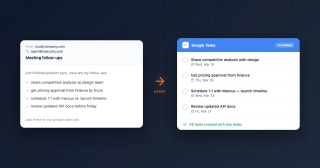
We tested 7 AI assistants on Google Tasks. Which actually create and complete tasks, which only talk about them, and which need a workflow built first.
We tested 7 AI assistants on Todoist. Which capture tasks from your email on their own, which need asking, and which want a workflow built first.

We tested 7 AI assistants on Trello. Which create and move cards from your email, which only chat about the board, and which need Butler rules first.

ClickUp AI is a separate per-user subscription on top of your plan. What Brain and Super Agents do, the real monthly number, and where Carly fits.

Linear Agent ships on every plan and Loops fire on real events. But no plan includes AI credits. What each does, what it costs, and where Carly fits.

The tasks Cowork is genuinely good at, taken from Anthropic's own examples, plus the shape of job it keeps failing and what to hand off instead.

Four ways to sync Outlook and Google Calendar, including the free built-in ICS method, its refresh delay and privacy tradeoff, and when to use a sync tool.

Learn Microsoft To Do properly: lists and groups, My Day, smart lists, steps, recurrence, sharing, and how it connects to Outlook flagged email and Planner.
Microsoft Planner and To Do overlap but solve different problems. How they differ on ownership, boards, licensing, and how tasks flow between them.
The best Microsoft To Do alternatives compared on capture speed, structure, collaboration and platform reach, with guidance on which one fits how you work.

Microsoft To Do vs Todoist on capture speed, organization, Outlook integration, platform reach, and cost, plus which one actually suits how you work.

ChatGPT Work is built for long multi-step jobs, not quick answers. Twelve tasks it genuinely completes, three it doesn't, and how to tell them apart.

Airtable's AI is real and generally available — Omni, Field Agents, field-level AI — but credit-metered and base-bound. What it does, and where Carly differs.
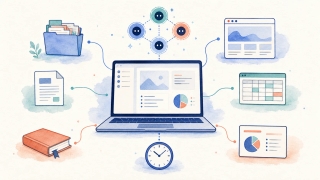
Kimi Work is Moonshot AI's desktop agent for local files, browser tasks, reports, and schedules. See its features, pricing, limits, and best use cases.
The most natural way to use an AI assistant: CC it on a live thread or forward the email, and it reads the context and finishes the job. Here's how, with real examples.
The best AI administrative assistant software in 2026, mapped to the admin duties each one actually covers — scheduling, inbox triage, data entry, expenses, and more.
A source-checked comparison of AI email response tools, from free reply generators and inbox drafters to approved sends and triggered responders.
Airtable is Free, $20 or $45 per seat monthly billed annually. Billable editors, AI credits, record caps and the Portals add-on decide the real bill.

Asana pricing in 2026: Starter is $10.99/user/mo and Advanced $24.99/user/mo billed annually, the free plan now caps at 2 users, plus the seat-bundle and AI credit gotchas.
Basecamp pricing in 2026: the Plus plan is $15 per user per month and Pro Unlimited is a flat $299/mo billed annually, plus the exact team size where flat beats per-seat.
Confluence pricing in 2026: Free (10 users), Standard ($5.42/user), Premium ($10.44/user), Enterprise. Full per-user breakdown, free plan limits, and the hidden costs.
Motion pricing for 2026: Pro AI and Business AI, why solo buyers pay more than teams, AI credits and overage, annual vs monthly billing, and refunds.

Notion pricing in 2026: Free ($0), Plus ($10/mo), Business ($20/mo), and Enterprise. Full per-seat breakdown, free plan limits, and where the hidden costs are.

Slack pricing in 2026: Free ($0), Pro ($7.25/user), and Business+ ($15/user) billed annually, plus Enterprise+. Real per-seat costs and the hidden ones.

A plain breakdown of Superhuman pricing in 2026: Starter, Business, and Enterprise tiers, annual vs monthly billing, AI feature gating, and the new parent-company confusion.

Todoist pricing in 2026: the free Beginner plan, Pro at $5/mo, and Business at $8/user/mo. What each tier adds, the reminders catch, and whether Todoist is free.
Trello pricing in 2026: Free, Standard ($5/user), Premium ($10/user), and Enterprise ($17.50/user). Monthly vs annual, AI gating, and is Trello free?
Airtable is a relational database and app builder; Excel is the deep analytical spreadsheet. Here's which to pick in 2026.
Airtable is a relational database that looks like a spreadsheet; Google Sheets is a true spreadsheet. Here's which to pick in 2026.
Coda turns documents into interactive apps with formulas and automations; Notion is a flexible blocks-and-database workspace with a huge ecosystem. Here's which to pick in 2026.
Dropbox is the fastest cross-platform file sync; Google Drive is Workspace-native storage with 15GB free. Here's which to pick in 2026.

Google Drive is storage built around Google Workspace and Gemini; OneDrive is built around Microsoft 365 and Copilot. Here's which to pick in 2026.
Google Sheets is a free, web-first spreadsheet built for real-time collaboration; Excel is the deep analytical powerhouse. Here's which to pick in 2026.
Motion auto-schedules your day and runs AI Employees; ClickUp is a configurable all-in-one work platform. Here's which to pick in 2026.

Carly AI vs Monica, compared honestly. Monica is a multi-model AI browser sidebar for chat and writing; Carly is an assistant that runs email and scheduling.
ChatGPT can read your calendar and suggest times, but it can't reliably book meetings on its own. What works, what fails, and what to use instead.
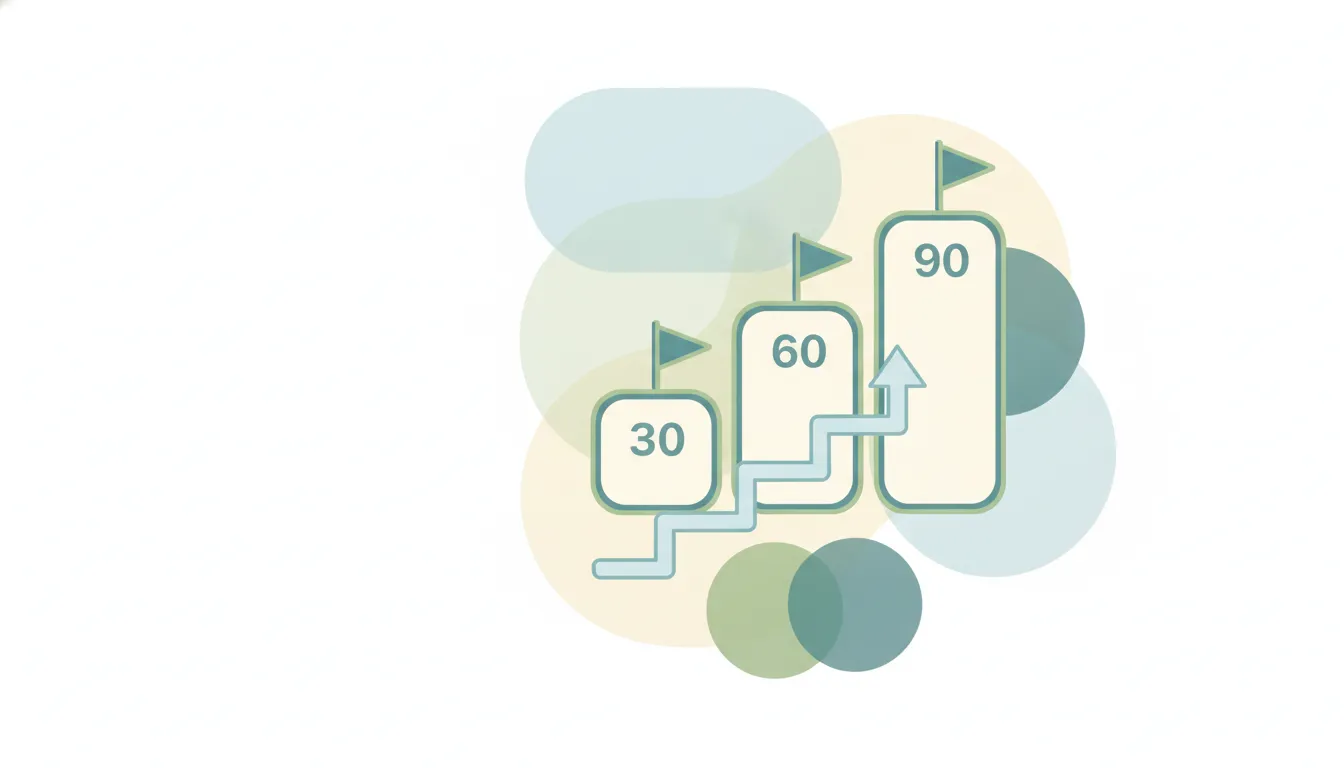
A 30-60-90 day plan structures your first three months in a new role. Learn the framework, see example plans for sales and management, and grab a template.

A research-backed guide to the all-hands (company town hall): why transparency earns the hour, the silence problem that quietly kills it, an agenda built from employees' real questions, remote and hybrid formats, real Q&A, and measurement that proves it's working.

The economics of fragmented attention: what task-switching actually costs, why Cal Newport's deep work idea holds up, the newer data on the interrupted workday, and the honest limits of the advice for collaborative jobs.

Eat the frog means tackling your hardest, most important task first thing each morning. Here's how the method works, how to find your frog, and a daily routine.
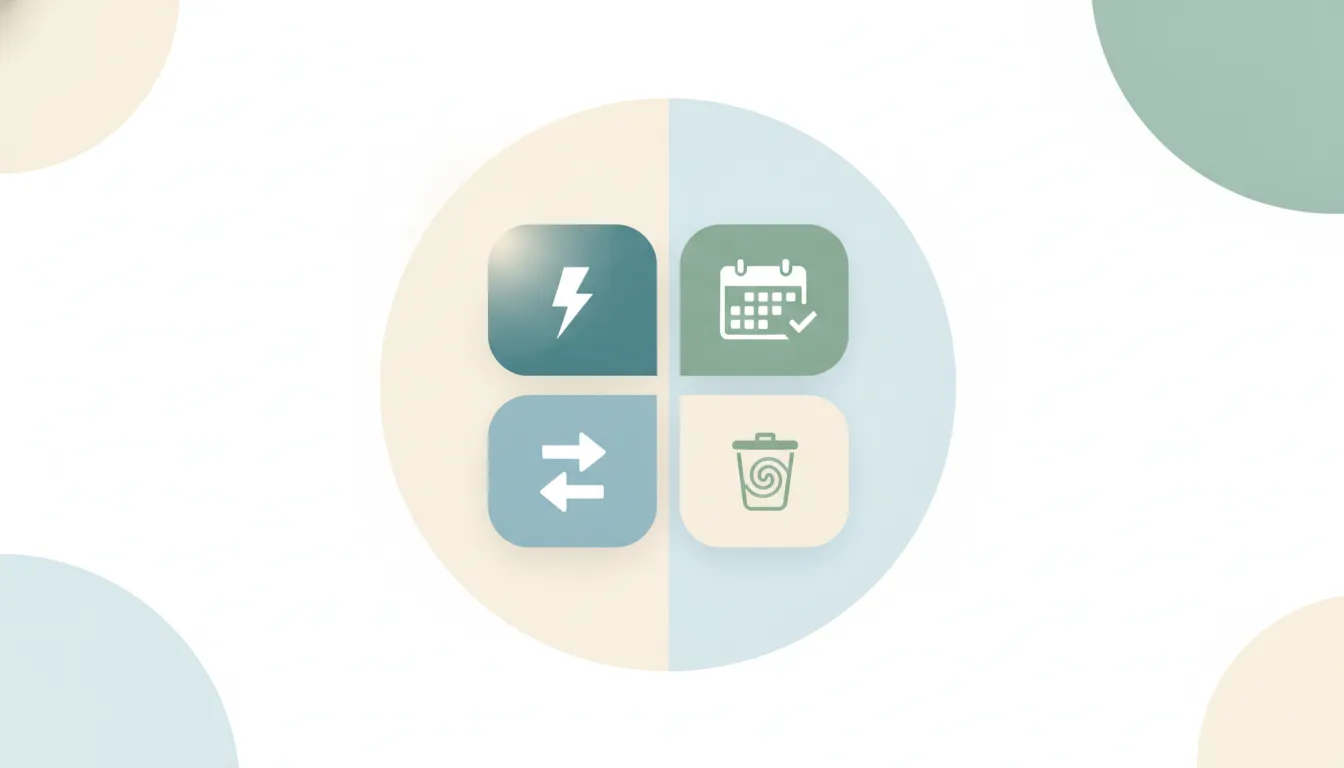
Learn how the Eisenhower Matrix sorts tasks by urgent vs important across four quadrants, with real work examples, the research on why we misjudge urgency, a step-by-step build, and common mistakes.
The real science of habit formation—why 21 days is a myth, how long it actually takes, and a step-by-step system built on cues, repetition, and environment design.
A practical guide to delegation: why managers under-delegate, what to hand off versus keep, a levels-of-delegation model, and a step-by-step handoff process.

A practical guide to running 1:1 meetings: cadence, who owns the agenda, a default structure, a bank of 1:1 questions, and how to follow up.

Saying no at work is hard, but every yes has a cost. Learn the psychology behind it and get copy-paste scripts to decline meetings, projects, and requests without burning bridges.

Procrastination is emotion regulation, not laziness. This guide organizes the science-backed fixes by the emotional lever each one pulls — so you can match the right tactic to what you're actually avoiding.
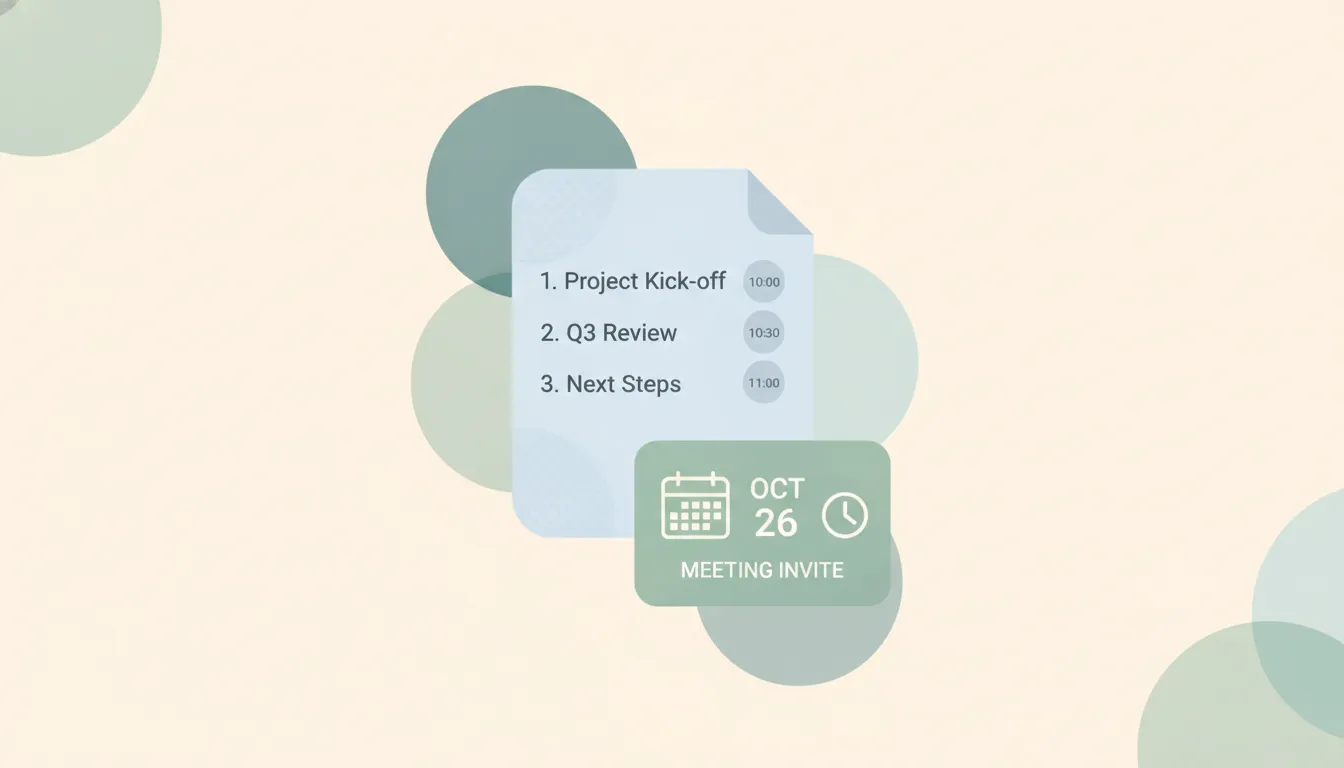
Learn how to write a meeting agenda that keeps meetings on track. Step-by-step guide plus 5 copy-paste templates for team, 1:1, kickoff, client, and board meetings.

Free meeting minutes templates for board, team, project, and 1:1 meetings, plus a step-by-step guide to taking, distributing, and tracking minutes.
What the 80/20 rule really is, where it came from (Pareto, Juran, Koch), why the numbers don't need to sum to 100, and how to find the vital 20% of your work.
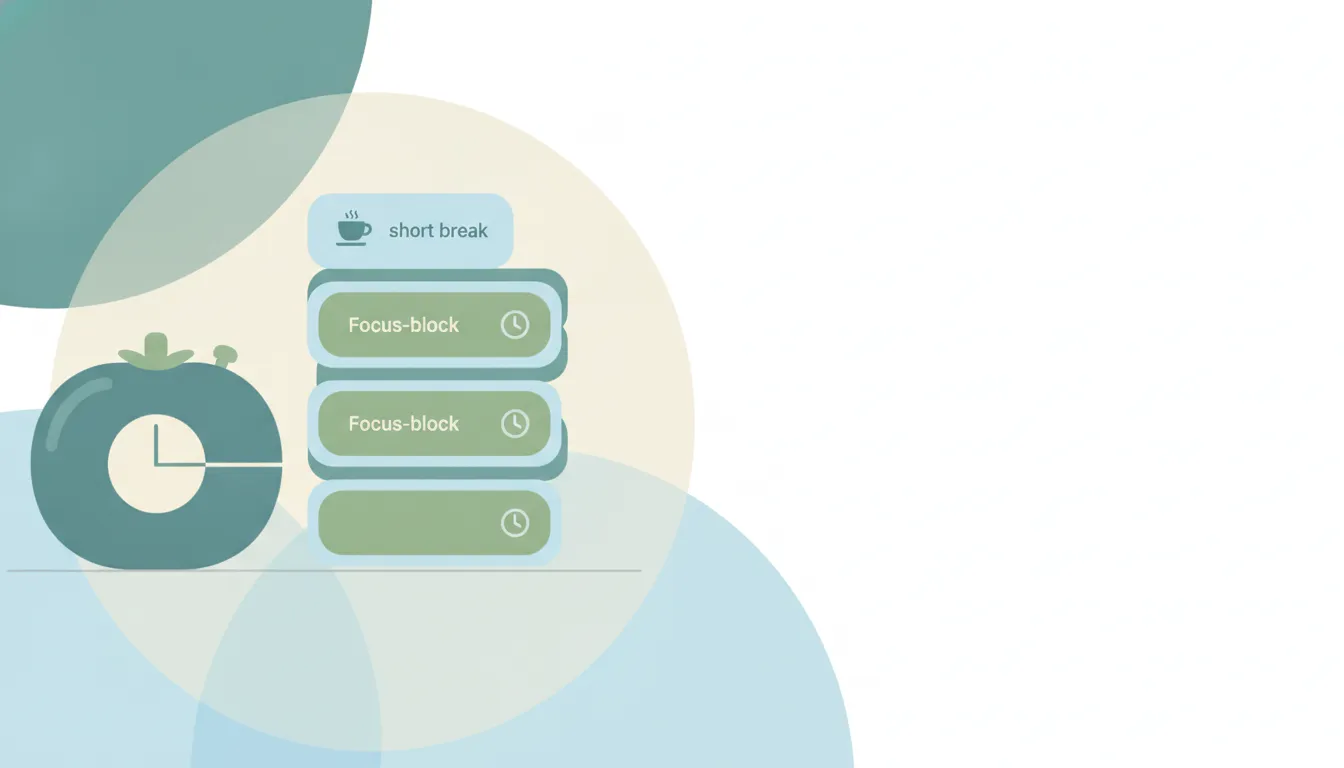
Learn the Pomodoro Technique: the exact 25/5 timer steps, why it beats context-switching, how to adapt intervals, the best timers, and mistakes to avoid.

Learn what SMART goals are, where the framework came from, and how to write them. Includes before/after examples, a fill-in template, and common mistakes to avoid.
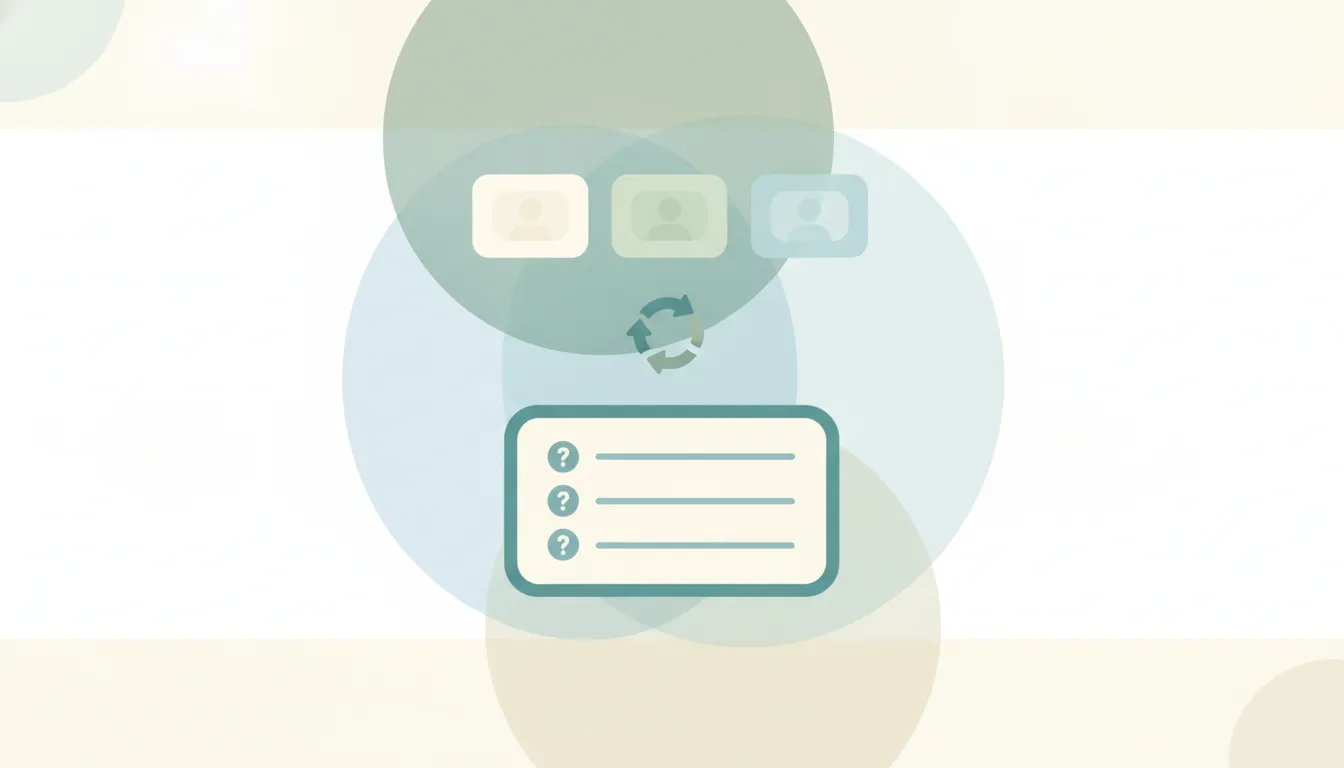
A research-backed guide to the daily stand-up: what the Scrum Guide actually says, the three-questions history, what studies find makes them useful vs wasteful, remote and async formats, and anti-patterns to avoid.

There are two 2-minute rules — David Allen's 'do it now' processing heuristic and James Clear's habit-starting trick. Here's what each says, when to use it, and where it backfires.
Add and remove collaborators in Asana, understand collaborators vs assignee, what collaborators get notified about, and project members vs task collaborators.
Alphabetize in Google Sheets: sort a single column, sort a range while keeping rows together, sort the whole sheet, use the SORT function, and handle headers.
Assign tasks in Asana with the assignee field, reassign work, multi-home tasks, the Tab+A shortcut, and the one-assignee workaround using subtasks.
Create a public or private channel in Slack, name it well, add people, choose the right channel type, and learn who can create channels in 2026.
How to create a dashboard in HubSpot from a template or from scratch: adding reports, filtering, sharing and permissions, and dashboard limits by plan tier.
Step-by-step guide to building a form in HubSpot: embedded, standalone, and pop-up types, fields, follow-up email, embedding code, and free-tier limits.
Create a project in Asana from scratch or a template, pick list, board, timeline, or calendar layout, set privacy, add it to a team, and invite members.
Create a shared link in Dropbox, set it to view or edit, add a password and expiration date on paid plans, and disable a link when you are done.
How to create a task in HubSpot from a record or the Tasks tool: task types (call, email, to-do), due dates, reminders, queues, and associating to contacts and deals.
Create sections in Asana in List and Board views, use the Tab+N shortcut, move tasks between sections, and understand how sections relate to board columns.
Delete a Slack account by deactivating it, understand member vs owner permissions, what happens to your data, and how to delete a whole workspace.
Duplicate a task in Asana, choose what to copy (assignee, dates, subtasks, attachments), duplicate a whole project, and when to use a template instead.
Highlight duplicates in Google Sheets with a COUNTIF conditional formatting rule: flag a single column, whole rows, find duplicates, then remove them.
Leave a Slack workspace on desktop, web, or mobile, understand leaving a channel vs a workspace, deactivating your account, and how to rejoin later.
How to log a call in HubSpot: record call activity on a contact or deal, set call outcomes, call from HubSpot vs logging manually, associate records, and add notes.
Make a graph in Google Sheets: select your data, insert a chart, pick the right chart type, customize colors and labels, and move the chart to its own sheet.
Merge cells in Google Sheets: merge all, merge horizontally, merge vertically, center text across columns, unmerge, plus the sorting caveats to know first.
Move files in Dropbox by drag or right-click Move, on web, desktop, and mobile, move vs copy, bulk move, and keep shared links and permissions intact.
Use Dropbox File Requests to collect files from anyone, set where uploads land, add a deadline, and let senders upload without a Dropbox account.
How to send email in HubSpot: 1:1 sales emails from a contact record with a connected inbox, plus the Marketing Email tool for bulk sends, templates, and free vs paid.
Set due dates in Asana, add due times and start dates, create recurring due dates, use natural-language date entry, and see how dependencies shift dates.
Set reminders in Slack with the /remind command, message reminders, recurring reminders, and Slackbot, plus how to view and delete them in 2026.
Share a Dropbox folder with specific people or a link, set edit vs view permissions, share with non-Dropbox users, and add a password or expiry on paid plans.
Upload files to Dropbox from the web, desktop sync folder, or mobile app, drag and drop, upload whole folders, and handle large files the right way.
Use COUNTIF in Google Sheets to count cells by condition: text, numbers, wildcards, and dates, plus COUNTIFS for multiple criteria, with copy-paste examples.
Learn how to use Google Sheets from scratch: create and share a sheet, enter data, write basic formulas, format cells, collaborate, and use the mobile app.
Start a Slack huddle in a channel or DM, switch between audio and video, share your screen, invite others, use the huddle thread, and check plan limits.
Learn how to use Slack from scratch: workspaces, channels, DMs, threads, mentions, search, notifications, huddles, and apps, explained for new users in 2026.
Use SUMIF in Google Sheets to total cells by condition: text, numbers, wildcards, and dates, plus SUMIFS for multiple criteria and the most common errors.
Wrap text in Google Sheets so long entries show in full: use the toolbar or Format menu, compare wrap, overflow, and clip, apply to a range, and on mobile.

Add emojis in Outlook the fast way — the Windows emoji keyboard (Win + .), the Insert > Emoji button, Mac shortcut, and emoji in the subject line.

Change, edit, or replace your Outlook email signature in New Outlook, Classic Windows, the web, and Mac — plus how to fix a signature that won't save.

Use Outlook conditional formatting to color-code your inbox — emails from your boss in red, external senders highlighted. Classic, New Outlook, web, and Mac.

Master Outlook search operators: from, subject, hasattachment, received by date, exact phrase, AND/OR/NOT and date ranges across New Outlook, classic, and web.
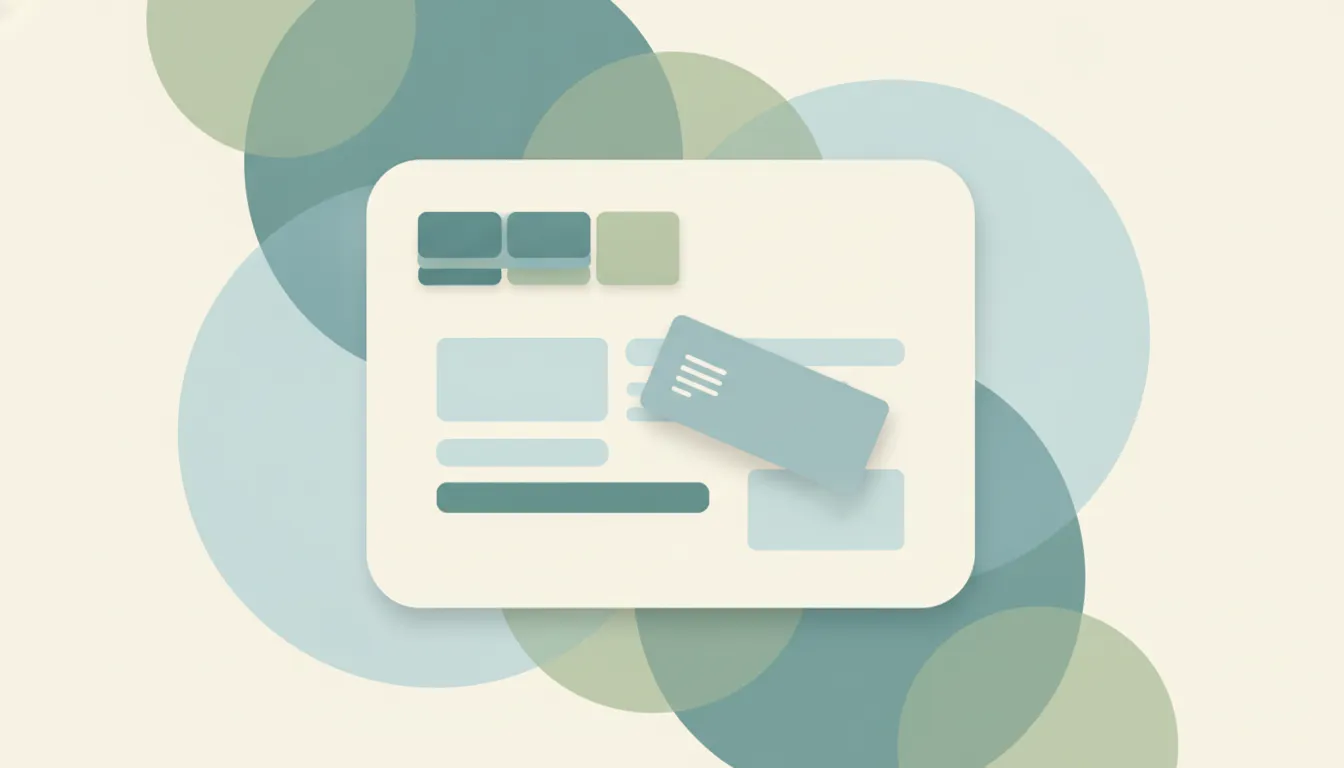
Use Outlook Quick Parts to save and reuse text snippets in emails. Classic Outlook steps, where they are stored, and the My Templates workaround for New Outlook.
Add Approve/Reject, Yes/No/Maybe, or custom voting buttons to an Outlook email and track the responses. Classic Outlook steps plus the New Outlook and web alternatives.

Most AI tools live in a tab you have to open. A few work the other way: you email them like a coworker and the work comes back. Here's how an email-based AI assistant works and when it's the right fit.
The best AI project management tools in 2026 — from AI-native boards to the agent that runs your existing one. Ranked by how much manual project work they actually remove.

ChatGPT can write emails — and as of June 2026, even send them — but it's a prompt-by-prompt tool with real limits. Here's how to use it for email, and what an actual email assistant looks like.
ChatGPT is a great research-and-drafting assistant, but it mostly waits to be asked, with gated and capped actions. Where you need one that does the work.
ChatGPT Scheduled Tasks runs recurring and one-off prompts, reminders, and monitoring — then notifies you. Here's how it works, what it can't do, and where you need an agent that acts.

Some AI lives in your inbox; some lives in a tab you open. They're good at different jobs. Here's a clear way to decide which to reach for — and why the best setup uses both.
What is a second brain? A complete 2026 guide to the concept, the CODE and PARA methods, the best tools, and the shift to AI second brains that act.

Build a survey in Microsoft Forms: add and reorder questions, set required fields, pick question types, customize the theme, and share to collect responses.

Getting started with Microsoft Forms: create a form, add question types, theme it, share a link, and view responses — the full beginner workflow.
Airtable caps records per base: Free 1,000, Team 50,000, Business 125,000, Enterprise Scale ~500,000. Plus attachment storage and API rate limits by plan.
Asana's free Personal plan caps you at 2 users, no custom fields, rules, or timeline view, and 100MB per file. Here's everything the free tier limits in 2026.

Excel worksheets hold 1,048,576 rows by 16,384 columns (column XFD) — about 17.2 billion cells. Here are the real limits and what to do with bigger data.
The 1,000-block limit is gone for individuals on Notion's free plan. The real caps are 5 MB file uploads, 10 guests, and 7-day page history. Full breakdown.
Slack's free plan caps you at 90 days of message history, 10 apps, and 1:1 huddles. Here's exactly what's included, what's capped, and how to work around it.
Todoist's free Beginner plan caps you at 5 personal projects, 5 collaborators, 3 filters, 1 week of activity history, 5 MB uploads, and 300 tasks per project.
Trello's free plan caps you at 10 boards per Workspace, 10 collaborators, 250 automation runs/month, and 10 MB per file. Cards and Power-Ups stay unlimited.

How often we switch apps, how long it takes to refocus, how far attention spans have fallen, and what it costs: key context-switching stats for 2026, sourced.
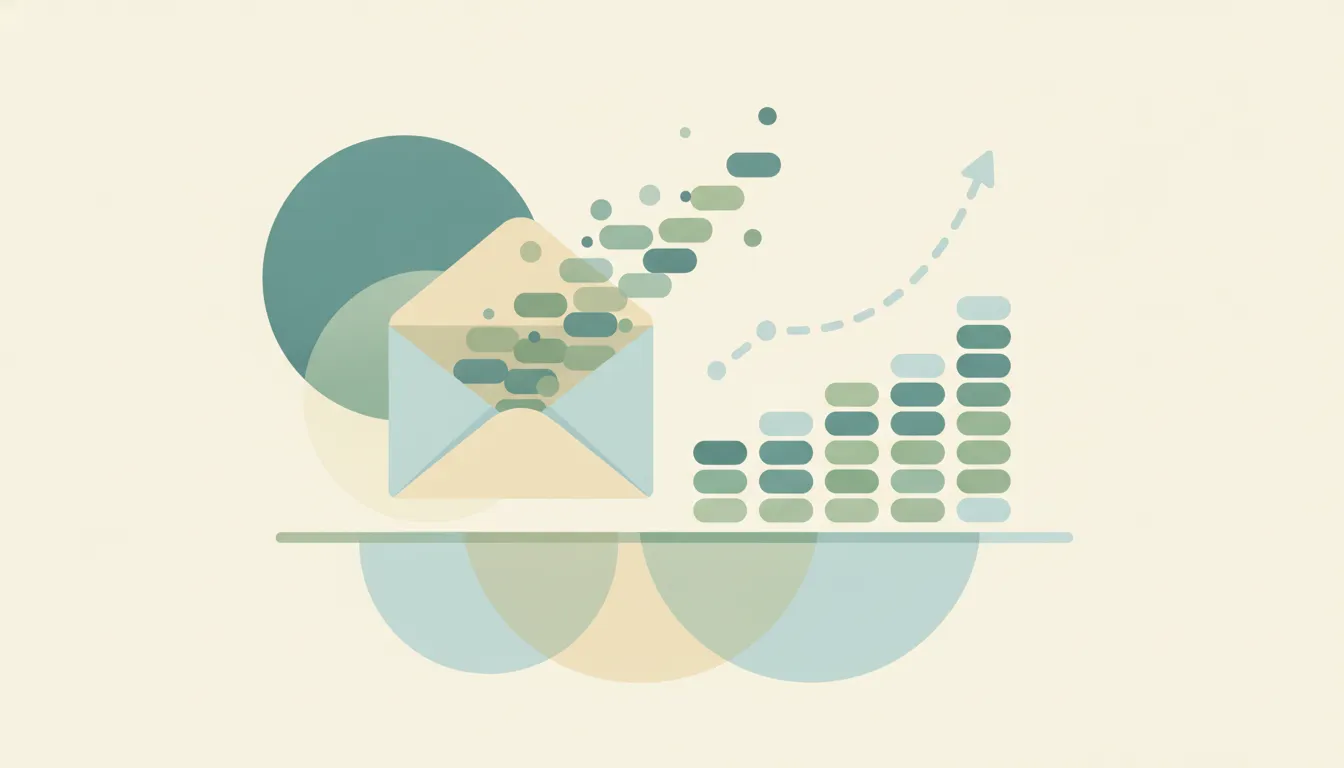
How many emails are sent per day (392.5 billion in 2026), how many people use email (4.73 billion), and how much time the inbox takes, each sourced.
Get Google Calendar on your Windows desktop and taskbar — sync it to the Windows Calendar app, pin a Chrome or Edge shortcut, or use a desktop client.

How to add a Google Meet link to any calendar event, make Meet links appear automatically, or remove them — on the web, Android, and iPhone.

How to block focus time in Outlook — create busy or out-of-office appointments, set recurring focus blocks, and use automatic focus time with Viva Insights.

Change the name recipients see on your sent Outlook email — the account display name, Microsoft account name, and per-account settings, every version.

How to change your primary time zone in Google Calendar, add a secondary zone, and set per-event time zones — on desktop web and the mobile apps.
Set High or Low importance on outgoing mail, mark incoming messages as important, and see how priority differs from flagging — every Outlook version.
How to create a Google Calendar booking page so people can book time with you — set availability, customize the form, and see which plans add features.
How to keep declined meetings visible on your Outlook calendar — turn on Show declined events in new Outlook, web, and mobile, and why classic hides them.

How to enable ISO week numbers in Google Calendar on desktop web, where they appear in each view, and why the option is missing on mobile.

Sort your Outlook inbox by date, sender, size, subject, importance, or unread — with ascending/descending order, across web, new, and classic Outlook.

Stop Google Calendar from pinging you — disable or adjust event notifications, email reminders, and browser alerts on the web, Android, and iPhone or iPad.

How many hours people spend in meetings, how many meetings are unproductive, and what they cost: 2026 meeting statistics, each sourced inline.

How long people work, how much of the day is busywork, how few use a time management system, and whether time management works. Sourced inline.
Add clickable to-do checkboxes in Microsoft OneNote with the To Do tag, a keyboard shortcut, and find all your checkboxes in one place.

Add a contact in Outlook from scratch or straight from an email, edit details, and save to People — in new Outlook, classic Outlook, the web, and mobile.

Add a footer in PowerPoint with text, date, and slide number, skip the title slide, and edit it on the slide master — on Windows, Mac, and the web.

Add an animated GIF to PowerPoint, insert it from your PC or online, set it to loop, resize it, and make sure it animates in the show — Windows, Mac, web.

Add a hyperlink in an Outlook email, turn text into a clickable link, link an image, or edit and remove a link — in new Outlook, classic, and on the web.
Add a hyperlink in PowerPoint to a webpage, another slide, a file, or an email, edit or remove it, and set a ScreenTip — on Windows, Mac, and the web.

Animate text and objects in PowerPoint, set entrance and exit effects, reorder them in the Animation Pane, and trigger on click — Windows, Mac, and web.

Add audio to PowerPoint, record narration, set music to play across slides, loop it, and hide the icon during the show — on Windows, Mac, and the web.

Add slide numbers in PowerPoint, skip the title slide, start numbering at a chosen value, and reposition the number — on Windows, Mac, and the web.

Add speaker notes in PowerPoint, view them in the Notes pane and Notes Page, read them in Presenter View, and print them — on Windows, Mac, and web.

Add slide transitions in PowerPoint, set duration and direction, apply to all slides, and trigger them automatically — on Windows, Mac, and the web.
Attach an email to another email in Outlook by dragging it or using Attach Item, and forward as an attachment — new Outlook, classic, web, and mobile.

Change slide size in PowerPoint between 16:9 and 4:3, set a custom dimension, and choose Maximize or Ensure Fit when scaling — on Windows, Mac, and web.

Change the default font, size, and color for new notes in Microsoft OneNote on Windows, and set font defaults on Mac and the web.

Move the Outlook reading pane to the right, bottom, or off, and adjust preview and mark-as-read behavior — in new Outlook, classic Outlook, web, and mobile.

Compress images in PowerPoint to shrink the file size, choose a resolution, delete cropped areas, and compress all pictures at once — Windows and Mac.

Convert a PowerPoint to video (MP4), keep narration and timings, choose a resolution, and export from Windows or Mac for sharing anywhere.

Create a Search Folder in Outlook to auto-collect unread, flagged, or large emails, or build a custom one — plus what to use in new Outlook and on the web.

Crop an image in PowerPoint, crop to a shape or aspect ratio, fill or fit a placeholder, and reset the crop — on Windows, Mac, and the web.

Curve text in PowerPoint with WordArt and Transform effects, bend text into a circle or arc, and adjust the curve — on Windows, Mac, and the web.
Decline a meeting in Outlook, add a note, decline without sending a response, or decline a whole recurring series — in new Outlook, classic, and on the web.

Embed a video file or online video in PowerPoint, set it to play automatically, trim it, and add a poster frame — on Windows, Mac, and the web.

Embed fonts in PowerPoint so your slides keep their design on any computer, choose to embed all or used characters only, and manage file size — Windows and Mac.
Empty the Deleted Items folder in Outlook, clear it on exit automatically, and recover emails before they're gone — new Outlook, classic, web, and mobile.
Export a OneNote page, section, or whole notebook to PDF on Windows, Mac, web, and mobile — plus how to keep links and page breaks clean.

Find archived emails in Outlook by opening the Archive folder, searching all folders, or locating a .pst file — in new Outlook, classic, web, and mobile.
Group objects in PowerPoint to move and resize them together, ungroup to edit, regroup, and align before grouping — on Windows, Mac, and the web.
Insert a PDF into Microsoft OneNote as a printout you can annotate, or as a file attachment — on Windows, Mac, and the web.
Insert a table in Microsoft OneNote, add and delete rows or columns, shade cells, and convert a table to Excel — on Windows, Mac, and the web.
Insert a table in an Outlook email, set rows and columns, paste one from Excel, and format it — in new Outlook, classic Outlook, and on the web.
Insert a table in PowerPoint, set rows and columns, style it, add or delete rows, and paste a table from Excel — on Windows, Mac, and the web.
Create links between pages in Microsoft OneNote, copy a link to a page or paragraph, and use wiki-style [[ ]] links to connect your notes.
Loop a PowerPoint continuously for a kiosk or display, set automatic slide timings, and run it unattended — on Windows, Mac, and the web.

Make a timeline in PowerPoint using SmartArt or shapes, add milestones and dates, style it, and animate each step — on Windows, Mac, and the web.

Lock a OneNote section with a password to encrypt your notes, set how soon it auto-locks, and remove protection — on Windows, Mac, and mobile.

Propose a new time for a meeting in Outlook, check the organizer's free/busy, and respond to a proposed time — in new Outlook, classic Outlook, and on the web.

Record a PowerPoint presentation with narration, slide timings, and webcam video, then export it as a movie — on Windows, Mac, and the web.
Record audio notes in Microsoft OneNote, link the recording to your typed notes, and play back exactly what was said as you wrote each line.

Recover deleted pages and sections in Microsoft OneNote from the notebook recycle bin, restore page versions, and find lost notes.
Share a Microsoft OneNote notebook with view or edit access, get a share link, and stop sharing — on Windows, Mac, web, and mobile.

Turn on week numbers in the Outlook calendar and set which week the year starts on — in new Outlook, classic Outlook, Outlook on the web, and mobile.

Stop real emails landing in Junk in Outlook by marking Not Junk, adding safe senders, and lowering the filter level — new Outlook, classic, web, and mobile.

Force a manual sync in Microsoft OneNote, check sync status, fix stuck or failed syncs, and keep notebooks current across Windows, Mac, and mobile.
Sync Outlook email, calendar, and contacts with Android using the Outlook app or the built-in Gmail/Calendar apps, and fix sync that stops working.

Turn off Outlook email and calendar notifications, mute desktop and banner alerts, and silence mobile push — in new Outlook, classic Outlook, web, and mobile.

Enable dark mode in Microsoft OneNote on Windows, Mac, web, and mobile — and keep your note pages light while the app stays dark.

Use the Morph transition in PowerPoint to animate objects between slides, duplicate and reposition elements, and morph text and shapes — Windows, Mac, web.
Use Presenter View in PowerPoint to see notes, the next slide, and a timer while your audience sees only the slides — on Windows, Mac, and the web.
Tag notes in Microsoft OneNote with To Do, Important, and Question marks, create custom tags, and round them all up with Find Tags.

Apply built-in page templates in Microsoft OneNote, save your own as a custom template, and set a default template for new pages.

Automate Dropbox with built-in folder rules that sort, rename, convert, and tag files — plus how to auto-file email attachments without lifting a finger.

How to track time in Asana — native time tracking with estimated and actual time on the Advanced plan, plus Harvest, Clockify, and Everhour options on any plan.
Three ways to create Asana tasks from email — forward to x@mail.asana.com, use the Gmail or Outlook add-in, or automate it so every request becomes a task.
How to use Asana's Calendar view — see tasks by due date, drag to reschedule, color-code by field, view My Tasks on a calendar, and sync to Google or Outlook.
How to add, assign, and organize subtasks in Asana — including nesting, multi-homing into projects, promoting a subtask to a task, and common gotchas.
From the built-in To Do and Planner to Todoist, Asana, and an assistant that writes tasks into To Do and Planner for you. What genuinely works with Outlook.

Accept all tracked changes in Microsoft Word at once, accept them one at a time, accept a single reviewer's edits, and stop tracking afterward.
Add a drop-down list to a Microsoft Word form with the Developer tab, set the choices, and protect the form so users can only pick options.
Insert an automatic table of contents in Microsoft Word from heading styles, update it as your document changes, and customize the levels.

Add, reply to, resolve, and delete comments in Microsoft Word, and @mention collaborators — on Windows, Mac, and the web.
Add page numbers in Microsoft Word, skip the title page, start numbering on a later page, and restart at 1 — on Windows, Mac, and the web.

Format text as superscript or subscript in Microsoft Word using buttons, keyboard shortcuts, or the Font dialog — for exponents and footnote markers.
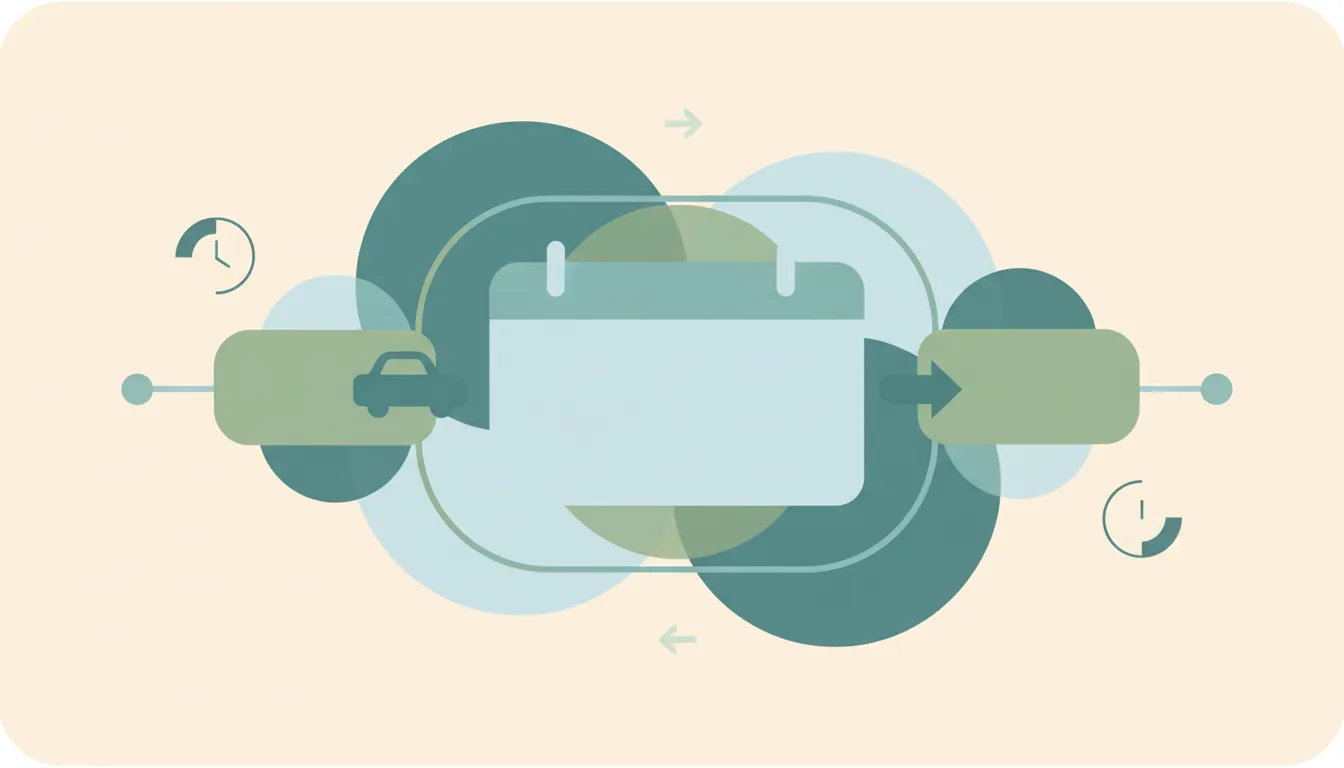
Outlook has no native travel-time feature like Apple or Google Calendar. Here's how to block travel time before and after events — manual buffers, color categories, recurring commute blocks, Bookings buffer time, and automation.
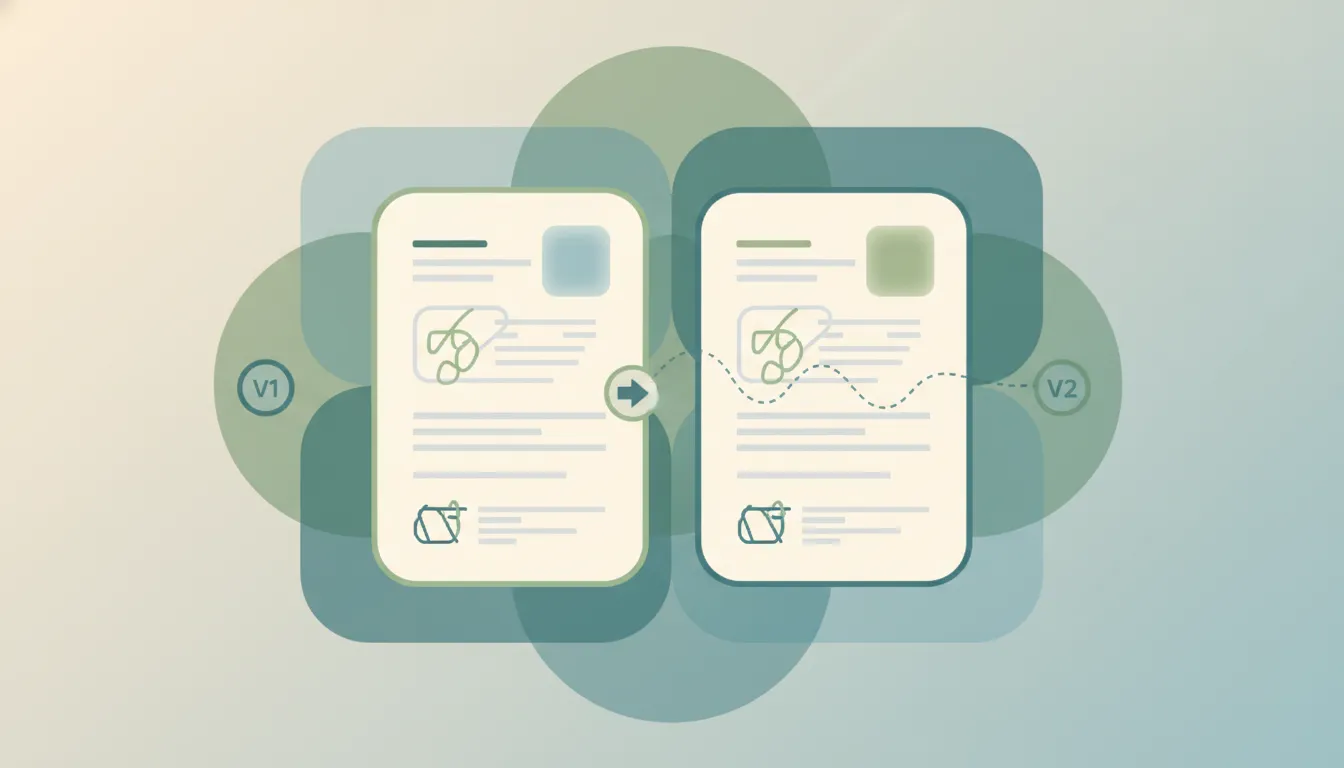
Compare two versions of a Microsoft Word document to see every difference as tracked changes, and combine edits from multiple reviewers.
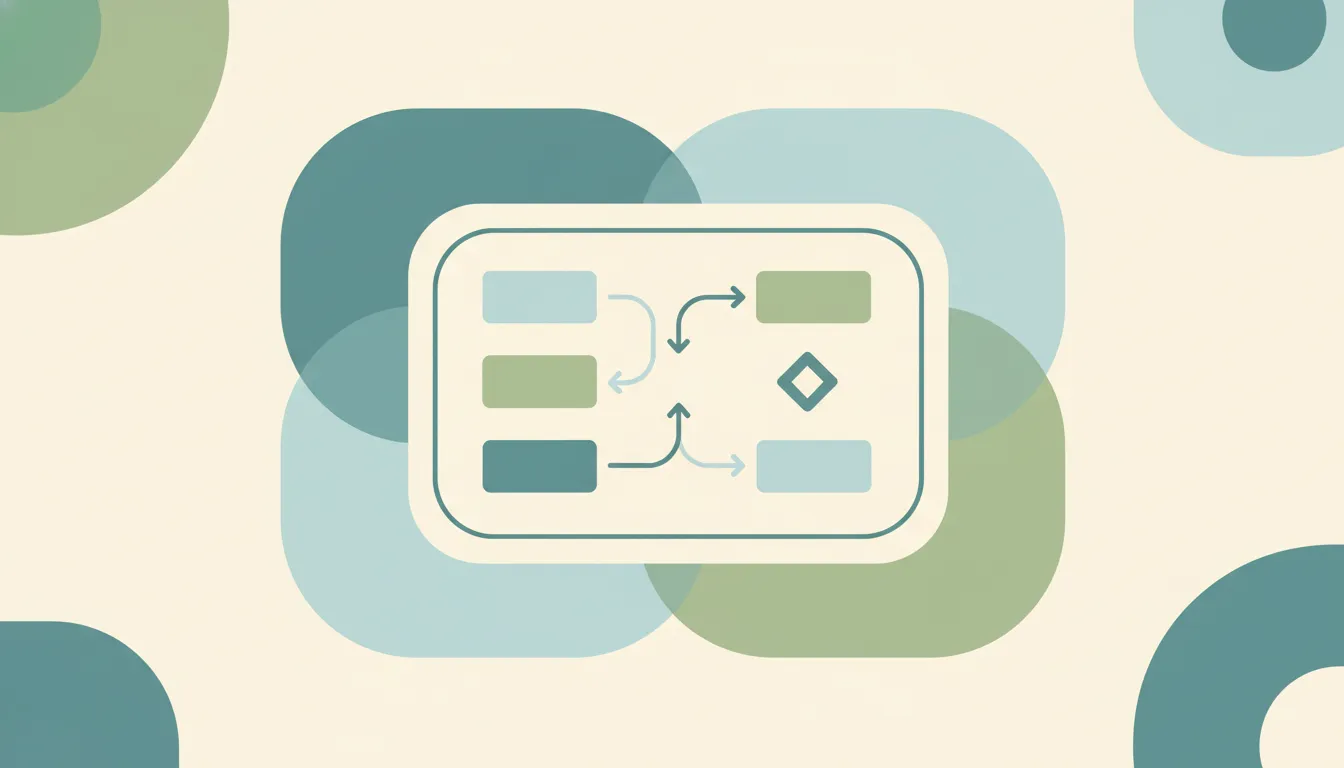
Build a flowchart in Microsoft Word with SmartArt or shapes, connect boxes with arrows that stay attached, and align everything cleanly.

Delete a page in Microsoft Word — a content page, a stubborn blank page at the end, or one caused by a page break — on Windows, Mac, and the web.
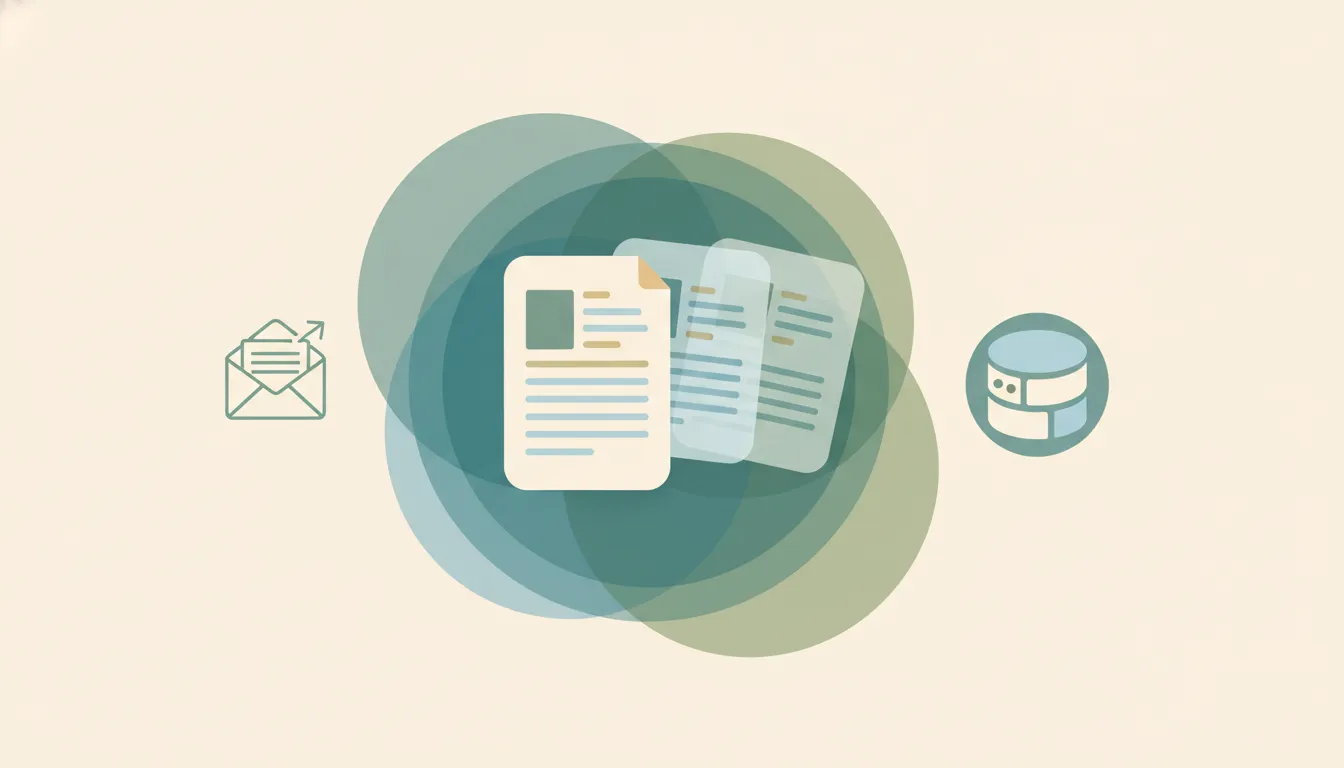
Run a mail merge in Microsoft Word to create personalized letters, emails, envelopes, and labels from an Excel list — step by step.
Double space text in Microsoft Word for the whole document or a selection, remove extra space between paragraphs, and set it as your default.

Insert a check mark (✓) in Microsoft Word using the Symbol menu, the Wingdings font, a character code, or an AutoCorrect shortcut.
Add checkboxes in Microsoft Word two ways — a clickable Developer-tab control for digital forms, and a checkbox bullet for printed lists.
Add a signature in Microsoft Word — a scanned handwritten image, a reusable signature block, or a digital signature line — on Windows, Mac, and the web.

Recover an unsaved or lost Microsoft Word document using AutoRecover, the Recover Unsaved Documents command, temp files, and version history.

Find and delete manual page breaks and section breaks in Microsoft Word, clear breaks in bulk, and stop automatic breaks from splitting paragraphs.
Outlook only allows one reminder per calendar event. Here's how to get multiple staggered notifications — second events, a Power Automate flow, linked To Do tasks, and automation that nudges you at every interval you want.

Turn on Track Changes in Microsoft Word, choose how markup displays, lock tracking with a password, and review edits — on Windows, Mac, and the web.

Inbox Zero isn't about an empty inbox — it's a processing system. Here's the 4-D method adapted to Outlook's tools: Focused Inbox, a two-folder setup, Sweep and Rules, and a daily routine that keeps it at zero.
Walk into every meeting prepared. Here's how to auto-generate pre-meeting briefings in Outlook — Copilot meeting prep, a OneNote briefing template, pulling attendee context from past threads, and an assistant that builds the brief for you.

Set your Microsoft Teams status manually, pin a status message, reset it when it's stuck, and stop Teams from changing it back to Away automatically.

Schedule a chat message to send later in Microsoft Teams, edit or reschedule a queued message, and fix it when the schedule send option is missing.
How to subscribe to an RSS feed: find a site's feed URL, pick a reader, add the feed, and organize your subscriptions, plus how to follow sites that hide it.

Workflow automation uses software to run multi-step processes — triggers, actions, and rules — with no manual effort. How it works and how AI is changing it.

The best AI assistants for busy professionals in 2026, to reclaim hours from email, scheduling, meetings, and admin. Ranked, compared, and matched to the job.
Add and manage labels in Todoist to tag tasks by context: create labels with @, apply them across projects, organize with favorites, and filter your task list by label.
Connect Todoist to Google Calendar for two-way sync: set it up in Integrations, control which tasks sync, and fix tasks that aren't showing on your calendar.

Create subtasks in Todoist by indenting tasks under a parent: add them with Tab, drag to nest, collapse and expand, and understand how completing parents and subtasks works.
Set recurring tasks in Todoist using natural language: daily, weekly, weekday, monthly, and 'every!' completion-based repeats — plus how to edit, skip, and end a recurrence.

Set time-based and location-based reminders in Todoist, turn on automatic reminders for timed tasks, choose notification channels, and fix reminders that aren't firing.

Build custom filters in Todoist with query syntax: combine labels, dates, projects, and priorities using &, |, and ! operators — with ready-to-copy filter examples.

Use Todoist's natural language Quick Add to set dates, times, projects, labels, priorities, and assignees as you type — with the full symbol cheat sheet and examples.
Use sections in Todoist to group tasks within a project: add and rename sections, reorder and move tasks between them, and turn sections into board columns.
Use Todoist templates to spin up ready-made projects: browse the template gallery, import a template into a project, and export your own as a file or shareable link.
A complete guide to using Todoist: capturing tasks with Quick Add, organizing with projects and sections, labels, filters, priorities, recurring tasks, and a simple daily workflow.
Combine text from multiple cells in Excel: the & operator, the CONCAT and TEXTJOIN functions, adding spaces and commas, and joining a whole range with a delimiter.

Add a drop-down list in Excel with Data Validation: build one from a typed list or a cell range, show an input message, allow blanks, and edit or remove the list.

Add checkboxes in Excel two ways: the new built-in Checkbox button in Microsoft 365, and the classic Developer-tab form control — plus how to link a checkbox to a cell and copy it down.
Lock specific cells in Excel so they can't be edited: why locking needs sheet protection, how to unlock the cells people should still fill in, and how to protect and unprotect the sheet.
Merge cells in Excel with Merge & Center, Merge Across, and Merge Cells — plus how to unmerge, keep all your data, and use Center Across Selection as a safer alternative.

Password protect an Excel file with Encrypt with Password, set a separate password to open vs. modify, protect the workbook structure or a single sheet, and remove a password you no longer need.

Delete blank rows in Excel the safe way: use Go To Special to select blanks, filter them out, or sort them to the bottom — without deleting rows that only look empty.

Remove duplicate rows in Excel with the Remove Duplicates tool, find them first with conditional formatting, dedupe by specific columns, or extract a unique list with the UNIQUE function.
Unhide columns in Excel by right-clicking, unhide column A with the Name Box, unhide all columns at once, and fix columns that won't reappear because their width is zero.
Use conditional formatting in Excel to highlight cells by rule: highlight values, top/bottom items, data bars and color scales, formula-based rules, and how to manage or clear them.
Learn INDEX MATCH in Excel: how the two functions work together, why it beats VLOOKUP, looking left, a two-way lookup with two MATCH functions, and error fixes.
Learn SUMIF in Excel: the syntax, text and number criteria, comparison operators, wildcards, summing a different column, and SUMIFS for multiple conditions.
Learn the IF function in Excel: the syntax, text and number tests, nested IFs, the IFS function, combining IF with AND and OR, and how to fix common errors.
Learn VLOOKUP in Excel step by step: the syntax, exact vs. approximate match, looking up data from another sheet, anchoring the range, and how to fix #N/A and #REF errors.
Learn XLOOKUP in Excel: the syntax, exact and approximate match, looking left, returning multiple columns, the built-in if_not_found argument, and how it beats VLOOKUP.
Wrap text in Excel so long entries show on multiple lines inside one cell: the Wrap Text button, manual line breaks with Alt+Enter, adjusting row height, and common fixes.

Sync a SharePoint folder to File Explorer so it works like any local folder — or add it as a OneDrive shortcut. The two methods, when to pick which, and how to fix sync issues.
Add a shortcut to a file or folder in Google Drive — the replacement for 'Add to My Drive'. Plus deleting shortcuts, what they break, and when to use them vs a real copy.
Back up your Windows or Mac computer to Google Drive automatically using Drive for desktop — pick which folders sync, mirror vs stream, and recover deleted files.

Copy a folder in Google Drive — the built-in 'Make a copy' workaround, the multi-select method, the Apps Script method, and how shortcuts can save the copy entirely.

Create a folder in a SharePoint document library — from the web, from File Explorer, or from Microsoft Teams. Plus when to use folders vs metadata, and how to enable folders if they're disabled.

Create a SharePoint list from scratch, from a template, from Excel, or from another existing list — then add columns, set view, and start tracking data.

Build a modern SharePoint page — pick a template, add sections and web parts (text, image, news, list, video), then publish to your team or company.

Create a new SharePoint site in Microsoft 365 — choose between a team site and a communication site, pick a template, set permissions, and add it to your hub.

Delete a SharePoint site safely — back it up, understand what gets deleted along with it (group, Teams, OneNote), recover it from the 93-day bin, or permanently purge.
Export a SharePoint list to Excel as a one-shot CSV or as a live Power Query connection — plus how to refresh it, export selected rows, and fix common formatting issues.
Google Drive folders don't have native passwords — here's how to get the same protection: restrict sharing, encrypt a ZIP, use Drive's Confidential mode, or third-party tools.

Save Gmail messages to Google Drive — single email as PDF, batch save with Google Takeout, or auto-archive with filters. Plus saving attachments only.

Scan paper documents to Google Drive using the built-in Drive scanner on iPhone and Android — auto-edge detection, multi-page PDFs, OCR, and saving directly to a Drive folder.
Sync a SharePoint library or folder with OneDrive so files live in File Explorer, sync across all your devices, and work offline — using Sync, Add shortcut to OneDrive, or both.

Enable Google Drive offline access so Docs, Sheets, Slides, and recent files open and edit without an internet connection — on desktop, mobile, and Drive for desktop.

Find anything in Google Drive fast with search operators — owner:, type:, before:, after:, sharedwith:, title:, and more. Plus full-text search and combining operators.

Google Docs has no page-border button, but you can add one with a single-cell table, a drawing, or a paragraph border. Here's each method, including a full-page border for flyers and certificates.

Insert an automatic, clickable table of contents in Google Docs using heading styles — then update it, choose a style, and add page numbers to each entry.

Add page numbers in Google Docs in seconds — choose the header or footer, skip the first page, start numbering at a specific number, and add 'Page X of Y' style counts.

Add a drop-down list in Google Sheets using data validation: build one from a typed list or a range, allow multiple selections, color-code options, and edit or remove it.
Build a pivot table in Google Sheets to summarize and group data: add rows, columns, and values, change how values are summarized, add filters, and refresh when data changes.

Turn on dark mode in Gmail on every device — the web's dark theme, true dark mode on Android and iPhone, and why message bodies sometimes stay white. Plus how to set it to follow your system.
Freeze the header row in Google Sheets so it stays visible while you scroll — plus freezing multiple rows, freezing columns, doing it on mobile, and unfreezing.

Add interactive, clickable checkboxes in Google Docs to build a to-do list or checklist — plus how to make a static checkbox and convert existing lines into a checklist.

Google Docs has no direct 'text box' button. Here are the three reliable ways to add one — the Drawing tool, a single-cell table, and a shape — plus how to move, resize, and wrap text around it.

Split your document into two or three columns in Google Docs, control the spacing and divider line, use column breaks, and switch part of a page back to a single column.

Make a Google Calendar public so anyone can view it, share a public link or embed it on a website, control how much detail is visible, and make it private again.

Remove duplicate rows in Google Sheets with the built-in Data cleanup tool, the UNIQUE function, conditional formatting to find them first, or COUNTIF to flag them.

Highlight cells automatically in Google Sheets with conditional formatting: single-color rules, color scales, formatting based on another cell, and custom formula rules.

Master the IF function in Google Sheets: the syntax, nested IFs, IFS for multiple conditions, and combining IF with AND, OR, and ISBLANK — with copy-paste examples.
Learn VLOOKUP in Google Sheets step by step: the syntax, exact vs. approximate match, looking up data from another sheet, and how to fix #N/A and #REF errors.

Siri AI, ChatGPT, Claude and Gemini all answer on your iPhone. We ranked 7 AI assistants by which ones actually move the meeting and send the reply.
Add another email account to Gmail two ways — switch between multiple Google accounts, or pull a second address (Gmail, Outlook, Yahoo, or work email) into one inbox and send from it.
Delete every email from a single sender in Gmail using search operators and Select all — plus how to auto-delete future emails from that sender with a filter.
Duplicate a Google Calendar event to reuse its title, guests, location, and description — on the web, plus the mobile workaround and when to use a recurring event instead.

Mute noisy email threads in Gmail so future replies skip your inbox without unsubscribing or deleting — on web, iOS, and Android — plus how to find and unmute them later.
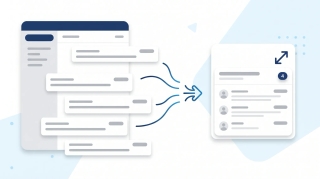
Turn on email threading (Conversation View) in new Outlook, the web, classic Windows, Mac, and mobile. How to group, sort, expand, and fix threads.

Granola nails the in-meeting note. But notes are step one. We tested 12 alternatives over 2 weeks each — here's the one that actually moves the work forward.
How to add a template to Notion, duplicate from the template gallery, create page button templates, set up database templates, and use the /template button.
Step-by-step guide to archiving a Slack channel, who can do it, what happens to messages and files, and how to restore an archived channel.
How to archive Trello cards individually or in bulk, find archived cards, restore them, and automate archiving with Butler, across web, desktop, and mobile.
Step-by-step instructions for archiving and restoring projects in Asana, including what archive does, archive vs delete vs CSV export, and who has permission.
Step-by-step methods for bulk editing in Salesforce Lightning, inline list view editing, Mass Update, Data Loader, and Flow. Includes when bulk edit is grayed out.
How to duplicate a Trello board, what gets copied (and what does not), how it differs from templates, and workarounds for copying members, comments, and archived cards.
How to create a database in Notion, inline vs. full-page, every view type (table, board, timeline, calendar, gallery, list), properties, and linked databases.
How to build, customize, and share forms in Airtable using Form view and Interface Designer, including conditional fields, prefilled URLs, embedding, and redirects.
Create polls in Slack with Polly, Simple Poll, the /poll command, emoji reactions, and Workflow Builder, comparison of methods for 2026.
How to create a private channel in Slack, naming rules, who can see it, converting public to private, inviting members, and member limits.
Step-by-step instructions for creating project templates, task templates, and project blueprints in Asana, including custom templates, the public gallery, and sharing.
How to duplicate a page in Notion, copy your own pages, duplicate from the template gallery, use Duplicate without content, and copy to another workspace.
How to embed in Notion, using the /embed slash command, supported services like Figma, Loom, YouTube, Google Drive, and how to embed any URL or file.
How to export Airtable data to Excel, including CSV download from a view, encoding fixes, attachment handling, scripting exports, and live sync to Excel.
How to export a Notion page, PDF, HTML, Markdown & CSV formats, single page vs. full workspace, include subpages, and what each plan supports.
Export Slack messages with Standard Export, Corporate Export on Enterprise Grid, channel-level exports, and manual copy methods, JSON format and what is included.
How to export Trello boards to JSON, CSV, Excel, or Google Sheets, what each format includes, plan requirements, and Power-Up alternatives.
How to import CSV data into Airtable using the CSV import extension, paste, or sync, including column mapping, type detection, updating records, and common errors.
How to link pages in Notion, @mentions, /link, inline links, synced blocks, automatic backlinks, and linked database views.
Step-by-step guide to linking tables in Airtable with linked record fields, plus lookups, rollups, junction tables for many-to-many relationships, and syncs.
Mute Slack channels, threads, DMs, and keywords without leaving, desktop and mobile steps, mute vs leave, and notification preferences.
How to organize Google Drive in 2026, folder colors, starring, shared drives vs My Drive, Drive labels, search operators, and Gemini AI suggestions.
How to pin messages in Slack channels and DMs, view pinned items, the 100-pin limit per channel, removing pins, and the difference between pinned and saved.
How to recover a deleted page in Notion, restore from Trash within 30 days, use page history, undo deleted blocks, and recover from admin restore.
Schedule Slack messages from the send button dropdown, edit or cancel scheduled messages, time zone handling, mobile support, and threading limits.
Step-by-step instructions for setting recurring tasks in Asana, including weekly, monthly, custom days, after completion vs. on date, and troubleshooting.
Set Slack status with preset emojis, custom messages, expiration timers, do not disturb mode, and Google Calendar sync, desktop, web, and mobile.
How to share a page in Notion, invite people, share to web, workspace and teamspace sharing, permission levels, guests vs. members, and link expiration.
How to upload entire folders to Google Drive, drag-and-drop, folder upload button, Drive for desktop sync, file size limits, and mobile workarounds.

We tested 10 AI secretary tools — Carly, Motion, Reclaim, Notion AI, Granola, ChatGPT, and more — for two weeks each. Here's what handles the real admin work and what's just a fancy text editor.

Mark every unread email as read in Gmail web, mobile, and the API — including the Select All trick most people miss, the search-then-bulk method for huge inboxes, and how to do it per label.
How to add tasks to Google Calendar — create from the grid, side panel, or unified mobile creator, set time and recurrence, and the difference between tasks, events, and the deprecated reminders.
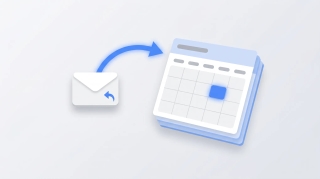
Three ways to create a Google Calendar event directly from a Gmail email — the three-dot Create event menu, Gemini's Add to calendar chip, the Calendar side panel, and mobile shortcuts.
How to mass delete thousands of emails in Gmail using search operators, the Select all conversations link, and bulk filters — plus mobile workarounds and the storage gotchas.
Step-by-step guide to setting up email forwarding in Gmail — auto-forward all incoming mail, conditional forwarding via filters, multiple addresses, and what to do if your Workspace admin disabled it.
Step-by-step guide to snoozing emails in Gmail on every platform — default times, custom snoozing, swipe gestures, and why snoozed emails sometimes don't return on schedule.

How to unsubscribe from emails in Gmail using the new Manage subscriptions view, the one-click unsubscribe link, bulk methods, and what to do when unsubscribe links don't work.
Step-by-step instructions for adding a logo or image to your Outlook signature — covering the new desktop app, classic Outlook for Windows, Outlook on the web, and mobile. Plus sizing tips, hyperlinking, and fixes for the red X.
Cancel single meetings, recurring series, or just one occurrence in Outlook — plus the difference between Cancel and Delete, what attendees see, and how to recover an accidentally cancelled meeting.
A complete guide to clearing your Outlook inbox — the built-in Clean Up tool, Sweep rules, archiving, search folders, bulk delete, and a 30-minute inbox reset walkthrough.

Step-by-step instructions for turning on dark mode in Outlook — covering the new desktop app, classic Outlook for Windows, Outlook on the web, Outlook for Mac, and mobile. Plus the message-rendering toggle and calendar dark mode.

Step-by-step instructions for filtering emails in Outlook — covering view filters, search operators, Search Folders, and how filters differ from rules across web, new Outlook, and classic Outlook.

Forward meeting invites as an attendee or organizer across new Outlook, classic Outlook, and the web — with notes on the Allow Forwarding toggle and what recipients actually receive.

Step-by-step instructions for overlaying calendars in Outlook — covering side-by-side vs overlay mode, color coding, and limitations across classic Outlook, new Outlook, the web, and mobile.

Step-by-step instructions for pinning emails to the top of your inbox in Outlook — covering the new desktop app, Outlook on the web, mobile apps, and workarounds for classic Outlook.
Print your Outlook calendar in daily, weekly, monthly, or tri-fold views — covering classic Outlook, new Outlook, the web, custom date ranges, and saving as PDF.

Print single emails, batches of messages, full folders, or save as PDF — across new Outlook, classic Outlook, and the web. Plus fixes for the most common print issues.
Step-by-step instructions for saving single, multiple, and bulk email attachments in Outlook — covering the new desktop app, classic Outlook for Windows, Outlook on the web, and mobile.

Step-by-step instructions for enabling and using Undo Send in Outlook on the web, the new Outlook desktop app, and the workarounds for classic Outlook for Windows.
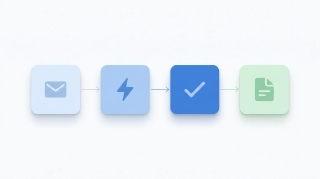
A playbook for automating work with AI agents: what they do, which workflows to automate first, how to wire them into your apps, and how to keep them safe.
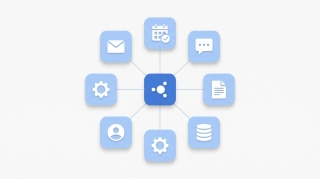
A 5-step framework for integrating AI into your daily work: pick the right tools, automate real workflows, connect to your apps, and roll out smoothly.

Mark emails unread in Outlook — right-click, keyboard shortcuts, bulk actions, reading-pane timing, and mobile gestures across every version.

Snooze emails in new Outlook, Outlook on the web, classic Outlook for Windows, mobile, and Mac — plus fixes when snooze is missing.
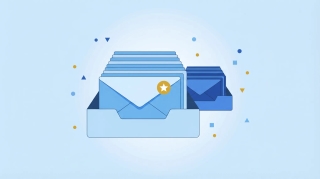
Enable, train, and disable Focused Inbox in new Outlook, Outlook on the web, classic Outlook for Windows, Outlook for Mac, and Outlook mobile.

Unsubscribe from marketing emails in Outlook using the built-in unsubscribe link, Sweep, Block Sender, and Rules — across every version of Outlook.

Turn an email into an Outlook calendar event with drag-and-drop, right-click, or the Schedule action — covering new Outlook, classic, web, and mobile.

Step-by-step guide to using @mentions in Outlook email and meeting invites — get attention, auto-add recipients, and filter your inbox by mentions.

Step-by-step guide to creating, editing, and using Quick Steps in Outlook to automate multi-step email actions with one click — covering classic, new Outlook, and web alternatives.

Step-by-step instructions for creating polls in Outlook using Microsoft Forms and voting buttons — every version including web, desktop, and mobile.
Step-by-step instructions for creating tasks in Outlook — My Day, To Do integration, flagging emails, assigning tasks, and every Outlook version.

Step-by-step instructions to delay email delivery in Outlook — hold messages in your Outbox before they send using delay delivery rules and per-message settings.
Step-by-step instructions for exporting emails from Outlook — PST export, saving as .eml or .msg, Microsoft 365 admin tools, and backup strategies.
Step-by-step instructions to automatically forward emails in Outlook — covering web, new desktop, classic Outlook rules, and Exchange admin.
Step-by-step guide to archiving emails in Gmail on desktop and mobile. Learn where archived emails go, how to find them, how to unarchive, and the difference between archive and delete.
Step-by-step guide to enabling, creating, inserting, updating, and deleting email templates in Gmail — plus how to combine templates with filters for auto-replies.

Step-by-step guide to creating, editing, and managing Gmail filters to automatically label, archive, delete, or forward emails — plus common filter recipes for newsletters, notifications, and VIPs.
Step-by-step guide to creating, color-coding, and managing labels in Gmail on desktop and mobile. Organize your inbox with labels, sub-labels, and quick-apply shortcuts.
Archive emails in Outlook on the web, the new desktop app, classic Outlook, and mobile — plus how to find archived mail and set up auto-archive.
Step-by-step instructions for creating, saving, and using email templates in Outlook — covering Outlook on the web, the new desktop app, classic Outlook for Windows, and My Templates.
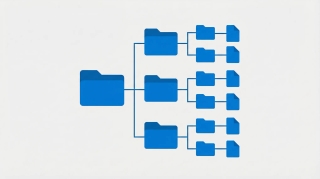
Create folders in Outlook to organize your inbox — on Outlook on the web, the new desktop app, classic Outlook for Windows, and mobile.
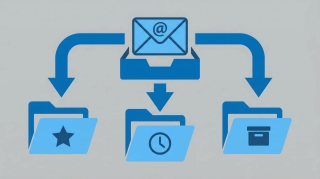
Step-by-step instructions for creating email rules in Outlook to automatically sort, move, flag, or forward messages — covering Outlook on the web, the new desktop app, and classic Outlook for Windows.
OpenClaw has 512 security vulnerabilities, plaintext credentials, and $300+/month API bills. Carly does the same things — securely, starting at $35/month.

Step-by-step instructions to schedule emails for later delivery in Outlook on the web, the new Outlook desktop app, classic Outlook for Windows, and Outlook mobile.
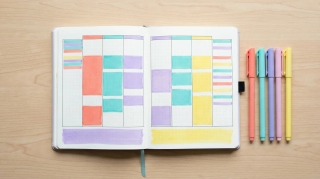
How to use categories, conditional formatting, and calendar colors in Outlook to build a visual scheduling system that makes your week readable at a glance.
Step-by-step guide to connecting Google Calendar with Slack for auto-status updates, meeting reminders, availability sharing, and more.

Every Google Calendar keyboard shortcut for navigation, creating events, switching views, and managing your schedule — including how to enable shortcuts first.

Display multiple time zones in Google Calendar — including a world clock sidebar, secondary time zones, and tips for scheduling across time zones without confusion.

A complete guide to color coding Google Calendar — apply colors to individual events, entire calendars, and build a visual system that makes your week readable at a glance.

Step-by-step guide to creating calendar invites in Google Calendar on desktop and mobile — adding guests, setting reminders, attaching video links, and managing RSVPs.

Set working hours in Google Calendar to show your availability, automatically decline outside-hours invites, and help colleagues schedule meetings at the right time.
The best Motion alternatives for AI task scheduling: lighter tools, focused calendar assistants and full AI schedulers, with honest pricing comparisons.

For dozens of professions, the calendar isn't just a scheduling tool. It's the single most accurate record of what's actually happening in the business.

Learn how to add holidays from any country to Google Calendar, manage multiple holiday calendars, and customize which holidays appear on your schedule.

Learn how to use time blocking in Google Calendar to protect focus time, manage your schedule, and boost productivity with step-by-step instructions.
Learn how to organize, color-code, and manage multiple Google Calendars effectively. Covers creating calendars, toggling visibility, and cross-account management.
Learn how to create, edit, and manage recurring meetings in Google Calendar. Covers custom repeat patterns, exceptions, and best practices.

Learn how to create and manage a shared team calendar in Google Calendar. Covers setup, permissions, best practices, and tools for team coordination.
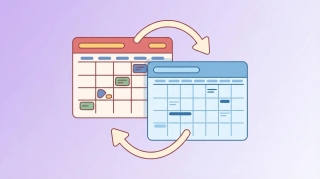
ICS subscription, connected accounts, and a free sync tool — the real options for syncing Google Calendar and Outlook.
Get an evening email previewing your next day's schedule. Learn how to turn on Carly's daily briefing from your dashboard.
See your calendar, check availability, and add Carly to emails — all without leaving Gmail. Here's how to set up and use Carly's Chrome extension.

Step-by-step instructions for exporting your contacts as CSV or Excel files from Salesforce, HubSpot, Zoho, Pipedrive, Attio, Monday.com, Freshsales, Oracle, Copper, and Close.

Skills are plain-English instructions that teach an AI to handle tasks your way. What they are, why vendors agreed on one format, and how people use them.
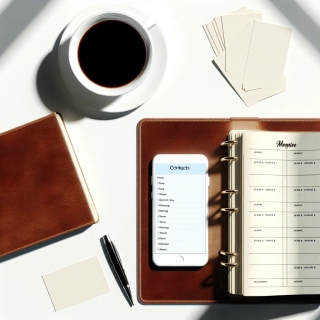
Carly now has a built-in CRM — AI-powered, works alongside your existing tools, and keeps your contacts updated without the busywork. Here's why we built it.

Carly can now keep a running to-do list for you — add tasks by email, block out time to get them done, and manage everything from your dashboard.

The 50 best AI productivity tools for getting more done in 2026 — from coding agents and smart inboxes to autonomous research and workflow automation.

Clockwise shut down on March 27, 2026. Carly handles external scheduling via email and SMS; here is where former Clockwise users can land for scheduling and focus time.

Compare Carly AI vs Morgen for calendar management. Carly offers conversational scheduling via email and SMS, while Morgen focuses on calendar consolidation and time-blocking.

Compare Carly AI vs Reclaim.ai for scheduling. Carly offers human-like conversational scheduling via email and SMS, while Reclaim focuses on calendar optimization and task auto-scheduling.

Compare Carly AI vs Sunsama for productivity. Carly automates scheduling conversations while Sunsama focuses on mindful manual daily planning.

Compare Carly AI vs Trevor AI for scheduling. Carly handles external scheduling via email and SMS, while Trevor focuses on personal task time-blocking.
If your business revenue has stalled, the answer might be in your calendar. Learn how to audit your time and identify the patterns killing your growth.
![100 Best Productivity Hacks for Busy Professionals [2026]](/_vercel/image?url=_astro%2F100-productivity-hacks.D1Tq9PFO.webp&w=320&q=100)
Discover 100 proven productivity hacks for busy professionals. From time-blocking to AI automation, reclaim hours every week. Get more done today.

Compare Carly AI vs CalendarBridge for AI scheduling. Carly offers click-to-book, SMS integration, and unlimited calendars without pay-per-email pricing.

Compare Carly AI vs Calendly for scheduling. Carly offers AI-powered scheduling with click-to-book, SMS, and email thread awareness - no booking links required.

Compare Carly AI vs Motion for scheduling. Carly offers click-to-book, SMS integration, and faster setup without the complexity of task management.

Compare Carly AI vs Agenda Hero for scheduling. Carly offers conversational AI scheduling via SMS and email, while Agenda Hero focuses on converting content to calendar events.

Carly vs Blockit for AI scheduling. Blockit Lite runs $999/year and stops at the calendar; Carly starts at $35/month and connects to thousands of apps.

Compare Carly AI vs Skej for AI scheduling. Carly includes SMS integration from day one, while Skej locks key features behind enterprise tiers.

Compare Carly AI vs Tasker AI for scheduling. Carly is a dedicated scheduling assistant, while Tasker AI is a general-purpose automation platform.
The ultimate meeting guide for 2026. Learn how to run productive meetings, create effective agendas, and eliminate scheduling overhead. Save hours weekly.

Each interruption costs 23 minutes to recover. Time blocking protects your focus. Step-by-step guide with 5 methods, examples, and AI tips to make it stick.
![How to Schedule Meetings Without the Back-and-Forth [2026]](/_vercel/image?url=_astro%2Fschedule-meetings-hero.BFNkYM6c.webp&w=320&q=100)
Tired of endless email chains to schedule meetings? Learn 7 proven methods to eliminate back-and-forth and book meetings faster. AI solutions included.

Discover your calendar personality with Carly AI Wrapped—free for all users. See exactly where your time goes with fun, shareable insights about your meetings, habits, and scheduling patterns.

Learn how to share your Google Calendar step-by-step. This guide covers desktop, mobile, embedding, permissions, delegation, and troubleshooting.
Learn how to share your Outlook calendar across web, desktop, and mobile platforms, including links, ICS subscriptions, delegate access, and permission levels.

Discover all the powerful features that make Carly more than a calendar assistant—from unlimited scheduling to building your own custom AI agents for sales, intake, and more.

Learn time management strategies from CEOs, founders, creatives, athletes, and academics with practical tactics you can implement immediately