7 Best LastPass Alternatives in 2026 (After the Breach)
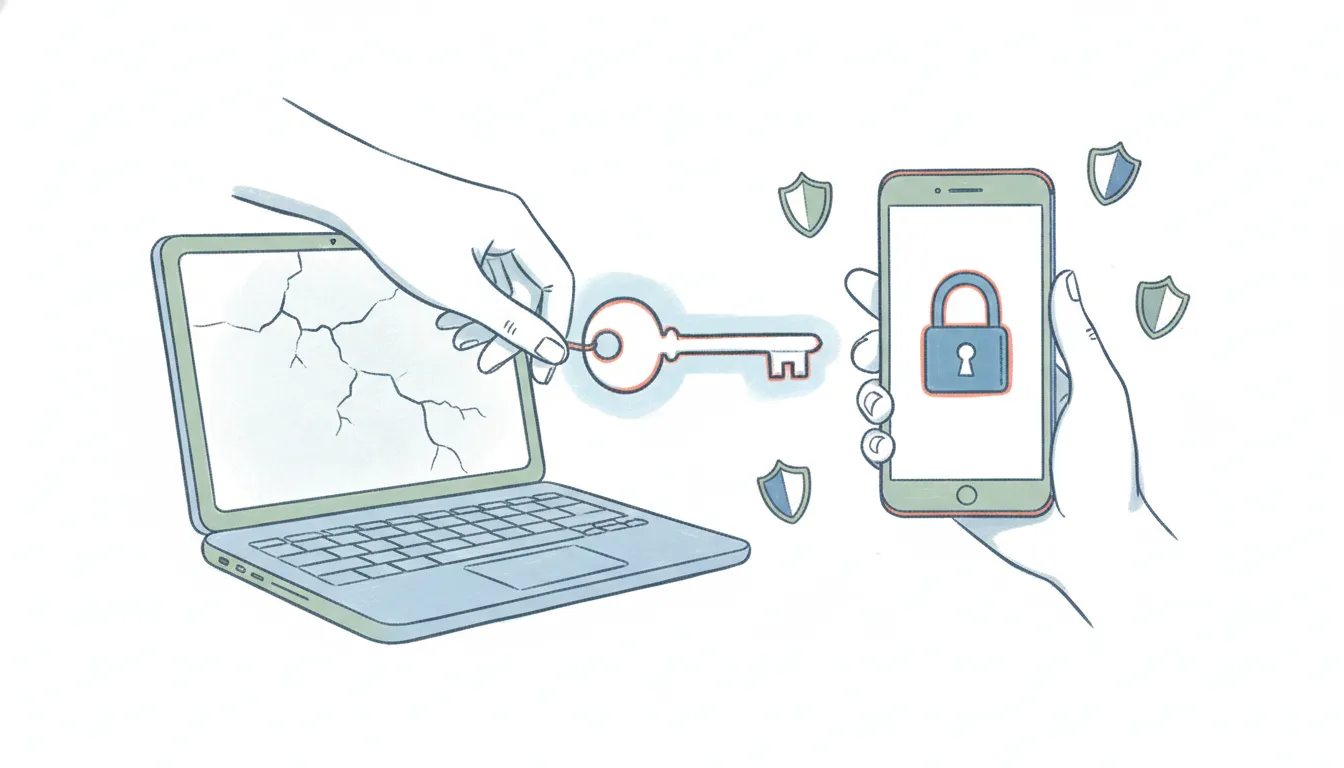
Most people looking for LastPass alternatives in 2026 aren’t chasing a feature — they’re leaving because of the breach that won’t end. Attackers exfiltrated encrypted customer vaults in August–December 2022, and because those vaults were stolen wholesale, thieves have spent the years since offline-cracking weak master passwords at their leisure. Security researchers have now traced more than $438 million in stolen cryptocurrency back to the LastPass breach, including roughly $150 million in XRP taken from Ripple co-founder Chris Larsen, with wallets still being drained through late 2025. In December 2025 the UK’s Information Commissioner’s Office fined LastPass £1.2 million over the incident, which exposed 1.6 million UK users.
None of that means LastPass is unusable today — it has hardened its infrastructure since — but the trust cost is real, and its free tier still limits you to one device type (phone or computer, not both). Here are seven LastPass alternatives worth moving to in 2026, with current pricing and the security architecture that actually matters.
1. Bitwarden
The default recommendation for most people leaving LastPass: fully open-source, audited, with a genuinely usable free tier that syncs across unlimited devices.
What makes it different from LastPass: Bitwarden’s clients and server are open-source and independently audited, so the encryption isn’t a black box. Its free plan gives you unlimited passwords across unlimited devices — the exact limitation that pushes LastPass free users to pay. You can also self-host the vault (via the official server or the lightweight Vaultwarden container) so nothing lives on someone else’s cloud. In January 2026 Bitwarden raised its Premium tier for the first time in about a decade, but it’s still one of the cheapest paid options.
Best for: Anyone who wants a no-compromise free tier or the option to self-host.
Pricing: Free unlimited; Premium $19.80/year; Families $47.88/year (6 users)
2. Proton Pass
From the Swiss team behind Proton Mail — end-to-end encrypted, open-source, with a privacy posture that’s the whole product.
What makes it different from LastPass: Proton Pass encrypts everything (including the URLs and usernames LastPass historically left unencrypted in its vaults — a detail that made the 2022 theft far worse). It’s built by a company whose entire business is privacy, based under Swiss data-protection law, and it includes hide-my-email aliases at no extra cost. In 2026 Proton actually cut its Plus plan from $3.99 to $1.99/month, so the upgrade is nearly free.
Best for: Privacy-first users, especially anyone already in the Proton ecosystem.
Pricing: Free unlimited; Plus $1.99/month (billed annually)
3. 1Password
The most polished paid manager, and the one whose architecture most directly answers the LastPass breach.
What makes it different from LastPass: 1Password requires a 128-bit Secret Key in addition to your master password. That key is generated and stored on your devices, never on 1Password’s servers — so even if someone stole a full copy of 1Password’s cloud, a vault without the Secret Key is uncrackable by brute force. That’s the specific failure mode that made the LastPass theft so damaging: LastPass vaults could be attacked offline with only the master password. 1Password has never disclosed a vault breach. On March 27, 2026 it raised Individual and Families prices by $12/year. See how the two stack up in our 1Password vs LastPass breakdown.
Best for: Families and professionals who want the smoothest apps and the strongest breach-resistant design.
Pricing: Individual $3.99/month; Families $5.99/month (annual)
4. Dashlane
An all-rounder that bundles security extras LastPass never matched, including a VPN.
What makes it different from LastPass: Dashlane pairs the password manager with a built-in VPN, dark-web monitoring, and AI-powered scam/phishing detection — a fuller security suite than LastPass ships. It’s web-first (no standalone desktop app anymore, which purists dislike), but the browser and mobile experience is strong. The catch is the free tier: it caps you at 25 passwords, so Dashlane really assumes you’ll pay.
Best for: People who want password management plus a VPN and dark-web monitoring in one subscription.
Pricing: Free (25 passwords); Premium $4.99/month; Family $7.49/month (10 users, annual)
5. NordPass
The cheapest credible paid option, from the Nord Security team behind NordVPN.
What makes it different from LastPass: NordPass uses the modern XChaCha20 cipher instead of the AES-256 that most rivals (and LastPass) rely on, and it’s built by an established security company with independent audits. Its paid tier is the least expensive on this list, and it bundles cleanly with NordVPN and NordLocker if you want more of the Nord suite. The free plan syncs unlimited passwords but only on one active device at a time.
Best for: Budget-conscious switchers, especially existing Nord/NordVPN customers.
Pricing: Free (one active device); Premium from $1.49/month (2-year plan); Family $2.79/month (6 users)
6. Keeper
The most security- and compliance-focused pick, popular with businesses that need certifications.
What makes it different from LastPass: Keeper is a zero-knowledge, zero-trust vault with a long list of compliance certifications (SOC 2, ISO 27001, FedRAMP) that make it a common choice for regulated industries — the kind of paper trail LastPass’s reputation now struggles to match. It’s polished and feature-rich, with secure file storage and encrypted messaging add-ons. A March 2026 price increase makes its personal plan a touch pricier than it used to be.
Best for: Businesses and individuals who prioritize compliance certifications and enterprise-grade controls.
Pricing: Personal $1.67/month; Family $3.54/month (5 users, annual)
7. KeePassXC
The answer for anyone who never wants their vault sitting in a vendor’s cloud at all.
What makes it different from LastPass: KeePassXC stores your passwords in a single encrypted .kdbx file on your own device — there is no company server to breach, because there’s no server. That’s the structural opposite of what happened to LastPass. You handle syncing yourself (Syncthing, Nextcloud, a USB stick, or any storage you trust), which is more setup but total control. It’s free, open-source, and cross-platform.
Best for: Security-conscious users, journalists, and researchers who want a fully local vault with no vendor cloud.
Pricing: Free, open-source
Whichever password manager you land on, Carly can hook right into the rest of your stack — it connects to 200+ tools natively, plus bring-your-own API key for anything else. See the full integrations list.
LastPass Alternatives Compared
| Tool | Open source | Free tier | Standout | Starting paid price |
|---|---|---|---|---|
| Bitwarden | Yes | Unlimited, all devices | Self-hostable | $19.80/year |
| Proton Pass | Yes | Unlimited | Swiss privacy + email aliases | $1.99/month |
| 1Password | No | None (trial only) | Secret Key architecture | $3.99/month |
| Dashlane | No | 25 passwords | Built-in VPN | $4.99/month |
| NordPass | Partial | Unlimited, 1 device | Cheapest paid, XChaCha20 | $1.49/month |
| Keeper | No | Trial only | Compliance certifications | $1.67/month |
| KeePassXC | Yes | Fully free | No cloud at all | Free |
| LastPass | No | 1 device type | Familiar UI | $3/month |
FAQ
Is LastPass safe to use in 2026? LastPass hardened its infrastructure after the 2022 breach and hasn’t disclosed a new incident, so it’s more secure than it was. But vaults stolen in 2022 are still being cracked and drained — over $438 million in crypto losses have been traced to that breach — and the UK ICO fined LastPass £1.2 million in December 2025. If your master password was ever weak, changing every stored credential is the safe move regardless of which manager you use.
What’s the closest free replacement for LastPass? Bitwarden. Its free tier gives you unlimited passwords across unlimited devices — removing LastPass Free’s one-device-type limit — and it’s open-source and self-hostable. Proton Pass is the best free alternative if privacy is your top priority.
Why is the LastPass breach still causing problems years later? Because attackers stole complete encrypted vault backups. That lets them work offline, cracking weak master passwords at their own pace with no rate limits — which is why thefts continued through 2025. Architectures like 1Password’s Secret Key or fully local vaults like KeePassXC don’t have a single exfiltrable copy to attack this way.
How do I move my passwords out of LastPass? Export your LastPass vault to a CSV, then import it — every tool here supports LastPass CSV import. Delete the export file afterward, and rotate any high-value credentials (email, banking, crypto) rather than reusing the ones LastPass stored.
More: 1Password vs LastPass · 1Password alternatives · Best AI personal assistants
Ready to automate your busywork?
Carly schedules, researches, and briefs you—so you can focus on what matters.
See what people say
"Before Carly, I relied on a Calendly link, but the whole process felt impersonal and not very professional. Carly changed that by handling all the back-and-forth, so I'm no longer stuck in endless email threads trying to line up schedules.
Now Carly reaches out to candidates, shares my real-time availability, lets them pick a slot, then sends a Zoom link and drops it straight into my calendar. She sends reminders to both of us before each call, which has significantly reduced no-shows and last-minute confusion.
On top of scheduling, Carly acts like a full executive assistant, sending me my schedule the night before so I can prepare for each call. It reminds me of the old x.ai assistant, but Carly is noticeably smarter, faster, and better suited to my healthcare recruitment business."