6 Best Littlebird Alternatives in 2026
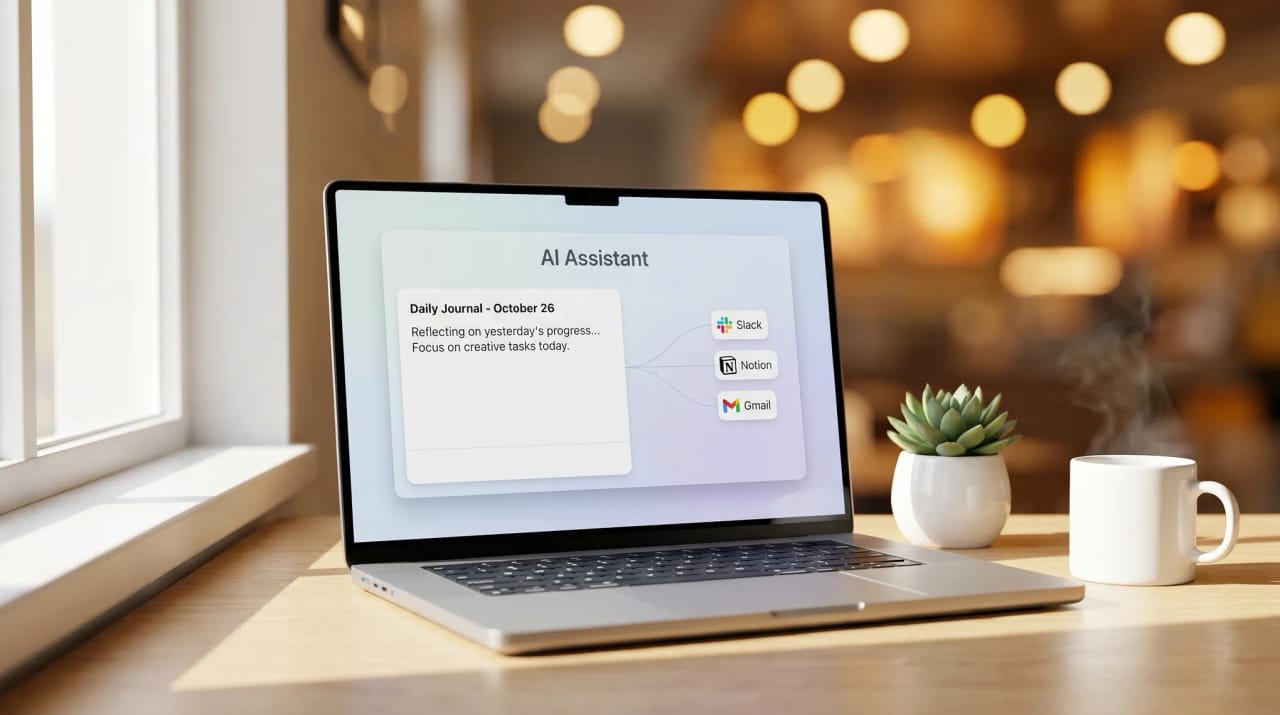
Littlebird is a Mac desktop assistant (Windows on the roadmap) that observes your screen and learns your work — files, conversations, meetings, projects — to provide context-aware chat, daily journals, and automation across Slack, Notion, Gmail, and Jira. Privacy-forward: no training on your data, no third-party selling. The friction: it sits on your machine watching everything you do, which is great for context but limits where it can help (only when you’re at the laptop), and it’s reactive — you still ask it for help rather than handing work off. Here are six alternatives.
1. Carly
Carly is an AI agent platform you email like a colleague. Where Littlebird observes your screen and helps when you ask, Carly is the agent you hand work off to — give her a name and her own email address, then forward or CC her into a thread and she executes across 200+ integrations. Gmail and Outlook / Microsoft 365.
What makes it different from Littlebird: Littlebird is a smart observer on your machine; Carly is an emailable colleague. Littlebird gives you better answers about your work; Carly does the work itself — and nothing has to live on your laptop.
Best for: People who’d rather hand work off than have an assistant watching them work.
Pricing: Free Zapier-style workflows; AI agents from $35/month
2. Limitless
The successor to Rewind — Rewind’s original Mac screen/audio capture was shut down in December 2025 after the team relaunched as Limitless (acquired by Meta). Limitless now centers on an AI pendant that captures conversations plus a desktop companion.
What makes it different from Littlebird: Limitless captures audio in the physical world (via pendant) + on your Mac. Littlebird only sees what’s on your screen. Different surfaces of the “AI that remembers everything” idea.
Best for: People who want capture across both digital work and in-person conversations.
Pricing: Pendant $99 hardware + software subscription
3. Granola
AI notetaker that turns rough meeting notes into polished summaries with action items. Records locally on your Mac without joining as a bot.
What makes it different from Littlebird: Granola is meeting-focused; Littlebird is everything-focused. Granola is sharper for meeting capture; Littlebird is broader but shallower per domain.
Best for: People who only want better meeting notes, not whole-life observation.
Pricing: Free tier; Business from $14/user/month
4. Mem
AI knowledge base that captures, organizes, and surfaces your notes and documents — relaunched as Mem 2.0 in 2026 with a more agentic positioning.
What makes it different from Littlebird: Mem captures what you type into Mem; Littlebird captures everything on your screen. Mem is privacy-easier (only what you give it); Littlebird is more thorough.
Best for: Note-takers who want an AI second brain without screen monitoring.
Pricing: From $10/month
5. Dust
AI assistant platform for building company-specific agents on top of your data sources (Notion, Slack, Drive, GitHub).
What makes it different from Littlebird: Dust is workspace-scoped (your team’s data); Littlebird is personal-scoped (your screen). Different mental model — team intelligence vs. personal digital twin.
Best for: Teams who want shared AI assistants over shared data.
Pricing: 15-day trial; from €29/user/month
6. Cursor
AI code editor with deep project context — not a digital twin, but the closest thing to “AI that knows your work” if your work is code.
What makes it different from Littlebird: Cursor is code-only. Littlebird is everything. If you’re an engineer, Cursor will beat Littlebird at code questions; Littlebird wins on email, meetings, and cross-app context.
Best for: Engineers who want context-aware AI inside the editor.
Pricing: Free tier; paid from $20/month
Littlebird Alternatives Compared
| Tool | Screen Observation | Active Automation | Privacy Posture | Free Tier | Starting Price |
|---|---|---|---|---|---|
| Carly | No | Yes (200+ tools) | Standard SaaS | No | $35/mo |
| Limitless | Pendant + Mac | Light | Local capture | No | $99 + sub |
| Granola | No (local audio) | No | Local capture | Yes | Free / $14/user/mo |
| Mem | No | Light | Standard SaaS | No | $10/mo |
| Dust | No | Yes (you build) | SaaS / EU options | No | 15-day trial / €29/user/mo |
| Cursor | Project files only | Light | Standard SaaS | Yes | Free / $20/mo |
FAQ
Is Littlebird’s screen observation actually private? Littlebird states no training on user data and no third-party selling, with encryption at rest and in transit. The data still leaves your machine to power features. If on-device-only storage matters, the original Rewind had that posture but was shut down in December 2025 in favor of Limitless.
What’s the closest alternative for “AI that already knows my work”? Limitless for “captures everything I’ve said.” Dust for “knows my company’s data.” Carly for “does the work without needing to watch me.”
Can I get Littlebird’s daily journal without screen monitoring? Most AI assistants ship a daily-digest pattern. Carly and Town generate them from your email, calendar, and connected tools — without observing your screen.
More: Best AI personal assistants · Best AI agents for productivity · Best AI agent platforms · Granola alternatives
Ready to automate your busywork?
Carly schedules, researches, and briefs you—so you can focus on what matters.
See what people say
"Before Carly, I relied on a Calendly link, but the whole process felt impersonal and not very professional. Carly changed that by handling all the back-and-forth, so I'm no longer stuck in endless email threads trying to line up schedules.
Now Carly reaches out to candidates, shares my real-time availability, lets them pick a slot, then sends a Zoom link and drops it straight into my calendar. She sends reminders to both of us before each call, which has significantly reduced no-shows and last-minute confusion.
On top of scheduling, Carly acts like a full executive assistant, sending me my schedule the night before so I can prepare for each call. It reminds me of the old x.ai assistant, but Carly is noticeably smarter, faster, and better suited to my healthcare recruitment business."