Meta Ads MCP: Meta's Official Server, 29 Tools
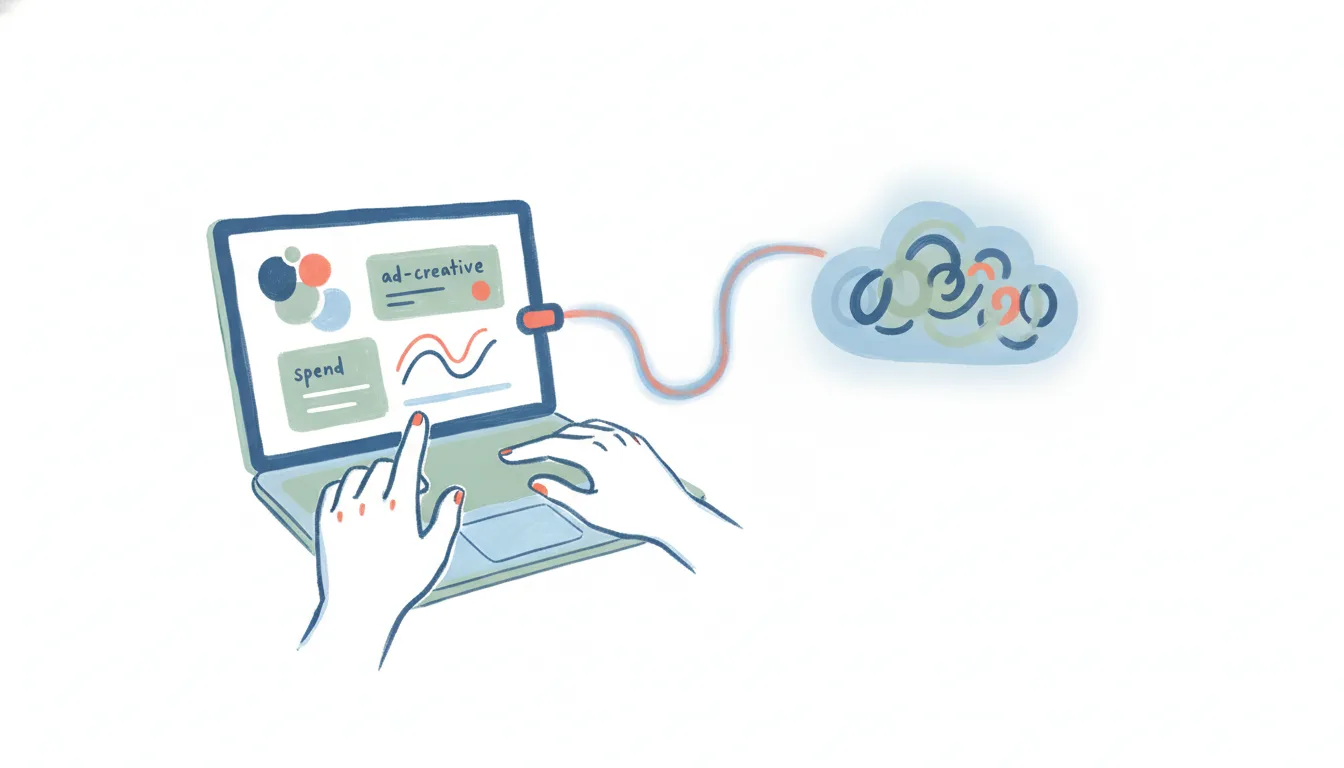
There is an official Meta Ads MCP server. Meta launched Meta Ads AI Connectors in open beta on April 29, 2026 — its own MCP server, hosted at mcp.facebook.com/ads, plus a CLI installed via npm. Two interfaces onto the same API: use the MCP server if you work in a chat client, the CLI if you’d rather script it. That’s the path to start with, and it’s what the rest of this post covers first.
Worth separating from Meta’s other official MCP server: Devtools MCP, for exploring the Graph API, debugging errors, and checking app health. That one is built for developers building on Meta’s platform, not for managing ad campaigns. If you’re searching “Meta Ads MCP,” Devtools MCP is not what you want.
Here’s what the official connector actually does, how to set it up, where any MCP connection stops — and what to use when you want Meta Ads work that runs on its own.
Meta Ads is one of many — the complete list of MCP servers covers every app that ships one, grouped by category.
What an MCP connection to Meta Ads does
Model Context Protocol (MCP) is the open standard that lets an AI client — Claude, ChatGPT, Cursor, and others — talk to an outside app through a shared interface. Meta’s server exposes 29 tools at launch, spanning four areas:
- Reporting — spend, CPA, ROAS, and reach across campaigns, ad sets, and ads, answered from live account data.
- Campaign management — create, pause, or edit campaigns, ad sets, budgets, and targeting without opening Ads Manager.
- Catalog management — inspect and update the product catalog behind your shopping and dynamic ads.
- Signal diagnostics — check whether your pixel, conversions API, and event data are actually landing.
Meta lists ChatGPT and Claude among the third-party AI tools the connector works with, so for most people this is a connector-settings entry rather than anything to install.
Note the boundary: this is the paid side of Meta only. Organic posting, comments, and DMs on the Instagram side are a separate surface — see Instagram MCP for how that half works.
How to connect Meta Ads to AI
Meta gives you two official interfaces onto the same API. Pick by where you work:
- The MCP server. Add
mcp.facebook.com/adsin your AI client’s connector settings and sign in with Meta Business OAuth. There are no developer credentials to create, no API token to rotate, and no code to manage — you approve the ad accounts it can reach and the tools appear in your next turn. - The Ads CLI. Install it via npm if you’d rather script the same capabilities or drive them from a coding agent. Same API underneath; a terminal instead of a chat window.
It’s free during the open beta, and Meta hasn’t announced what it will cost afterward — worth knowing before you build a team habit on top of it.
Either way, read what the connector can actually do before authorizing it. Full write access to a live ad account means budget changes and campaign edits happen without a confirmation screen.
The community servers, and whether you still want one
Before April 2026 the only option was third-party code wrapping Meta’s Marketing API — projects like Pipeboard, brijr/meta-mcp, or gomarble-ai/facebook-ads-mcp-server. They’re still around, and if one covers a Marketing API corner Meta’s 29 tools don’t, that’s a real reason to run it.
But the tradeoff has changed. Those servers need you to generate a Marketing API access token in Meta Business Manager and hand it to code Meta didn’t write, review, or support. That was the cost of entry when there was no alternative. Now that an OAuth path from Meta itself exists, handing a third-party project standing write access to your ad spend is a risk you’re choosing rather than one you’re stuck with.
Where the Meta Ads MCP stops
Meta’s server removes the trust problem. It doesn’t remove the protocol’s limits, and those apply to the official connector exactly as they did to the community ones:
- No triggers. A campaign blowing past its CPA target, a lead-gen form filling out, a creative’s CTR dropping — none of these can start anything through MCP.
Event triggers have arrived in MCP, one app at a time. ChatGPT now lets a plugin start an automation when something changes, on a standard that is still a proposal, and OpenAI's own docs name just Gmail messages, Slack messages and GitHub pull requests as supported events. The CRM, the booking page, the intake form and the invoice are not on the list yet. Carly workflows already start from those, usually within minutes, and hand the result back to the assistant you already work in.
- It’s one app at a time. An MCP server for Meta Ads knows Meta Ads. Getting a new lead into your CRM, a budget alert into Slack, and a weekly spend summary into a sheet means wiring up a separate server for each and hoping your client can juggle them in one turn.
- You still own the scopes. OAuth is a real improvement over pasting a System User token into someone’s repo, but you’re the one deciding which ad accounts an AI client can spend against, and 29 tools includes write.
An MCP connection to Meta Ads is a way to ask about your account and make one-off edits. It’s not a way to make Meta Ads run, reacting to spend or performance on its own.
Running Meta Ads work that doesn’t need a chat open
That gap is where Carly fits. Carly connects to Meta Ads natively — and to the ~260 other apps it supports, plus anything with a public API through your own key. Carly’s workflows are triggered and scheduled, so Meta Ads work happens whether or not anyone has a chat window open.
A few things MCP can’t do but a Carly workflow can:
- When a campaign’s CPA crosses your target → pause the ad set, post the numbers to Slack, and log the change to a tracking sheet — automatically, the moment it happens.
- Every Monday morning → pull last week’s spend and performance across every active campaign and email the summary to whoever owns the budget.
- When a Meta lead-gen form comes in → add the lead to the CRM, route it to the right rep, and draft the first follow-up for approval.
The non-AI steps — pulling the numbers, matching a lead to a rep, updating a sheet — are free, the Zapier-style backbone of the workflow. The AI steps (drafting, summarizing, deciding) start at $35/month. Describe the outcome in plain language and Carly wires up the Meta Ads connection and everything downstream.
If you just want to ask questions about your account from a chat, Meta’s own connector now does that well and costs nothing during the beta. If you want Meta Ads to actually do things — on a trigger, on a schedule, across every app a campaign or lead touches — that’s the job Carly was built for.
FAQ
Does Meta have an official Ads MCP server?
Yes. Meta Ads AI Connectors launched in open beta on April 29, 2026, with an official MCP server at mcp.facebook.com/ads and a CLI installed via npm. It exposes 29 tools covering reporting, campaign management, catalog management, and signal diagnostics, and authenticates with Meta Business OAuth. Don’t confuse it with Devtools MCP, Meta’s other official server, which is for developers building on Meta’s platform — API discovery, debugging, app health — not campaign management.
Is there a free way to connect Meta Ads to AI? Meta’s official connector is free during the open beta, and long-term pricing hasn’t been announced. Community MCP servers are also free, though they need you to generate and hand over a Marketing API token. Either way you need an ad account and the standard Meta Business permissions.
Can an MCP connection to Meta Ads trigger automations? No. MCP is request/response inside an AI chat — it has no triggers, and nothing runs when the conversation is closed. For event- or schedule-driven Meta Ads work across apps, you need a workflow tool like Carly rather than an MCP server.
Can I connect Meta Ads to AI without coding or hosting a server? Yes. You don’t need to touch MCP, vet a third-party server, or generate a Marketing API token yourself. Carly connects to Meta Ads for you and lets you build the automation in plain language — describe what you want to happen and it wires up the ad account and the other apps involved, with no server to host and no code to write.
Ready to automate your busywork?
Carly schedules, researches, and briefs you—so you can focus on what matters.
See what people say
"Before Carly, I relied on a Calendly link, but the whole process felt impersonal and not very professional. Carly changed that by handling all the back-and-forth, so I'm no longer stuck in endless email threads trying to line up schedules.
Now Carly reaches out to candidates, shares my real-time availability, lets them pick a slot, then sends a Zoom link and drops it straight into my calendar. She sends reminders to both of us before each call, which has significantly reduced no-shows and last-minute confusion.
On top of scheduling, Carly acts like a full executive assistant, sending me my schedule the night before so I can prepare for each call. It reminds me of the old x.ai assistant, but Carly is noticeably smarter, faster, and better suited to my healthcare recruitment business."


