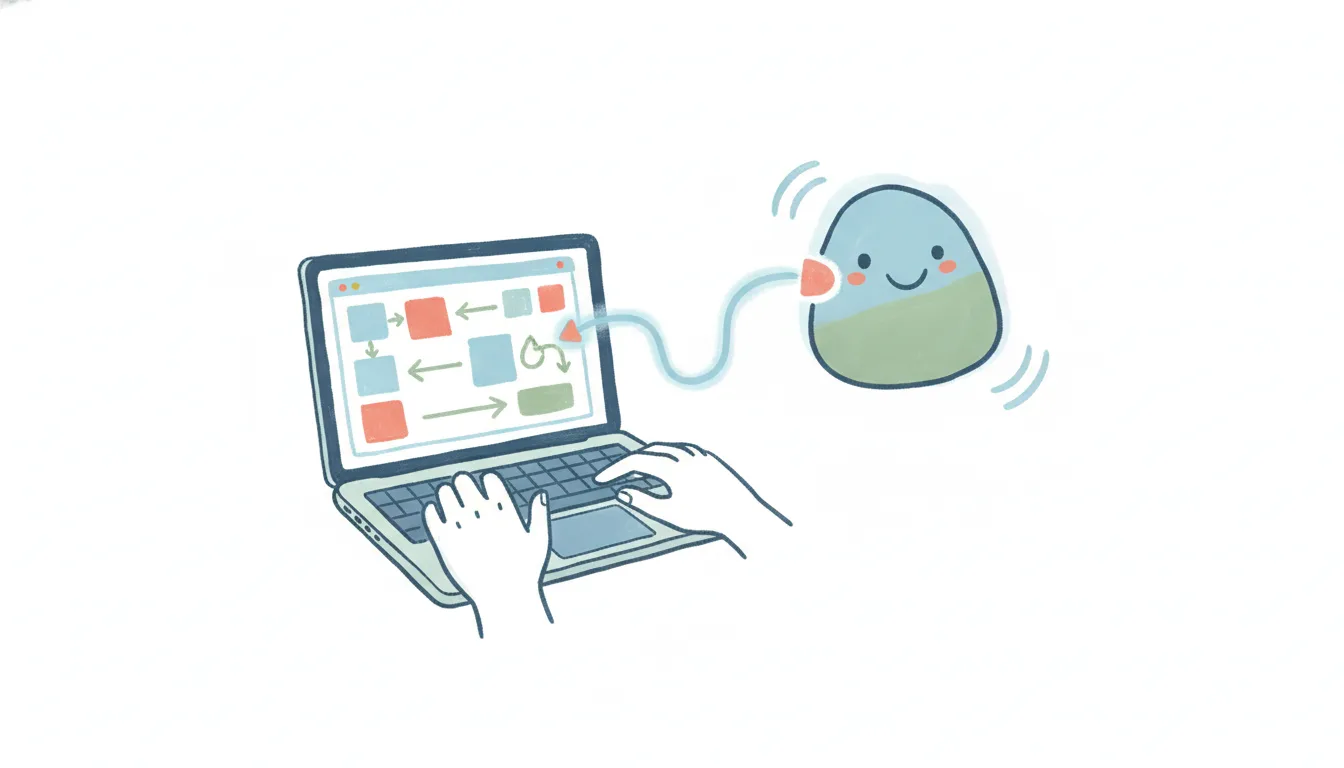
Miro MCP: Official Server for Reading and Building Boards
Yes — Miro has an official MCP server. Miro built and ships mcp.miro.com itself, announced in February 2026 alongside Anthropic, AWS, GitHub, Google, and Windsurf, so any MCP-compatible AI client can read, search, and build on your boards. If you’re searching “Miro MCP,” the connection you want is real and Miro-maintained, not a workaround.
The thing worth knowing before you set it up: an MCP server hands your boards to an AI inside a conversation you start. It’s a doorway, not a worker. Nothing watches a board for you, nothing fires when a teammate drops a new sticky note or resolves a comment, and nothing runs while the chat is closed. Here’s exactly what the Miro MCP does, how to turn it on, where it stops — and what to use when you want Miro work that runs on its own.
See also: the full MCP server list — which apps have one, and what each can reach.
What the Miro MCP server does
Model Context Protocol (MCP) is the open standard that lets an AI client — Claude, Cursor, GitHub Copilot, and others — talk to an outside app through a shared interface. Miro’s official server bundles more than 20 tools across seven skills: browse, code-review, code-spec, code-explain-on-board, diagram, doc, and table. With it connected, an AI client can:
- Find and summarize board content — “what did the team decide in last week’s retro board?” answered from the actual sticky notes and frames.
- Build structured layouts — generate a workshop template, a retro board, or a set of user-story cards directly onto a Miro board.
- Turn code into diagrams — visualize a codebase’s architecture, sequence flow, or entity relationships on a board without hand-drawing it.
- Read and act on comments — pull open feedback threads on a board and draft responses or resolve them.
- Create and rearrange widgets — add shapes, images, tables, and documents, or reflow an existing layout.
It’s genuinely useful for the moment you’re already in a Miro-adjacent conversation: ask a question about a board, get an answer grounded in what’s actually on it, generate or edit something on the spot.
How to set up the Miro MCP server
Miro’s server is remote and hosted by Miro — no code, no server of your own to run:
- Point your MCP-compatible client at
https://mcp.miro.com/. Claude Web and Desktop have a built-in Miro connector you can add from the ”+” icon in chat; Claude Code adds it withclaude mcp add --transport http miro https://mcp.miro.com; Cursor has an official Miro plugin in its marketplace. - Authorize through the OAuth 2.1 prompt — you’re granting the AI client the same board permissions your Miro account already has, nothing more.
- If your client already ships a dedicated Miro plugin, use only that one. Adding
mcp.miro.commanually on top of it creates a second, independent connection and duplicate tools. - Enterprise Miro accounts need an admin to enable the MCP server org-wide before individual members can connect.
Requests are metered by Miro’s standard API rate limits, same as any other API client.
Where the Miro MCP stops
None of this is a knock on MCP — it’s just the shape of the protocol. Four limits show up the moment you want more than a conversation:
- It only works inside a chat you start. Close the window and nothing happens. The AI doesn’t watch your boards; it waits for you to ask.
- No triggers. A new sticky note, a comment resolved, a card moved to “Done” — none of these can start anything through MCP. There’s no “when this happens on the board, do that.”
- It’s one app at a time. The Miro MCP knows Miro. Getting a finished retro action item into Asana, a Slack channel, and a calendar invite means wiring up (and authing) a separate MCP server for each, then hoping your client can juggle them in one turn.
- You own the plumbing and the scopes. OAuth authorization, per-client connections, and the blast radius of read/write access to every board you can see are all on you.
So the Miro MCP is a great way to ask about a board and make one-off edits or diagrams. It is not a way to make Miro run — to have work happen on a schedule or in reaction to an event, across the other tools a board’s output touches.
Running Miro work that doesn’t need a chat open
That “run on its own, across apps” gap is exactly where Carly fits. Carly connects to Miro natively — no MCP server to configure, no OAuth prompt to babysit per client — and to the ~260 other apps it supports, plus anything with a public API through your own key. The difference from MCP is the important part: Carly’s workflows are triggered and scheduled, so Miro work happens whether or not anyone has a board or a chat open.
A few things that MCP can’t do but a Carly workflow can:
- When a new card lands in a “Ready” frame on a planning board → create the matching task in Asana or Linear and post it to the team’s Slack channel, automatically.
- Every Friday afternoon → pull the week’s retro board, summarize the action items, and email the list to the team lead.
- When a comment thread gets a client’s “approved” → export the board section as an image, drop it in the shared Drive folder, and draft the next-steps note for the account owner.
The non-AI steps — the moving, matching, and routing between apps — are free, the Zapier-style backbone of the workflow. The AI steps (drafting, summarizing, deciding) start at $35/month. You describe the outcome in plain language and Carly wires up the Miro connection and everything downstream.
If you just want to ask a board questions or generate a diagram from a chat, Miro’s official MCP server is the right tool and it’s free to connect. If you want Miro work to actually happen — on a trigger, on a schedule, across every app a board’s output flows into — that’s the job MCP wasn’t built for, and it’s the one Carly was.
FAQ
Does Miro have an official MCP server?
Yes. Miro built and hosts it at mcp.miro.com, announced in February 2026 with Anthropic, AWS, GitHub, Google, and Windsurf, and it’s generally available today (enterprise accounts need admin enablement).
Is the Miro MCP server free? Connecting is free — you’re authorizing an AI client against your existing Miro account and board permissions. Requests are subject to Miro’s standard API rate limits, and you still need whatever Miro plan your boards live on.
Can the Miro MCP server trigger automations? No. MCP is request/response inside an AI chat — it has no triggers and nothing runs when the conversation is closed. For event- or schedule-driven Miro work across apps, you need a workflow tool like Carly rather than an MCP server.
What AI tools can connect to Miro over MCP?
Claude (Web, Desktop, and Code), Cursor, GitHub Copilot, VS Code, Windsurf, Replit, Lovable, Gemini CLI, AWS Kiro, Amazon Q, OpenAI Codex, and Devin all support connecting to mcp.miro.com.
Can I connect Miro to AI without coding or hosting a server? Yes. You don’t have to touch MCP at all. Carly connects to Miro for you and lets you build the automation in plain language — describe what you want to happen and it wires up the board connection and the other apps involved, with no server to host and no code to write.
Ready to automate your busywork?
Carly schedules, researches, and briefs you—so you can focus on what matters.
See what people say
"Before Carly, I relied on a Calendly link, but the whole process felt impersonal and not very professional. Carly changed that by handling all the back-and-forth, so I'm no longer stuck in endless email threads trying to line up schedules.
Now Carly reaches out to candidates, shares my real-time availability, lets them pick a slot, then sends a Zoom link and drops it straight into my calendar. She sends reminders to both of us before each call, which has significantly reduced no-shows and last-minute confusion.
On top of scheduling, Carly acts like a full executive assistant, sending me my schedule the night before so I can prepare for each call. It reminds me of the old x.ai assistant, but Carly is noticeably smarter, faster, and better suited to my healthcare recruitment business."