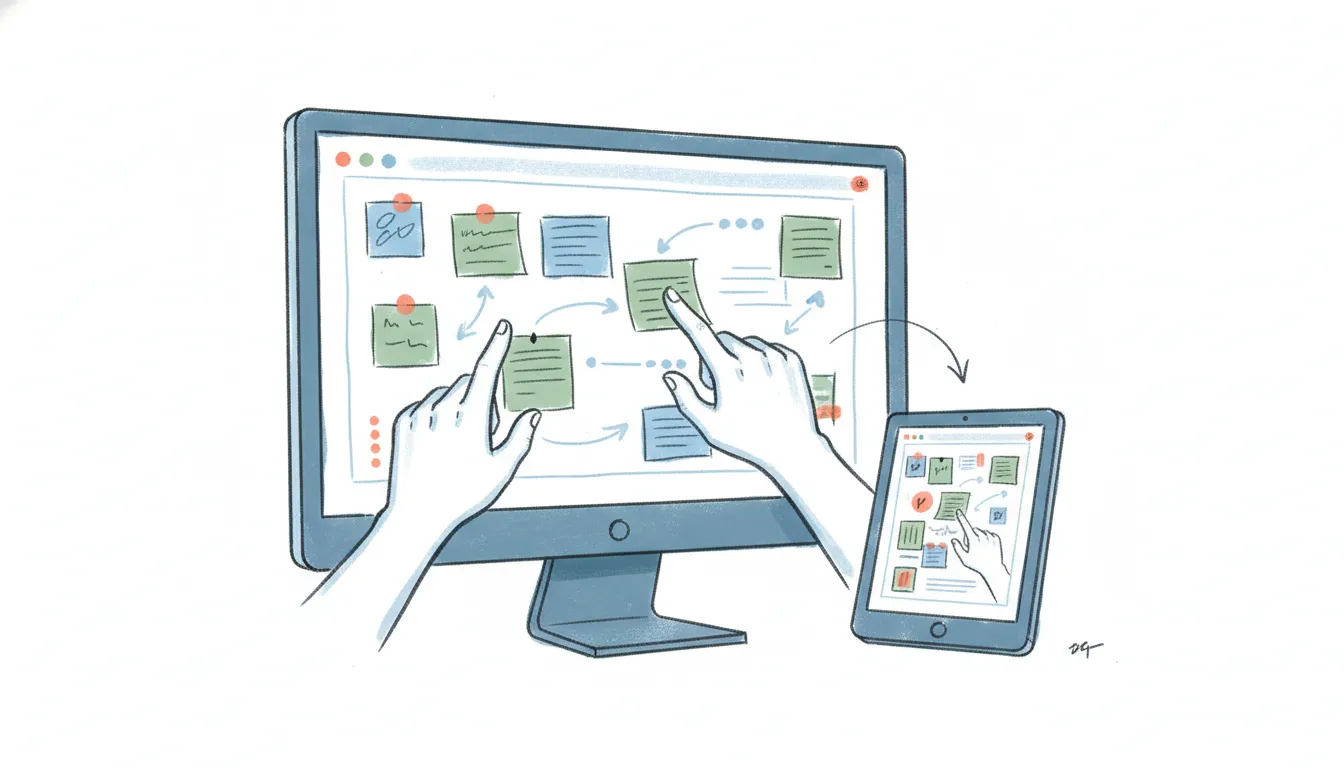
7 Best Mural Alternatives in 2026 (Cheaper Boards, Better AI)
Mural still runs a genuinely good workshop — its facilitation tools (locked views, timers, private brainstorm mode, structured voting) are the reason facilitators keep it in the toolkit. But the reasons people go looking for Mural alternatives in 2026 are consistent: the Free plan now caps you at 3 murals total (not 3 members, 3 boards ever), paid plans start at $9.99/user/month on Team+ and jump to $17.99 for Business, and the AI on the canvas still feels like “summarize these stickies” while rivals have moved to reading your whole board and acting on it. If you’re paying per seat for a whiteboard your team opens twice a month, or you need something a Figma-native design team will actually use, here are the seven tools worth switching to.
1. Miro
The closest one-to-one Mural replacement, and the tool most teams land on when they leave.
What makes it different from Mural: Miro keeps the same infinite-canvas, sticky-notes, voting, and facilitation model Mural users already know, but with a broader template library, a cheaper entry tier, and a much more aggressive AI roadmap. Miro has repositioned from “whiteboard” to a full product-development platform — AI “sidekick” agents, prompt-to-prototype, and MCP support — so it’s the pick if you want the AI on the board to actually do work, not just cluster notes. Migration is straightforward and the muscle memory transfers almost exactly. (We break the head-to-head down in detail in Miro vs Mural.)
Best for: Teams that want everything Mural does, cheaper, plus a serious AI layer.
Pricing: Free (3 boards); Starter $8/user/month annually; Business $20/member/month.
2. FigJam
Figma’s collaborative whiteboard, and the obvious move for any team already living in Figma.
What makes it different from Mural: FigJam sits inside the Figma ecosystem, so whiteboards flow directly into design files with no export dance. Since March 2025, FigJam comes bundled with every paid Figma seat, and design-adjacent staff can edit it on a cheaper “Collab” seat (~$5/month) rather than a full design seat. The catch, now that Figma is independent post-IPO: FigJam’s AI features draw from a monthly, per-seat AI-credit allowance that resets without rollover, so heavy AI use can hit a wall. For product and design teams the tight Figma integration usually outweighs that.
Best for: Product and design teams whose work already ends up in Figma.
Pricing: Free (3 FigJam files, 2 editors); FigJam via Collab seats ~$5/user/month.
3. Lucidspark
The whiteboard half of the Lucid suite, tightly paired with Lucidchart’s structured diagramming.
What makes it different from Mural: Lucidspark’s edge is the handoff from messy brainstorm to formal diagram — you can take sticky-note chaos in Lucidspark and turn it into a clean Lucidchart flowchart or org chart without leaving the suite. That’s a workflow Mural doesn’t really have. It also lands well with IT and enterprise buyers who already standardize on Lucid for architecture and process diagrams, so it’s an easy internal sell.
Best for: Teams that brainstorm loosely then need to formalize into real diagrams.
Pricing: Free (3 boards); Individual $9/month; Team $10/user/month.
4. Whimsical
A fast, opinionated canvas for flowcharts, wireframes, mind maps, and docs — deliberately less sprawling than Mural.
What makes it different from Mural: Where Mural is an open infinite canvas you can fill with anything, Whimsical is structured and quick: its flowcharts snap into place, its wireframes and mind maps are purpose-built, and the whole thing loads fast without the “empty ocean of canvas” feeling. Teams that found Mural boards drifting into visual clutter by hour two often prefer Whimsical’s guardrails. AI actions exist but are capped on the free tier.
Best for: Teams that want tidy flowcharts and wireframes, not a boundless canvas.
Pricing: Free (3 boards, 100 AI actions/editor); Pro $10/editor/month; Business $15/editor/month.
5. Excalidraw
Open-source, free, and privacy-first — the developer favorite for fast visual thinking.
What makes it different from Mural: Excalidraw is free to use with no account required, open source (90,000+ GitHub stars), self-hostable for full data ownership, and its hand-drawn aesthetic makes rough diagrams feel appropriately rough. There’s no per-seat tax and no facilitation-suite overhead — it’s just a fast, end-to-end-encrypted canvas. Excalidraw+ adds cloud storage, collaboration, and AI for about $7/user/month if you want a hosted version. It won’t run a structured 30-person workshop, but for engineering diagrams and quick sessions it replaces most of what teams used Mural for.
Best for: Developers and privacy-conscious teams who want a free, fast, self-hostable canvas.
Pricing: Free (open source, self-hostable); Excalidraw+ ~$7/user/month.
6. Klaxoon
A facilitation-first platform built to make sessions feel like an event, not another meeting.
What makes it different from Mural: Klaxoon out-facilitates Mural on its own home turf. Alongside a standard whiteboard (Board), it adds live audience tools — quizzes, polls, energizer games, and structured activities — that drive participation in a way Mural’s voting and timers don’t quite match. If your Mural complaint is that workshops feel flat or one-directional, Klaxoon is built for exactly that. Pricing is per host rather than per participant, which suits a few facilitators running sessions for large groups.
Best for: Trainers and facilitators who run high-energy, interactive live sessions.
Pricing: Free (up to 50 monthly contributors, one open activity); Starter $24.90/host/month.
7. Stormboard
A structured-grid whiteboard focused on turning ideation into exportable, prioritized outputs.
What makes it different from Mural: Stormboard fixes the one thing Mural workshops often break — a board that drifts into chaos by hour two. Its grid-based structure keeps ideas organized through brainstorming, voting, and prioritization, then exports clean reports (spreadsheets, docs, slides) so a session actually produces a decision artifact rather than a screenshot of stickies. It’s the pick when the meeting is only worthwhile if something ships out the other end.
Best for: Teams that need structured ideation to end in a real, exportable deliverable.
Pricing: Free (Personal); Business $8.33/user/month annually ($10 monthly).
Mural Alternatives Compared
Whichever whiteboard you land on, Carly can hook right in — native integrations for Miro and Figma, plus bring-your-own API key for anything else, so the follow-ups, action items, and scheduling that come out of a workshop get handled without you leaving your inbox.
| Tool | Best for | Free plan | Starting paid price | AI focus |
|---|---|---|---|---|
| Miro | Closest Mural replacement | 3 boards | $8/user/mo | Agents, prompt-to-prototype |
| FigJam | Figma-native teams | 3 files, 2 editors | ~$5/user/mo (Collab) | Per-seat AI credits |
| Lucidspark | Brainstorm → diagram | 3 boards | $9/mo | Assisted grouping |
| Whimsical | Tidy flowcharts/wireframes | 3 boards | $10/editor/mo | Capped AI actions |
| Excalidraw | Free, private, dev canvas | Unlimited (open source) | ~$7/user/mo | Excalidraw+ AI |
| Klaxoon | Live facilitation/events | 50 contributors/mo | $24.90/host/mo | Activity-driven |
| Stormboard | Exportable, structured outputs | Personal free | $8.33/user/mo | Report generation |
| Mural | Structured facilitation | 3 murals total | $9.99/user/mo | Sticky summarization |
FAQ
Why are people leaving Mural in 2026? Three reasons dominate: the Free plan is capped at 3 murals total, paid seats start at $9.99/user/month (Team+) and rise to $17.99 for Business, and Mural’s on-canvas AI still centers on summarizing sticky notes while competitors like Miro have moved to agents that read and act on the whole board. Teams that only open a whiteboard occasionally often can’t justify the per-seat cost.
What’s the closest alternative to Mural? Miro. It matches Mural’s infinite-canvas, sticky-notes, voting, and facilitation model most closely, has a cheaper entry tier, and a broader template library — so the switch is nearly frictionless. See the full Miro vs Mural comparison, or the wider Miro alternatives roundup if Miro itself isn’t the fit.
Is there a genuinely free Mural alternative? Yes — Excalidraw is free, open source, and self-hostable with no per-seat cost, and both Miro and Lucidspark offer free plans (3 boards each). For casual whiteboarding those free tiers cover a lot before you ever pay.
Which alternative is best for running workshops? Klaxoon for high-energy, interactive live sessions, and Stormboard when the workshop has to end in a structured, exportable deliverable. Both push past Mural’s timers-and-voting facilitation model in different directions.
Do Mural alternatives work if my team already uses Figma? FigJam is the natural choice — it’s bundled with paid Figma seats and whiteboards flow straight into design files, though its AI runs on a monthly per-seat credit allowance. If you’d rather leave the Figma world entirely, see Figma alternatives.
Ready to automate your busywork?
Carly schedules, researches, and briefs you—so you can focus on what matters.
See what people say
"Before Carly, I relied on a Calendly link, but the whole process felt impersonal and not very professional. Carly changed that by handling all the back-and-forth, so I'm no longer stuck in endless email threads trying to line up schedules.
Now Carly reaches out to candidates, shares my real-time availability, lets them pick a slot, then sends a Zoom link and drops it straight into my calendar. She sends reminders to both of us before each call, which has significantly reduced no-shows and last-minute confusion.
On top of scheduling, Carly acts like a full executive assistant, sending me my schedule the night before so I can prepare for each call. It reminds me of the old x.ai assistant, but Carly is noticeably smarter, faster, and better suited to my healthcare recruitment business."