Pally AI Review (2026): Features, Pricing & Limits
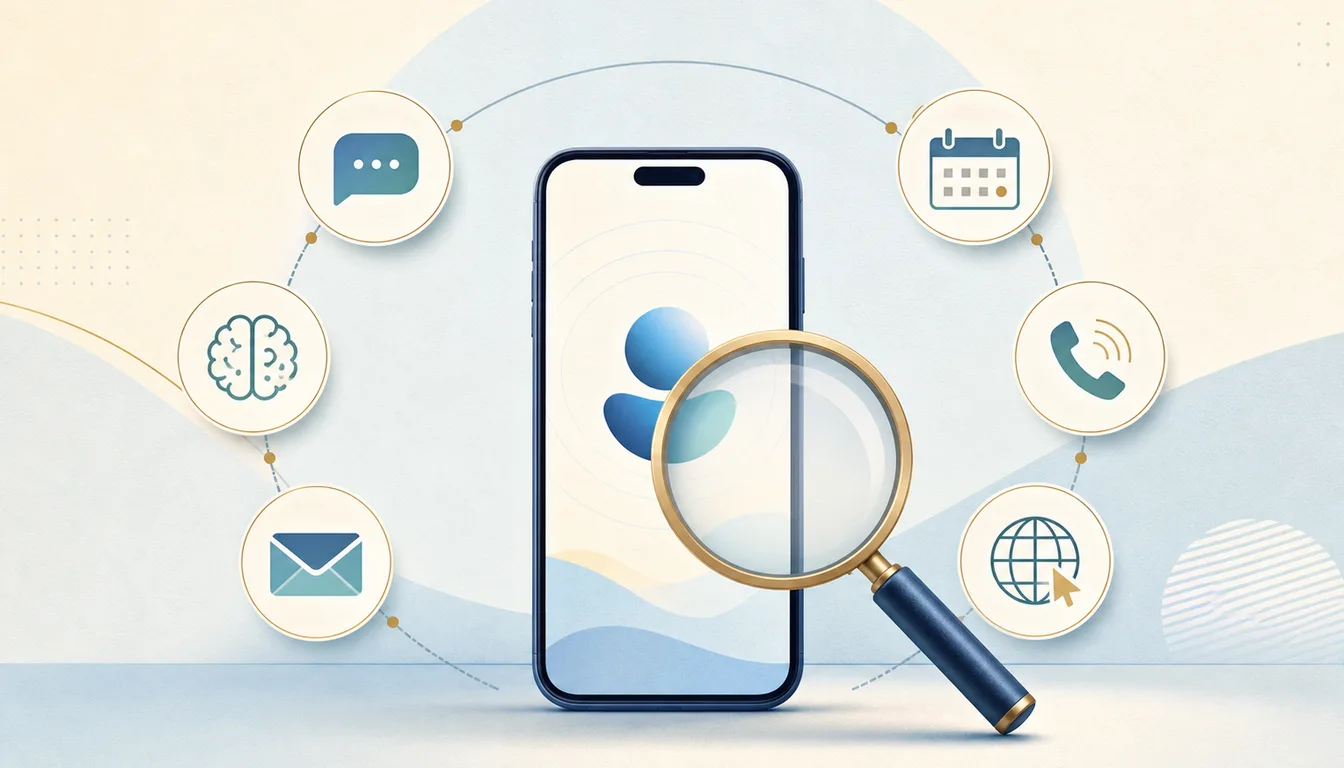
Pally is one of the most complete personal AI assistants available in 2026, and since October 12 it is free. Its best trick is not chat: it assembles context from your messages, email, calendar, documents, tasks, location, and the web, then reaches you in iMessage, RCS, or Telegram before something slips. Everything that used to need the $100/month Max plan, including calls, browser errands, instant automations, and Pally’s own phone number and email, now comes with the free product. Pally says it plans to make its money from merchant fees when you buy something through it.
Pally is not the best choice for every kind of delegation. It is built around one person’s life and connected identities. A business that wants several specialized, client-facing agents or deeper CRM and operational workflows should compare Carly. A professional who wants one ambient work assistant should compare Town.
Research note: This review is based on Pally’s live product pages, pricing, privacy explanation, and public change log, first reviewed on July 30, 2026 and updated on October 13, 2026 after Pally retired its paid plans. It is a product and buying analysis, not a claim that we completed a months-long hands-on test.
Pally AI at a Glance
| Pally (checked Oct 13, 2026) | |
|---|---|
| What it is | A personal assistant reached through iMessage on Apple devices, RCS on Android, or Telegram |
| What it connects to | iMessage, WhatsApp, Gmail, Outlook, iCloud, Google Calendar, Drive, Notion, Linear, Slack, GitHub, Jira, Todoist, Granola, X, the web, and more |
| What it does | Briefings, reminders, message monitoring, email and calendar actions, research, automations, calls, browser tasks, and purchases |
| Price | Free: every connection, unlimited automations, calls, and its own phone number and email |
| Usage | One usage limit that refills through the week; chat keeps working past it |
| Paid options | A Cloud Mac add-on, and an invite-only VIP plan at $1,000/month with higher limits |
| How it makes money | Pally says it plans to earn a fee from merchants when you buy through it |
| Best for | People who want proactive personal context across messages and daily life |
| Main limitation | Built around one person’s life, not a team’s business processes |
What Pally Actually Does
Pally is a phone contact, not another destination app. On Apple devices you reach it in iMessage; on Android it uses RCS in Google Messages; anyone can also message it on Telegram. You can also connect WhatsApp, email, Slack, calendars, documents, task systems, meeting notes, and other sources. The assistant remembers people and plans, prepares a morning brief, flags messages that need attention, and runs user-defined automations.
The July 2026 change log is important because Pally changed quickly after relaunching:
- It can watch an iMessage, WhatsApp, Gmail, Outlook, or Slack conversation and reply in your style, with private escalation when it needs a decision.
- It can reply inside existing Gmail and Outlook threads, manage inbox state, and create or edit calendar items.
- It can write to Notion, Linear, Google Drive, Docs, and Sheets.
- It can join iMessage groups with scoped access and private approval for sensitive actions.
- It can create reusable skills and recurring automations.
- It can sign into websites with logins you save, build a cart, and pay with a one-time card from your connected wallet, under that wallet’s approval settings.
- It can use location for place-based reminders and travel context.
Those are action features, not just summaries. Pally checks with you before it sends, books, or buys anything you haven’t already asked for or approved. Since October, a call, invite, or forward you asked for runs without a second confirmation, so the approval step mostly catches things Pally proposes on its own.
What Pally Gets Right
It starts where people already communicate
There is no behavior change on the front end. You text a number. That matters more than another dashboard feature because an assistant is only useful if delegating takes less effort than doing the job yourself.
It combines context across personal channels
Most work assistants can read email and calendar. Pally’s differentiator is the addition of iMessage, WhatsApp, personal relationships, groups, location, travel, reminders, and daily-life context. Its morning brief can reconcile several parts of your life instead of summarizing one inbox.
The free product is the whole product
Free includes every app connection, unlimited custom automations (including ones that fire the moment an email or message arrives), calls, browser bookings and purchases, and Pally’s own phone number and email. There is one usage limit, which refills through the week, and Pally warns you before you reach it. The plan tiers that used to gate these features are gone.
Approvals are specific rather than universal
Pally updates your own notes, tasks, documents, and calendar without repeatedly asking, and runs the calls, invites, and forwards you explicitly request. It saves confirmation for outward actions it proposes itself, and purchases follow your wallet’s approval settings. That draws a useful line between low-risk housekeeping and actions with consequences.
Where Pally Is Weaker
The business model is still a plan
Pally’s own explanation is that it “plans to earn its money from the businesses it sends you to”: a fee from the merchant when you buy something through it, with a promise that merchants can never pay to change what it recommends. That revenue is a stated plan, not an established one. Pally launched Free, Pro, and Max plans in July 2026 and retired the paid ones three months later, and CEO Haz Hubble’s launch post lists what free includes without saying how it gets paid for. The model also means Pally earns when you buy, which fits a product built around bookings, purchases, and errands.
It is one personal assistant, not an agent team
Pally’s memory compounds because it treats your life as one connected world. That is a strength personally and a boundary operationally. A company may not want sales follow-up, recruiting, billing, and client scheduling to share one identity, one permission surface, and one instruction set.
Personal breadth can exceed business depth
Pally connects to major work apps and can add custom integrations, including MCP servers. Its center of gravity is still personal orchestration. A business workflow may need dedicated triggers, branching logic, auditability, and specialized access across CRM, support, accounting, and marketing systems.
Rich context requires real trust
Pally becomes more useful as you connect more intimate data. The company says data is encrypted in transit and at rest, and that its model providers do not train on Pally customer data. Even with those controls, users should connect incrementally, review permissions, and decide whether the benefit is worth centralizing messages, email, location, documents, and relationship context in one service. Read the product’s current privacy terms before connecting everything.
Pally Pricing Explained
Pally is free, with no card, waitlist, or invitation. The free product includes everything that used to sit on the $100/month Max plan: every app connection, unlimited custom automations, calls, browser bookings and purchases, media generation, and Pally’s own phone number and email address. Usage runs on one limit that refills through the week. Pally tells you before you reach it, and chat keeps working if you do.
Two paid options remain. Cloud Mac is a separate add-on. Pally VIP is invite-only at $1,000/month or $10,000/year, with higher usage limits and the same AI models as the free plan.
As for how a free assistant pays for itself, Pally says it plans to take a fee from merchants when you buy something through it. The $25/month Pro and $100/month Max plans that older reviews describe no longer exist.
Pally vs Carly
| Pally | Carly | |
|---|---|---|
| Design center | One person’s work and life | Delegated business work |
| Primary interface | iMessage / RCS / Telegram | Email and text |
| External identity | Its own phone and email, free | Each agent has its own email identity |
| Agent structure | One personal assistant | Multiple specialized agents |
| Personal channels | Deep iMessage, WhatsApp, groups, location | Lighter personal context |
| Business systems | Growing set plus custom connections | Thousands of apps |
| Pricing | Free; plans to earn merchant fees on purchases | Free Zapier-style workflows; AI agents from $35/month |
| Best for | Personal awareness, communication, errands | Client-facing and repeatable operational workflows |
Pally is honestly better if you want an assistant inside your personal conversations, or if calling restaurants and contractors is the job. Carly is better if you want a named agent to sit on customer threads, update systems, and own a defined business process without speaking as you.
The pricing difference follows from that split. Pally plans to fund free use from the purchases and bookings it makes for you. Follow-ups, CRM updates, and client scheduling have no merchant on the other end, so Carly charges for its AI agents and keeps its Zapier-style workflows free.
Who Should Choose Pally?
Choose Pally if most of these are true:
- Your life already runs through iMessage, Google Messages, or Telegram.
- Important context is split across personal messages, WhatsApp, email, and calendar.
- You want proactive briefs and reminders, not only answers on demand.
- You are comfortable connecting personal data to a cloud assistant.
Look at Pally alternatives if you primarily need business agents, a voice-first scheduler, a family organizer, or a more structured inbox workflow. Pally is excellent at being one informed personal assistant; it is less compelling when the job should belong to a narrowly scoped worker.
FAQ
Is Pally AI free?
Yes. Since October 12, 2026, Pally is free for everyone, with every feature and one usage limit that refills through the week. The only paid options are a Cloud Mac add-on and an invite-only VIP plan at $1,000/month.
How does Pally make money if it’s free?
Pally says it plans to take a fee from merchants when you buy something through it, and that merchants can never pay to change what it recommends. It also sells the Cloud Mac add-on and the invite-only VIP plan. The merchant-fee model is a stated plan rather than an established revenue stream.
Is Pally an app?
Pally is mainly a phone contact. It works through iMessage on iPhone, iPad, and Mac, RCS in Google Messages on Android, or Telegram. A web dashboard manages connections, automations, usage, and settings.
Can Pally send email and messages for me?
Yes. It can reply in Gmail and Outlook threads and watch conversations across email, iMessage, WhatsApp, and Slack. It acts through your connected accounts, and it also has its own email address and phone number for when it should write as your assistant. It checks with you first on anything you haven’t already asked for.
Does Pally work with Outlook?
Yes. Pally can read and manage Outlook inbox content, reply inside threads, send new messages, and use Outlook calendars for scheduling. Personal Microsoft accounts have some provider-side search limitations, which Pally works around by reading recent mail.
Related: Pally alternatives · Pally vs Town · Town AI review · Best AI personal assistants
Ready to automate your busywork?
Carly schedules, researches, and briefs you—so you can focus on what matters.
See what people say
"Before Carly, I relied on a Calendly link, but the whole process felt impersonal and not very professional. Carly changed that by handling all the back-and-forth, so I'm no longer stuck in endless email threads trying to line up schedules.
Now Carly reaches out to candidates, shares my real-time availability, lets them pick a slot, then sends a Zoom link and drops it straight into my calendar. She sends reminders to both of us before each call, which has significantly reduced no-shows and last-minute confusion.
On top of scheduling, Carly acts like a full executive assistant, sending me my schedule the night before so I can prepare for each call. It reminds me of the old x.ai assistant, but Carly is noticeably smarter, faster, and better suited to my healthcare recruitment business."