TickTick MCP: The Official Server, and the Webhook Gap
Yes — TickTick has an official MCP server. TickTick hosts it itself at https://mcp.ticktick.com, and it lets any MCP-compatible AI client read, create, and complete your tasks. So if you’re searching “TickTick MCP,” you don’t need one of the community projects on GitHub anymore. The one you want is TickTick’s own, and it covers more of the app than the community servers can.
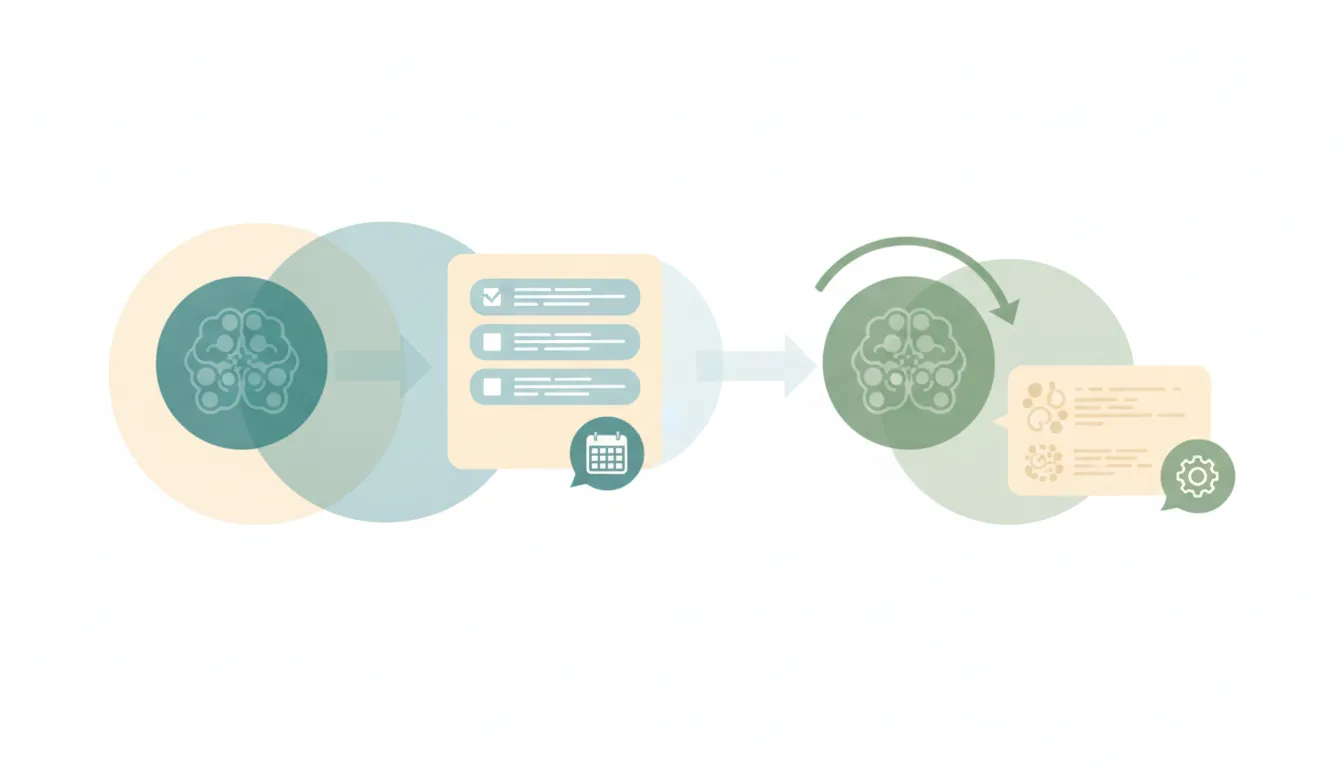
The thing worth knowing before you set it up: an MCP server hands your task list to an AI inside a conversation you start. It’s a doorway, not a worker. Nothing watches TickTick for you, nothing fires when a task comes due, and nothing runs while the chat is closed. Here’s exactly what the TickTick MCP does, how to turn it on, the difference between the official server and the community ones, and what to use when you want TickTick work that runs on its own.
TickTick is one of many — the complete list of MCP servers covers every app that ships one, grouped by category.
What the TickTick MCP server can do
Model Context Protocol (MCP) is the open standard that lets an AI client — Claude, ChatGPT, Cursor, VS Code, and others — talk to an outside app through a shared interface. TickTick’s implementation is a remote, hosted server, so there’s nothing to install and no code to run.
Per TickTick’s own documentation, the server exposes tools in six groups:
- Task queries — “what’s on my plate today?”, “list my high-priority tasks this week”, “what did I finish last week?”
- Task management — create, update, complete, and move tasks between lists.
- List management — read and organize your lists.
- Habit management — check in on habits, which is unusual for a task-app API and genuinely useful.
- Focus records — read your Pomodoro and focus history.
- Countdown — read countdown items.
The natural-language part works about as well as you’d hope. “Buy some plants today, visit the park this weekend, and celebrate my friend’s birthday next Tuesday — add all of these to my Life list” gets parsed into three separate tasks with the right dates, in the right list.
TickTick is explicit that this is the basic surface: task, list, habit, focus record, and countdown operations, with other advanced features not supported yet. So don’t expect it to touch calendar view, filters, smart lists, or collaboration features.
How to connect the TickTick MCP server
The connection URL is the same for everyone — https://mcp.ticktick.com — and it authenticates as you over OAuth. Two things to know up front: it supports Streamable HTTP only (no SSE, so an SSE-only client can’t connect at all), and if your client doesn’t handle OAuth you can fall back to a Bearer token from Settings > Account > API Token in the TickTick web app.
Claude Desktop: go to Customize > Connectors, click ”+”, choose Add Connector, paste the URL, then complete the OAuth prompt. Available across Claude’s plans, though free accounts are capped at one custom connector — see Claude’s connector setup for the fuller picture.
ChatGPT: Settings > Security and login, turn on Developer Mode, then open Plugins, click Add, choose Create MCP App, paste the URL, authorize. This is on the web and requires a paid ChatGPT account. Our ChatGPT MCP servers guide covers the Developer Mode path in more detail.
Claude Code: claude mcp add --transport http ticktick https://mcp.ticktick.com/, then run /mcp to authorize.
Cursor, VS Code, Codex, and TRAE are all documented too — same URL, each with its own config file or add-server command.
Whichever client you use, authorize it and then ask it to read something before you let it write anything. OAuth tokens refresh automatically, so you shouldn’t have to sign in again unless you revoke access or leave it idle for a long stretch.
The community TickTick MCP servers, and why they do less
Before TickTick shipped its own, several developers built MCP servers against TickTick’s public API — jacepark12/ticktick-mcp, jen6/ticktick-mcp, alexarevalo9/ticktick-mcp-server, and others. They’re real and some are well-made, but they are community projects, not TickTick software: unofficial, unsupported, and dependent on whoever maintains them.
More practically, they’re capped by something the official server isn’t. Every community server is built on TickTick’s Open API, and that API is narrow:
- Two scopes only —
tasks:readandtasks:write. That’s the entire permission model. - A handful of endpoints — list your projects, get one project and its tasks, then get, create, update, complete, and delete individual tasks.
- No habits, focus records, or countdowns. These simply don’t exist in the Open API, which is why the official MCP can check in on a habit and a community server can’t.
- No search endpoint and no tag endpoint. Finding a task means pulling projects and filtering client-side.
- No way to list all tasks at once. There’s no “give me everything due today” call — you walk project by project.
So the official server is the better choice on capability alone. The community ones remain interesting mainly if you want to self-host or modify the behavior. Either way, you’ll need to register an OAuth2 app at developer.ticktick.com to run one, which is a step the official server spares you entirely.
The limit that decides what’s actually automatable: no webhooks
Here’s the constraint that matters most, and it’s easy to miss because it’s a thing that isn’t in the docs rather than a thing that is. TickTick’s Open API has no webhooks. There is no way for TickTick to notify anything when a task is created, completed, moved, or comes due. Nothing on TickTick’s side can push.
That’s separate from, and compounds, the limits of the protocol itself.
Connecting an MCP server used to give an assistant reach and nothing else. ChatGPT changed that with automations that fire on MCP events, yet the standard is still a draft, and OpenAI's docs list just three apps whose events can start a task: Gmail, Slack and GitHub. Everything else still waits to be asked. Carly covers more of it: its workflows start from an incoming email, a booking, a CRM change or a new spreadsheet row, and it can check any app with an API, then report back in the same chat.
Stack the two and you get the honest picture. An MCP connection can’t notice anything on its own, and TickTick can’t tell it anything either. So this whole category of thing is off the table through MCP:
- “When I complete a task tagged
client, log the time and email the client an update.” - “When a task goes overdue, ping me in Slack.”
- “When a task lands in my Inbox with a date, put a block on my calendar for it.”
None of that fires. Not because your setup is wrong, but because neither layer has an event mechanism. Anything resembling a trigger has to be built by polling — something checking TickTick on a timer and diffing the results — and MCP has no scheduler to do the checking.
And this isn’t a gap the big assistants have closed either.
Give Claude's scheduled tasks a time and they will run. Give them something that just happened and they will not. ChatGPT goes further, but only on web and mobile, and only for apps whose plugin supports events: OpenAI documents Gmail, Slack and GitHub and has not named the rest. A lead moving stage, a form landing, an invoice clearing: neither one has a published way to start on it. Carly starts on all of it.
Running TickTick work without a chat window open
That’s exactly the gap Carly fills. Carly connects to TickTick natively — no MCP server to configure, no OAuth app to register, no token to paste — along with thousands of other apps.
The difference is where the work starts. Carly’s workflows are triggered and scheduled, and Carly does the polling that TickTick’s missing webhooks would otherwise require. So the “when this happens” automations above stop being impossible:
- When a task is completed in a specific list → log the hours in your time tracker, update the client’s record, and post it to the team channel.
- When a task goes overdue → nudge you, and if it’s still overdue tomorrow, reschedule it and tell whoever’s waiting on it.
- Every Sunday evening → read the week’s completed tasks and unfinished carryover, write the weekly review, and drop it in your notes app.
- When a meeting ends → pull the action items out of the transcript and create them as TickTick tasks in the right list, assigned and dated.
That last one is the tell. It’s not really a TickTick job — it starts in your calendar and your notetaker and lands in TickTick. A TickTick MCP server only knows TickTick, so multi-app work means connecting and authorizing a separate server for every app and hoping the client can juggle them all in one turn.
On cost: the non-AI steps — the moving, matching, and routing between apps — are free, the Zapier-style backbone of the workflow. The AI steps, the ones that read a transcript or write the review, start at $35/month. You describe what you want in plain language and Carly wires up the TickTick connection and everything downstream.
If you want to talk to your task list, the official TickTick MCP is genuinely good and takes two minutes to connect. If you want your task list to do things on its own, that’s the job MCP wasn’t built for.
FAQ
Does TickTick have an official MCP server?
Yes. TickTick hosts its own remote MCP server at https://mcp.ticktick.com. It uses the Streamable HTTP transport and authenticates with OAuth or a Bearer token from Settings > Account > API Token. It supports task queries, task management, list management, habits, focus records, and countdowns.
Is the TickTick MCP server better than the community ones on GitHub?
For most people, yes. The community servers are built on TickTick’s Open API, which only exposes tasks and projects under tasks:read and tasks:write scopes — so they can’t reach habits, focus records, or countdowns at all. The official server can. Community servers also require you to register your own OAuth2 app, which the official one doesn’t.
Does TickTick support webhooks? No. TickTick’s Open API has no webhook support, so nothing can be notified when a task is created, completed, or comes due. Any automation that needs to react to a TickTick event has to poll the API on a timer. This is the main reason MCP alone can’t give you “when this happens in TickTick, do that.”
Can the TickTick MCP remind me about tasks or run in the background? Not on its own. MCP is request/response inside a chat — there’s no scheduler and no event mechanism, so nothing runs while the conversation is closed. TickTick’s own reminders still work as normal, but an AI won’t act on them. For work that starts from a TickTick event or a schedule and touches other apps, you need a workflow tool like Carly rather than an MCP server.
Do I need a paid TickTick plan to use the MCP server? The plan requirements documented for setup are on the AI client’s side, not TickTick’s — ChatGPT’s Developer Mode needs a paid ChatGPT account, and Claude free accounts are limited to one custom connector. You’ll want to check your current TickTick plan for API access, since the connection runs under your own account’s permissions either way.
Ready to automate your busywork?
Carly schedules, researches, and briefs you—so you can focus on what matters.
See what people say
"Before Carly, I relied on a Calendly link, but the whole process felt impersonal and not very professional. Carly changed that by handling all the back-and-forth, so I'm no longer stuck in endless email threads trying to line up schedules.
Now Carly reaches out to candidates, shares my real-time availability, lets them pick a slot, then sends a Zoom link and drops it straight into my calendar. She sends reminders to both of us before each call, which has significantly reduced no-shows and last-minute confusion.
On top of scheduling, Carly acts like a full executive assistant, sending me my schedule the night before so I can prepare for each call. It reminds me of the old x.ai assistant, but Carly is noticeably smarter, faster, and better suited to my healthcare recruitment business."