What Is a Prompt? A Plain-English Guide to Talking to AI
If you’ve ever typed a question into ChatGPT, Claude, or Gemini, you’ve written a prompt. It’s the single most important skill for getting anything useful out of AI — and most people never think about it beyond “type a question, get an answer.”
This guide explains what a prompt actually is, what separates a weak one from a strong one, and a few techniques that reliably get better results.
The Definition
A prompt is the input you give an AI model to tell it what you want it to do.
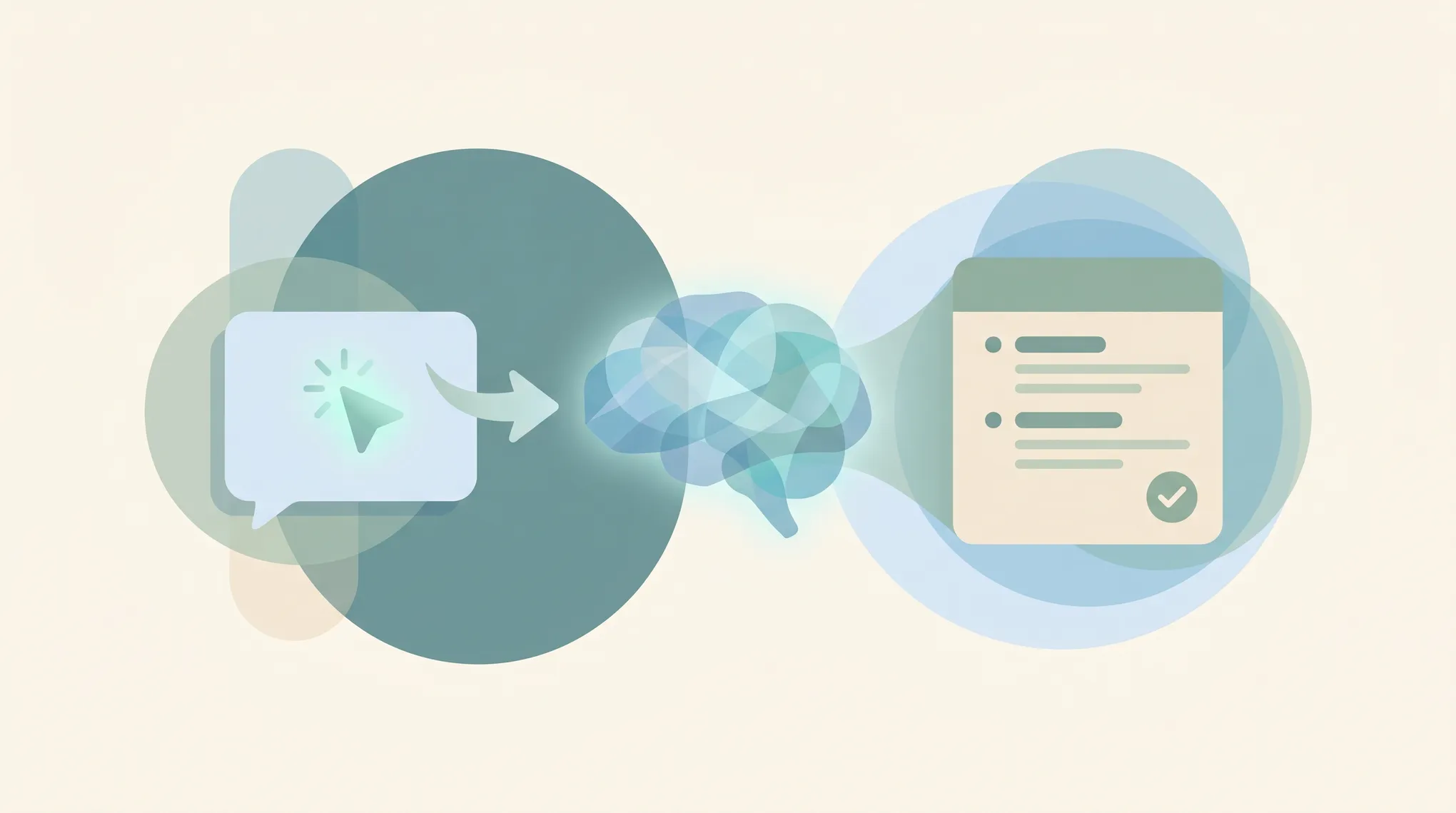
That’s it. It’s the request, question, instruction, or context you type (or speak) into an AI. The model reads your prompt and generates a response based on it. Everything the AI produces is a reaction to the prompt — so the quality of what you get out is mostly determined by the quality of what you put in.
A prompt can be as short as a single word (summarize) or as long as several pages of detailed instructions, examples, and background. Under the hood, the model breaks your prompt into tokens — small chunks of text — and uses them to predict the most appropriate response, word by word.
A Prompt Isn’t Just a Question
People assume a prompt is a question, but it’s really any kind of instruction. Common shapes:
- A question — “What’s the capital of Australia?”
- A command — “Rewrite this email to sound more confident.”
- A role — “You are a senior copywriter. Critique this headline.”
- A transformation — “Turn these bullet points into a paragraph.”
- A generation task — “Write five subject lines for a product launch.”
- A conversation — every message you send in a back-and-forth chat is a prompt, and the model reads the whole thread as context.
What Makes a Prompt Good
The difference between a frustrating AI experience and a great one usually comes down to four things you can add to almost any prompt.
1. Context
Tell the model who it’s for and what the situation is. “Write a follow-up email” is vague. “Write a follow-up email to a prospect who went quiet after a demo two weeks ago — keep it short and low-pressure” gives the model something to work with.
2. A clear task
State exactly what you want it to do, using a strong verb: summarize, rewrite, compare, list, draft, critique, translate. Ambiguity in the task is the number-one reason results disappoint.
3. Constraints
Bound the output. Length (“under 100 words”), format (“as a bulleted list”), tone (“professional but warm”), and audience (“for a non-technical reader”) all sharpen the result. The more you leave unspecified, the more the model has to guess.
4. Examples
If you want a specific style or structure, show one. “Write product descriptions like this: [example]” is dramatically more reliable than describing the style in the abstract. This is called few-shot prompting, and it’s one of the most powerful levers you have.
Weak Prompt vs. Strong Prompt
The same request, two ways:
Weak: Write a LinkedIn post about our new feature.
Strong: You’re a B2B marketer. Write a LinkedIn post announcing our new calendar-sync feature for busy founders. Lead with a relatable pain point, keep it under 120 words, use a conversational tone, and end with a question to drive comments. No hashtags.
The second one will get you something usable on the first try. The first will get you generic filler you have to rewrite.
A Few Techniques Worth Knowing
You don’t need to be a “prompt engineer,” but a handful of named techniques are genuinely useful:
- Zero-shot: Just ask, no examples. Fine for simple, well-known tasks.
- Few-shot: Include a couple of input→output examples to lock in the format or style.
- Chain-of-thought: Add “think step by step” or “show your reasoning” for math, logic, or multi-step problems — it nudges the model to work through the problem instead of blurting an answer.
- Role prompting: Start with “You are a [role]” to set the perspective and vocabulary.
- Iterate: Treat the first response as a draft. “Make it shorter,” “more formal,” “add a stat” — refining in follow-ups is often faster than writing the perfect prompt up front.
System Prompts vs. User Prompts
If you build with AI, you’ll hit a distinction worth knowing. A user prompt is the specific request you type each time. A system prompt is a standing instruction set behind the scenes that shapes every response — things like “You are a helpful support agent for Acme Co. Always be concise and never make up policy.” The system prompt is the personality and the rules; the user prompt is the task of the moment.
This is exactly how AI assistants and AI agents get configured to do a specific job reliably.
Where Prompting Goes Next
The frontier is moving away from crafting one perfect prompt toward giving an AI a goal and letting it figure out the steps. Instead of “summarize this email,” you tell an assistant “keep my inbox triaged and flag anything that needs me” — and it prompts itself, repeatedly, to get there.
That’s the shift from prompting a chatbot to delegating to an agent. The clearer you can describe what good looks like, the better both work — which is why understanding what a prompt is remains the foundational skill, no matter how capable the AI gets. If you want pre-built starting points, browse a library of ready-made prompts and adapt them to your own work.
Ready to automate your busywork?
Carly schedules, researches, and briefs you—so you can focus on what matters.
See what people say
"Before Carly, I relied on a Calendly link, but the whole process felt impersonal and not very professional. Carly changed that by handling all the back-and-forth, so I'm no longer stuck in endless email threads trying to line up schedules.
Now Carly reaches out to candidates, shares my real-time availability, lets them pick a slot, then sends a Zoom link and drops it straight into my calendar. She sends reminders to both of us before each call, which has significantly reduced no-shows and last-minute confusion.
On top of scheduling, Carly acts like a full executive assistant, sending me my schedule the night before so I can prepare for each call. It reminds me of the old x.ai assistant, but Carly is noticeably smarter, faster, and better suited to my healthcare recruitment business."