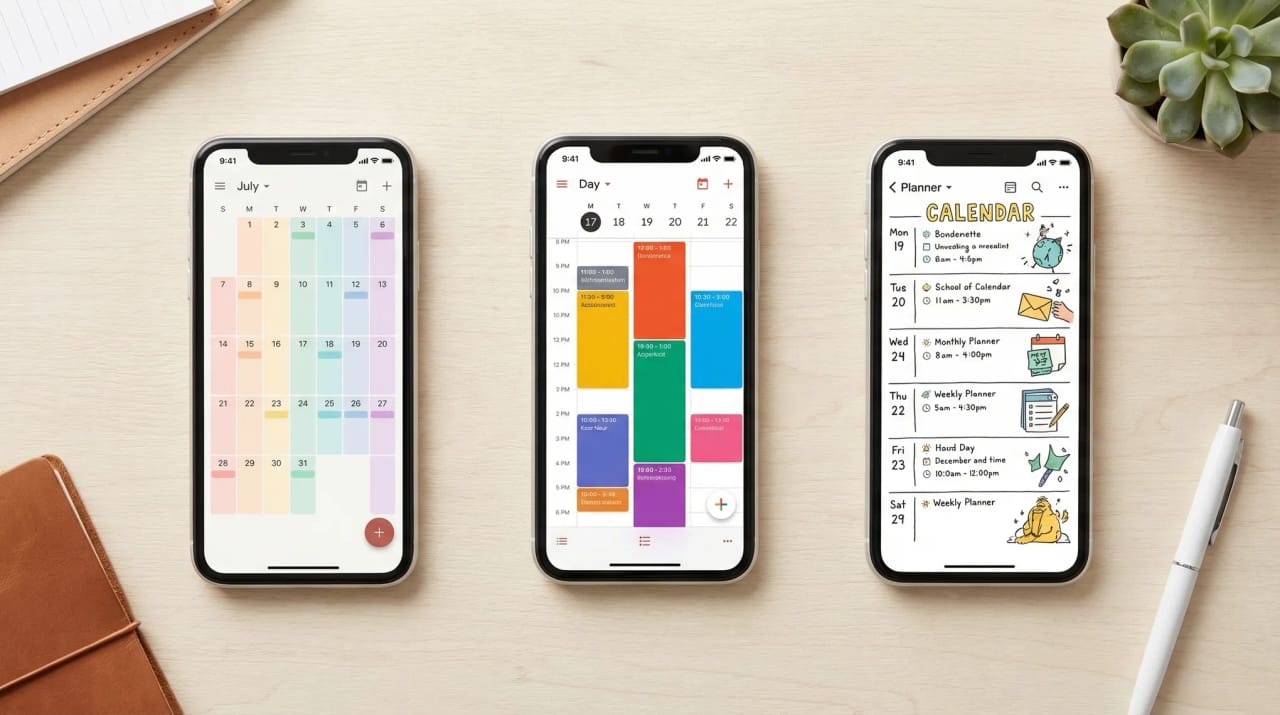
7 Best AI Family Calendar Apps in 2026
A family calendar is only as good as the last thing someone typed into it. The school newsletter, the coach’s time change and the dentist’s reschedule all land somewhere else first.
Most family calendar apps now have an AI feature. The question that matters: does it put events on the calendar for you and keep them current, or only show what you enter?
TL;DR: Carly is the pick when the family schedule arrives by email. It reads the school email, updates the family’s Google or Outlook calendar and tells whoever needs to know, without being asked. Skylight and Hearth are the best wall displays, and both can show the calendar Carly keeps current.
Ollie used to be on this list. Its last day is November 6, 2026, so if you’re moving off it, see Ollie AI alternatives.
1. Carly
Carly is an AI agent with its own real email address. It connects to all of your Gmail and Outlook mailboxes, all of your Google Calendar and Outlook calendars, and thousands of apps, including Google Tasks and WhatsApp. You email it, forward to it, CC it or text it.
Emily and Josh have two kids, Claire (10) and Michael (7). School email lands in Emily’s Gmail, her work calendar is in Outlook, and the family shares a Google calendar. Emily connected all of it once. Here is their week.
Monday at 7:40am the school newsletter arrives: picture day Thursday, a permission slip due Wednesday, early release Friday at 12:30. Before Emily has poured her coffee, Carly has:
- Added picture day and the 12:30 early release to the family calendar
- Spotted Emily’s noon Friday meeting in Outlook, emailed Josh to ask if he can do pickup, and put “Josh: pickup 12:30” on the calendar when he said yes
- Added “Sign Michael’s field trip slip” to Google Tasks, due Tuesday night
Tuesday, Coach Marcus emails that Thursday practice moves from 5:00 to 6:15. Carly moves it on the family calendar and emails the Henderson family, who share the carpool, the new pickup time.
Wednesday, the dentist’s office needs to move Michael’s Monday cleaning and offers Tuesday at 4:00 or Wednesday at 8:00am. Carly checks every calendar, replies to accept Tuesday at 4:00, the only slot free on all of them, moves the appointment and texts Emily.
What makes it different: it starts on its own. A new email, a calendar change or a form submission sets it going, so the calendar is right before anyone opens it. It also does what a calendar app leaves to you: replying, booking, rescheduling, sending invites, adding tasks and following up. Steps you repeat, like a Sunday-night rundown of the week sent to both parents, become free Zapier-style workflows, and a booking page lets the grandparents claim babysitting nights on the same calendar.
It pairs well with a wall display: Skylight and Hearth both sync with Google and Outlook calendars, so the kitchen screen shows what Carly keeps up to date. On iPhones, add the family’s Google or Outlook calendar to the Calendar app.
Best for: Parents whose family schedule arrives by email and who want the calendar, and the other adults, kept current without typing. Pricing: Free Zapier-style workflows; AI agents from $35/month
Connect it at carlyassistant.com/integrations, or book a walkthrough.
2. Skylight Calendar with Sidekick
A touchscreen wall calendar that syncs Google, Apple, Outlook, Yahoo, Cozi and Readdle calendars onto one color-coded screen with chore charts. Its AI, Sidekick, includes Magic Import: forward an email, PDF, screenshot or flyer photo to your device’s @ourskylight.com address and the events appear. Both come with Calendar Plus, $79/year, on top of the device.
What makes it different from Carly: someone still forwards each email, and the events land on the Skylight calendar with nobody asked about pickup. Skylight’s help page says Magic Import “may not always get everything right,” and each email import sends a confirmation with a way to reverse it. Carly keeps the Google or Outlook calendar current and Skylight puts it on the wall.
Best for: Families who want the week on the kitchen wall.
3. Hearth Display with Hearth Helper
A 27-inch wall display built around kids’ routines, chores and rewards, with a calendar that syncs Google, Outlook, Apple and Cozi. Send Hearth Helper a picture of a school flyer or your whiteboard from the Companion App, and it drafts events for you to approve. A Family Membership is required, at $9.00/month monthly or $86.40 billed yearly, with the hardware sold separately.
What makes it different from Carly: it works from what you photograph and approve. The school email in Gmail and the coach’s time change still wait for a parent to pass them along.
Best for: Families with young kids who want routines, chores and the calendar on one screen.
4. Cozi Max
Cozi is the long-running free family organizer, with a shared color-coded calendar, lists and a meal planner. Cozi Max ($79/year) adds AI Event Import: each family member gets an inbound email address, and forwarding an email, PDF or flyer photo creates the event on the shared calendar. Cozi says the AI features are in the mobile app only.
What makes it different from Carly: you forward each item, and events live in Cozi’s own calendar. Cozi shares with Google, Outlook and Apple calendars through read-only feeds, and its help page notes Google Calendar can take up to 48 hours to show changes made in Cozi.
Best for: Families already on Cozi who want to stop typing school email in.
5. Ohai
A household manager you text or talk to. Ohai syncs Google, Outlook and Apple calendars into one household view, scans emails, PDFs and photos such as school newsletters, and suggests events, reminders and tasks. There is a free version, and Premium starts at $9.99 a month.
What makes it different from Carly: it is built for the household, with meal plans and grocery lists next to the calendar. The reply to the dentist and the email to the carpool family stay with you. See Ohai alternatives and Ollie vs Ohai.
Best for: Households that want a family-only assistant with meal planning built in.
6. Google Family Calendar with Gemini
Create a family group on Google and a calendar called “Family” appears in everyone’s Google Calendar, editable by all. Gemini in Gmail can spot an event and show an “Add to calendar” button, and the Gemini app adds events you paste or describe.
What makes it different from Carly: you ask or click each time. Gemini uses your default calendar unless you name the Family calendar, and Google’s help page says it can’t invite people to events. By default, nobody is notified when a family member edits a Family event. Carly connects to that same Google calendar and keeps it current on its own. See best AI assistants for Google Calendar.
Best for: All-Google families who want a free shared calendar.
7. TimeTree
A shared calendar app built around groups, with one calendar per family, team or school. Event Scan reads a photo of a school handout, poster or email screenshot and drafts the event for you to add, in English and Japanese only and not in the EU, UK or China. Premium is 4.49 USD/month (44.99 USD/year).
What makes it different from Carly: every event starts with a photo you take, in a calendar kept apart from the Google or Outlook calendars your work and school accounts use.
Best for: Families who juggle several groups and want to scan handouts.
Family Calendar Apps Compared
| App | Adds events for you | Where events come from | Keeps other adults informed | Price |
|---|---|---|---|---|
| Carly | Yes, on its own | Email as it arrives, texts, forwards, forms | Yes, emails or texts them | From $35/mo |
| Skylight + Sidekick | When you forward | Forwarded email, PDFs, photos | Shared display | Calendar Plus $79/yr, plus device |
| Hearth + Hearth Helper | After you approve | Photos sent in the app | Shared display | Membership $9/mo, plus device |
| Cozi Max | When you forward | Forwarded email, PDFs, flyer photos | Cozi notifications | $79/yr |
| Ohai | Suggests from what it scans | Emails, PDFs, photos, texts | Household view | Free; Premium from $9.99/mo |
| Google + Gemini | When you ask or click | Gmail, Gemini prompts | No change alerts by default | Free calendar; Gemini on paid plans |
| TimeTree | When you scan | Photos and screenshots | Shared group calendar | Free; Premium 4.49 USD/mo |
How to pick
For the kitchen wall, Skylight syncs the widest range of calendars and Hearth is built around kids’ routines. Families already on Cozi get email import with Cozi Max. If you would rather text than open an app, look at Ohai or Carly. All-Google families can start free with the Family calendar, and TimeTree suits families spread across several groups. The wider field, with lists, chores and meal planning, is in our family organizer apps guide.
If the schedule reaches you by email and the other adults need to hear about every change, go with Carly. Keep the family on the Google or Outlook calendar you already share, let Carly keep it current, and put a Skylight or Hearth on the wall to show it. If your family calendar is in Outlook, see how to create a shared calendar in Outlook.
FAQ
What AI tool can manage my family’s calendar automatically? Carly. It reads school, activity and appointment emails as they arrive in Gmail or Outlook, puts the events on your family’s Google or Outlook calendar, moves them when plans change, and tells the other adults. Skylight, Hearth, Cozi Max and TimeTree add events once you forward or photograph them.
How can AI help manage a family schedule? It can turn a flyer or email you send into draft events, remind you by text, or handle the whole loop: add the event, reply to the school or coach, reschedule around conflicts and tell your partner. That last one is what Carly’s AI agents do.
What is the best family calendar app? For a free shared calendar, Cozi or Google’s Family calendar. For a wall display, Skylight or Hearth. For keeping it current without typing, Carly on the Google or Outlook calendar your family shares. More options are in best calendar apps.
How do I organize my kids’ activities and school schedule? Put everything on one shared calendar, then stop typing into it. Connect your Gmail or Outlook and the family calendar at carlyassistant.com/integrations, and school newsletters and team emails become events, tasks and messages to your partner. Give sitters and tutors a booking page so their time lands there too.
Does Carly work with Apple Calendar or Cozi? Carly connects to Google and Outlook calendars, and families on iPhones add that calendar to the iPhone Calendar app so everything Carly adds shows up there. For any other app, book a call and we’ll walk through your setup.
More: Best AI calendar assistants · Best AI tools for busy parents · Best AI assistants for multiple Google calendars · Best AI assistants for Outlook calendar · Best AI assistants for multiple calendars · Best calendar apps
Ready to automate your busywork?
Carly schedules, researches, and briefs you—so you can focus on what matters.
See what people say
"Before Carly, I relied on a Calendly link, but the whole process felt impersonal and not very professional. Carly changed that by handling all the back-and-forth, so I'm no longer stuck in endless email threads trying to line up schedules.
Now Carly reaches out to candidates, shares my real-time availability, lets them pick a slot, then sends a Zoom link and drops it straight into my calendar. She sends reminders to both of us before each call, which has significantly reduced no-shows and last-minute confusion.
On top of scheduling, Carly acts like a full executive assistant, sending me my schedule the night before so I can prepare for each call. It reminds me of the old x.ai assistant, but Carly is noticeably smarter, faster, and better suited to my healthcare recruitment business."