Buffer vs Later: Which Social Scheduler to Pick in 2026?
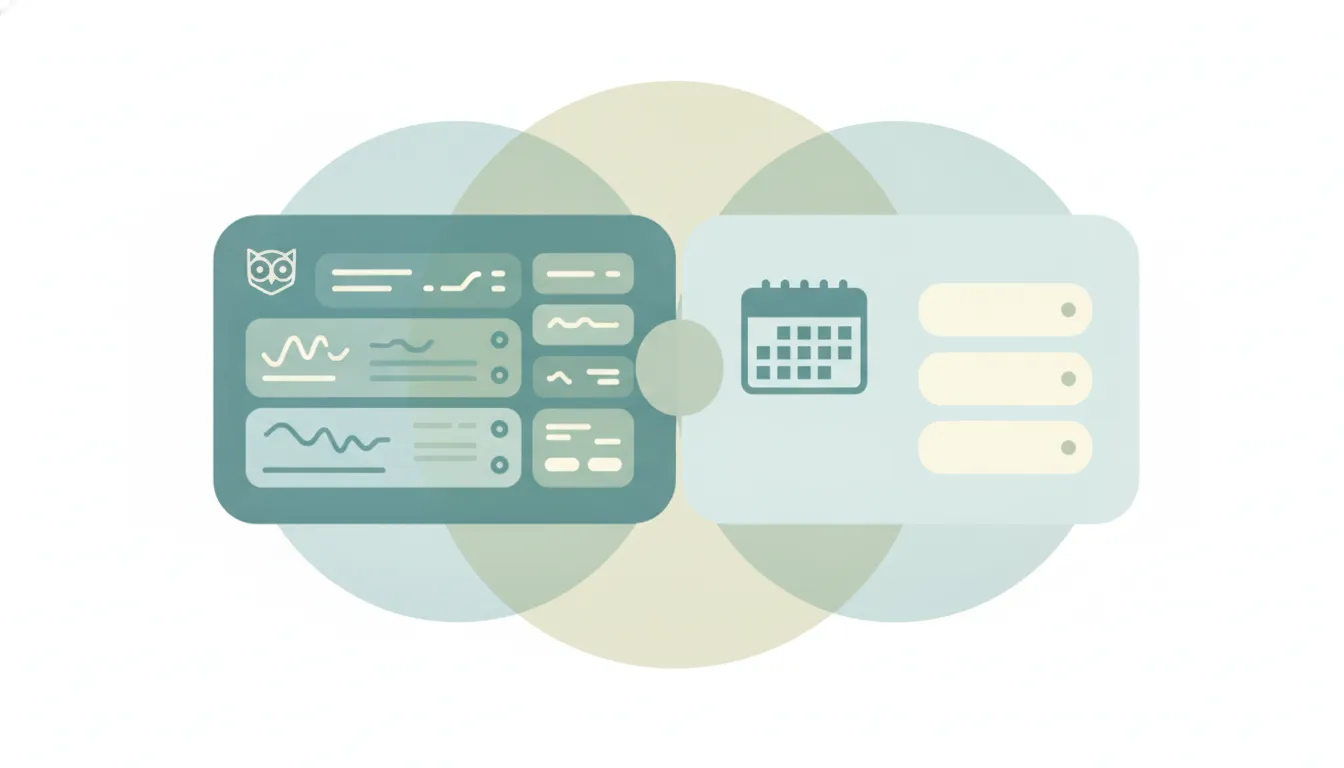
Both tools schedule social posts, but they optimize for opposite jobs. Buffer is broad, low-friction cross-platform scheduling: a clean queue across 11 networks with a free tier, per-channel pricing, and a free AI caption assistant. Later is visual-first planning built around Instagram and TikTok, with a drag-and-drop grid, a conversion-focused link-in-bio (Linkin.bio), and a wider creator-commerce and influencer-marketing suite behind it. Buffer optimizes for “post everywhere, simply, cheaply.” Later optimizes for “plan how the feed looks and turn it into sales.” If you mainly want to publish across many channels without fuss → Buffer; if you mainly want to design an Instagram-heavy feed and drive commerce → Later.
The One-Sentence Answer
Pick Buffer for the widest, cheapest, simplest cross-platform scheduling; pick Later if Instagram/TikTok is your center of gravity and you want visual planning plus a shoppable link-in-bio.
Side-by-Side Comparison
| Buffer | Later | |
|---|---|---|
| Core strength | Simple, broad cross-platform scheduling | Visual-first Instagram/TikTok planning |
| How it works | Add posts to a per-channel queue that publishes on a set schedule | Drag posts onto a visual grid/calendar to plan how the feed looks |
| Best known for | Clean queue, generous free tier, per-channel pricing | Visual grid planner and Linkin.bio link-in-bio |
| Pricing model | Per channel: Free, Essentials ~$5/channel/mo, Team ~$10/channel/mo (annual) | Per plan/social set: Starter ~$25/mo, Growth ~$38/mo (annual), Advanced ~$80/mo |
| Integrations/ecosystem | 11 networks incl. Bluesky, Mastodon, Threads, YouTube; free Start Page link-in-bio | Instagram, TikTok, plus Later Influence and Mavely creator commerce; Shopify-linked Linkin.bio |
| Ideal user | Solo creators and small teams posting to many platforms | Visual brands, Instagram-led creators, social-commerce sellers |
| Setup style | Fast: connect channels, fill the queue | Visual: build the grid, tag products, arrange the feed |
| Post limits | Effectively unlimited (fair-use cap ~5,000/channel) | Monthly caps per profile (e.g. ~150 posts/profile on Growth) |
When to Use Buffer
- You publish to several networks at once and want one clean queue instead of a design surface.
- You are a solo creator or small team and want a real free tier (3 channels, 10 queued posts each) before paying anything.
- You post to platforms Later leans on less, like Bluesky, Mastodon, Threads, or Google Business Profile.
- You want a free link-in-bio (Start Page, which now supports scheduling content to it) without buying a separate tool.
When to Use Later
- Instagram or TikTok is your primary channel and you care how the grid looks before it publishes.
- You want to plan visually: drag media onto a calendar, preview the feed, and arrange posts by eye.
- You sell through your bio: Linkin.bio ties posts to products with Shopify integration and conversion tracking.
- You are moving toward influencer marketing or creator commerce and want that ecosystem (Later Influence, Mavely) under one roof.
Publishing breadth vs visual planning: the real deciding axis
The honest split is not “which schedules better” but “what is the actual job.” Buffer treats a post as an entry in a queue. You connect channels, drop in text and media, and it ships on schedule across all 11 supported networks. That model is why Buffer stays cheap and simple: you pay roughly $5 per channel per month on Essentials, the AI Assistant is free on every plan (including the free tier), and there’s no per-month post cap that matters for most people. The tradeoff is that Buffer is not where you go to obsess over how your Instagram grid looks. It’s a publisher, not a planner. Its analytics and engagement inbox are solid on paid tiers, but the whole product is organized around the queue, not the aesthetic of a single feed.
If neither wins outright, Later alternatives and Buffer alternatives widen the field.
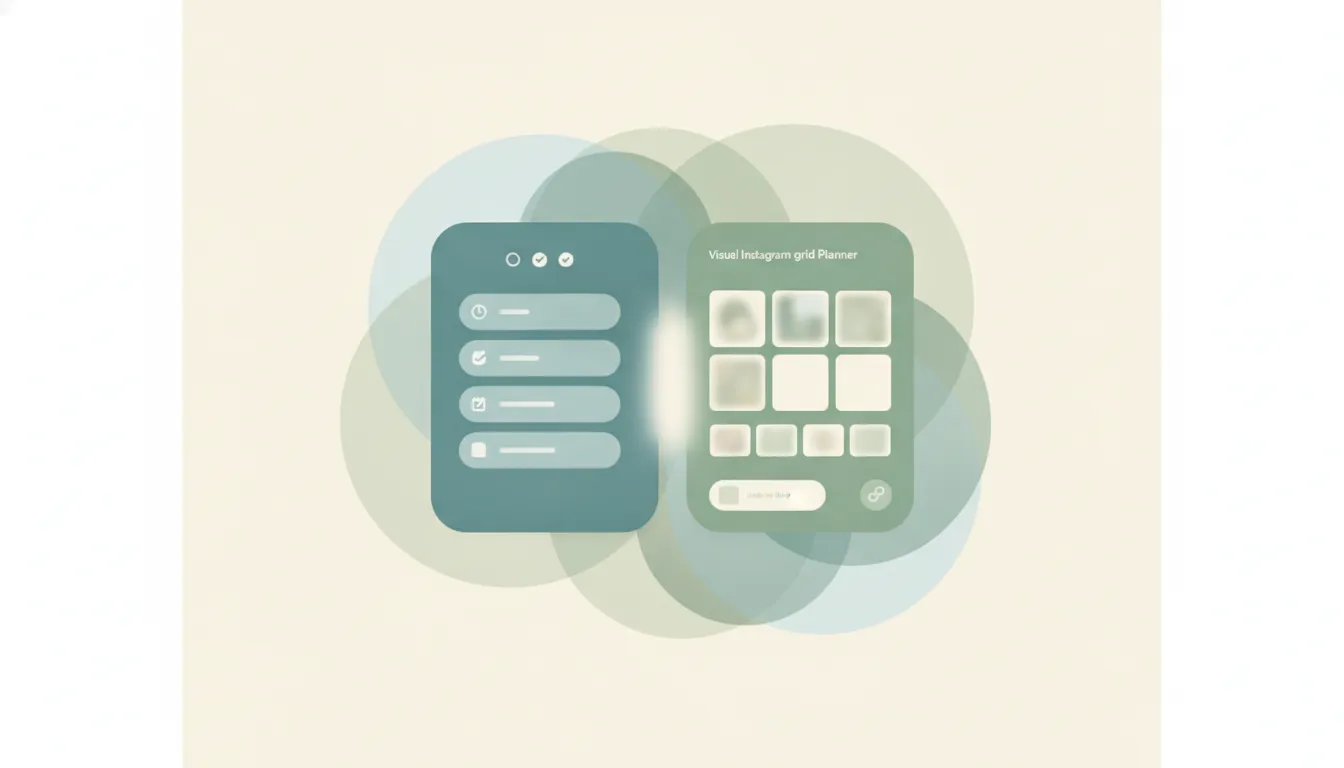
Later inverts that. Its signature is the visual grid: you arrange media on a calendar and preview the feed as a whole before anything goes live, which is exactly what Instagram- and TikTok-led brands want. The gravity then extends past scheduling. Linkin.bio is a genuine conversion engine, tying scheduled posts to products with Shopify integration and analytics that trace which post drove which sale, and Later now sits inside a larger creator-commerce business (it acquired Mavely for a reported $250M and folded in the former Mavrck as Later Influence). The catch is cost and constraint: Later’s entry plan starts around $25/month for a single user and one social set, and plans carry monthly post caps per profile (Growth allots roughly 150 posts per profile per month). For a heavy multi-channel publisher, those caps and the per-plan pricing can cost more than Buffer’s per-channel math, while a solo Instagram creator may find Later’s visual tools worth every dollar.
The pricing math is where the two diverge in practice. Buffer’s per-channel model rewards focus and punishes sprawl in a predictable way: three channels on Essentials runs about $15/month, and the cost per channel actually falls as you add more. Later’s per-plan model bundles a fixed number of “social sets” and users, so a solo creator on Starter pays around $25/month whether they use one platform or several, and a small team stepping up to Growth pays roughly $38/month annually for three sets and three users. If you post to two or three channels and never touch a team feature, Buffer is usually cheaper. If you want visual planning, multiple users, and a shoppable link-in-bio in one plan, Later’s bundle can be the better deal even at a higher sticker price.
There’s also a scope question hiding under the branding. Buffer stays deliberately narrow: it is a publishing tool with a free AI caption assistant and a free Start Page link-in-bio, and it does not try to be your influencer platform or your storefront. Later has expanded the other direction. After acquiring Mavely and rebranding the former Mavrck as Later Influence, “Later” now spans scheduling (Later Social), influencer marketing (Later Influence), and creator commerce (Mavely). For a brand consolidating those functions, that breadth is the whole point; for a creator who just wants to schedule posts, most of it is surface area you will never open. Match the tool to how much of that world you actually need.
Rule of thumb: if the work is “get these posts out across every channel, cheaply,” pick Buffer; if the work is “design an Instagram-first feed and sell from it,” pick Later.
Neither Buffer nor Later does the surrounding admin — the meeting requests, inbox, and follow-ups that pile up once a post lands. That’s a separate job from either scheduler. Carly is an AI executive assistant you email or text to handle scheduling and email across 200+ integrations, so the calendar and inbox side stays off your plate while you keep planning content in whichever tool you chose.
Quick Reference
| Your situation… | Pick… |
|---|---|
| Post to many networks, want it cheap and simple | Buffer |
| Instagram/TikTok is your main channel | Later |
| Want a real free plan before paying | Buffer |
| Plan the feed visually before publishing | Later |
| Sell products through your bio link | Later |
| Need Bluesky, Mastodon, or Threads support | Buffer |
Related guides: Hootsuite vs Buffer · How to build an AI social media agent · Best AI tools for solopreneurs
Ready to automate your busywork?
Carly schedules, researches, and briefs you—so you can focus on what matters.
See what people say
"Before Carly, I relied on a Calendly link, but the whole process felt impersonal and not very professional. Carly changed that by handling all the back-and-forth, so I'm no longer stuck in endless email threads trying to line up schedules.
Now Carly reaches out to candidates, shares my real-time availability, lets them pick a slot, then sends a Zoom link and drops it straight into my calendar. She sends reminders to both of us before each call, which has significantly reduced no-shows and last-minute confusion.
On top of scheduling, Carly acts like a full executive assistant, sending me my schedule the night before so I can prepare for each call. It reminds me of the old x.ai assistant, but Carly is noticeably smarter, faster, and better suited to my healthcare recruitment business."