ChatGPT Scheduled Task Running at the Wrong Time? Fix the Timezone
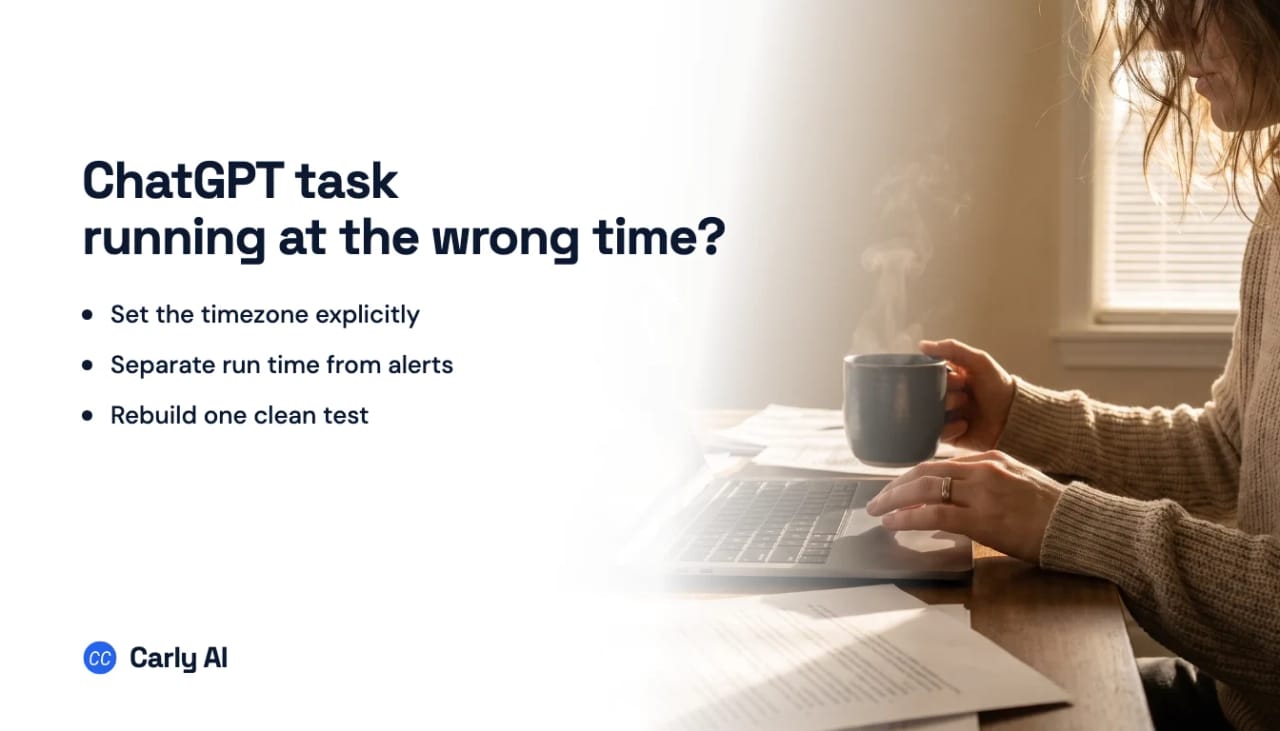
If a ChatGPT Scheduled Task runs hours late or on the following day, edit it to include an exact time and an IANA timezone such as America/New_York or Europe/Madrid. Then create one near-term test task and confirm the next-run time displayed by ChatGPT before relying on the recurring schedule.
Recent users have reported tasks executing on the wrong local schedule or appearing to use another timezone. One report was resolved by identifying a local-time mismatch; another described an 8:00 AM task arriving during the night or the following day. See the timezone report and the broader Scheduled Tasks report.
Replace ambiguous time language
Words such as morning, tonight, tomorrow, and every Friday depend on the timezone and the moment ChatGPT interprets the prompt.
Replace:
Send me a briefing tomorrow morning.
With:
Run once on August 11, 2026 at 8:00 AM America/New_York.
Replace:
Do this every weekday at 8.
With:
Run every Monday through Friday at 8:00 AM America/New_York. Put the scheduled run time and timezone at the top of every result.
An IANA timezone follows daylight-saving changes. A fixed label such as “EST” does not always describe New York’s actual offset during the year.
Check the next-run preview
After editing the schedule, do not rely only on ChatGPT’s natural-language confirmation. Open the task on the Scheduled page and inspect its displayed next run.
Verify:
- calendar date;
- day of week;
- clock time;
- timezone or your expected local equivalent;
- recurrence pattern.
If the preview is already wrong, correct the task before waiting for it to run.
Confirm the device and account timezone
Check the timezone on the device where you created or edited the task. Automatic timezone detection can be wrong after travel, VPN use, remote desktops, or a manually configured system clock.
Also confirm that you are viewing the task from the same ChatGPT account and workspace. A task created in one account does not move when you switch to another.
Watch for daylight-saving transitions
For regions that change clocks, “8:00 AM local time” and “13:00 UTC” are not equivalent year-round.
- Use
America/New_Yorkif you always want New York local time. - Use
Europe/Londonif you always want London local time. - Use
UTConly if you want a fixed global reference regardless of local clock changes.
If several teammates expect the same task, state both the operating timezone and the human-facing time in the output.
Recreate one clean test task
If an edited task retains a confusing next run, pause it and create a one-time test five or ten minutes ahead:
At 3:25 PM America/New_York on August 10, 2026, notify me with exactly: “Timezone test passed.” Include the actual execution time.
Avoid apps, files, web searches, and long prompts during the timing test. If it runs on time, create the recurring version using the same timezone format.
Separate late execution from late notification
The notification may arrive late even when the task ran on time.
- Open the task history.
- Check the timestamp on its result.
- Compare that with the push or email notification time.
If the result is on time but the alert is late, the scheduler worked. Review ChatGPT notification settings, browser or operating-system permissions, and email delivery instead.
What “once per hour” means
OpenAI says Scheduled Tasks cannot run more than once per hour. That does not explain an ordinary daily task arriving hours late, but it does matter if you are trying to schedule checks every few minutes. Use an hourly-or-slower cadence or move high-frequency monitoring to a workflow system.
When exact timing is operationally important
A reminder arriving somewhat late is annoying. A client follow-up, invoice reminder, roster handoff, or inbox escalation arriving late can affect the business.
Carly runs cloud workflows on explicit schedules and live triggers. It can execute the follow-up itself, route failures, and use incoming events instead of waiting for the next hourly poll. Use ChatGPT Scheduled Tasks for personal reminders and briefings; use an automation workflow when the timing is part of the job’s correctness.
Frequently asked questions
Which timezone format should I put in the prompt?
Use an IANA timezone such as America/Los_Angeles, America/New_York, Europe/London, or Asia/Tokyo. It is less ambiguous than abbreviations such as CST or IST.
Why did my task run the next day?
ChatGPT may have interpreted an ambiguous date in a different timezone, or the task may have executed late. Check the next-run preview and result timestamp, then recreate a one-time test with an exact date, time, and IANA timezone.
Does ChatGPT Scheduled Tasks support checks every five minutes?
No. OpenAI currently says tasks cannot run more than once per hour. For faster or event-driven actions, use a workflow system instead.
Related: ChatGPT Scheduled Tasks guide · Scheduled Tasks not working · Why a task paused · Carly workflows
Ready to automate your busywork?
Carly schedules, researches, and briefs you—so you can focus on what matters.
See what people say
"Before Carly, I relied on a Calendly link, but the whole process felt impersonal and not very professional. Carly changed that by handling all the back-and-forth, so I'm no longer stuck in endless email threads trying to line up schedules.
Now Carly reaches out to candidates, shares my real-time availability, lets them pick a slot, then sends a Zoom link and drops it straight into my calendar. She sends reminders to both of us before each call, which has significantly reduced no-shows and last-minute confusion.
On top of scheduling, Carly acts like a full executive assistant, sending me my schedule the night before so I can prepare for each call. It reminds me of the old x.ai assistant, but Carly is noticeably smarter, faster, and better suited to my healthcare recruitment business."