Claude Cowork Pricing in 2026: What Each Tier Actually Buys
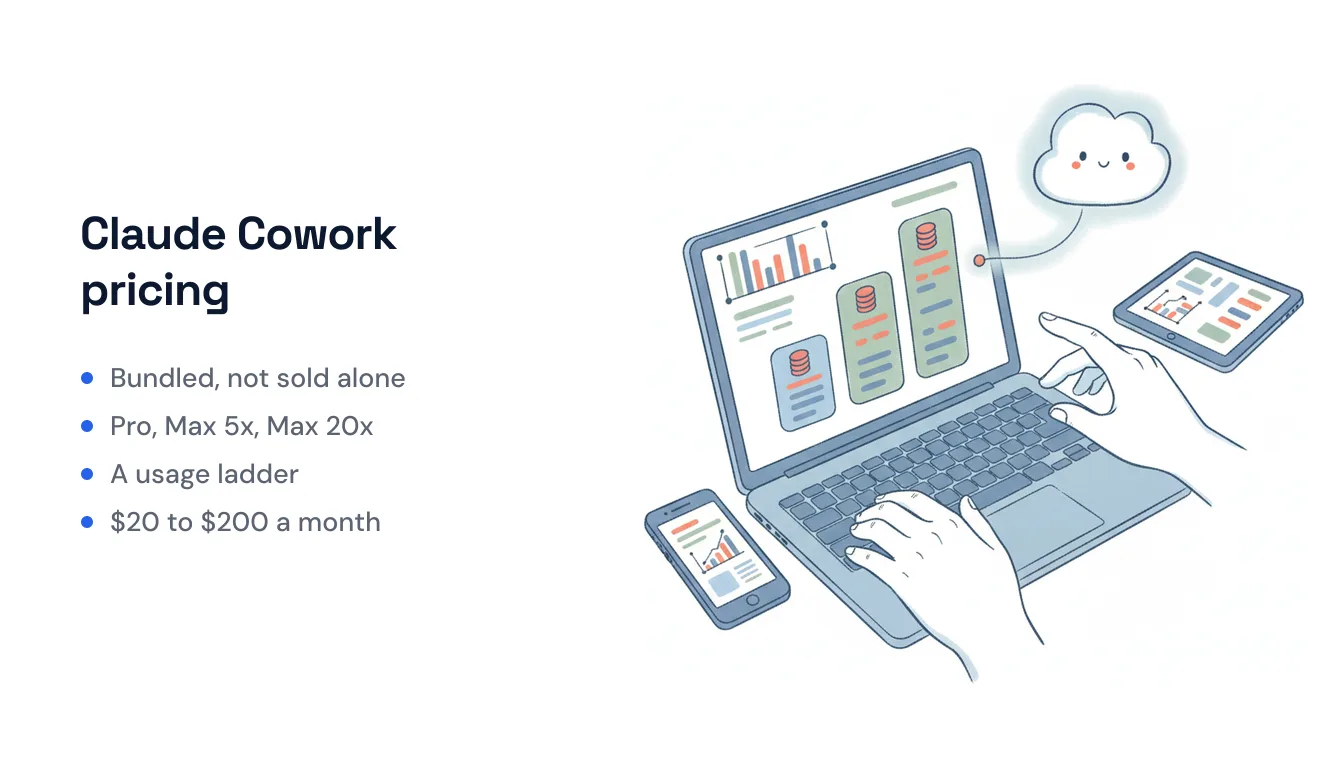
The first thing to know about Claude Cowork pricing is that there is no Claude Cowork price. Cowork — Anthropic’s autonomous “coworker” that reads and writes files, browses the web, builds spreadsheets and decks, and runs multi-step plans for an hour or more — isn’t a standalone product with its own line item. It’s a capability bundled into paid Claude subscriptions. So the real question isn’t “how much is Cowork,” it’s “which Claude plan do I buy, and how much Cowork usage does each one give me.”
Here’s the breakdown, verified against Anthropic’s current pricing, plus how to figure out which tier fits.
The short version: Cowork rides on your Claude plan
OpenAI’s ChatGPT Work pricing works the same way, if you’re comparing the two.
| Plan | Price | Cowork included? | What the money buys |
|---|---|---|---|
| Free | $0 | No | Chat, web search, file creation — but no Cowork |
| Pro | $20/mo ($17/mo annual) | Yes | Cowork plus Claude Code, Research, unlimited projects |
| Max 5x | From $100/mo | Yes | ~5× Pro’s usage limits |
| Max 20x | ~$200/mo | Yes | ~20× Pro’s usage limits |
| Team | $20/seat/mo ($25 monthly) | Yes | Cowork per seat + admin controls, SSO |
| Enterprise | $20/seat + usage | Yes | Governance: SCIM, audit logs, retention controls |
The pattern across the paid tiers is important: you are not paying more for a better Cowork. Max doesn’t unlock a smarter agent than Pro. Every paid tier runs the same models and the same Cowork feature. What climbs as you pay more is your usage allowance — how much Cowork you can run before you hit your plan’s limits in a given window.
Free plan: no Cowork at all
Claude’s Free tier covers everyday chat, web search, memory, and file creation, but Cowork is explicitly excluded. If you’ve been testing Claude on the free plan and want to try the autonomous coworker, there’s no trial path inside Free — you have to move to Pro. This is the one hard gate in the lineup: Cowork starts at the paid tier and there’s no metered free taste of it.
Pro ($20/mo, or ~$17/mo billed annually): the entry point
Pro is where Cowork begins, and for most individuals it’s the right starting tier. At $20 monthly — or about $17/month if you pay for the year up front — you get Cowork alongside Claude Code, Research mode, unlimited projects, voice mode, Microsoft 365 integration, and access to Anthropic’s current models.
The catch is usage. Pro gives you meaningfully more headroom than Free, but Cowork sessions are among the heaviest things you can ask Claude to do — a single multi-step Cowork run that browses, drafts a spreadsheet, and edits files burns through far more of your allowance than a normal chat. If you run Cowork occasionally — a few autonomous tasks a week — Pro is comfortable. If you’re living in it daily, you’ll start bumping the ceiling, which is exactly what the Max tiers are for.
Max 5x ($100/mo) and Max 20x ($200/mo): buying headroom, not features
Max is Anthropic’s answer to “I keep hitting limits.” Both Max tiers include the identical feature set as Pro — same Cowork, same models, same Claude Code. The only thing that changes is how much you can run:
- Max 5x — from $100/mo: roughly five times Pro’s usage. This is the tier for people who run Cowork for a couple of hours most days, or push long documents through Claude all day.
- Max 20x — ~$200/mo: roughly twenty times Pro’s usage, plus higher output limits and earlier access to new features. This is the all-day, multi-task operator tier — someone with several Cowork jobs running in parallel and no patience for caps.
The honest way to think about Max: it’s a usage insurance policy. If you’re not hitting Pro’s limits, Max is money spent on headroom you won’t touch. The trigger to upgrade isn’t “I want better output” — the output is the same — it’s “I keep getting cut off mid-session.”
Team ($20/seat/mo) and Enterprise ($20/seat + usage): Cowork with a control layer
For groups, Team seats start at $20 per seat per month on annual billing (or $25 month-to-month), and every seat includes Cowork, Claude Code, central billing, SSO, and admin controls over connectors — plus no model training on your content by default. There’s also a Premium Team seat at $100/seat/month for members who need Max-level usage. Team is the natural pick when several people want Cowork and someone in the org needs to manage access and billing centrally.
Enterprise is $20 per seat plus usage that scales with the model and task, and it exists for the governance requirements Team doesn’t carry: role-based permissioning, SCIM provisioning, audit logs, a Compliance API, custom data-retention controls, IP allowlisting, and a HIPAA-ready option. If you don’t need those controls, Enterprise is overkill — the Cowork you get is the same one on Pro.
How to pick a tier
Work backward from how you’ll actually use Cowork:
- Just want to try it? Pro ($20, or $17 annual). It’s the only on-ramp — Free doesn’t include Cowork.
- Run Cowork most days and hit limits? Max 5x ($100). You’re paying for headroom, not a better agent.
- Cowork is your primary workspace, all day, multiple jobs? Max 20x ($200).
- A team needs it with central admin and billing? Team ($20/seat), or Premium seats ($100) for the heavy users.
- Regulated industry or strict data-governance requirements? Enterprise ($20/seat + usage).
The one thing worth internalizing before you spend: across every paid tier you are buying the same Cowork. The price ladder is a usage ladder. Start at Pro, and only climb when you feel the caps.
A different value shape: if you mainly want reliable automation, not an agent you prompt
Cowork’s pricing model tells you something about what it is: a general-purpose agent you sit down and direct, metered by your Claude plan’s usage limits. That’s a great fit if you want a smart coworker to hand open-ended tasks to and watch it work. It’s a less natural fit if what you actually want is automation — the same unglamorous jobs (triage this inbox, update the CRM when a lead replies, file that document, send the follow-up) happening reliably, on their own, without you opening an app and prompting each run.
That second shape is where Carly is built differently. Instead of a usage-metered agent you prompt, Carly gives each AI agent its own name, email address, and memory — so people email it and it does the work underneath — and it fires on triggers: an inbound email, a calendar invite, a Slack message, a form submission, a schedule. It reaches your tools through 260+ native connectors plus bring-your-own-key for almost anything with an API, server-side, rather than by driving a browser window.
The pricing model reflects the difference too. Carly’s Zapier-style workflow steps are free — the non-AI automation isn’t metered the way Cowork usage is — and its AI agents start at $35/month. So if your reason for pricing out Cowork was “I want work to happen automatically,” it’s worth knowing that’s a different product category than a general agent whose cost scales with how much you personally run it. If your reason was “I want a powerful coworker to direct hands-on,” Cowork on Pro is the honest place to start.
FAQ
Is Claude Cowork free?
No. Cowork is not included on Claude’s Free plan. The lowest tier that includes it is Pro at $20/month (or about $17/month billed annually). There is no free trial of Cowork inside the Free plan.
How much does Claude Cowork cost?
Cowork isn’t priced separately — it’s bundled into paid Claude plans. Pro is $20/month, Max 5x is from $100/month, Max 20x is about $200/month, Team is $20/seat/month, and Enterprise is $20/seat plus usage. All paid tiers include Cowork.
What’s the difference between Cowork on Pro and on Max?
None in features. Pro and both Max tiers run the identical Cowork and the same models. The difference is usage: Max 5x gives roughly 5× Pro’s usage limits and Max 20x roughly 20×. You upgrade to stop hitting caps, not to get a better agent.
Do I need Max to use Claude Cowork?
No. Cowork is fully available on Pro at $20/month. You only need Max if you run Cowork heavily enough to hit Pro’s usage limits regularly.
Does Claude Cowork include Claude in Chrome?
Yes — Claude in Chrome (the browser-driving extension) is available across paid Claude plans and is generally available inside Cowork, so a paid plan that includes Cowork also gives you that browser automation.
More: 7 best Claude Cowork alternatives · Claude vs Carly · Best AI agents for productivity · Best AI workflow automation tools · What are AI agents
Ready to automate your busywork?
Carly schedules, researches, and briefs you—so you can focus on what matters.
See what people say
"Before Carly, I relied on a Calendly link, but the whole process felt impersonal and not very professional. Carly changed that by handling all the back-and-forth, so I'm no longer stuck in endless email threads trying to line up schedules.
Now Carly reaches out to candidates, shares my real-time availability, lets them pick a slot, then sends a Zoom link and drops it straight into my calendar. She sends reminders to both of us before each call, which has significantly reduced no-shows and last-minute confusion.
On top of scheduling, Carly acts like a full executive assistant, sending me my schedule the night before so I can prepare for each call. It reminds me of the old x.ai assistant, but Carly is noticeably smarter, faster, and better suited to my healthcare recruitment business."