Claude in Chrome for Email: What It Can Do in Your Gmail and Outlook (2026)
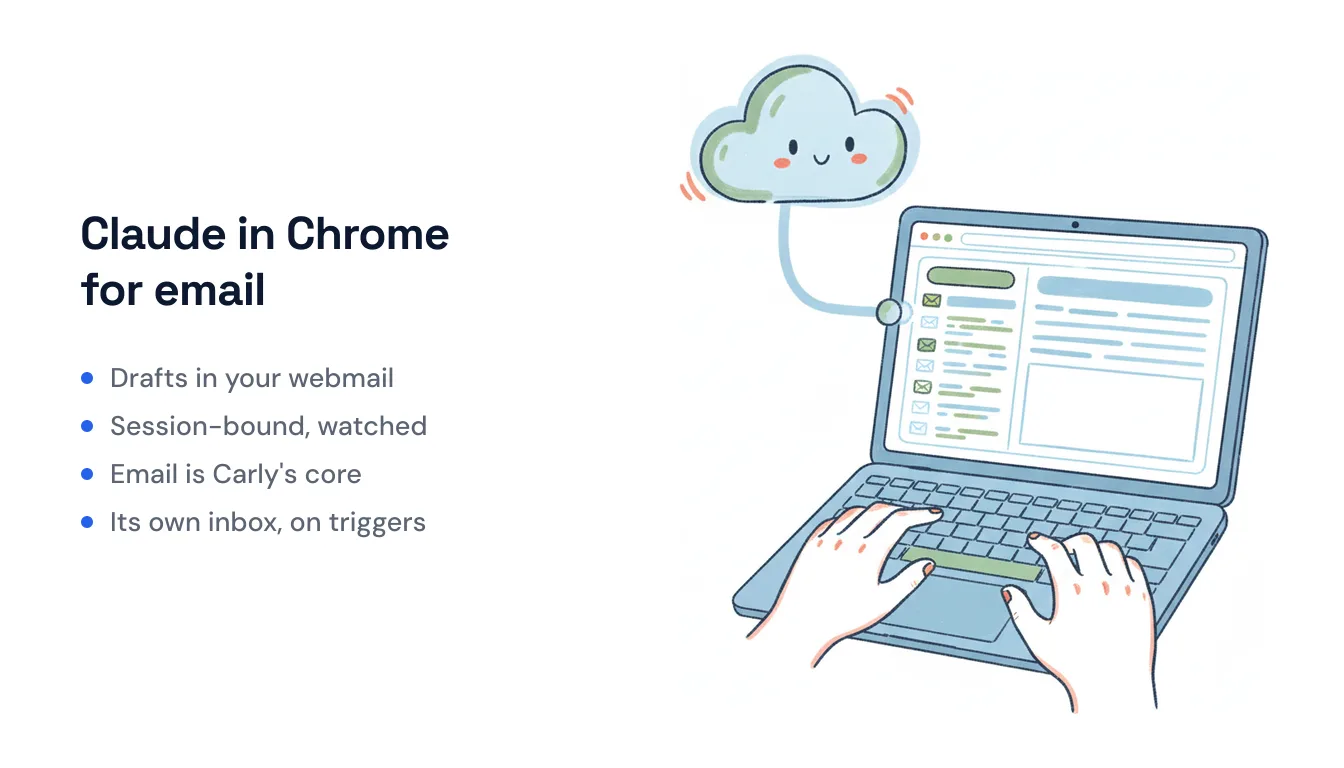
Claude in Chrome ships with something most browser agents don’t: built-in knowledge of the apps you actually live in. Anthropic baked fixed task recipes into the extension for Gmail, Google Calendar, and Google Docs, so Claude already understands what the compose button does, how a thread is structured, and where the reply box sits. Point it at your open inbox and it can read the message in front of you, summarize a long thread, and write a reply in your voice without you explaining the Gmail UI first.
That makes it genuinely useful for email. It also has hard edges that are easy to miss until you hit them. Here’s the honest version of what Claude in Chrome does with your mail, and where a browser-driven agent runs out of road.
What Claude in Chrome actually does in your inbox
The extension is available on all paid Claude plans (Pro, Max, Team, and Enterprise) and runs as a beta inside the Chrome browser, with the same browser control now generally available inside Claude Cowork and Claude Code. Once you grant it permission on a site, it drives the page the way you would: reading, clicking, typing, filling forms.
For email specifically, that means:
- Reading and triage. Open Gmail or Outlook on the web and Claude can read the message you’re viewing, pull the key points out of a 30-message thread, and tell you what needs a decision. Its built-in Gmail knowledge means you don’t have to teach it the layout.
- Drafting replies. It composes contextual responses that match the tone and relationship of the thread, then drops the text into your compose window. Anthropic keeps the send button off by default — Claude drafts, and you review and hit send yourself. That’s a deliberate safety choice, not a bug.
- Clicking through the UI. Because it operates the browser, it can label, archive, search, and move between tabs. Drag several tabs into Claude’s tab group and it can work across them — pull a detail from a Google Doc into an email reply, for example.
- Recording and scheduling. You can record a repetitive sequence and have Claude replay it, and set up scheduled tasks. It also does console and network debugging and screenshots, which is why the same extension is popular with developers, not just inbox-clearers.
If your day is “I have Gmail open in a tab and I want help getting through it,” Claude in Chrome is a strong assistant. The MailGPT-style shortcut extensions can’t touch its context-awareness.
Where a browser-driven agent stops
The limits all trace back to one fact: Claude in Chrome works by controlling a page in a browser you have open and logged into.
- The browser has to be open. Claude can only act on Gmail if Gmail is loaded in a tab and you’re authenticated. Close the laptop and nothing runs. Anthropic’s own docs note it “cannot access pages behind login walls unless you’re already authenticated.”
- It’s session-bound and supervised. You invoke it on the page you’re looking at; it isn’t watching your inbox for new mail on its own. The default mode is “ask before acting,” and Anthropic recommends leaving the more autonomous “act without asking” mode off.
- Per-site permissions. Every site needs its own grant, and the extension asks for a broad set of Chrome permissions (including debugger access) to do its job.
- It’s still risky, by Anthropic’s own account. In mid-July 2026, researchers disclosed a flaw (dubbed “ClaudeBleed”) where a rogue browser extension could trick Claude into reading Gmail or Drive data without a real click from you. Anthropic has said browser control is “still risky,” which is exactly why send stays manual and admins on Team and Enterprise can allowlist or blocklist sites.
None of this means Claude in Chrome “can’t automate email” — it can draft, click, and even run scheduled sequences. The point is the mechanism: it’s you-plus-a-copilot at the keyboard, not a service running your inbox while you’re asleep.
When you want email to run without you in the browser
If what you actually want is for inbound email to trigger work on its own — a scheduling request that becomes a booked meeting, a lead that lands in your CRM, a receipt that gets filed — you’ve crossed from “help me at my keyboard” into “handle this without me.” That’s a different tool.
Carly is built for exactly that. Instead of driving your browser, each Carly agent has its own inbox — its own name, email address, and memory. You (or your clients, or a form) email it like a coworker, and it does the work underneath. It connects to Gmail and Outlook over their APIs, so it runs server-side: no Chrome tab open, no session to babysit. And crucially, it triggers on inbound mail — a message arriving is the event that kicks off the workflow, which a page-driven extension can’t do because it isn’t watching your inbox.
That server-side model is also why reach isn’t limited to what a browser can click through: it ships 260+ native connectors across 45+ categories and falls back to your own API key for almost anything else, so “reply to this email” can expand into updating HubSpot, checking your calendar, or filing a doc — while the laptop is closed.
The two aren’t really competitors. Claude in Chrome is the copilot for the inbox you’re staring at right now; Carly is the assistant you hand the inbox to. Pricing reflects that split: Claude in Chrome comes bundled with any paid Claude plan, and Carly is free for Zapier-style workflows, with AI agents from $35/month.
For the wider field — clients, assistants, and agents compared side by side — see our roundup of the best AI email assistants.
Ready to automate your busywork?
Carly schedules, researches, and briefs you—so you can focus on what matters.
See what people say
"Before Carly, I relied on a Calendly link, but the whole process felt impersonal and not very professional. Carly changed that by handling all the back-and-forth, so I'm no longer stuck in endless email threads trying to line up schedules.
Now Carly reaches out to candidates, shares my real-time availability, lets them pick a slot, then sends a Zoom link and drops it straight into my calendar. She sends reminders to both of us before each call, which has significantly reduced no-shows and last-minute confusion.
On top of scheduling, Carly acts like a full executive assistant, sending me my schedule the night before so I can prepare for each call. It reminds me of the old x.ai assistant, but Carly is noticeably smarter, faster, and better suited to my healthcare recruitment business."