Claude for Proposal Writing: How Far It Gets You (2026)
Yes for the writing — Claude drafts a sharp, well-structured proposal from your notes. No for the rest: it can’t gather the inputs on its own, attach the file, send it, or chase the reply. As a drafting partner, Claude is one of the best tools you can point at a blank proposal. As the thing that actually gets a proposal out the door and closed, it stops well short.
Writing a proposal is the visible part. The job around it — pulling scope and pricing from past deals, formatting it, emailing it as an attachment, following up until it’s signed — is where Claude’s design runs out. Here’s the split.
What Claude does well: the draft itself
Hand Claude the raw material and it shines.
- Structures the whole document. Give it discovery notes, a scope, and a budget and Claude produces a clean proposal: summary, objectives, scope of work, deliverables, timeline, pricing, and terms — in a logical order, in your voice.
- Tailors to the client. Paste the prospect’s pain points or the call transcript and Claude weaves them in, so the proposal reads like it was written for them, not pasted from a template.
- Sharpens the persuasion. Claude is good at tightening value framing, reordering sections for impact, and softening or firming the tone to match the relationship.
- Reworks fast. “Make the timeline more aggressive,” “add an optional phase 2,” “cut this to one page” — Claude iterates instantly. For analyzing source material first, see Claude for summarizing documents.
For turning your thinking into polished prose, Claude is excellent — arguably its strongest sales use.
Where Claude stops: getting the inputs together
A good proposal pulls from things scattered across your systems — the last similar deal’s pricing, the SOW template, the client’s CRM record, the discovery call notes.
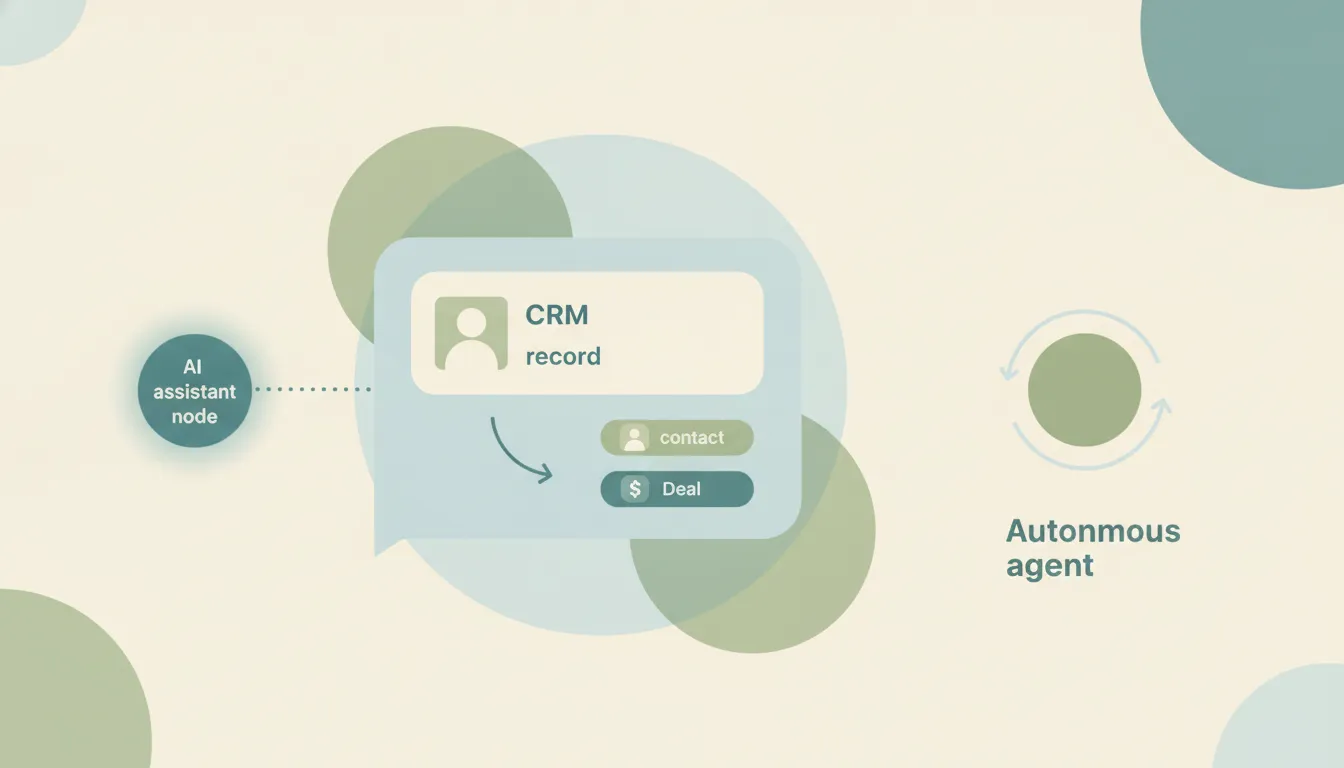
- It can’t gather them autonomously. Claude works with what you paste into the chat. It won’t go pull your standard rate card, last quarter’s winning proposal, or the deal record from your CRM unless you hand each piece over. Its CRM connectors, where they exist, are in-chat and on-request — see Claude + CRM.
- It doesn’t trigger off a deal stage. “When a deal hits proposal stage, draft one from the template and the CRM data” is impossible — Claude has no event triggers. It only works inside a conversation you start.
- It’s not event-driven. Even Cowork’s scheduled tasks run on a fixed clock, not on inbox events.
The send-and-attach gap
This is the one that surprises people. Claude can write a flawless proposal email — and then you send it yourself, because it can’t attach the proposal.
No Claude email surface will attach your proposal and send it. Anthropic is explicit that the Gmail connector “can also draft, send, reply to, and forward emails, and asks for your approval by default” the Outlook add-in deliberately omits the Mail.Send permission, and the Microsoft 365 connector can send Outlook mail since July 2026 only if an admin enabled its write tools (off by default) — but those write tools don’t support attachments, so the send path rejects any message with a file attached. Full detail in can Claude send emails.
So the loop is: Claude drafts the proposal, you export it, you attach it, you send it, you set a reminder to follow up. The writing is done for you; every action isn’t.
Following up is on you, too
Proposals close on the follow-up. Because Claude has no triggers, it can’t watch for a reply, can’t nudge after five days of silence, and can’t escalate. You can ask it to draft a follow-up email (see Claude for follow-up emails), but you’re the one tracking who’s gone quiet and clicking send each time.
| Draft proposal | Pull inputs (CRM/templates) | Send with attachment | Auto follow-up | On triggers / automatic | |
|---|---|---|---|---|---|
| Claude | Yes | No (paste only) | No | No | No |
| Gemini | Yes | No | No (draft only) | No | No |
| ChatGPT | Yes | No | No (no attachments) | No | No |
| Carly | Yes | Yes | Yes | Yes | Yes |
What actually getting proposals out the door looks like
If the job is “send the proposal and close it,” not “help me write it,” you need an agent that acts. That’s Carly, an AI executive assistant inside your inbox and calendar:
- It assembles the proposal. Carly can pull from your templates and CRM, draft the document tailored to the deal, and prep it for sending.
- It sends it — attached. Carly drafts and sends real email with attachments across both Gmail and Outlook, so the proposal actually lands in the client’s inbox, not your drafts folder. Each agent gets its own email address.
- It runs the follow-up sequence. No reply in five days? Carly sends the next nudge automatically and logs activity to your CRM.
- It works on triggers, 24/7, in the cloud. When a deal hits proposal stage or a client replies, Carly can act — laptop off.
- It builds the workflow with you. Tell it “I’d like to set up a proposal system” in plain English; it interviews you, then builds it together.
AI agents start at $35/month, and steps in a workflow that don’t use AI run free. Carly connects to 200+ tools across 40+ categories — see integrations, Gmail, and Outlook.
Frequently Asked Questions
Can Claude write a sales proposal?
Yes — and it’s good at it. Give Claude your scope, pricing, and client notes and it drafts a clean, tailored proposal. What it can’t do is gather those inputs on its own, attach the file, send it, or follow up.
Can Claude send the proposal to my client?
No. the Outlook add-in never sends, and the M365 connector only sends Outlook mail if an admin enabled its write tools (off by default) — and none of them attach a document to an outbound email, since the write tools reject messages with attachments. You export and send it yourself. See can Claude send emails.
Can Claude pull pricing from my CRM into the proposal?
Not autonomously. Claude works with what you paste in; its CRM connectors are in-chat and on-request with no triggers. See Claude + CRM.
What’s the difference between a proposal and a quote in Claude?
Claude drafts both as documents, but neither leaves the chat on its own. A quote is the pricing piece specifically — see Claude for quote generation for that workflow.
What actually sends and follows up on proposals?
Carly — it assembles the proposal from your templates and CRM, sends it with the attachment across Gmail and Outlook, and runs the follow-up sequence on triggers, 24/7. AI agents start at $35/month.
More: Can Claude send emails? · Claude for quote generation · Claude for follow-up emails · Claude for summarizing documents · Claude vs Carly · Best AI personal assistants
Ready to automate your busywork?
Carly schedules, researches, and briefs you—so you can focus on what matters.
See what people say
"Before Carly, I relied on a Calendly link, but the whole process felt impersonal and not very professional. Carly changed that by handling all the back-and-forth, so I'm no longer stuck in endless email threads trying to line up schedules.
Now Carly reaches out to candidates, shares my real-time availability, lets them pick a slot, then sends a Zoom link and drops it straight into my calendar. She sends reminders to both of us before each call, which has significantly reduced no-shows and last-minute confusion.
On top of scheduling, Carly acts like a full executive assistant, sending me my schedule the night before so I can prepare for each call. It reminds me of the old x.ai assistant, but Carly is noticeably smarter, faster, and better suited to my healthcare recruitment business."