6 Best AI Assistants for Pipedrive in 2026
Pipedrive is where a deal gets tracked. The selling happens somewhere else: in Gmail and Outlook, across two calendars, in the reply that lands while you are driving to a customer site.
For a founder or a three-rep team, that gap is the whole problem. Pipedrive is only as current as the last time somebody updated it, and nobody updates it at 9pm.
TL;DR: Carly is the pick when your day runs through the inbox and calendar and Pipedrive is always a step behind. It books the demo, creates the person and deal, logs the thread and moves the stage without being asked. Pipedrive’s own Sales Assistant is useful help inside Pipedrive, though it is still in beta and its email AI needs Premium. Pipedrive is a Carly integration, so you keep both.
1. Carly
Carly is an AI agent with its own real email address. It connects to Pipedrive, to all of your Gmail and Outlook mailboxes, to your Google Calendar and Outlook calendars, and to thousands of apps beyond them.
Here is what that looks like for a small team. Emily is the co-founder of a 14-person company that sells fleet maintenance software, and she still runs sales herself with two reps, Josh and Claire. Company mail is Outlook, her old Gmail still catches conference leads, and her week is split across both calendars.
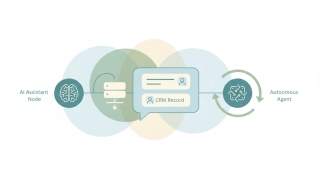
On Tuesday at 6:50am, while Emily is boarding a flight to Denver, Michael, a fleet director at Ryder, fills in her demo request form. Ten minutes later he emails her Gmail asking whether his maintenance lead can join. By the time she lands, Carly has:
- Checked both of Emily’s calendars and replied to Michael from her Gmail with three times that are open on each
- Booked the slot he picked and put Josh and the maintenance lead on the invite
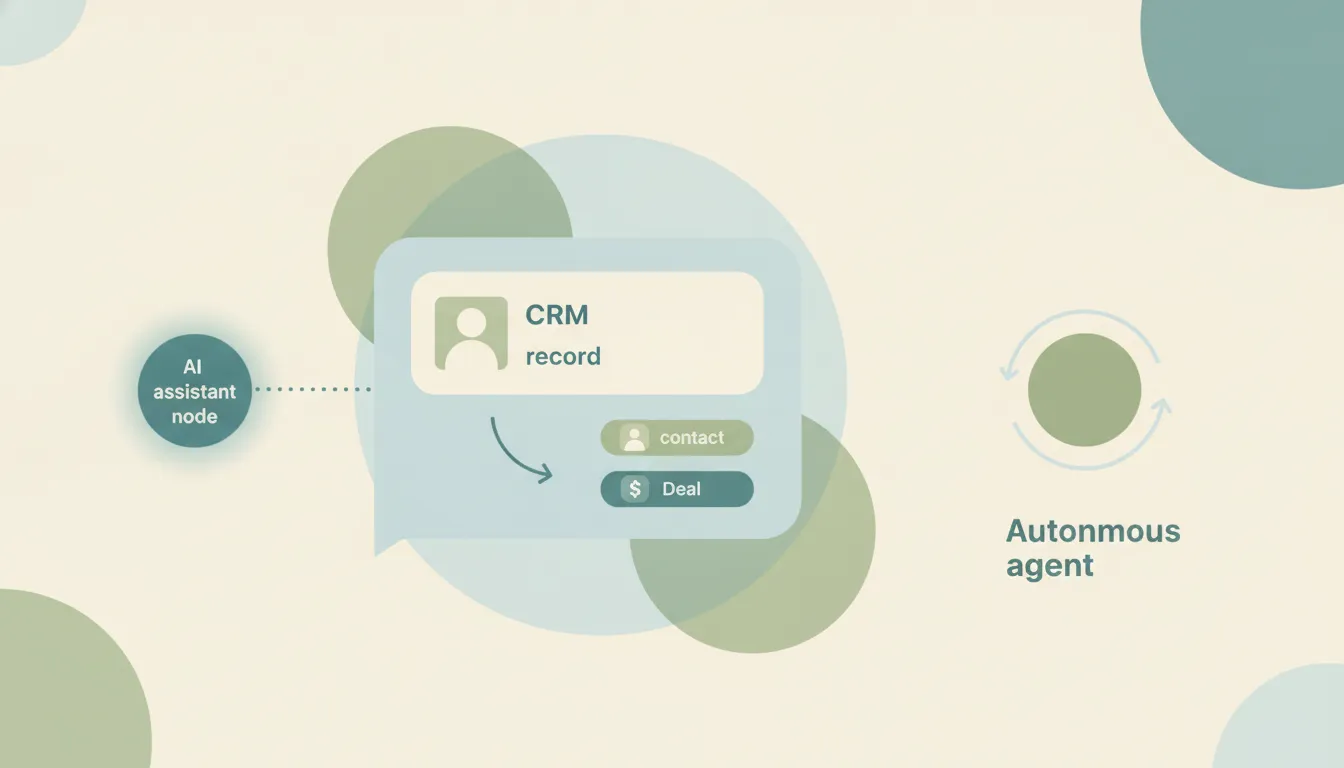
- Created Michael as a person in Pipedrive and opened a Ryder deal in the Demo Scheduled stage, owned by Josh
- Logged the email thread and the form answers as a note on the deal
- Scheduled a prep activity for Josh on the morning of the demo
Emily gets one text saying what changed. After the demo, the Fireflies summary arrives, and Carly reads it, moves the deal to Proposal, updates the deal value, puts a follow-up with the pricing Michael asked about in Josh’s drafts, and schedules a call activity for the Friday he suggested. Nobody opened Pipedrive, and Pipedrive is right.
What makes it different: it starts on its own. A new email, a calendar change or a form submission sets it going, so the deal exists in Pipedrive before anyone has thought to create it. It works across all of your mailboxes and calendars at once, which matters on a CRM where syncing several email accounts is a Premium feature. Because it connects to thousands of apps, the reply, the invite, the Pipedrive update and the Slack message to Josh are one job instead of four. You give it instructions in plain language by email or text, and the steps you repeat become free Zapier-style workflows. Prospects who would rather choose a time themselves get a booking page, and every booking on it sets off the same steps.
Best for: Founders and small sales teams who live in the inbox and need Pipedrive to keep up. Pricing: Free Zapier-style workflows; AI agents from $35/month
Paste your Pipedrive API key into Carly on the integrations page. In Pipedrive, your personal key is under Settings > Personal preferences > API. Or book a walkthrough on your own pipeline.
2. Pipedrive’s Sales Assistant and email AI
Pipedrive’s built-in AI comes in two parts. The Sales Assistant, in beta and open to selected users on every plan, answers questions about your Pipedrive data, summarizes content, creates notes and walks you through features. The email side lives in the Sales Inbox: “Write my email” drafts a message from a short prompt, and beta tools summarize a thread (with sentiment, a readiness-to-buy score from 1 to 10 and action items) and suggest a reply. Every email AI feature, plus AI-powered performance notifications, needs Premium or Ultimate.
What makes it different from Carly: it works on what is already in Pipedrive, while you are in Pipedrive. Summaries and drafts only reach mail synced into the Sales Inbox, which starts on Growth. It will draft the reply to Michael, but the send, the booked demo and the new deal are still yours to click through. Carly does those while you are on the plane. See Pipedrive pricing.
Best for: Premium teams that already work their email inside Pipedrive. Pricing: Sales Assistant beta on all plans; email AI on Premium ($59 per seat per month billed annually) and Ultimate ($79)
3. Claude with the Pipedrive connector
Pipedrive launched its own MCP server on June 30, 2026 and put its connector in Claude’s directory on August 18. From a chat, Claude can pull deals and activities, update contacts, add notes, capture meeting details, and create and update leads, all within your own Pipedrive permissions. Pipedrive offers the server on every plan, with usage subject to token limits by plan and extra tokens for sale.
What makes it different from Carly: it is a sharp analyst you drive from a chat, and it waits for you to ask. Pipedrive’s own setup guide warns that Claude may not load all of the available Pipedrive tools at the start of a conversation unless you change a setting. Claude’s Cowork scheduled tasks run on a clock, so Michael’s form fill at 6:50am starts nothing. Carly is already booking the demo. See Claude + Pipedrive and Pipedrive MCP.
Best for: Pipeline reviews and one-off cleanups across many deals.
4. ChatGPT with Pipedrive
There are two routes. The Pipedrive app in ChatGPT, built by OpenAI, syncs deals, leads, contacts, activities, emails and more into ChatGPT for questions and analysis. Pipedrive’s documentation is explicit that the sync runs one way: nothing is added, edited or deleted in Pipedrive, it refreshes every 30 minutes, reads count toward your Pipedrive API limits, and it needs ChatGPT Business, Enterprise, Edu or Pro. To write back, you add Pipedrive’s MCP server, still labeled beta for ChatGPT, through developer mode on those same plans.
What makes it different from Carly: one route only reads, the other sits behind developer mode, and both happen inside ChatGPT.
ChatGPT's Scheduled Tasks can start from an event now, as long as the event is a Gmail message, a Slack message, or GitHub pull request activity. That is the entire vocabulary, it cannot be combined with a schedule on the same task, and it does not run in the desktop app or the Codex CLI. Claude's Cowork tasks are still clock only. Neither one wakes up because a deal moved, a form came in, an invoice cleared, or a file landed. Carly watches all of them, across the thousands of apps it connects to.
See ChatGPT + Pipedrive.
Best for: Questions and analysis across a large Pipedrive account.
5. Fireflies and tl;dv
Meeting recorders with their own Pipedrive sync. Fireflies logs meeting notes to the matching lead, contact or deal, with CRM integrations on its paid tiers. tl;dv logs the AI summary, notes, action items, highlights, transcript and a recording link as a completed Meeting activity, can map sections of its notes into Pipedrive fields, and starts CRM sync on its Pro plan.
What makes it different from Carly: they own the call itself. Carly picks up from their notes: connect Fireflies, tl;dv or Fathom at carlyassistant.com/integrations, and each summary becomes a moved stage, a drafted follow-up and a booked next meeting. See Fireflies alternatives.
Best for: Teams that run most demos on Zoom, Google Meet or Teams.
6. Gong with CRM Connect for Pipedrive
Gong reaches Pipedrive through CRM Connect, a managed integration built by the partner RevOps Sherpas and listed in Gong’s Collective marketplace. It syncs organizations, people, deals, leads, users and stages into Gong and writes Gong call summaries back to Pipedrive. It costs $360 per Gong Foundation user per year plus a one-time implementation fee of $500 to $750, with a $5,000 annual minimum, on top of Gong itself.
What makes it different from Carly: it is conversation intelligence priced for a revenue org, attached to a CRM most teams choose for its simplicity. The summary lands in Pipedrive, and the follow-up and next meeting are still a rep’s job. That part is what Carly takes once Gong is connected. See Gong alternatives.
Best for: Sales teams already paying for Gong that run their pipeline in Pipedrive.
Pipedrive AI Assistants Compared
| Tool | Works across your inboxes and calendars | Starts work on its own | Writes to Pipedrive | Price |
|---|---|---|---|---|
| Carly | Yes, all of them | Yes, on new email, calendar events and forms | Yes | From $35/mo |
| Pipedrive Sales Assistant + email AI | Mail synced to the Sales Inbox | Notifications only | Notes and drafts | Included; email AI on Premium ($59/seat/mo) |
| Claude + Pipedrive connector | Through separate connectors | Clock-based tasks only | Yes | Claude plan; Pipedrive token limits |
| ChatGPT + Pipedrive | Through separate apps | Gmail, Slack and GitHub events | App reads only; MCP beta writes | Pro, Business, Enterprise or Edu |
| Fireflies / tl;dv | Meetings only | After each call | Meeting notes and activities | Paid tiers |
| Gong + CRM Connect | Meetings only | After each call | Call summaries | Gong plus $360/user/yr |
How to pick
If you want quick answers about your pipeline while you are in Pipedrive, the Sales Assistant is included once the beta reaches you. If your team already works email inside Pipedrive on Premium, switch on the email AI. For a pipeline review or a cleanup across hundreds of deals, Claude with Pipedrive’s connector does it well. If deals move on calls, add Fireflies or tl;dv.
If your day is the inbox and the calendar, and Pipedrive is always a step behind, go with Carly. Keep Pipedrive’s AI for questions inside Pipedrive, and let Carly book, log and follow up outside it. For rule-based automations and workflow builders, see best AI automation tools for Pipedrive. Still choosing a CRM? Compare Pipedrive vs HubSpot, Pipedrive vs Salesforce and Pipedrive alternatives.
FAQ
What is the best AI assistant for Pipedrive? Carly, for founders and small sales teams whose work runs through email and calendars. It connects to Pipedrive and to all of your Gmail and Outlook accounts, and acts when a new email, meeting or form submission arrives. Pipedrive’s Sales Assistant is the best option for help inside Pipedrive itself.
Is Pipedrive’s Sales Assistant free, and which plan has AI email? The Sales Assistant is in beta on all four plans for selected users. AI email writing, thread summaries and suggested replies need Premium ($59 per seat per month billed annually) or Ultimate ($79). Carly’s AI agents start at $35/month and cover every mailbox you connect.
Can ChatGPT or Claude update Pipedrive? Claude can, through Pipedrive’s connector in its directory. ChatGPT’s Pipedrive app only reads, and writing back means adding Pipedrive’s beta MCP server in developer mode. Neither starts because a demo request or a reply came in. Carly makes the Pipedrive update the moment the email, meeting or form arrives.
How do I connect Pipedrive to Carly? Paste your Pipedrive API key into Carly on the integrations page. In Pipedrive, find it under Settings > Personal preferences > API (if that option is missing, ask your Pipedrive admin). Add your Gmail or Outlook accounts and calendars on the same page, then email or text Carly what you want done.
Does Carly work alongside Pipedrive’s own AI? Yes. Carly writes to Pipedrive the way a teammate would, so the Sales Assistant, your Pipedrive automations and your reports all see what it logs. Most teams keep Pipedrive’s AI for questions inside the CRM and use Carly for the follow-through in the inbox. To see it on your own pipeline, book a call.
More: Claude + Pipedrive · ChatGPT + Pipedrive · Pipedrive MCP · Best AI assistants for HubSpot · Best AI assistants for Gmail · Best AI assistants for Outlook · Best AI agents for sales
Ready to automate your busywork?
Carly schedules, researches, and briefs you—so you can focus on what matters.
See what people say
"Before Carly, I relied on a Calendly link, but the whole process felt impersonal and not very professional. Carly changed that by handling all the back-and-forth, so I'm no longer stuck in endless email threads trying to line up schedules.
Now Carly reaches out to candidates, shares my real-time availability, lets them pick a slot, then sends a Zoom link and drops it straight into my calendar. She sends reminders to both of us before each call, which has significantly reduced no-shows and last-minute confusion.
On top of scheduling, Carly acts like a full executive assistant, sending me my schedule the night before so I can prepare for each call. It reminds me of the old x.ai assistant, but Carly is noticeably smarter, faster, and better suited to my healthcare recruitment business."