Cursor vs GitHub Copilot: Which AI Coding Tool to Pick in 2026?
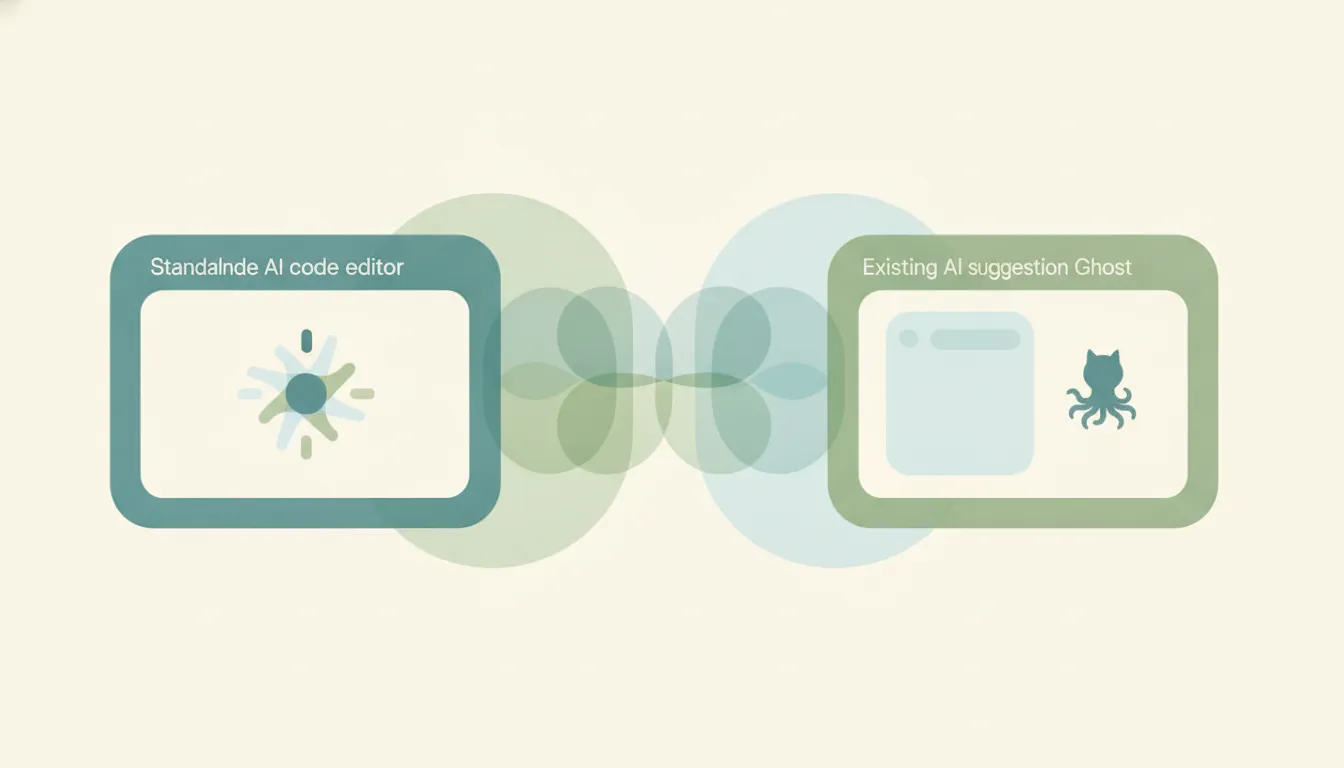
Both tools put a capable AI coding agent at your fingertips, but they take opposite paths to get there. Cursor is a standalone, AI-native code editor, a fork of VS Code built by Anysphere with a codebase-aware agent, fast tab completion, and its own in-house models baked into the editor. GitHub Copilot is an AI assistant that lives inside the editors you already use, from VS Code and JetBrains to Visual Studio and Neovim, wired tightly into the GitHub ecosystem. If you mainly want a purpose-built AI-first IDE and will switch editors to get it, pick Cursor; if you mainly want AI added to your current setup and GitHub, pick GitHub Copilot.
The One-Sentence Answer
Choose Cursor when you want to work inside a dedicated AI-first editor; choose GitHub Copilot when you want AI to ride along in the IDE and GitHub workflow you already have.
Side-by-Side Comparison
| Cursor | GitHub Copilot | |
|---|---|---|
| Core strength | AI-native editor with deep codebase-aware agent | AI assistant embedded in your existing tools + GitHub |
| How it works | Standalone VS Code fork you install and switch to | Plugin/extension inside VS Code, JetBrains, Visual Studio, Neovim, Xcode |
| Best known for | Composer agent + Cursor Tab autocomplete | Inline completions, agent mode, issue-to-PR coding agent |
| Pricing model | Hobby free, Pro $20, Pro+ $60, Ultra $200/mo | Free, Pro $10, Pro+ $39, Max $100/mo |
| Team pricing | Teams $40/user/mo, Enterprise custom | Business $19/seat, Enterprise $39/seat |
| Integrations/ecosystem | Multi-model (OpenAI, Anthropic, Google, xAI) + in-house models | Multi-model + native GitHub, Actions, PRs, issues |
| Ideal user | Developers who want a full AI-first IDE | Teams standardized on existing IDEs and GitHub |
| Setup style | Adopt a new editor, import VS Code settings | Add an extension to the editor you run today |
When to Use Cursor
- You want the AI woven into the editor itself, not bolted on as a plugin, with a codebase-aware agent (Composer) that can coordinate edits across many files.
- You rely heavily on autocomplete and want Cursor Tab, its fast next-edit prediction powered by the in-house Fusion model.
- You’re comfortable switching to a dedicated editor and importing your VS Code extensions and keybindings to get there.
- You want to steer between frontier models (Claude, GPT, Gemini, Grok) and Cursor’s own Composer without leaving the IDE.
When to Use GitHub Copilot
- You want to stay in the IDE you already use, whether that’s VS Code, a JetBrains product, Visual Studio, Neovim, or Xcode, rather than adopt a new editor.
- Your work centers on GitHub, so native ties to issues, pull requests, and Actions matter, including assigning an issue to the coding agent and getting a PR back.
- You want the lowest entry price for a paid tier or the cheapest per-seat plan for a team standardized on GitHub.
- You need broad editor coverage across a team that isn’t willing to converge on one editor.
IDE Replacement vs In-Editor Plugin: The Axis That Actually Decides It
The cleanest way to choose is to ask whether you’re willing to change editors. Cursor is a whole IDE. You download it, switch to it, and its agent and autocomplete are native to the environment. That tight integration is why its Composer agent, an in-house agentic model trained with codebase-wide semantic search, feels so fluid at multi-file refactors: the editor and the model were designed together. The cost is real, though. Cursor is a VS Code fork, so you cannot run it inside JetBrains, Visual Studio, Xcode, or Neovim. If your team lives in those tools, adopting Cursor means adopting a new editor for everyone, not just a new feature.
GitHub Copilot makes the opposite trade. It meets you where you already work as an extension, and in 2026 it closed much of the agent gap that once favored Cursor: agent mode reached the stable VS Code release, the autonomous coding agent runs across VS Code and JetBrains, and you can hand a GitHub issue to Copilot and have it open a pull request on its own. That GitHub-native workflow, issue in, PR out, running on Actions, is the thing Cursor structurally can’t match, because Cursor is an editor and Copilot is a layer over the platform where your code already lives.
Pricing reinforces the split, but read it carefully. Copilot’s paid entry point is $10/month and Business seats run $19/user, versus Cursor’s $20 Pro and $40 Teams seats, so on sticker price Copilot is the cheaper way to add AI, especially for a large team. But both moved toward usage-based billing on premium model requests in 2026, so heavy agent use can push either bill up well past the base tier regardless of what you signed up for. Above the entry tiers the ceilings climb fast on both sides: Cursor tops out at a $200 Ultra plan, and Copilot at a $100 Max plan built for sustained agent-driven work. The scale picture is different too. Copilot passed 4.7 million paid subscribers by January 2026 and leans on GitHub’s install base, while Cursor’s Anysphere raised $2.3 billion in late 2025 at a roughly $29 billion valuation on the strength of the standalone-editor bet. In head-to-head task testing the two trade blows rather than one dominating: Cursor tends to be faster per task, Copilot slightly more accurate on benchmark fixes. The practical gotcha is that Cursor’s advantage is depth inside its own editor, while Copilot’s advantage is reach across editors plus native GitHub plumbing. Neither wins on features alone in 2026; they win on which environment you want to commit to.
Rule of thumb: If you’ll change editors for the best AI-native experience, pick Cursor. If the AI has to come to your existing IDE and GitHub, pick Copilot.
Neither tool touches the non-coding half of a builder’s day, the meetings, the inbox, the follow-ups. Carly is an AI executive assistant you email or text to schedule meetings, handle email, and run multi-step tasks across 200+ integrations, so the calendar and admin work stays off your plate while you stay in Cursor or Copilot to write the code.
Quick Reference
| Your situation… | Pick… |
|---|---|
| Want a dedicated AI-first editor | Cursor |
| Won’t leave JetBrains, Visual Studio, or Neovim | GitHub Copilot |
| Heavy multi-file agent refactors | Cursor |
| Work revolves around GitHub issues and PRs | GitHub Copilot |
| Lowest paid entry price or cheapest team seats | GitHub Copilot |
| Best-in-editor autocomplete (Cursor Tab) | Cursor |
Related guides: Cursor alternatives · Claude Code vs GitHub Copilot · Best AI agents for productivity
Ready to automate your busywork?
Carly schedules, researches, and briefs you—so you can focus on what matters.
See what people say
"Before Carly, I relied on a Calendly link, but the whole process felt impersonal and not very professional. Carly changed that by handling all the back-and-forth, so I'm no longer stuck in endless email threads trying to line up schedules.
Now Carly reaches out to candidates, shares my real-time availability, lets them pick a slot, then sends a Zoom link and drops it straight into my calendar. She sends reminders to both of us before each call, which has significantly reduced no-shows and last-minute confusion.
On top of scheduling, Carly acts like a full executive assistant, sending me my schedule the night before so I can prepare for each call. It reminds me of the old x.ai assistant, but Carly is noticeably smarter, faster, and better suited to my healthcare recruitment business."