Figma vs Miro: Which to Pick in 2026?
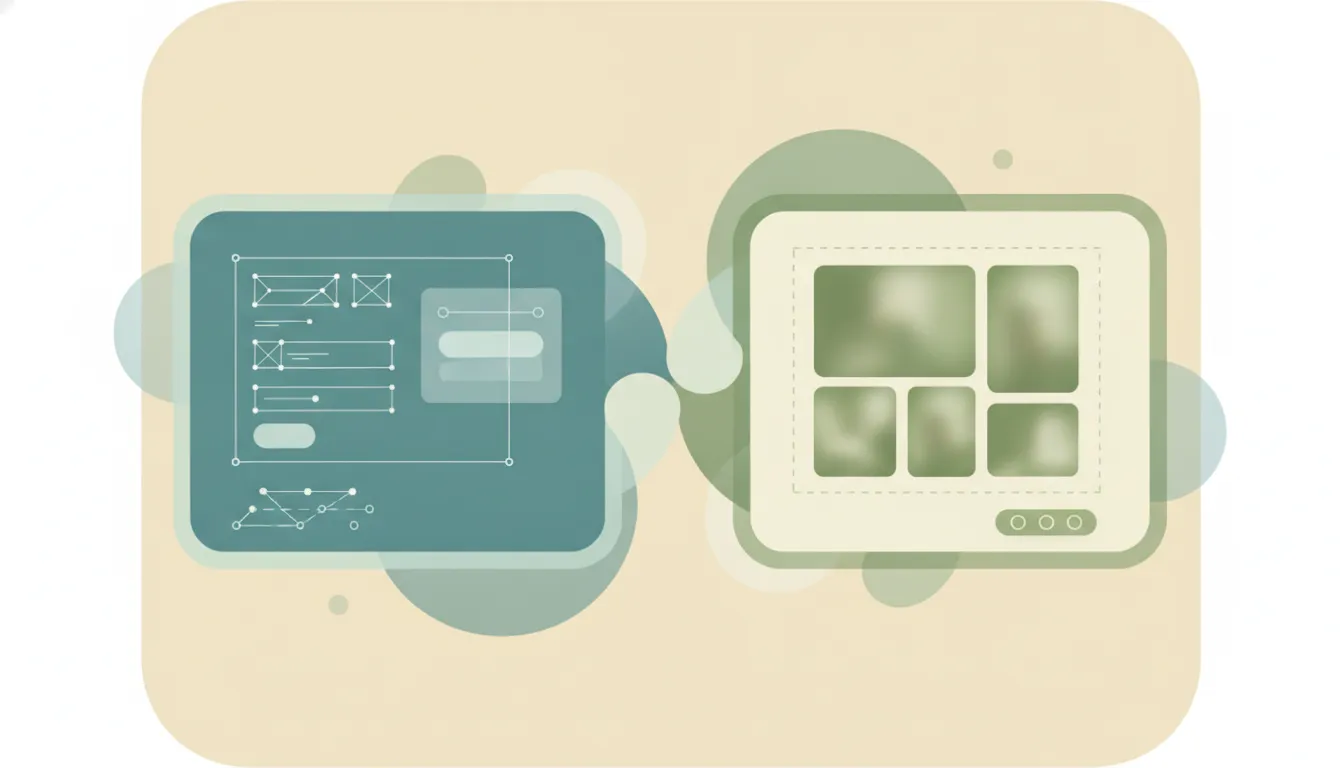
These two get compared constantly, but they mostly do different jobs. Figma is a professional interface-design and prototyping tool — the industry standard for building UI, design systems, components, and clickable prototypes that get handed to engineers. Miro is a collaborative visual workspace — an effectively infinite whiteboard for brainstorming, diagramming, workshops, roadmapping, and cross-team planning. They overlap in exactly one place: whiteboarding, where Figma’s FigJam goes head-to-head with Miro. If you mainly need to design and ship an interface, that’s Figma. If you mainly need an open canvas where a whole team thinks together, that’s Miro.
The One-Sentence Answer
Use Figma if your core job is designing and prototyping interfaces; use Miro if your core job is running visual collaboration, workshops, and planning across a team.
Side-by-Side Comparison
| Figma | Miro | |
|---|---|---|
| Core strength | Pixel-precise UI design and prototyping | Open visual collaboration and facilitation |
| How it works | Vector design canvas with components, auto layout, Dev Mode | Infinite whiteboard with sticky notes, frames, templates |
| Best known for | Being the industry-standard product design tool | Being the go-to workshop and brainstorming workspace |
| Whiteboard product | FigJam (bundled with paid seats) | Miro is itself the whiteboard |
| Pricing model | Free Starter; paid Full seats scale up to | Free plan; Starter $8/user/mo and Business $20/user/mo (annual); Enterprise custom |
| AI features | Figma Make (prompt-to-app), First Draft, AI-assisted Dev Mode and prototyping | AI credits for generating diagrams, tables, clustering sticky notes, and summaries |
| Ideal user | Product designers, UX/UI teams, design systems | Product, ops, agile, and facilitation teams |
| Setup style | Design files, libraries, and dev handoff | Templates for workshops, retros, roadmaps, journey maps |
When to Use Figma
- You’re building actual interfaces: screens, components, design systems, and reusable libraries.
- You need interactive prototypes with real transitions, states, and click-through flows to test or demo.
- You hand designs to engineers and want Dev Mode to express layers as HTML, CSS, Tailwind, SwiftUI, or Compose.
- You want AI in the design loop: Figma Make to turn a prompt into a working prototype, or First Draft to mock up screens fast.
When to Use Miro
- You’re running a live workshop, retro, or brainstorm and want everyone contributing on one canvas at once.
- You need diagramming, journey maps, roadmaps, or dependency mapping that isn’t tied to a design file.
- You’re coordinating product, ops, and delivery teams, not only designers, and want enterprise governance (SSO, SCIM, data residency).
- You want AI to cluster sticky notes, summarize a messy board, or turn a jumble of ideas into structure.
Design Production Tool vs Visual Collaboration Workspace
The cleanest way to decide is to ignore the feature lists and ask what leaves the tool. From Figma, the output is a thing you ship: a polished screen, a design system, a prototype an engineer builds against. From Miro, the output is shared understanding: alignment from a workshop, a mapped process, a roadmap the room agreed on. That difference in output is why so many teams run both. Designers live in Figma to produce the interface, and the same company runs discovery sessions, sprint retros, and quarterly planning in Miro. Neither replaces the other.
The one spot where you genuinely have to choose is early-stage whiteboarding, and that’s a FigJam-vs-Miro question, not a Figma-vs-Miro one. FigJam is included with Figma’s paid seats, so design-first teams already on Figma get a capable, playful whiteboard at effectively no extra cost, and it lets ideas flow straight into design files. Miro goes wider and deeper: a huge template library, integrations with tools like Jira and Asana, comfortable performance with dozens of concurrent editors, and the governance controls big organizations demand. The trap is picking on price alone. FigJam looks cheaper because it’s bundled, but if your whiteboarding involves non-designers across ops, sales, and delivery, Miro’s breadth and facilitation depth usually earn the standalone cost. Conversely, if the only people whiteboarding are designers who then move into UI work, paying for Miro on top of Figma is redundant.
Rule of thumb: If the artifact you’re building is an interface, use Figma. If the artifact is alignment across a team, use Miro. If you’re only whiteboarding and already pay for Figma, start with FigJam before buying Miro.
Whichever design or collaboration tool you settle on, the scheduling and email churn around it — booking the design review, chasing feedback, sending recaps — still eats hours. That’s where an AI executive assistant like Carly fits: you email or text it and it handles the meetings and inbox admin, so you stay in your canvas instead of your calendar.
Quick Reference
| Your situation… | Pick… |
|---|---|
| Designing screens, components, or a design system | Figma |
| Building an interactive, click-through prototype | Figma |
| Running a workshop, retro, or live brainstorm | Miro |
| Mapping a process, roadmap, or journey across teams | Miro |
| Already on Figma and just need a whiteboard | FigJam (inside Figma) |
| Whiteboarding with ops, sales, and non-designers | Miro |
Related guides: Figma vs Canva · Miro vs Mural · Best AI tools for graphic designers
Ready to automate your busywork?
Carly schedules, researches, and briefs you—so you can focus on what matters.
See what people say
"Before Carly, I relied on a Calendly link, but the whole process felt impersonal and not very professional. Carly changed that by handling all the back-and-forth, so I'm no longer stuck in endless email threads trying to line up schedules.
Now Carly reaches out to candidates, shares my real-time availability, lets them pick a slot, then sends a Zoom link and drops it straight into my calendar. She sends reminders to both of us before each call, which has significantly reduced no-shows and last-minute confusion.
On top of scheduling, Carly acts like a full executive assistant, sending me my schedule the night before so I can prepare for each call. It reminds me of the old x.ai assistant, but Carly is noticeably smarter, faster, and better suited to my healthcare recruitment business."