Gmail Storage Limit: How the 15 GB Shared Quota Works (2026)
There is no separate Gmail storage limit. Every free Google Account gets 15 GB of storage shared across Gmail, Google Drive, and Google Photos (Google One Help). When that 15 GB fills up, you can no longer send or receive email (Gmail Help) — even if your inbox alone is tiny.
The Limits at a Glance
Free Google Account
- 15 GB total, shared across Gmail + Drive + Photos
Google One (paid, personal)
- 100 GB, 200 GB, 2 TB, and higher tiers, added on top of the free 15 GB (Google One plans)
Google Workspace (per-user, pooled)
- Business Starter: 30 GB pooled per user
- Business Standard: 2 TB pooled per user
- Business Plus: 5 TB pooled per user (Workspace editions)
Why your inbox fills up when you barely email
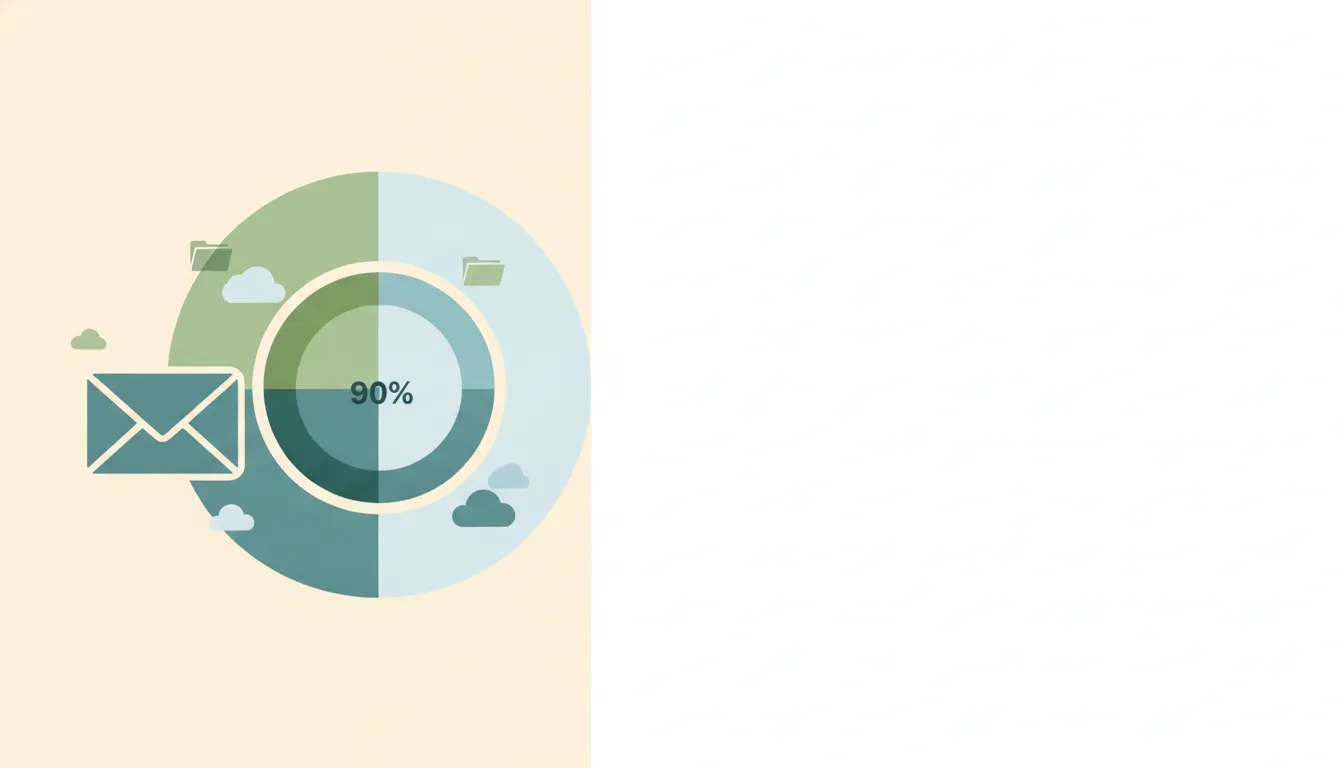
The 15 GB is a single bucket. A few years of Drive files, original-quality photo backups, and large email attachments all draw from the same quota, so Gmail can lock up because of Photos or Drive — not your messages.
What counts toward the quota: Gmail messages and attachments (including Spam and Trash), Drive files, Meet recordings, original-quality Photos, and Docs/Sheets/Slides created or edited after June 1, 2021. What does not count: Google Sites, Keep, and content backed up before June 1, 2021 (Google One Help).
How to Free Up Space (or work around it)
- Empty Spam and Trash first. Both count against your quota, and deleted mail sits in Trash for 30 days unless you purge it.
- Search and delete large attachments. In Gmail, search
larger:10Mto surface the biggest space hogs, including files that exceed Gmail’s own attachment size limit. - Clear Drive and Photos. Open Google’s storage manager to see which product is actually full and delete from there.
- Buy Google One. A 100 GB plan adds storage on top of the free 15 GB if cleanup isn’t enough.
- Allow time to update. After deleting, storage figures can take from 30 minutes up to a few days to refresh.
Troubleshooting
Why does Gmail say storage full when my inbox is small?
Your 15 GB is shared with Drive and Photos. Large Drive files or original-quality photo backups can fill the quota even when your email takes up almost none of it.
What happens to incoming email when I hit the limit?
Messages sent to you are bounced back to the sender, and you can’t send mail either, until you free up space or upgrade (Gmail Help).
Will Google delete my data if I stay over the limit?
If your account is over quota for two years, Google may delete content across Gmail, Drive, and Photos (Google One Help).
Does deleting email free up space immediately?
Not always. Mail moves to Trash for 30 days first, and quota totals can take from 30 minutes to a few days to recalculate after you empty it.
Quick Reference
| Plan / tier | Storage |
|---|---|
| Free Google Account | 15 GB (shared) |
| Google One | 100 GB / 200 GB / 2 TB+ |
| Workspace Business Starter | 30 GB pooled / user |
| Workspace Business Standard | 2 TB pooled / user |
| Workspace Business Plus | 5 TB pooled / user |
Carly is an AI executive assistant that works inside your inbox. It won’t raise your 15 GB cap, but it keeps your mailbox tidy — labeling, filing attachments into the right Drive folders, and clearing out the noise — so your quota lasts longer between cleanups. Carly connects to Gmail and starts at $35/month. See how it compares in our roundup of the best AI email assistants.
Related guides: Gmail attachment size limit · Best email management tools
Ready to automate your busywork?
Carly schedules, researches, and briefs you—so you can focus on what matters.
See what people say
"Before Carly, I relied on a Calendly link, but the whole process felt impersonal and not very professional. Carly changed that by handling all the back-and-forth, so I'm no longer stuck in endless email threads trying to line up schedules.
Now Carly reaches out to candidates, shares my real-time availability, lets them pick a slot, then sends a Zoom link and drops it straight into my calendar. She sends reminders to both of us before each call, which has significantly reduced no-shows and last-minute confusion.
On top of scheduling, Carly acts like a full executive assistant, sending me my schedule the night before so I can prepare for each call. It reminds me of the old x.ai assistant, but Carly is noticeably smarter, faster, and better suited to my healthcare recruitment business."