Connect Multiple Google Drive Accounts to Claude Code
Claude Code reaches Drive through MCP, and the usual servers hold one Google identity. Add every Drive to Carly and search all of them in one session.
36 posts
Claude Code reaches Drive through MCP, and the usual servers hold one Google identity. Add every Drive to Carly and search all of them in one session.

Gemini turns Drive into a searchable knowledge base and it's bundled into Workspace. What it does, which plan you need, and the part it hands back to you.
The Drive connector reads Sheets but has no cell-editing tool. What Cowork builds instead, and the routes that get changes back into the real sheet.
Codex's Drive plugin was left out of OpenAI's multi-account release. Add every Drive to Carly, register one MCP server, and reach all of them from the CLI.
Spark reads and writes Drive inside one signed-in account only. Connect every account to Carly, add Carly to Spark over MCP, and reach them all at once.
Grok Bot has no Google Drive connector of its own. It borrows Cursor's plugin, itself a wrapper on Google's MCP server. Three vendors, one shared browser.
Grok's Google Drive connector is free, self-serve, and documented for reads and writes. A second Google account is undocumented. Setup and the way round it.
Consumer Copilot documents one Google sign-in per connector and Microsoft 365 Copilot never signs into Drive at all. Connect every account to Carly instead.
Every Gemini surface reads only the Google account you signed into. Connect each Drive to Carly, add Carly to Gemini, and one question spans them all.
Perplexity's Drive connector is real and self-serve on Pro, and read-only by design. A second Google account is undocumented. How to hold both anyway.
ChatGPT can now move, rename, and delete Drive files. Only one assistant does it without being asked, and across more than one Google account.
Gmail, Calendar, and Drive are the easiest surfaces in AI to read and the hardest to act on. Which assistants write, and which hold a second Google account.
ChatGPT Work offers two Drive setups and both hold one Google identity. The admin path will not take a gmail.com address at all. Here is the way around it.
Cowork holds one Google identity, and the write limit is new files versus existing ones rather than read versus write. Here is how to work across both.
ChatGPT's Drive connector holds one Google account. Here is how to search personal and work Drive in the same chat, and why account switching does not help.
Claude's Drive connector holds one Google identity. Here is how to reach personal and work Drive in the same chat, and what the native connector will not do.
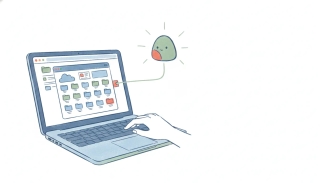
Google's official Drive MCP server is real but sits behind a developer preview and extra setup. What it does, how to connect it, and where it stops.
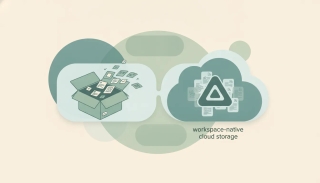
Dropbox is the fastest cross-platform file sync; Google Drive is Workspace-native storage with 15GB free. Here's which to pick in 2026.
Google Drive is storage built around Google Workspace and Gemini; OneDrive is built around Microsoft 365 and Copilot. Here's which to pick in 2026.
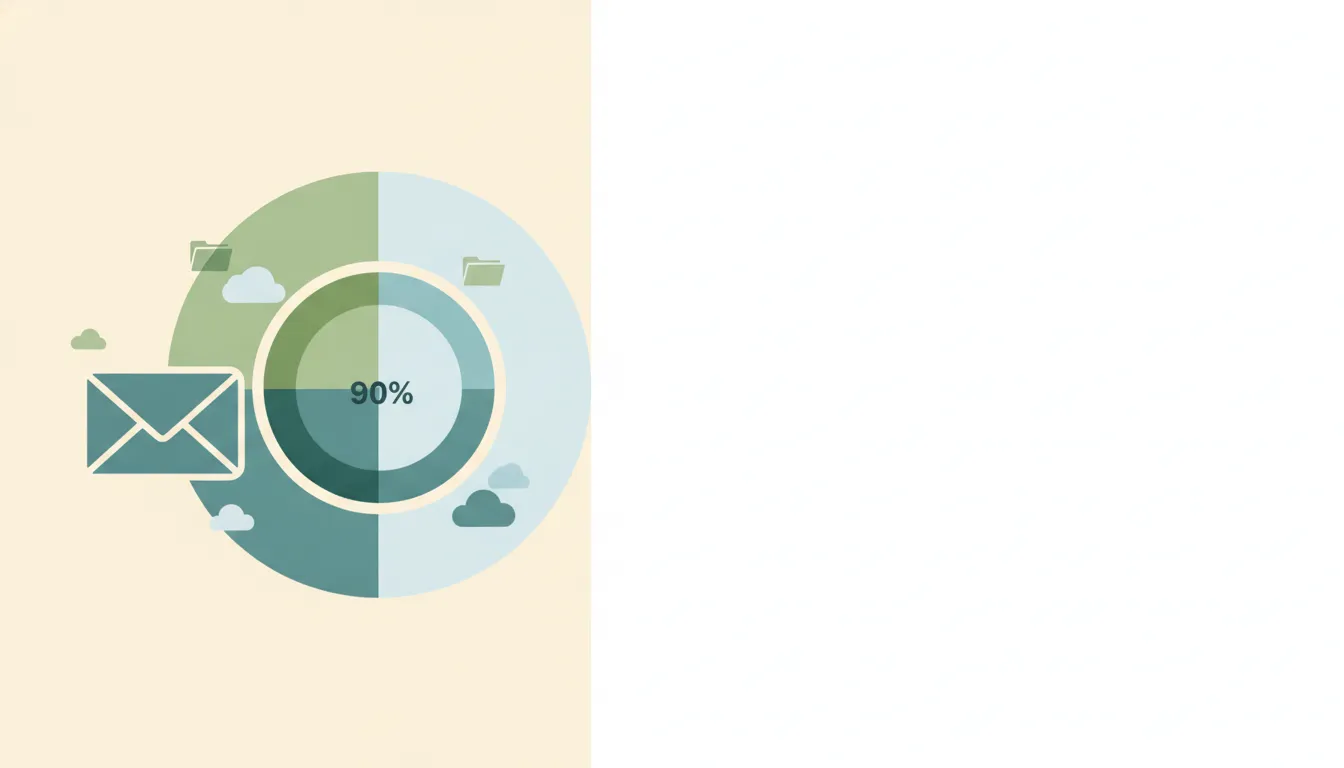
Gmail shares one 15 GB free quota with Google Drive and Photos. See what counts, Google One tiers, and what happens when you hit the cap.
Google Drive's free 15 GB is shared with Gmail and Photos. See Google One tiers (100 GB–5 TB), Workspace pooled storage, the 5 TB file cap and 750 GB/day limit.
Add a shortcut to a file or folder in Google Drive — the replacement for 'Add to My Drive'. Plus deleting shortcuts, what they break, and when to use them vs a real copy.
Back up your Windows or Mac computer to Google Drive automatically using Drive for desktop — pick which folders sync, mirror vs stream, and recover deleted files.
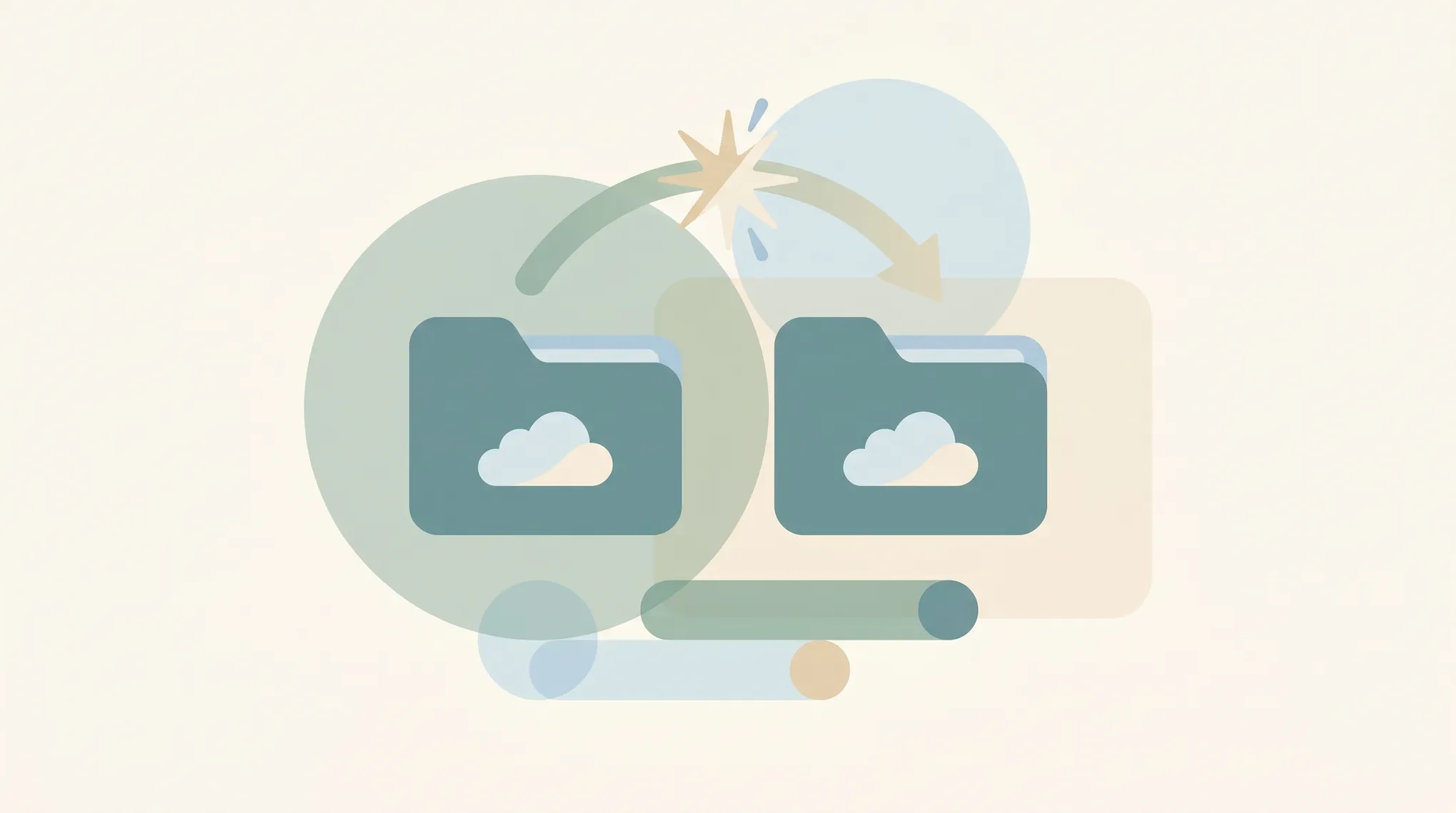
Copy a folder in Google Drive — the built-in 'Make a copy' workaround, the multi-select method, the Apps Script method, and how shortcuts can save the copy entirely.
Google Drive folders don't have native passwords — here's how to get the same protection: restrict sharing, encrypt a ZIP, use Drive's Confidential mode, or third-party tools.
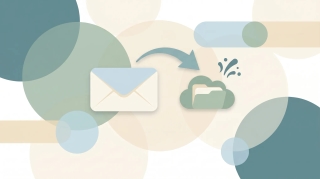
Save Gmail messages to Google Drive — single email as PDF, batch save with Google Takeout, or auto-archive with filters. Plus saving attachments only.
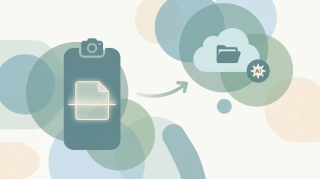
Scan paper documents to Google Drive using the built-in Drive scanner on iPhone and Android — auto-edge detection, multi-page PDFs, OCR, and saving directly to a Drive folder.
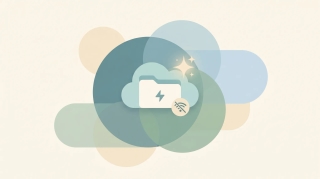
Enable Google Drive offline access so Docs, Sheets, Slides, and recent files open and edit without an internet connection — on desktop, mobile, and Drive for desktop.
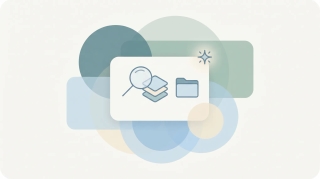
Find anything in Google Drive fast with search operators — owner:, type:, before:, after:, sharedwith:, title:, and more. Plus full-text search and combining operators.
How to lock down a Google Drive file or folder, restrict access, turn off link sharing, manage inheritance, and audit access with the Activity dashboard.
How to organize Google Drive in 2026, folder colors, starring, shared drives vs My Drive, Drive labels, search operators, and Gemini AI suggestions.
How to restore deleted files from Google Drive trash, recover files past the 30-day window, and use Workspace admin recovery tools.
Step-by-step instructions for sharing folders in Google Drive, covering specific people, link sharing, permission levels, expiry dates, and Drive for desktop.
Transfer ownership of files and folders in Google Drive. Covers single files, shared drives, Workspace domain rules, and impacts on forms and scripts.
How to upload entire folders to Google Drive, drag-and-drop, folder upload button, Drive for desktop sync, file size limits, and mobile workarounds.
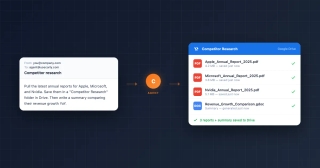
Use your Carly AI agent to pull reports, research companies, summarize documents, and organize findings in Google Drive — by email or chat.