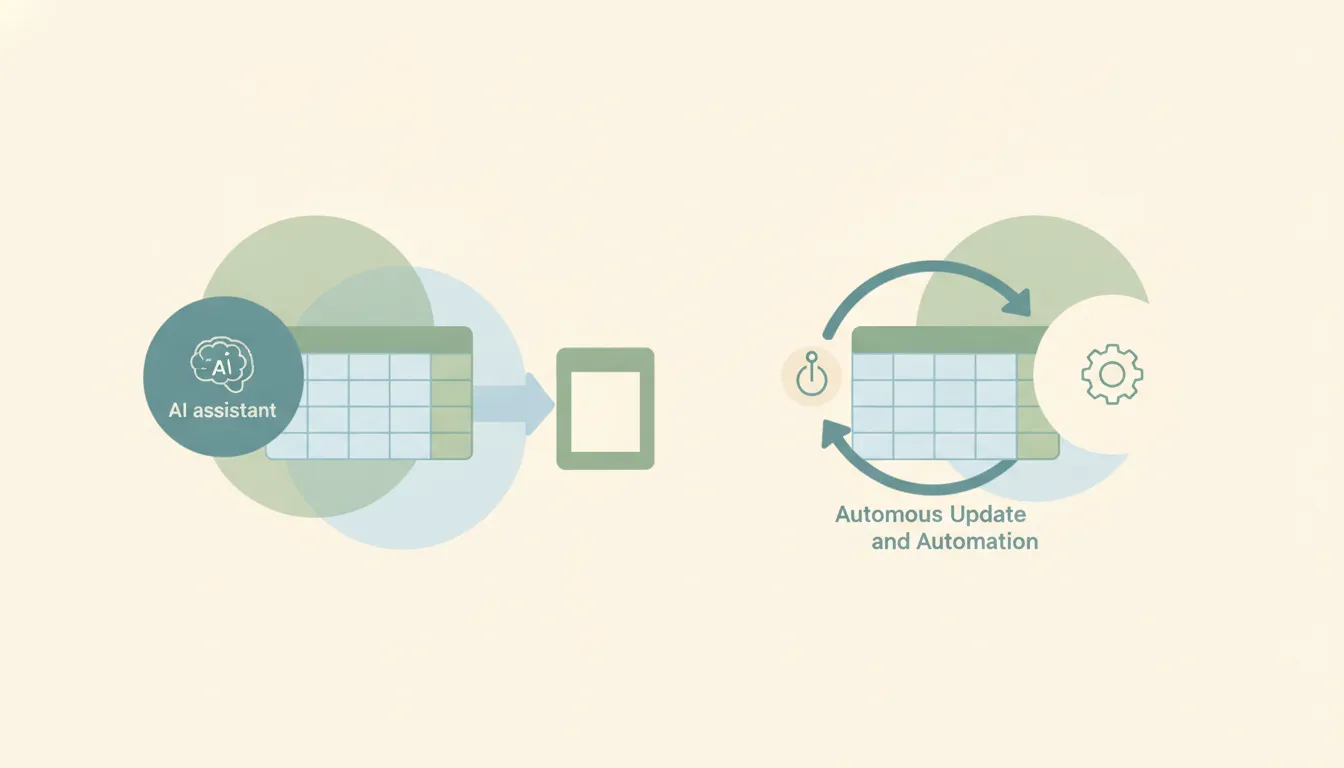
Grok for Excel: What the Free Add-In Actually Does
Grok for Excel shipped on July 20, 2026: a free Microsoft 365 add-in that docks a Grok panel beside your workbook. No export, no copying tables into a chat window, no paid tier: xAI’s announcement calls it a free add-in, installable from the Microsoft Marketplace.
That’s a sharper move than it first looks. Grok for Outlook, which landed a day later, requires a paid X or SuperGrok subscription. Excel, Word, and PowerPoint don’t. xAI is giving away the Office surface and charging for the inbox.
What it does in a workbook
Answers questions about a range. Select cells and ask what moved, why, and what stands out. Answers cite the cells they came from, which is the difference between a spreadsheet assistant you can check and one you have to trust. Charts drop directly into the sheet beside the data.
Writes formulas from a description. Describe the outcome and Grok handles the syntax. Averages, sorts, fills. These land as normal edits in the formula bar, not as some parallel artifact, so the workbook stays a workbook, and the next person who opens it doesn’t need the add-in to understand it.
Runs scenarios. Test a downside case, rerun a forecast, or close out month-end without rebuilding the sheet by hand.
The model underneath is Grok 4.5, which xAI launched on July 16, 2026 and positions for coding, agentic tasks, and knowledge work.
The connector trick is the interesting part
The add-in can call your Grok connectors. xAI’s own example: ask it to pull context from recent emails, or from files in SharePoint or Google Drive.
This is the capability worth actually planning around, because it collapses the most tedious part of a lot of finance and ops work, the part where the number you need is in a supplier’s email and the reconciliation is in someone’s Drive folder. The add-in can reach both from inside the workbook.
It’s also the part with a permissions story attached. Connectors authenticate separately at grok.com/connectors, and what the add-in can pull is bounded by the scopes you granted there. A read-only Gmail connection stays read-only when Excel calls it.
What it doesn’t do
It works while Excel is open. The add-in is a panel; the panel needs the app. There’s no version of this that reconciles the sheet at 6am because the workbook isn’t running.
It doesn’t watch anything. The connectors it calls answer questions and initiate nothing. If a payment lands, a subscription cancels, or a form comes in, the workbook doesn’t know until someone opens it and asks.
xAI closed part of that gap on July 16 with Automations.
Grok closed part of the event gap in July 2026. Scheduled automations are open to everyone and email triggers come with SuperGrok, matching on sender, recipient, or subject. The limit is that the inbox is the only thing it watches, so anything happening in another app still has to be noticed by a person first. Carly notices instead, across thousands of apps.
For a spreadsheet workflow this helps in exactly one shape: the recurring report, or the mail-driven update where the trigger genuinely is an email. For the rest, the sheet still waits for a person.
Grok vs Copilot in Excel
Copilot in Excel is the incumbent, and the comparison comes down to three things.
Price. Grok for Excel is free; Copilot is a per-seat license. For an individual analyst that’s the whole argument.
Reach. Grok searches the web and X, and pulls from Google Drive alongside SharePoint. Copilot is strong inside the Microsoft graph and doesn’t cross to Google.
Trust posture. Copilot inherits tenant compliance your IT team already approved. Grok is a third-party add-in reaching your data through OAuth grants that individual users make, which is fast for one person and a conversation with security for a company.
None of that makes one obviously right. It makes Grok the easy pick for an individual and the harder pick for a regulated team.
When the spreadsheet isn’t the actual job
A lot of recurring spreadsheet work is really systems work in disguise: pull yesterday’s numbers from the CRM, reconcile against the payment processor, flag what’s off, tell someone. The spreadsheet is where it lands, not where it lives.
Carly sits at the other end of that. Agents run on events across 200+ integrations, on the record changing, the payment failing or the file arriving, and do the work when it happens rather than when someone opens the file. Each agent has its own name and email address, so briefing it looks like emailing a colleague. Anything with a public API that isn’t native connects with your own key. Free Zapier-style workflows; AI agents from $35/month.
Carly is reachable from Grok itself, so this isn’t an either/or. It runs a hosted MCP server: at grok.com/connectors, click New Connector, select Custom, and enter https://carlyassistant.com/mcp/. Grok can then pull your calendar and mail through Carly in the same chat that feeds the workbook.
Grok for Excel makes the hour in the workbook faster. Whether you should be in the workbook is a separate question.
FAQ
Is Grok for Excel really free?
Yes. xAI describes it as a free Microsoft 365 add-in, installable from the Microsoft Marketplace. Word and PowerPoint are free as well. Outlook is the one that requires a paid X or SuperGrok subscription.
How do I install it?
Add it from the Microsoft Marketplace, then open the Add-ins menu in Excel and pick Grok. The panel docks beside your sheet.
Can it edit my workbook, or only read it?
It edits. Formulas and fills land as normal edits in the formula bar, and charts can be inserted into the sheet.
Can it pull data from other apps?
Yes, through your Grok connectors: recent emails, SharePoint, Google Drive. You connect those separately at grok.com/connectors, and the permissions you grant there bound what the add-in can reach.
Does it work in Excel on the web and Mac?
It’s distributed as a Microsoft 365 add-in through the Marketplace, which is the cross-platform add-in surface. Availability tracks whatever Microsoft 365 build you’re running.
Ready to automate your busywork?
Carly schedules, researches, and briefs you—so you can focus on what matters.
See what people say
"Before Carly, I relied on a Calendly link, but the whole process felt impersonal and not very professional. Carly changed that by handling all the back-and-forth, so I'm no longer stuck in endless email threads trying to line up schedules.
Now Carly reaches out to candidates, shares my real-time availability, lets them pick a slot, then sends a Zoom link and drops it straight into my calendar. She sends reminders to both of us before each call, which has significantly reduced no-shows and last-minute confusion.
On top of scheduling, Carly acts like a full executive assistant, sending me my schedule the night before so I can prepare for each call. It reminds me of the old x.ai assistant, but Carly is noticeably smarter, faster, and better suited to my healthcare recruitment business."