Gumloop vs Bardeen: Which AI Automation Tool in 2026?
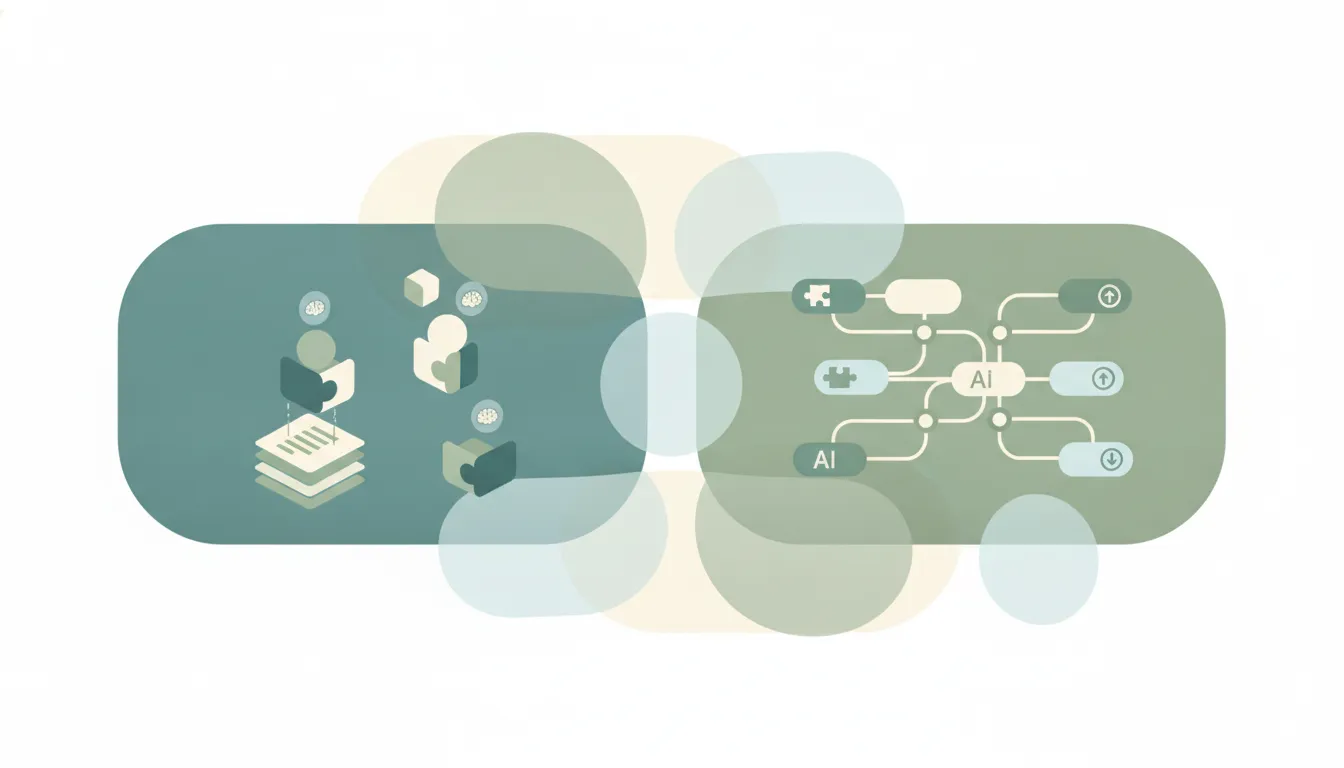
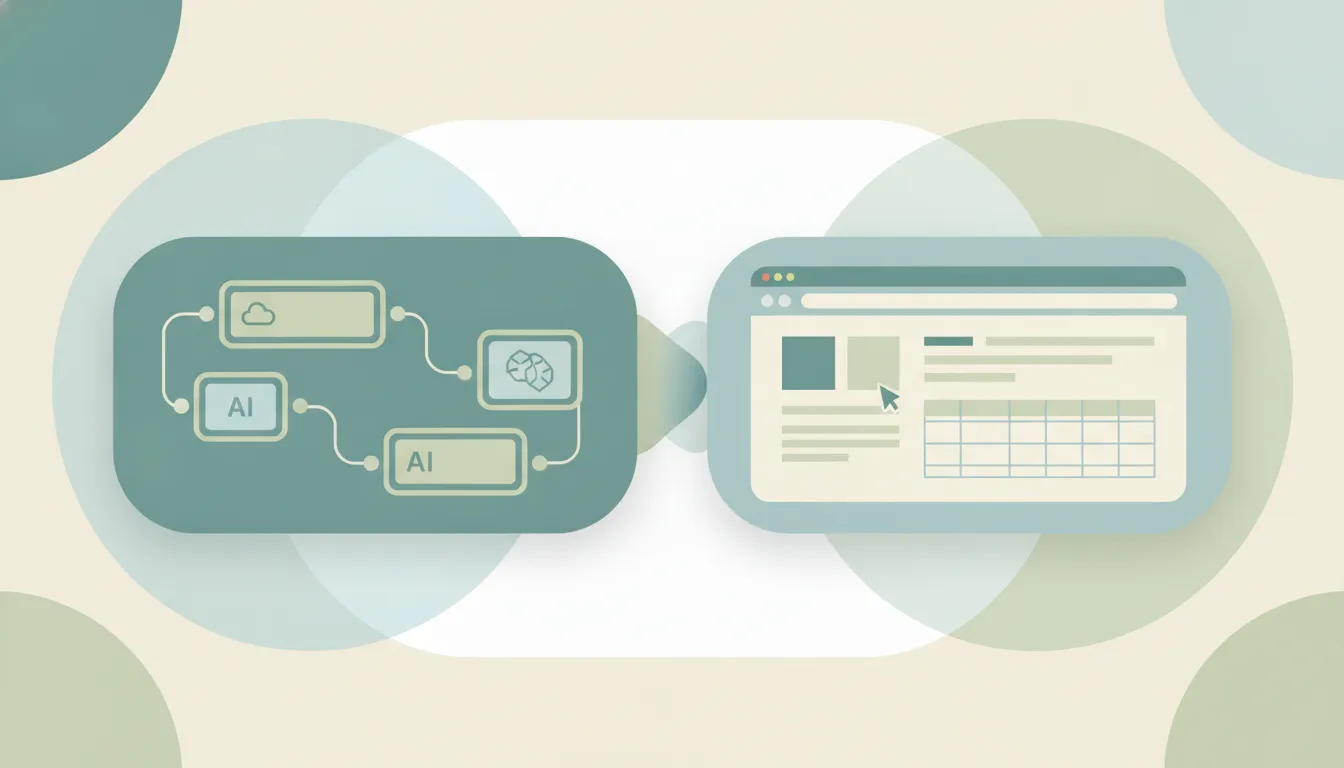
Both automate work, but they start from opposite ends. Gumloop is a no-code AI-workflow builder (a Y Combinator company) where you drag nodes onto a canvas and chain multi-step pipelines with built-in GPT, Claude, and Gemini. Bardeen is a Chrome-first browser-automation and scraping agent that runs actions right inside the tabs you already have open. If you mainly need to build broad, multi-step AI workflows across apps, Gumloop. If you mainly need to scrape web pages and automate in-browser actions, Bardeen.
The One-Sentence Answer
Use Gumloop if you want to design multi-step AI workflows on a canvas that run in the cloud. Use Bardeen if your automation lives in the browser, extracting data from pages and clicking through sites.
Side-by-Side Comparison
| Gumloop | Bardeen | |
|---|---|---|
| Core strength | Multi-step AI workflow canvas | In-browser automation and scraping |
| Where it runs | Cloud pipelines | Chrome extension |
| Built-in AI models | GPT, Claude, Gemini | AI actions inside flows |
| Web scraping | Possible via nodes | Its signature strength |
| Node/step limits | Unlimited nodes on Pro | Playbook and credit based |
| Learning curve | Canvas takes some setup | Fast for browser tasks |
| Pricing | ~$37/mo Pro | ~$30/mo |
| Best for | Orchestrating AI across many apps | Pulling and acting on web data |
When to Use Gumloop
- You’re chaining many steps: read data, call an AI model, transform it, push it somewhere
- You want built-in GPT, Claude, or Gemini without wiring separate API keys
- Your workflow spans several apps, not just one browser tab
- You want a visual canvas and unlimited nodes to grow a pipeline over time
Think of Gumloop as an AI assembly line — you lay out the stations and data flows through them.
When to Use Bardeen
- The task happens on a web page: scraping a list, a directory, or search results
- You want to automate clicks, form fills, and copy-paste inside Chrome
- You need to grab structured data off sites that have no clean API
- You want a lightweight extension that triggers from the browser you already live in
Where the Work Actually Happens Decides It
The real fork is location. Bardeen lives in Chrome, so it shines when the job is on the screen in front of you: extracting rows from a LinkedIn search, pulling product data off a store, or clicking through a repetitive web flow. Gumloop lives in the cloud, so it shines when the job is orchestration: take an input, run it through several AI and app steps, and deliver a result without a browser open at all. Bardeen can call AI and Gumloop can scrape, but each is easier at its home turf. If most of your friction is “I keep copying data out of websites,” Bardeen. If most of your friction is “I keep manually running the same multi-app AI sequence,” Gumloop.
Rule of thumb: scraping and clicking inside a browser → Bardeen; building a multi-step AI pipeline across apps → Gumloop.
If the real goal is getting the work done rather than maintaining a canvas or a scraper, neither tool does the work for you. Carly is an AI executive assistant you email or text — it schedules meetings, handles email, and runs tasks on your behalf. It also automates multi-step workflows across 200+ integrations. See our best AI workflow automation tools and best AI agents for productivity.
Quick Reference
| Your situation… | Pick… |
|---|---|
| Scraping data off web pages | Bardeen |
| Chaining AI steps across many apps | Gumloop |
| Automating clicks inside Chrome | Bardeen |
| Want built-in GPT, Claude, and Gemini | Gumloop |
| Lightweight browser-triggered tasks | Bardeen |
| Building a growing multi-step pipeline | Gumloop |
Related guides: Best AI workflow automation tools · Best AI agents for productivity · Gumloop alternatives
Ready to automate your busywork?
Carly schedules, researches, and briefs you—so you can focus on what matters.
See what people say
"Before Carly, I relied on a Calendly link, but the whole process felt impersonal and not very professional. Carly changed that by handling all the back-and-forth, so I'm no longer stuck in endless email threads trying to line up schedules.
Now Carly reaches out to candidates, shares my real-time availability, lets them pick a slot, then sends a Zoom link and drops it straight into my calendar. She sends reminders to both of us before each call, which has significantly reduced no-shows and last-minute confusion.
On top of scheduling, Carly acts like a full executive assistant, sending me my schedule the night before so I can prepare for each call. It reminds me of the old x.ai assistant, but Carly is noticeably smarter, faster, and better suited to my healthcare recruitment business."