How to Build an AI Address Collector Agent
Every time you need to collect addresses — for a company mailing, a wedding, holiday cards, a client gift send, event invitations — you end up either building a form nobody fills out or chasing people over email and copy-pasting into a spreadsheet.
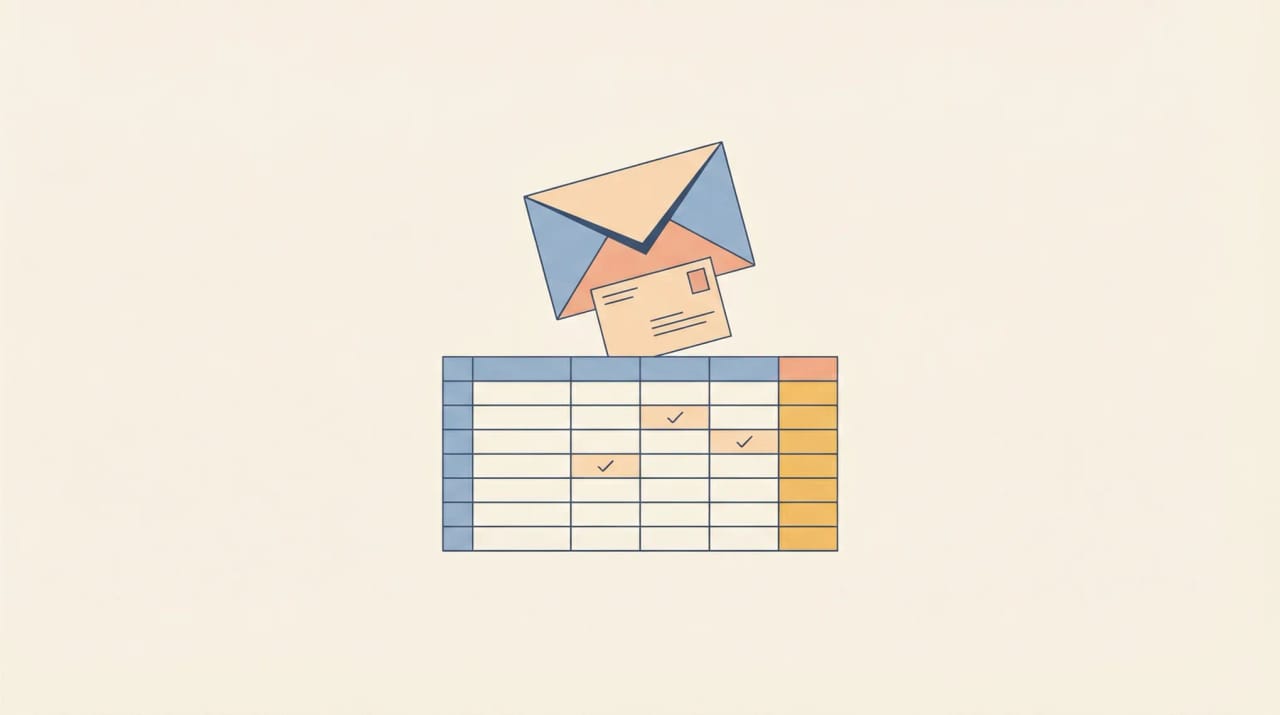
An AI address collector agent skips all of that. People email it their info in whatever format they want — messy, incomplete, with typos — and it parses everything, confirms back, and adds a clean row to your Google Sheet or Excel file.
No form link, no portal login, no manual copy-paste. People reply to an email the way they naturally would, and the agent handles the rest.
Messy formatting, lowercase, no structure — doesn’t matter. The agent parses it, normalizes it, and logs a clean row.
How it works
Create an address collector at carlyassistant.com (or email carly@usecarly.com and describe what you need). Connect your Google Sheet or Excel file and tell the agent what columns to fill — name, address, city, state, zip, plus any custom fields like shirt size, dietary preference, or department. The agent matches incoming emails to the right columns, confirms each entry with the sender, and adds clean rows automatically. Full setup walkthrough: How to Create a Custom AI Email Agent.
What an AI address collector connects to
Email: Gmail, Outlook
Spreadsheets: Google Sheets, Microsoft Excel, Airtable
File Storage: Google Drive, Dropbox, Box
See the full list of integrations.
What an AI address collector can do
- Company holiday gift send — email your team, BCC the agent, and it collects mailing addresses, shirt sizes, and dietary preferences into a spreadsheet as replies come in. It follows up with people who haven’t responded after a few days
- Client mailing list — forward new client onboarding emails to the agent and it extracts billing addresses and contact info into your master sheet, flagging duplicates and incomplete entries
- Event RSVPs with details — the agent collects addresses, plus-ones, meal preferences, and arrival dates from invitees who reply in whatever format they want — then normalizes everything into clean columns
Build your address collector in under 10 minutes at carlyassistant.com, or email carly@usecarly.com and describe the agent you need.
Related: How to Create a Custom AI Email Agent | How to Build an AI Reading List Agent | How to Build an AI Lead Response Agent | Best AI Agents for Productivity
Ready to automate your busywork?
Carly schedules, researches, and briefs you—so you can focus on what matters.
See what people say
"Before Carly, I relied on a Calendly link, but the whole process felt impersonal and not very professional. Carly changed that by handling all the back-and-forth, so I'm no longer stuck in endless email threads trying to line up schedules.
Now Carly reaches out to candidates, shares my real-time availability, lets them pick a slot, then sends a Zoom link and drops it straight into my calendar. She sends reminders to both of us before each call, which has significantly reduced no-shows and last-minute confusion.
On top of scheduling, Carly acts like a full executive assistant, sending me my schedule the night before so I can prepare for each call. It reminds me of the old x.ai assistant, but Carly is noticeably smarter, faster, and better suited to my healthcare recruitment business."