Lifestack vs Sunsama: energy-aware AI or mindful ritual in 2026?
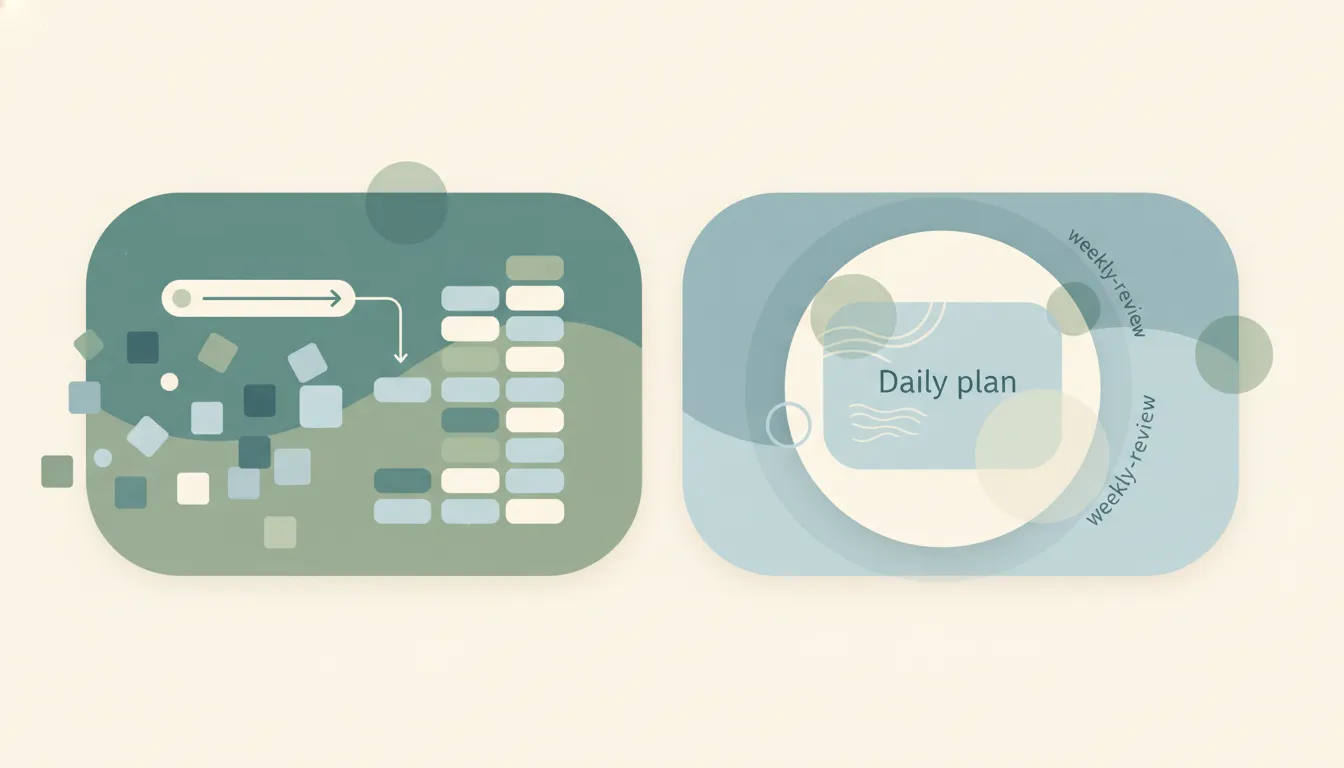
Lifestack and Sunsama both live in the daily-planning corner of productivity, but they start from opposite beliefs about how a good day gets built. Lifestack is an energy-aware AI planner that syncs with Apple Health and wearables to schedule your tasks around when your body actually has the energy to do them. Sunsama is a premium daily-planning ritual that deliberately refuses to auto-schedule anything, instead walking you through a calm, manual practice of pulling tasks from Asana, Todoist, Gmail, and Slack into a plan you build yourself. If you mainly want your calendar shaped by your biometrics and AI, pick Lifestack. If you want a mindful, hands-on planning habit, pick Sunsama.
The One-Sentence Answer
Pick Lifestack if you want AI and your wearable data to plan your day around your energy; pick Sunsama if you want a deliberate daily ritual that keeps you in control of every block.
Side-by-Side Comparison
| Lifestack | Sunsama | |
|---|---|---|
| Core strength | Energy-aware AI day planning | Mindful manual planning ritual |
| Best known for | Scheduling around circadian energy | Calm daily and weekly planning |
| Pricing model | Budget subscription, ~$7/mo | Premium subscription, ~$16-20/mo |
| Auto-scheduling | Yes, AI-driven | No, by design |
| Data source | Apple Health, wearables, calendar | Asana, Todoist, Gmail, Slack, calendar |
| Platform focus | Apple ecosystem | Web and desktop, cross-platform |
| Learning curve | Low, energy score guides you | Low, but the ritual takes commitment |
| Best fit | ADHD-friendly, energy-driven planners | Intentional, tool-heavy knowledge workers |
When to Use Lifestack
- You track sleep, heart rate, or recovery on an Apple Watch or another wearable and want that data to actually shape your schedule.
- You have ADHD or variable energy and benefit from a tool that suggests deep work when you are sharp and lighter tasks when you are not.
- You live in the Apple ecosystem and want tight Apple Health and calendar integration.
- You want a low-cost planner that does the scheduling thinking for you.
Think of it as a planner that reads your body before it reads your to-do list.
When to Use Sunsama
- You want a structured daily and weekly ritual that forces you to be realistic about what fits in a day.
- Your tasks already live in Asana, Todoist, Trello, Gmail, or Slack and you want one calm surface to pull them together.
- You prefer to decide your own time blocks rather than have an algorithm assign them.
- You value the reflective end-of-day shutdown and planning practice as much as the raw scheduling.
Automation vs intention is the real dividing line
The choice between these two comes down to whether you want a tool that plans for you or a tool that helps you plan deliberately. Lifestack bets that your body knows things your calendar does not, so it pulls in wearable and Apple Health signals and uses AI to slot work into your natural energy peaks and dips. Sunsama bets the opposite: that the act of planning by hand, every morning, is what makes you intentional and keeps you from overcommitting. Neither is objectively better, but they attract different people. If a machine arranging your day sounds like relief, Lifestack fits. If it sounds like losing the point of planning, Sunsama fits. Price reinforces the split too, with Lifestack sitting near $7 a month and Sunsama in the premium $17-22 range for its guided ritual and broader integrations.
Rule of thumb: choose Lifestack if you want your energy data to drive the schedule, and Sunsama if you want the discipline of building it yourself.
If the real goal is getting the day’s work actually done rather than tending either an energy dashboard or a planning ritual, neither tool does the work for you. Carly is an AI executive assistant you email or text — it schedules meetings, handles email, and runs tasks on your behalf. It also automates multi-step workflows across 200+ integrations, including Todoist, Asana, and Slack. See our best AI personal assistants.
Quick Reference
| Your situation | Pick |
|---|---|
| You want your wearable data to plan your day | Lifestack |
| You want a calm manual daily and weekly ritual | Sunsama |
| You have ADHD and variable energy | Lifestack |
| Your tasks live in Asana, Todoist, Gmail, and Slack | Sunsama |
| You are all-in on the Apple ecosystem on a budget | Lifestack |
| You want to stay in control of every time block | Sunsama |
Related guides: Sunsama alternatives · Best AI tools for executives
Ready to automate your busywork?
Carly schedules, researches, and briefs you—so you can focus on what matters.
See what people say
"Before Carly, I relied on a Calendly link, but the whole process felt impersonal and not very professional. Carly changed that by handling all the back-and-forth, so I'm no longer stuck in endless email threads trying to line up schedules.
Now Carly reaches out to candidates, shares my real-time availability, lets them pick a slot, then sends a Zoom link and drops it straight into my calendar. She sends reminders to both of us before each call, which has significantly reduced no-shows and last-minute confusion.
On top of scheduling, Carly acts like a full executive assistant, sending me my schedule the night before so I can prepare for each call. It reminds me of the old x.ai assistant, but Carly is noticeably smarter, faster, and better suited to my healthcare recruitment business."