How to Leave a Slack Workspace (2026 Guide)
Leave a Slack workspace on desktop, web, or mobile, understand leaving a channel vs a workspace, deactivating your account, and how to rejoin later.
Page 85 of 138
Leave a Slack workspace on desktop, web, or mobile, understand leaving a channel vs a workspace, deactivating your account, and how to rejoin later.
How to log a call in HubSpot: record call activity on a contact or deal, set call outcomes, call from HubSpot vs logging manually, associate records, and add notes.
Make a graph in Google Sheets: select your data, insert a chart, pick the right chart type, customize colors and labels, and move the chart to its own sheet.
Merge cells in Google Sheets: merge all, merge horizontally, merge vertically, center text across columns, unmerge, plus the sorting caveats to know first.
Move files in Dropbox by drag or right-click Move, on web, desktop, and mobile, move vs copy, bulk move, and keep shared links and permissions intact.
Use Dropbox File Requests to collect files from anyone, set where uploads land, add a deadline, and let senders upload without a Dropbox account.
How to send email in HubSpot: 1:1 sales emails from a contact record with a connected inbox, plus the Marketing Email tool for bulk sends, templates, and free vs paid.
Set due dates in Asana, add due times and start dates, create recurring due dates, use natural-language date entry, and see how dependencies shift dates.
Set reminders in Slack with the /remind command, message reminders, recurring reminders, and Slackbot, plus how to view and delete them in 2026.
Share a Dropbox folder with specific people or a link, set edit vs view permissions, share with non-Dropbox users, and add a password or expiry on paid plans.
Upload files to Dropbox from the web, desktop sync folder, or mobile app, drag and drop, upload whole folders, and handle large files the right way.
Use COUNTIF in Google Sheets to count cells by condition: text, numbers, wildcards, and dates, plus COUNTIFS for multiple criteria, with copy-paste examples.
Learn how to use Google Sheets from scratch: create and share a sheet, enter data, write basic formulas, format cells, collaborate, and use the mobile app.
Start a Slack huddle in a channel or DM, switch between audio and video, share your screen, invite others, use the huddle thread, and check plan limits.
Learn how to use Slack from scratch: workspaces, channels, DMs, threads, mentions, search, notifications, huddles, and apps, explained for new users in 2026.
Use SUMIF in Google Sheets to total cells by condition: text, numbers, wildcards, and dates, plus SUMIFS for multiple criteria and the most common errors.
Wrap text in Google Sheets so long entries show in full: use the toolbar or Format menu, compare wrap, overflow, and clip, apply to a range, and on mobile.
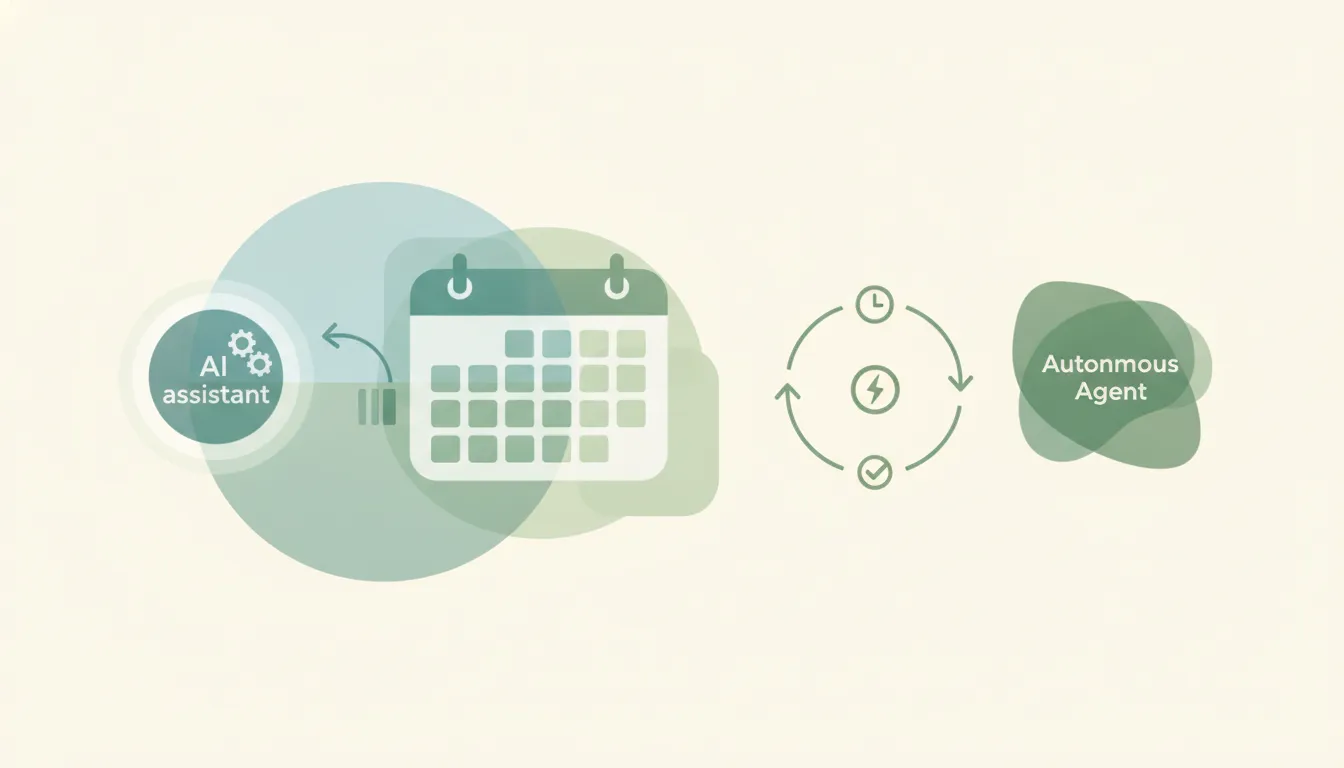
Claude can create a calendar event when you ask in chat — but it can't run a booking page, answer requests, or book on a trigger. Here's the honest breakdown, plus what does.
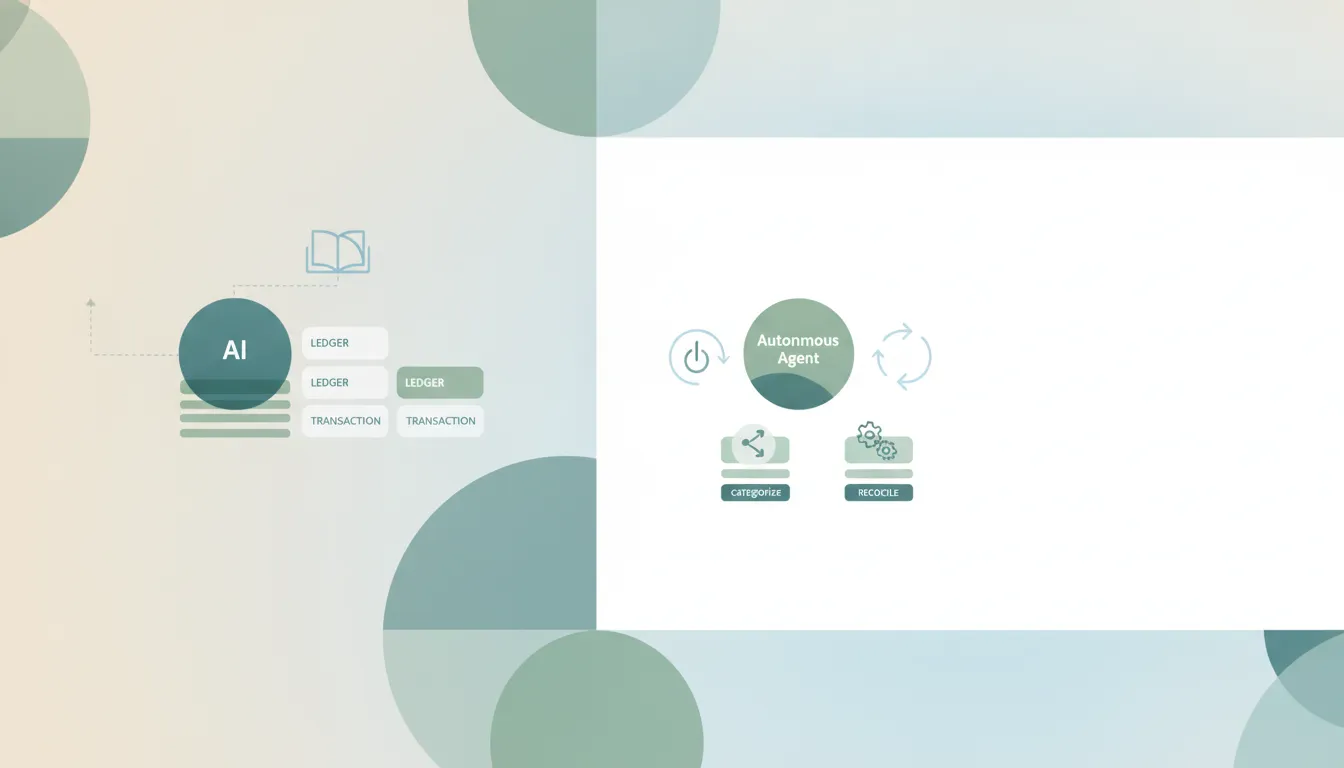
Claude explains and categorizes transactions you paste in chat, but it can't sync, reconcile, or post to your books on its own — no triggers. Here's where it stops and what does.
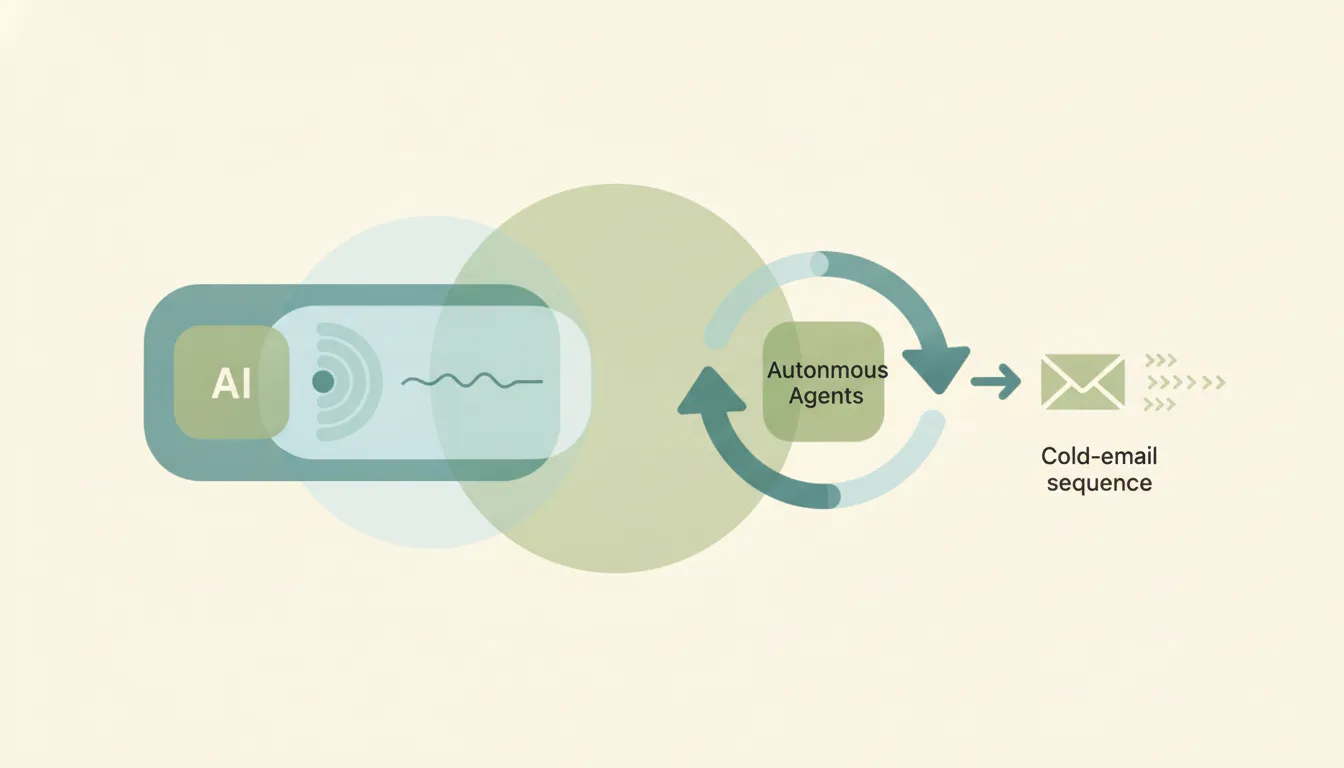
Claude writes excellent cold-email copy and personalization in chat, but it can't sequence or follow up on its own and every send waits on your click.
Claude is genuinely great at planning a content calendar — but it can't schedule posts, publish, or run the calendar on a trigger. Here's where it shines, where it stops, and what does the rest.
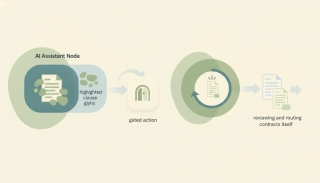
Claude is genuinely strong at reading and analyzing a contract you give it — but it can't intake contracts on a trigger, file them, or send redlines. The honest split.
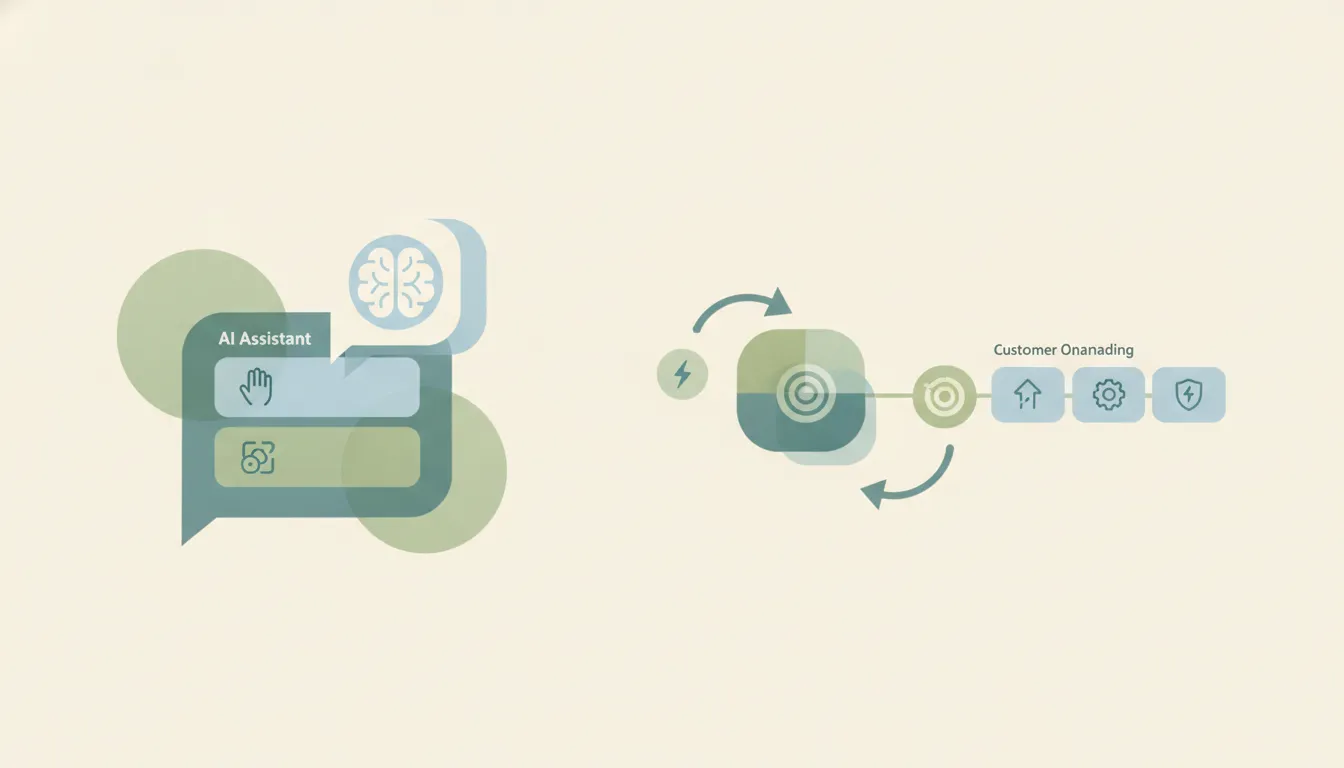
Claude drafts great onboarding emails and checklists, but won't send unprompted or run a sequence on a trigger. The honest split, and what does onboard.
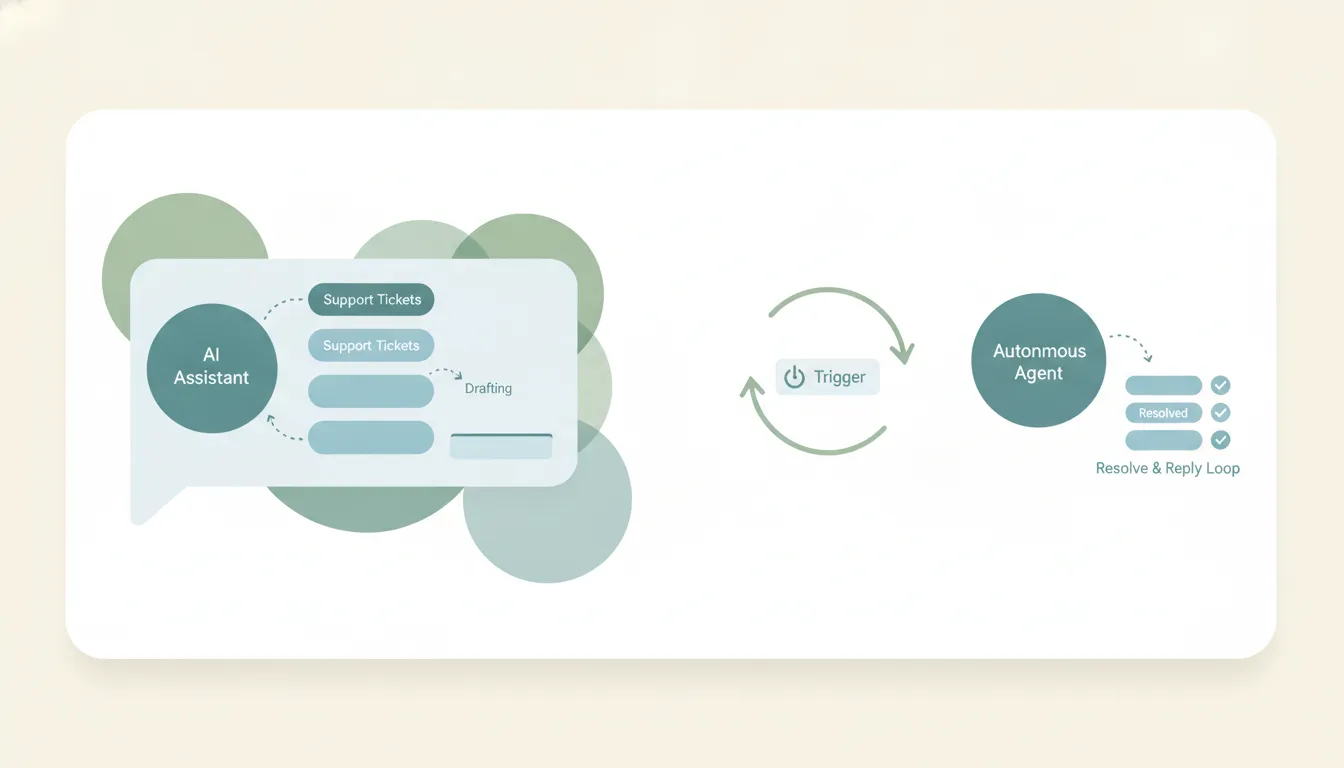
Claude reasons over a ticket and drafts a great support reply in chat — but it has no trigger to watch your queue, and support connectors are read-only. Here's what actually answers tickets.