
CRM for Small Business: 8 Picks That Actually Get Used
A small business CRM only works if it fills itself. 8 CRMs compared on price, free plans, and how much typing each one still needs from you.
41 posts
A small business CRM only works if it fills itself. 8 CRMs compared on price, free plans, and how much typing each one still needs from you.

Copper runs $29, $69 or $134 per seat monthly, or $23, $59 and $99 annually. The upgrade trigger is not seats, it is the contact cap on each plan.
Attio is free, $35, or $79 per user monthly billed annually. Seat caps and the two-part credit system decide the tier more than the per-user price does.

GoHighLevel is $97, $297, or $497 a month. Sub-account limits, metered AI usage and per-sub-account add-ons decide the real bill more than the tier does.
Sales Cloud runs $25 to $350 per user monthly. The editions are the small half of the bill: the add-ons are priced per user again, from $100 to $220.

Pipedrive runs $14 to $79 per seat monthly billed annually, with no free plan. Email sync, multi-inbox and AI sit on higher tiers than most people expect.

Zoho CRM is free for 3 users, then $14, $23, or $40 per user monthly billed annually. Monthly billing costs 25% to 52% more. Here is what each tier adds.

How Attio works as an AI-native CRM: the objects-and-attributes data model, Ask Attio and agent Workflows, the API, and where Carly extends it across apps.

Bitrix24 AI is CoPilot, rate-limited to 600 requests an hour across your whole account. What it covers, the two Bitrix24 MCP servers, and what webhooks allow.

SugarCRM renamed itself SugarAI in April 2026. What the Intelligence add-on ships today, what it costs, and where the REST API and web logic hooks go further.

Vtiger AI is Calculus AI, a paid add-on with separately metered GPT tokens. The free One Pilot plan allows zero API calls a day. Here's where that leaves you.
Attio's credit-metered AI and one-plan-for-all-seats pricing push teams to look elsewhere. These 7 Attio alternatives cover simpler, cheaper, and open-source CRMs.
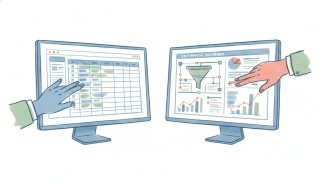
Attio vs Salesforce in 2026: a fast, moldable AI-native CRM against the enterprise standard. Compared on cost, setup, and AI approach.

HubSpot's 2026 seat model jumps from $20 to $800+/mo plus onboarding fees. These 8 HubSpot alternatives cut the bill without the pricing cliff.

HubSpot pricing and cost explained for 2026: free CRM, per-seat plans, marketing-contact tiers, and the mandatory onboarding fees that inflate year one.
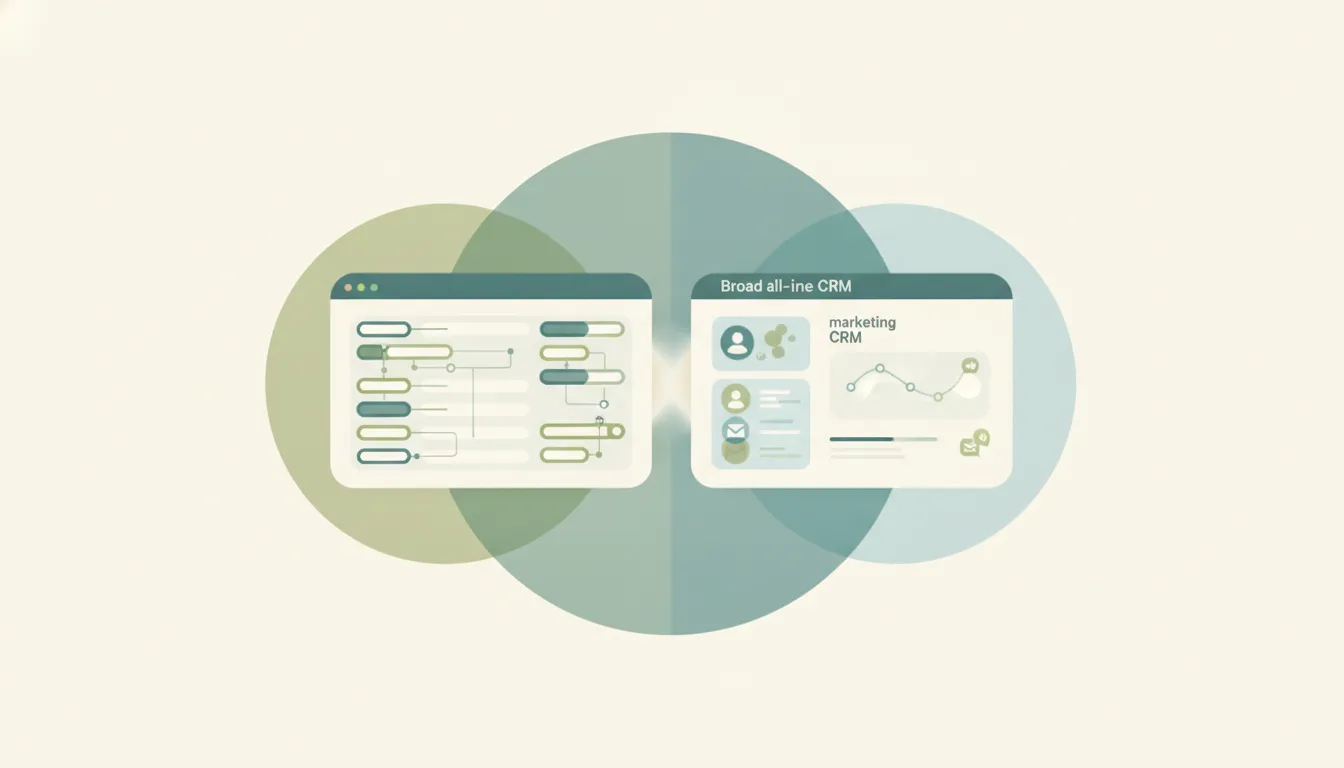
Attio is a modern, moldable, data-first CRM for tech teams; HubSpot is the all-in-one platform with marketing, sales, and service. Here's which to pick in 2026.

HubSpot is the easy, all-in-one CRM for SMBs and mid-market; Salesforce is the deeply customizable enterprise standard. Here's which to pick in 2026.

HubSpot is a polished all-in-one CRM that gets pricey; Zoho is a cheap, sprawling business suite. Here's which to pick in 2026.

Pipedrive is the simple, affordable sales-team CRM; Salesforce is the customizable enterprise platform. Here's which to pick in 2026.
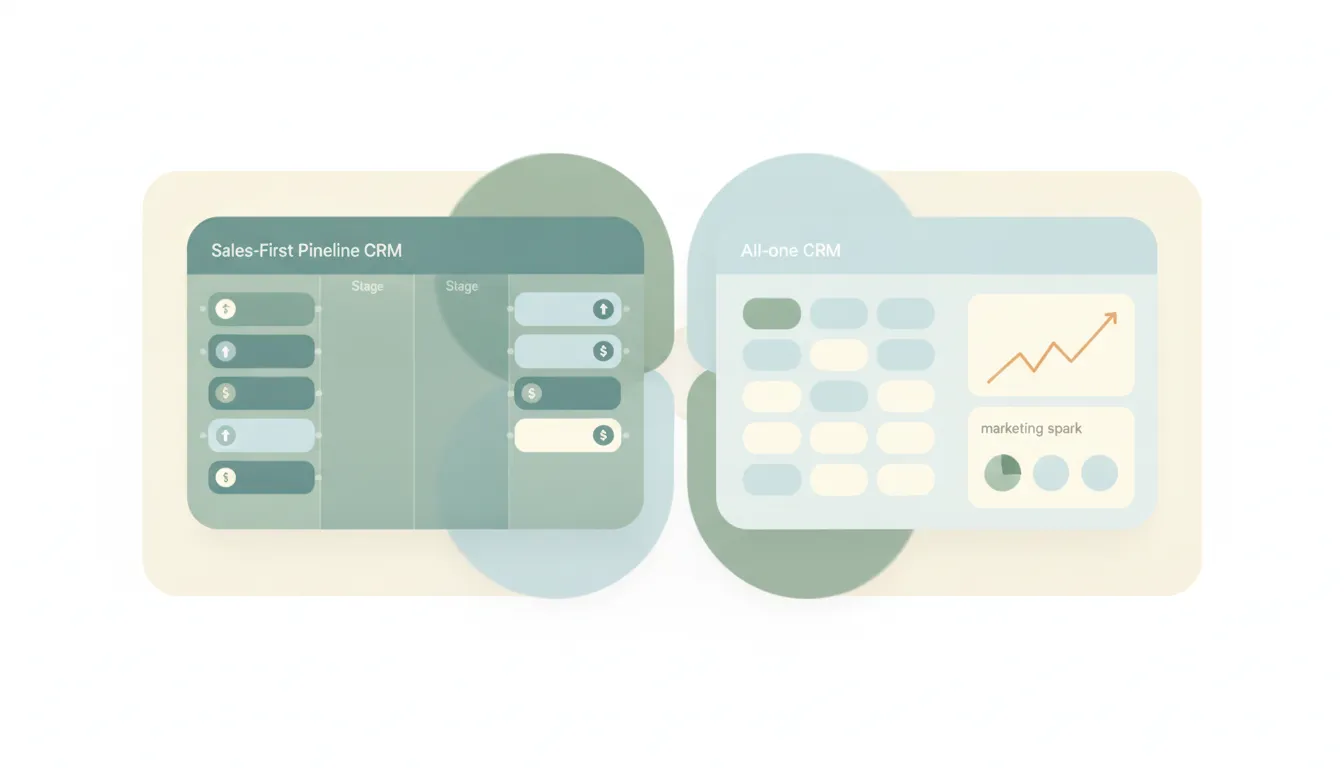
Pipedrive is a focused sales-pipeline CRM; HubSpot is an all-in-one marketing, sales, and service platform. Here's which to pick in 2026.

The best AI assistant that connects to Gmail and your CRM is Carly — it reads your inbox and updates HubSpot, Salesforce, Pipedrive, or Attio in one flow.

The best proposal tracking for consulting firms pairs analytics tools like PandaDoc, Proposify, and DocSend with Carly, an AI assistant that follows up and updates your CRM.
The best AI assistant for Outlook and a CRM is Carly — it works with Outlook and Microsoft 365 and updates your CRM, not just Gmail like most tools.

Salesforce gives most editions a 10 GB data base plus 10 GB file base, with per-user increments on top. How data and file storage differ.
HubSpot's free CRM caps marketing emails at 2,000/month, custom properties at 10, and users at 2. Here's every free-plan limit and how the contact cap really works.

Export your LinkedIn connections to a CSV — with names, companies, and the emails connections chose to share — via the data export tool.
Step-by-step methods for bulk editing in Salesforce Lightning, inline list view editing, Mass Update, Data Loader, and Flow. Includes when bulk edit is grayed out.
Step-by-step instructions for building dashboards in Salesforce Lightning Experience, components, dynamic dashboards, filters, scheduled refresh, and folder sharing.
Create deals in HubSpot from the Deals dashboard, a contact record, or a company record. Covers pipelines, stages, associations, and tier limits.
Step-by-step instructions for creating active and static segments (formerly lists) in HubSpot, covering filter logic, AND/OR criteria, common use cases, and tier limits.
Build reports in Salesforce Lightning. Choose a report type, add columns, filters, and groupings, then schedule email delivery to your team.
Build HubSpot workflows with enrollment triggers, branches, and delays. Covers Breeze AI workflow creation, common templates, and plan tier gating.
Export contacts from HubSpot to CSV or Excel. Covers all properties vs. current view, segment filters, Activities exports, and per-account limits.
Four ways to export data from Salesforce, Data Export Service, exporting reports, Data Loader, and SOQL queries via Workbench. Limits and edition gating included.
Import contacts into HubSpot from a CSV. Covers file prep, property mapping, deduplication by email, multi-object imports, and common errors.
Import contacts into Salesforce with the Data Import Wizard (up to 50k records) or Data Loader for larger sets. Covers CSV prep and field mapping.
Merge duplicate contacts in HubSpot using the duplicates tool or AI duplicate detection. Covers picking the primary record and what data merges.
Step-by-step instructions for merging duplicate leads in Salesforce Lightning Experience, using duplicate rules, choosing a master record, and what data carries over.
Track contacts, add custom fields, and set up Skills to automatically update information. Here's how to use Carly as a simple CRM.

Step-by-step instructions for exporting your contacts as CSV or Excel files from Salesforce, HubSpot, Zoho, Pipedrive, Attio, Monday.com, Freshsales, Oracle, Copper, and Close.

Carly now has a built-in CRM — AI-powered, works alongside your existing tools, and keeps your contacts updated without the busywork. Here's why we built it.