Rippling MCP: How to Connect Rippling to AI in 2026
Yes. Rippling launched its own MCP server on August 25, 2026, and it works with Claude, ChatGPT, Cursor and any other MCP client. It’s first-party and hosted by Rippling, and it acts as the person who connects it, so nobody reaches anything through it that they couldn’t already see or do in Rippling. Two gates come first. A Rippling admin has to assign you access, and your company needs an active Rippling AI subscription or trial, or the tools return nothing.
Even connected, the same limit applies to every MCP server: it hands Rippling to an AI inside a conversation you start. It’s a doorway, not a worker. Nothing watches for a time-off request, nothing fires when someone’s start date arrives, and nothing runs while the chat is closed. Here’s what the Rippling MCP does, the gates you’ll hit first, and what to use when you want Rippling work that runs on its own.
Looking beyond Rippling? MCP servers by category covers the rest.
What the Rippling MCP does
Model Context Protocol (MCP) is the open standard that lets an AI client like Claude, ChatGPT or Cursor talk to an outside app through a shared interface. Rippling’s server is built a little differently from most. Your AI client sees a single tool called code, and the model writes a short program against the Rippling functions you’re allowed to use. Rippling runs that program in a sandbox, so a question that crosses several records comes back as one answer.
What sits behind that tool:
- Look up people. Your own profile, anyone else’s title, department, manager and location, a manager’s direct reports, and department headcounts.
- Time off. Whether someone is on approved leave today, anyone’s balances by leave type, and filing a new request. A request filed this way lands as Pending in the normal manager approval queue, exactly as if you’d filed it in Rippling.
- Draft a new hire. It creates a draft from candidate details for a person to review and submit in Rippling. It doesn’t hire anyone on its own.
- Custom objects. Read, create and update your company’s custom objects and records, with confirmation before anything is deleted.
- Ask Rippling AI. Send Rippling’s own assistant a plain-language question and get one answer back, worked out inside Rippling.
Just as useful is what it leaves out. Rippling keeps SSNs, pay, home addresses, personal email, tax IDs and EEO data out of the connection entirely. Running payroll, changing compensation and terminating someone are not on the list.
The gates you’ll hit first: an admin and a subscription
- An admin assigns access. The MCP is enabled for every company, but no one can use it until a super admin, full admin, or an admin with the Manage MCP Gateway permission creates an access assignment under IT › MCP Gateway › Rippling MCP › Access assignments. They pick which groups or people get it, and which tools each group can use.
- Your company pays for Rippling AI. Tool calls return no data unless the company has an active Rippling AI subscription or trial.
- Each person connects their own client. In Rippling, go to My IT › MCP connectors, find Rippling MCP, click +, pick your AI client and follow the steps. If your client isn’t listed, copy the Remote MCP server URL and add it as a custom MCP server. Then sign in with your Rippling account.
- It’s rate limited per person. Each function allows 50 calls a minute, and Rippling AI questions are capped at five new runs a minute.
The upside of this design is real. Access is tied to each person’s live Rippling identity, so offboarding someone cuts off their connection immediately, and there’s no long-lived admin token sitting in a config file.
Rippling’s REST API is still there for anything outside the MCP’s scope. API tokens are created under Tools › Developer › API Tokens, each one inherits its creator’s permissions intersected with the scopes picked at creation, and Rippling revokes a token automatically if it goes unused for more than 30 days or its owner leaves the company.
Where the Rippling MCP stops
Even with the official server, the same limits show up:
- It only works inside a chat you start. Close the window and nothing happens. Nothing is watching the time-off queue or the new-hire list for you.
- No triggers. A time-off request landing, a new hire’s start date arriving, someone’s last day, a role change: none of these can start anything through MCP. There’s no “when this happens in Rippling, do that.”
- It’s one app at a time. The Rippling MCP knows Rippling. Getting a new hire’s details into your calendar, a Slack welcome, and an onboarding checklist means connecting a separate server for each and hoping your client can juggle them in one turn.
- It’s scoped on purpose. People, time off, draft hires and custom objects. Payroll, benefits changes and anything touching pay stay inside Rippling.
So the Rippling MCP is a good way to ask Rippling things from a chat. It is not a way to make Rippling run, to have work happen on a schedule or in reaction to an event, across the other tools an employee’s week touches.
Running Rippling work that doesn’t need a chat open
That “run on its own, across apps” gap is exactly where Carly fits. Carly connects to Rippling and to thousands of other apps. To connect Rippling, copy the Remote MCP server URL from My IT › MCP connectors and add it in Carly under Integrations → MCP servers, then sign in with your Rippling account. If your company doesn’t have Rippling AI, a Rippling API token pasted under Custom API Keys at carlyassistant.com/integrations works too. The difference from a chat connector is the important part: Carly’s workflows are triggered and scheduled, so Rippling work happens whether or not anyone has a chat window open.
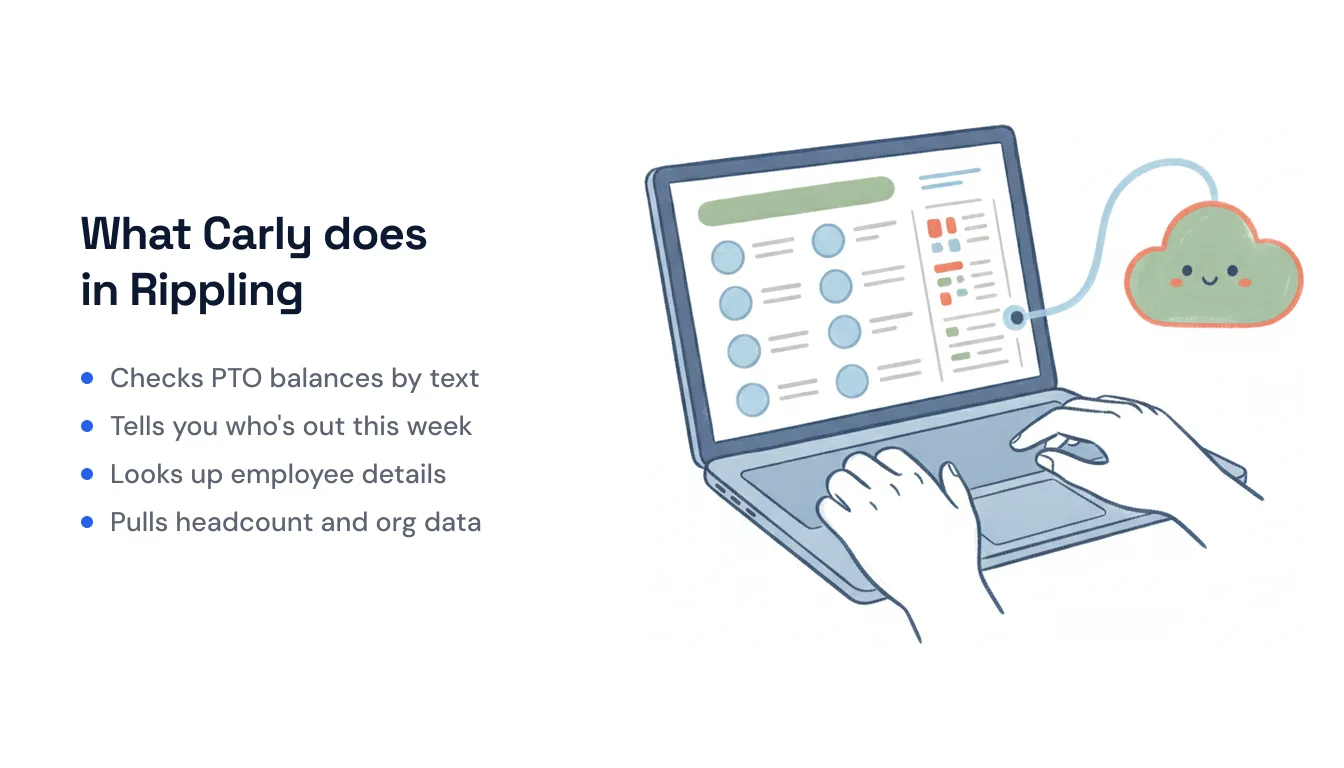
Carly stays on the same ground the connector covers: the directory, time off, and org data. She reads it, and she acts on it in your other tools:
- Every Monday → pull who’s out this week from Rippling and post the list to the team’s Slack channel.
- When a new hire’s start date is a week out → create the onboarding tasks, book the manager’s intro meeting on the calendar, and send the welcome email.
- Before you propose meeting times → check Rippling for approved time off so you don’t offer a slot when half the team is away.
You can also just ask. Text or email Carly “what’s my PTO balance?” or “who’s out on the product team this week?” and get an answer back without opening the admin panel.
The non-AI steps (the moving, matching, and routing between apps) are free, the Zapier-style backbone of the workflow. The AI steps (drafting, summarizing, deciding) start at $35/month. You describe the outcome in plain language and Carly wires up everything downstream of Rippling.
If you just want to interrogate the directory from a chat, the Rippling MCP in Claude or ChatGPT is the right tool. If you want Rippling activity to actually trigger something, on a schedule or in reaction to an event across every app a new hire or a day off touches, that’s the job no MCP server was built for. For a wider comparison, see the best AI automation tools for Rippling.
FAQ
Does Rippling have an official MCP server? Yes. Rippling launched its first-party MCP server on August 25, 2026. It’s hosted by Rippling, works with Claude, ChatGPT, Cursor and any MCP-compliant client, and acts with each person’s own Rippling permissions. It needs an active Rippling AI subscription or trial.
Can I connect Rippling to Claude or ChatGPT? Yes. Once an admin has assigned you access, go to My IT › MCP connectors in Rippling, click + next to Rippling MCP and pick your client, or copy the Remote MCP server URL and add it as a custom connector. You sign in with your Rippling account; there’s no API key to paste.
Do I need to be a Rippling admin to use the Rippling MCP? No, but you need one to start. No one has access until an admin creates an access assignment under IT › MCP Gateway › Rippling MCP › Access assignments. After that, each employee connects their own AI client and sees only what their Rippling role already allows.
Why did my Rippling MCP connection stop working? Usually one of three things: your access assignment was removed or doesn’t cover the tool you asked for, your company’s Rippling AI trial or subscription lapsed (calls then return no data), or you hit the per-person rate limit of 50 calls a minute per function. If a request asks for pay, SSNs or home addresses, it will fail by design.
Can a Rippling MCP server trigger automations? No. MCP is request/response inside an AI chat: it has no triggers and nothing runs when the conversation is closed. For event- or schedule-driven Rippling work across apps, you need a workflow tool like Carly rather than an MCP server.
Can I connect Rippling to AI without coding or hosting a server? Yes. The Rippling MCP is hosted by Rippling, so there’s nothing to run. For automation, add its URL to Carly under Integrations → MCP servers and describe what you want to happen in plain language. Carly builds the workflow and handles the other apps involved, with no code to write.
Ready to automate your busywork?
Carly schedules, researches, and briefs you—so you can focus on what matters.
See what people say
"Before Carly, I relied on a Calendly link, but the whole process felt impersonal and not very professional. Carly changed that by handling all the back-and-forth, so I'm no longer stuck in endless email threads trying to line up schedules.
Now Carly reaches out to candidates, shares my real-time availability, lets them pick a slot, then sends a Zoom link and drops it straight into my calendar. She sends reminders to both of us before each call, which has significantly reduced no-shows and last-minute confusion.
On top of scheduling, Carly acts like a full executive assistant, sending me my schedule the night before so I can prepare for each call. It reminds me of the old x.ai assistant, but Carly is noticeably smarter, faster, and better suited to my healthcare recruitment business."


