Spark vs Canary Mail: Which AI Email Client in 2026?
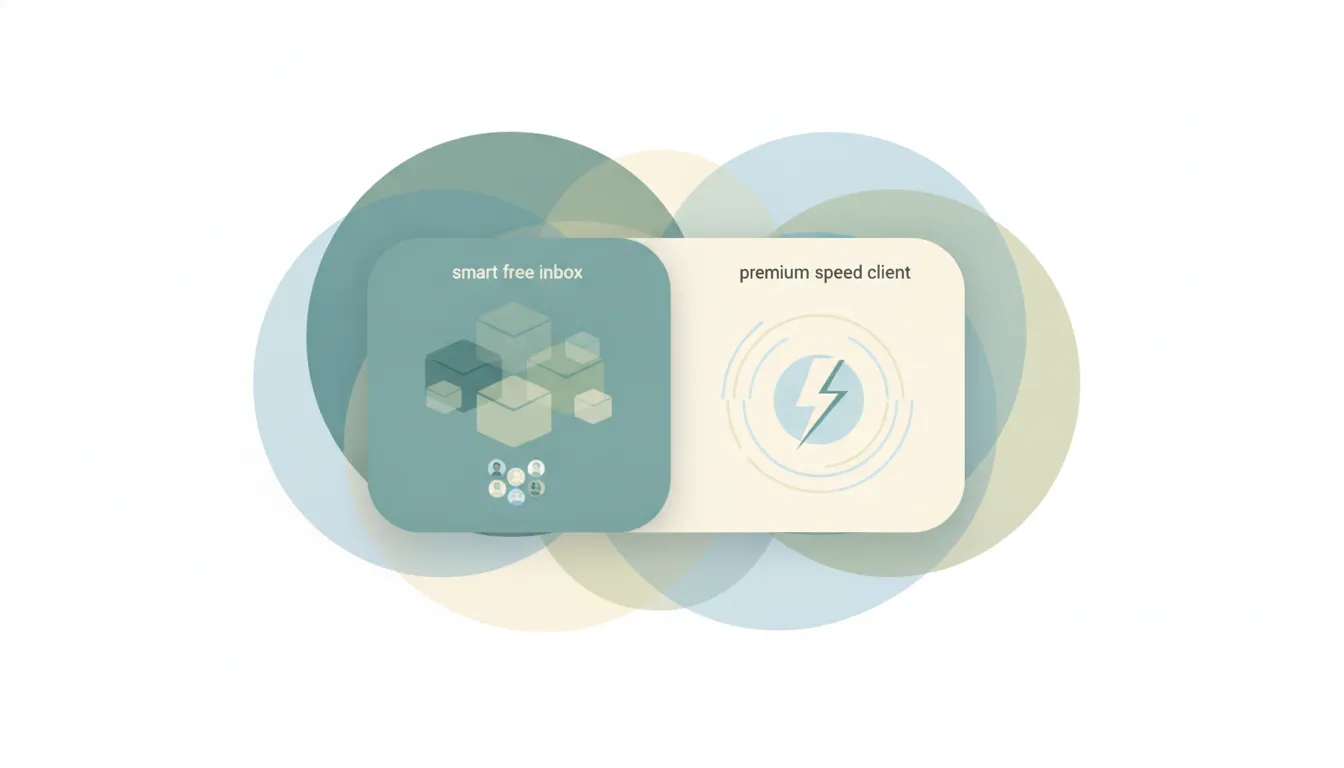
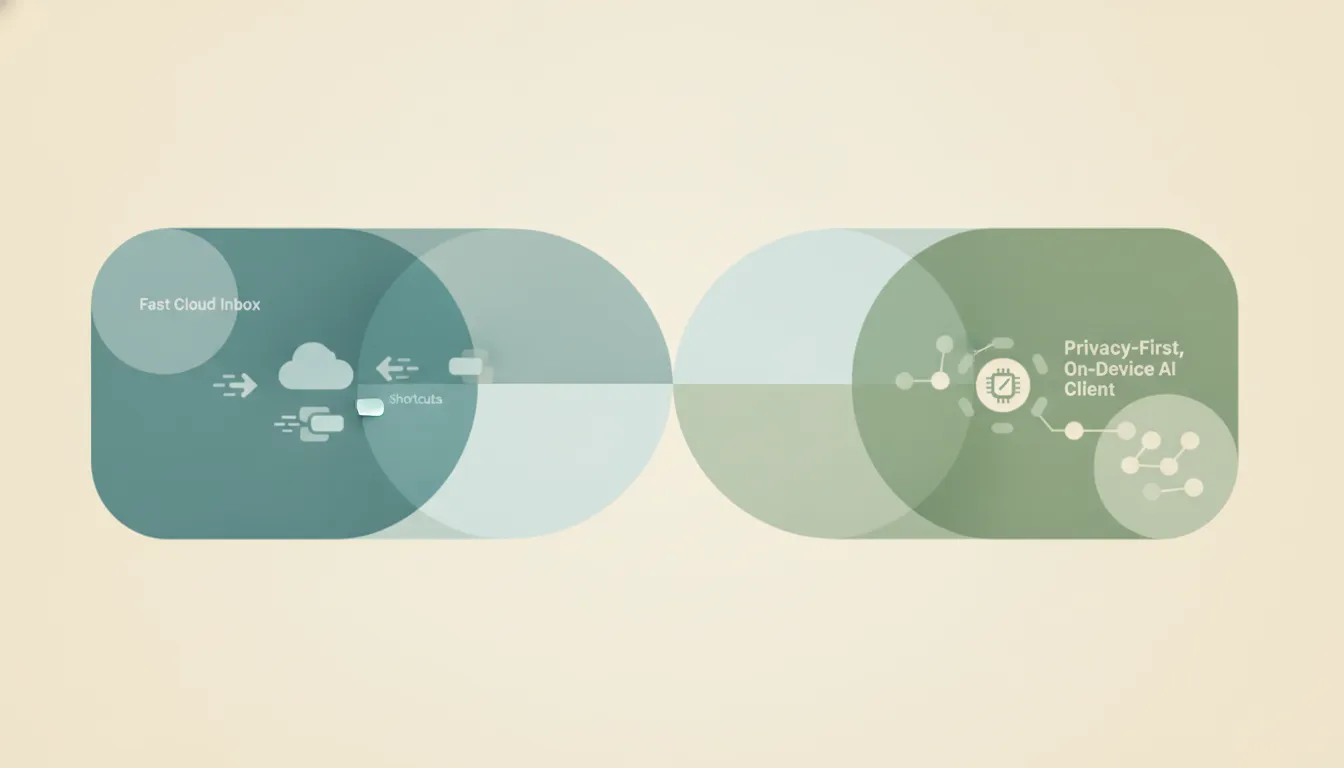
Both are cross-platform email clients with an AI tier, and both run on Mac, Windows, iOS, and Android. Spark, from Readdle, is a collaborative smart-inbox client built around shared drafts, delegation, and AI that drafts, summarizes, and sorts your mail. Canary Mail is a privacy-first client built around on-device AI, PGP encryption, and the promise that your email never leaves your control. If you mainly need a shared inbox your team writes in together, Spark. If you want private, encrypted email with AI that respects it, Canary Mail.
The One-Sentence Answer
Use Spark if you want a collaborative smart inbox with cloud AI for teams; use Canary Mail if you want privacy-first email with on-device AI and encryption.
Side-by-Side Comparison
| Spark | Canary Mail | |
|---|---|---|
| Core strength | Collaborative smart inbox | Privacy-first, encrypted email |
| Where AI runs | Azure OpenAI (cloud) | On-device processing |
| AI features | Compose, summarize, tone, writing style | Copilot compose, summaries, smart search |
| Team collaboration | Shared drafts, delegation, shared inboxes | Individual-focused |
| Encryption | Standard transport security | PGP + SecureSend (Pro+) |
| Platforms | Mac, Windows, iOS, Android | Mac, Windows, iOS, Android |
| Pricing | Free; Premium from $4.99/mo | Free; Growth $36/yr, Pro+ $100/yr |
| Best for | Teams sharing an inbox | Privacy-conscious individuals |
When to Use Spark
- You run a shared inbox and want teammates to co-write shared drafts in real time with side comments.
- You want to delegate emails to colleagues with deadlines and status tracking, without forwarding threads around.
- You like a Smart Inbox that auto-groups mail into Personal, Newsletters, and Notifications.
- You want AI compose that learns your voice through “My Writing Style,” billed as an affordable monthly premium.
Think of it as a team email cockpit with AI built in.
When to Use Canary Mail
- You handle sensitive mail and want on-device AI so content is not sent to a third-party model for training.
- You need PGP encryption and secure send for HIPAA or GDPR-sensitive work.
- You want AI Copilot, thread summaries, and natural-language smart search you can turn off at will.
- You prefer a one-time lifetime license option instead of a recurring subscription.
Where the AI Runs Decides It
The real fork is what happens to your email when the AI touches it. Spark’s AI features route through the Azure OpenAI Service, which means your text leaves your device to be processed in the cloud. Readdle says that data is not used to train models and is not retained beyond 30 days, which is fine for most users but is still cloud processing, and Spark’s AI is gated behind a monthly quota that refills each billing cycle. Canary Mail takes the opposite stance: it emphasizes on-device AI and zero-access design, so email content stays local, and it layers in PGP encryption and secure send for genuinely sensitive workflows in healthcare, law, and finance. Spark then pulls ahead on the collaboration side, where shared drafts, delegation, and shared inboxes make it a real team tool rather than a solo client. Canary stays focused on the individual who wants privacy without giving up modern AI, and its lifetime license appeals to people who dislike subscriptions. Neither is wrong; they optimize for different fears.
Rule of thumb: If your mail is sensitive or regulated, Canary Mail. If your team lives in a shared inbox, Spark.
If the real goal is getting the inbox handled rather than choosing which client to babysit, neither tool does the work for you. Carly is an AI executive assistant you email or text — it schedules meetings, handles email, and runs tasks on your behalf. It also automates multi-step workflows across 200+ integrations, from Gmail to Outlook. See our best AI email tools.
Quick Reference
| Your situation | Pick |
|---|---|
| Your team shares one inbox | Spark |
| You send sensitive or regulated mail | Canary Mail |
| You want real-time co-written drafts | Spark |
| You want on-device AI and PGP encryption | Canary Mail |
| You want the cheapest AI email upgrade | Spark ($4.99/mo) |
| You want a lifetime license option | Canary Mail |
Related guides: Best AI email tools · Best AI inbox management tools
Ready to automate your busywork?
Carly schedules, researches, and briefs you—so you can focus on what matters.
See what people say
"Before Carly, I relied on a Calendly link, but the whole process felt impersonal and not very professional. Carly changed that by handling all the back-and-forth, so I'm no longer stuck in endless email threads trying to line up schedules.
Now Carly reaches out to candidates, shares my real-time availability, lets them pick a slot, then sends a Zoom link and drops it straight into my calendar. She sends reminders to both of us before each call, which has significantly reduced no-shows and last-minute confusion.
On top of scheduling, Carly acts like a full executive assistant, sending me my schedule the night before so I can prepare for each call. It reminds me of the old x.ai assistant, but Carly is noticeably smarter, faster, and better suited to my healthcare recruitment business."