How to Stop Amazon Emails Without Losing Shipping Updates
Stop Amazon emails: switch off marketing in the Communications Preference Center, opt out of seller messages, and file shipping emails with a filter.
126 posts
Stop Amazon emails: switch off marketing in the Communications Preference Center, opt out of seller messages, and file shipping emails with a filter.

Stop Facebook emails: set Email Frequency to Required notifications, mute busy groups and Pages, then label the rest so login alerts stay findable.

Turn off LinkedIn emails in Settings & Privacy, stop job alert, InMail and group digest emails, then filter the rest without losing recruiter messages.

Stop Pinterest emails with one Email switch in Settings, or turn off only the Pin picks and board suggestions. Then quiet group boards and filter the rest.
Stop Quora emails: switch them off in Email & Notifications, use the footer unsubscribe link, then catch the rest with a Gmail filter or Outlook rule.

Yahoo Mail's AI summarizes and suggests. These 7 assistants turn Yahoo emails into calendar events, tasks and replies without switching providers.
Cursor's Gmail and Outlook plugins hold one account each, so mixed email never fits. Put every mailbox in Carly and work across all of them at once.
Fix a ChatGPT Gmail connector that searches in a loop, cannot create a draft, targets the wrong account, or stops before sending an email.

Claude Cowork-created Gmail drafts can contain malformed google.com/url redirect links. Learn how to inspect the real destination, prevent bad drafts, and send safely.
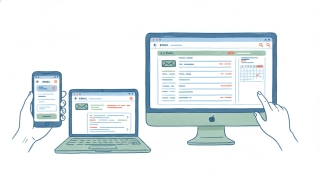
Spark by Readdle is a cross-platform email client you point at any account; Outlook is Microsoft's full email and calendar hub. Which to pick in 2026.

A plain breakdown of Superhuman pricing in 2026: Starter, Business, and Enterprise tiers, annual vs monthly billing, AI feature gating, and the new parent-company confusion.
Cora is a new AI email assistant that screens and drafts on Gmail; SaneBox is veteran provider-agnostic triage that works on any inbox. Here's which to pick in 2026.
Gmail is the ecosystem-and-search inbox tied to Google Workspace; Yahoo Mail is a free consumer inbox with generous storage and handy tracking features. Here's which to pick in 2026.
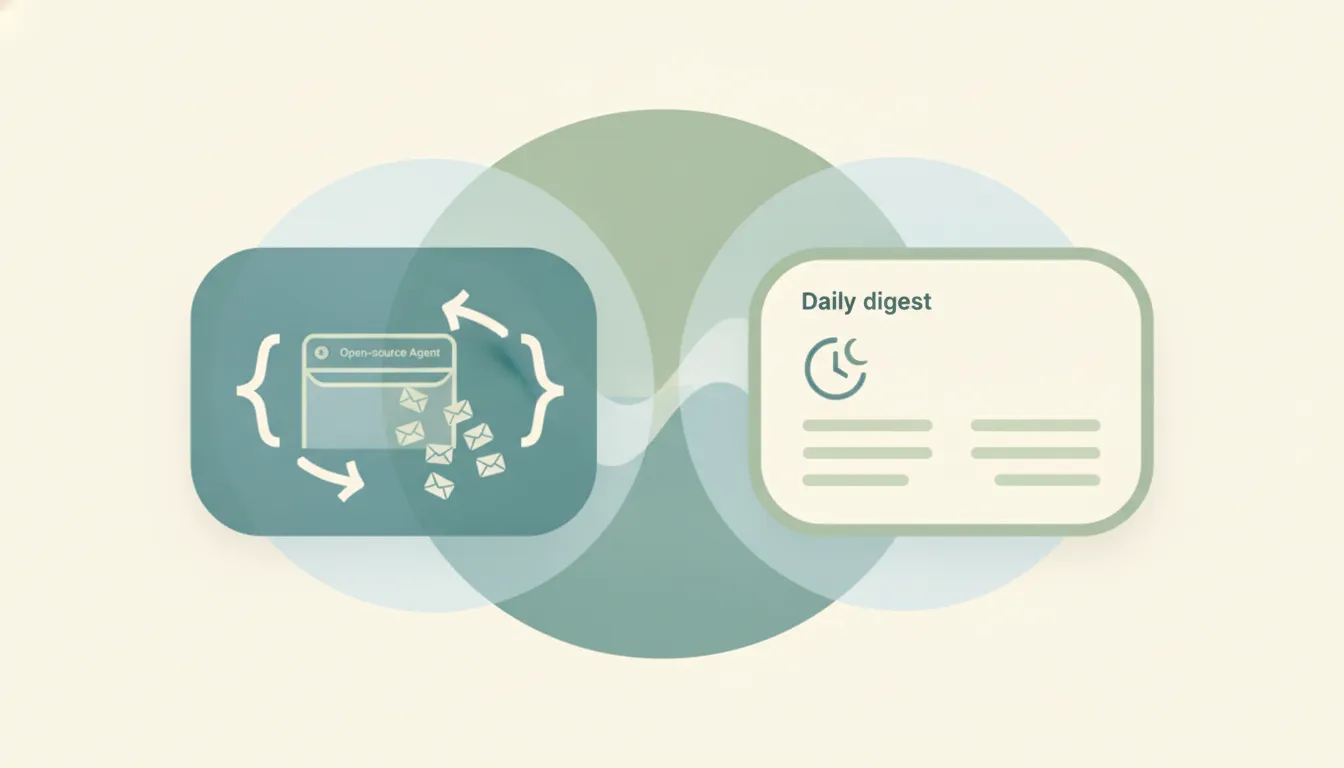
Inbox Zero is an open-source, self-hostable AI agent for your inbox; Cora is a closed AI assistant that screens mail and sends a twice-daily brief. Here's which to pick in 2026.

Mailchimp is general-purpose email marketing for any small business; Klaviyo is ecommerce revenue automation. Here's which to pick in 2026.
Mailchimp is the deeper marketing-automation platform; Constant Contact is simpler with events and support. Here's which to pick in 2026.
Outlook is Microsoft's cross-platform business email and calendar hub; Apple Mail is the free native Apple client. Here's which to pick in 2026.
Shortwave is an AI-native Gmail client with a built-in assistant; Superhuman is the fastest keyboard-first inbox, now Grammarly-owned. Here's which to pick in 2026.
Spark is a collaborative smart-inbox email client with cloud AI; Canary Mail is a privacy-first client with on-device AI and encryption. Here's which to pick in 2026.
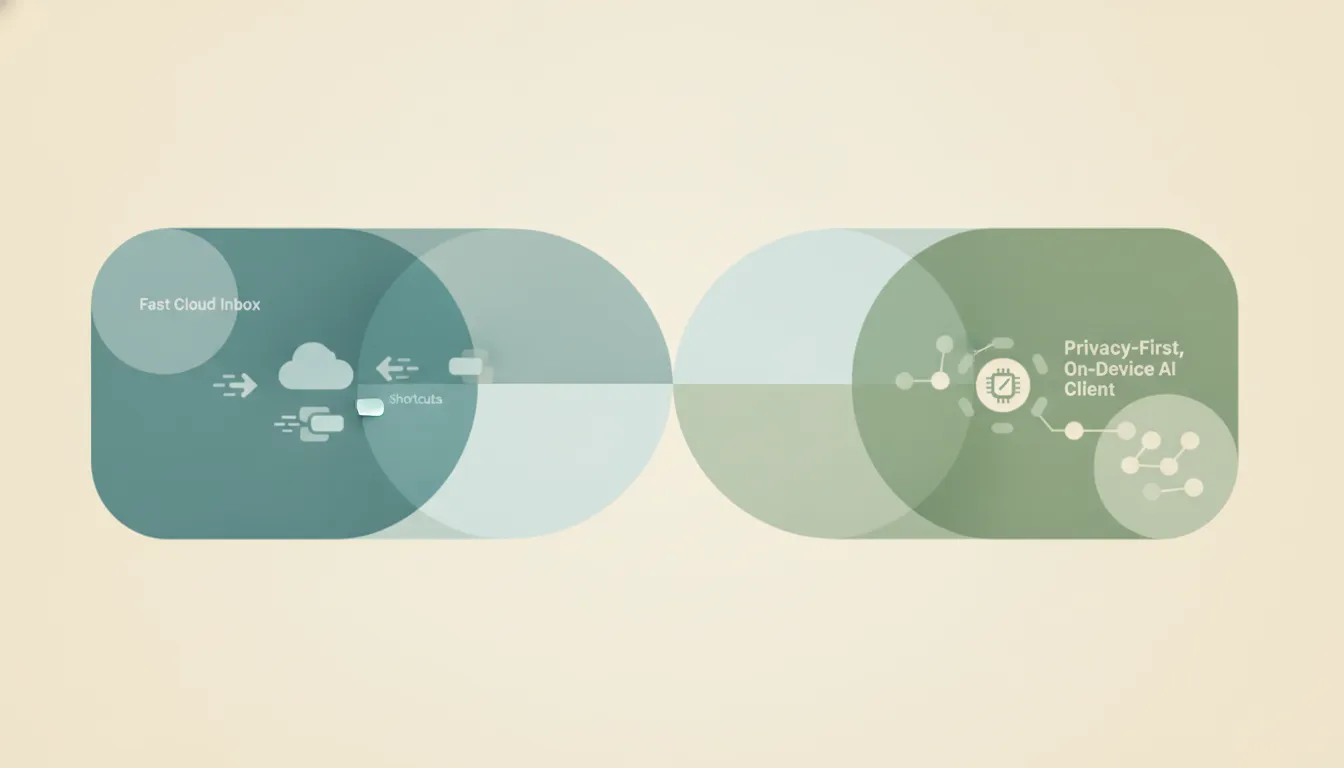
Superhuman is the fast, cloud-polished keyboard client; Canary Mail is the privacy-first client with on-device AI on every platform. Here's which to pick in 2026.
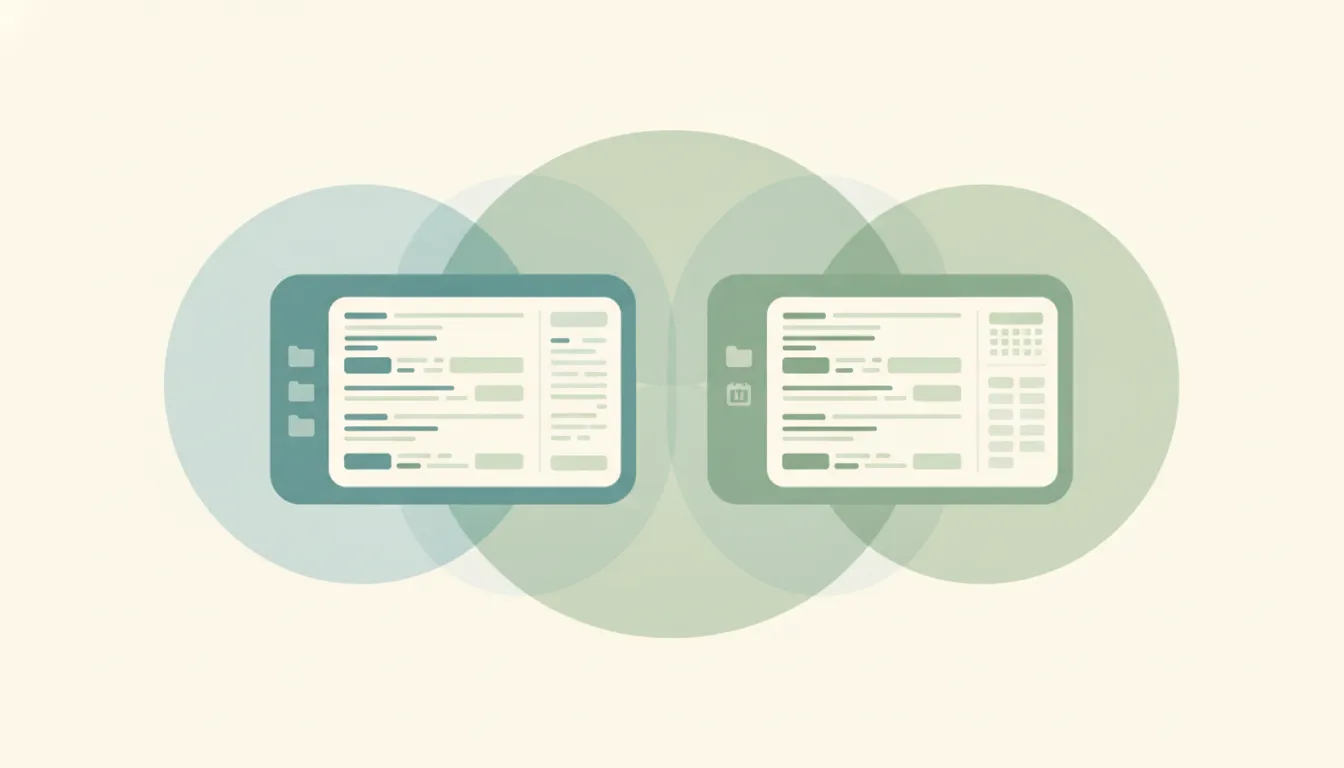
Thunderbird is a free, open-source, multi-account desktop email client; Outlook is a polished mail-and-calendar client built for the Microsoft ecosystem. Here's which to pick in 2026.

Zero (0.email) is an open-source AI email client you switch to; Inbox Zero (elie222) is an AI agent that automates the inbox you already have. Here's which to pick in 2026.

Spark keeps a classic smart inbox and adds AI drafting; Spike reformats email into a chat feed. Which cross-platform email app fits you in 2026.

Claude can work with SendGrid via an MCP server, but no webhook event can reach it. What works, what doesn't, and how to run it on real triggers.
How to send email in HubSpot: 1:1 sales emails from a contact record with a connected inbox, plus the Marketing Email tool for bulk sends, templates, and free vs paid.

Notion kills its email client because users handed it to agents. Plus Copilot Cowork's metered email agent goes GA, Microsoft's always-on Scout, meeting-bot lawsuits, and Attention's $30M round.
Microsoft just shipped Copilot Cowork worldwide: an agent that does multi-step email and calendar work. Here's what its metered, M365-only pricing reveals.
Notion Mail closes September 22, 2026. The reason is the story: more than half of its users already manage email without ever opening their inbox, handing it to AI agents instead.

Add emojis in Outlook the fast way — the Windows emoji keyboard (Win + .), the Insert > Emoji button, Mac shortcut, and emoji in the subject line.

Change, edit, or replace your Outlook email signature in New Outlook, Classic Windows, the web, and Mac — plus how to fix a signature that won't save.

Change your Outlook inbox view, fix it when it suddenly looks different, get the compact single-line look back, and reset a broken view — new Outlook, classic, web.

How to change your Outlook profile picture in new Outlook, the web, classic, and Mac — plus how it syncs to Teams and Office, removing it, and ideal image size.
How to delete an Outlook account: remove an email account from the Outlook app in new Outlook, classic, web, and mobile, or permanently close your Microsoft account.
Outlook folder disappeared? Fix a missing folder pane, a collapsed or dragged folder, recover a deleted folder, and resync — in new Outlook, classic, web, and Mac.
Outlook not receiving emails or the inbox not updating? Work through this diagnostic checklist — Work Offline, Send/Receive, Focused Inbox, rules, junk, quota, and more.
Outlook spell check not working? Turn on check-as-you-type, fix the proofing language, enable check-before-sending, and solve greyed-out spell check in every version.

Use Outlook conditional formatting to color-code your inbox — emails from your boss in red, external senders highlighted. Classic, New Outlook, web, and Mac.
Master Outlook search operators: from, subject, hasattachment, received by date, exact phrase, AND/OR/NOT and date ranges across New Outlook, classic, and web.
Use Outlook Quick Parts to save and reuse text snippets in emails. Classic Outlook steps, where they are stored, and the My Templates workaround for New Outlook.
Add Approve/Reject, Yes/No/Maybe, or custom voting buttons to an Outlook email and track the responses. Classic Outlook steps plus the New Outlook and web alternatives.
Outlook rules not running automatically? Fix client-only rules, rule order, the 256 KB quota limit, corrupted rules, and New Outlook gaps across every version.

Outlook.com free accounts send to ~300 recipients/day; Microsoft 365 / Exchange Online allows 10,000 recipients/day and 500 per message. How the caps work and how to stay under them.
Exchange Online allows 10,000 recipients/day and 500 (up to 1,000) per message. Outlook.com subscribers get 5,000/day. How the limits work.
Change the name recipients see on your sent Outlook email — the account display name, Microsoft account name, and per-account settings, every version.
How to change the display language in Outlook on the web, new Outlook, and classic Outlook — plus region, date format, and spell-check settings.

Find and sort the biggest messages in Outlook to free up mailbox space — using size sort, message size search, and built-in cleanup tools, every version.
Set High or Low importance on outgoing mail, mark incoming messages as important, and see how priority differs from flagging — every Outlook version.
Sort your Outlook inbox by date, sender, size, subject, importance, or unread — with ascending/descending order, across web, new, and classic Outlook.
Add senders to your Outlook Safe Senders list so their mail never goes to Junk — individual addresses, whole domains, and Never Block, every version.

Add a contact in Outlook from scratch or straight from an email, edit details, and save to People — in new Outlook, classic Outlook, the web, and mobile.

Add a hyperlink in an Outlook email, turn text into a clickable link, link an image, or edit and remove a link — in new Outlook, classic, and on the web.
Attach an email to another email in Outlook by dragging it or using Attach Item, and forward as an attachment — new Outlook, classic, web, and mobile.

Move the Outlook reading pane to the right, bottom, or off, and adjust preview and mark-as-read behavior — in new Outlook, classic Outlook, web, and mobile.

Create a Search Folder in Outlook to auto-collect unread, flagged, or large emails, or build a custom one — plus what to use in new Outlook and on the web.
Empty the Deleted Items folder in Outlook, clear it on exit automatically, and recover emails before they're gone — new Outlook, classic, web, and mobile.

Find archived emails in Outlook by opening the Archive folder, searching all folders, or locating a .pst file — in new Outlook, classic, web, and mobile.
Insert a table in an Outlook email, set rows and columns, paste one from Excel, and format it — in new Outlook, classic Outlook, and on the web.

Stop real emails landing in Junk in Outlook by marking Not Junk, adding safe senders, and lowering the filter level — new Outlook, classic, web, and mobile.
Sync Outlook email, calendar, and contacts with Android using the Outlook app or the built-in Gmail/Calendar apps, and fix sync that stops working.

Turn off Outlook email and calendar notifications, mute desktop and banner alerts, and silence mobile push — in new Outlook, classic Outlook, web, and mobile.
Proton Mail offers end-to-end encryption and Swiss privacy; Gmail offers features, integration, and search. Here's which email service to pick in 2026.
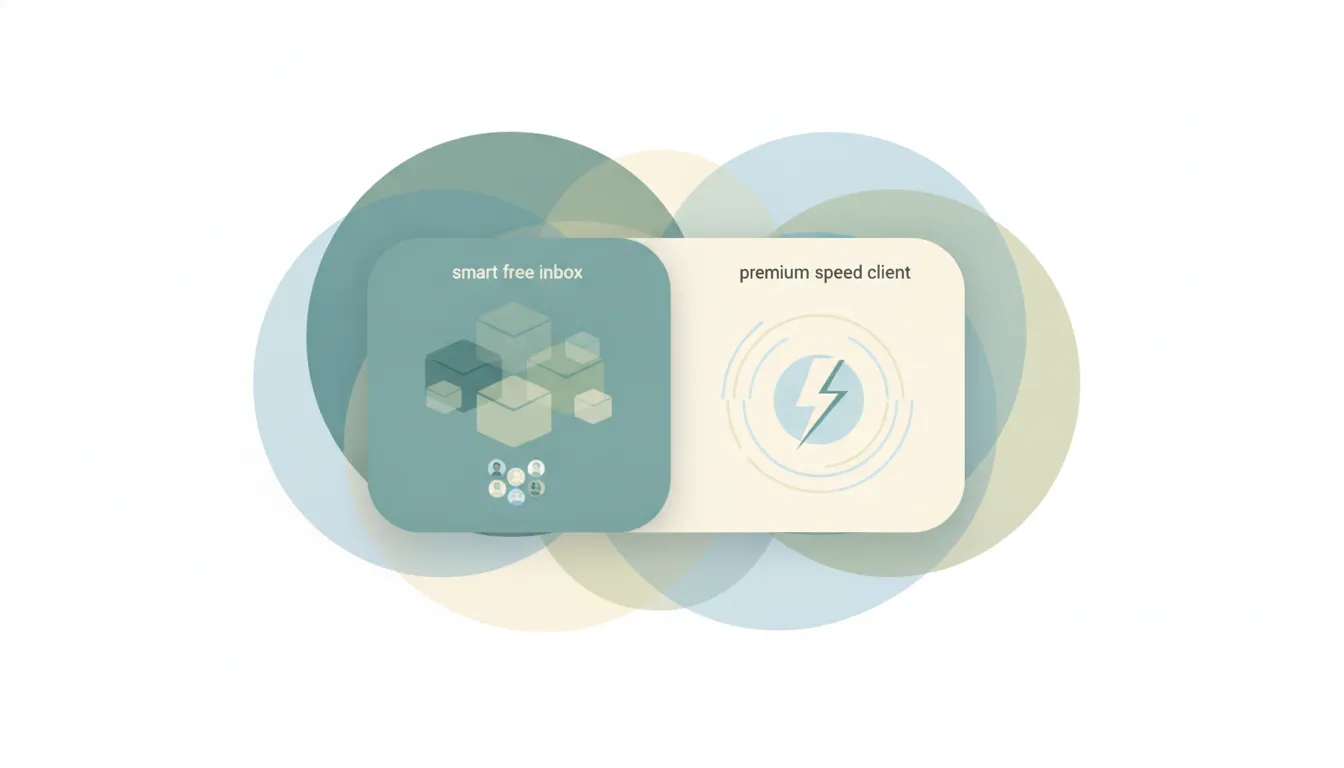
Spark is a free-tier, cross-platform smart inbox with team email; Superhuman is a premium, keyboard-first speed client. Which to pick in 2026.
Superhuman is a fast, keyboard-first paid email client; Gmail is free and great at search. Here's which to pick and when speed is worth it.
Gmail sends attachments up to 25 MB and receives up to 50 MB; larger files go to Google Drive automatically. Here's how to send big files.

Outlook.com caps attachments at 34 MB; desktop Outlook defaults to 20 MB, Microsoft 365 up to ~150 MB. How the limits work and how to send bigger files.
Outlook organizes with folders and a built-in calendar; Gmail leans on labels, tabs, and search. Here's how they compare and which to pick in 2026.
Save Gmail messages to Google Drive — single email as PDF, batch save with Google Takeout, or auto-archive with filters. Plus saving attachments only.
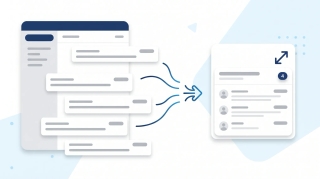
Turn on email threading (Conversation View) in new Outlook, the web, classic Windows, Mac, and mobile. How to group, sort, expand, and fix threads.
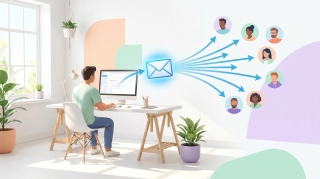
Three ways to build a Gmail distribution list — Google Contacts labels (personal Gmail), Google Groups (Workspace), and Workspace mailing lists — plus when to use each, how to send, and how to manage members.

Mark every unread email as read in Gmail web, mobile, and the API — including the Select All trick most people miss, the search-then-bulk method for huge inboxes, and how to do it per label.

Gmail does not support true email recall — here is what Undo Send actually does, how to extend the window to 30 seconds, the workaround for Workspace users, and what to do when the email is already gone.
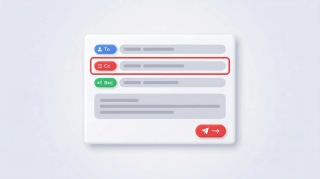
How to CC someone in Gmail — show the Cc field, keyboard shortcuts, mobile CC steps, CC a contact group, recipient limits, and the difference between CC and BCC.
Why Gmail search returns no results, wrong results, or partial results — and how to fix it. Covers the new AI-relevance ranking, indexing delays, search operators, and the Smart Features setting that breaks search.
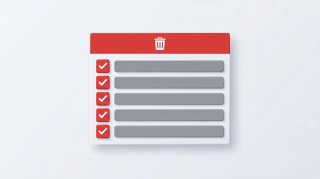
How to mass delete thousands of emails in Gmail using search operators, the Select all conversations link, and bulk filters — plus mobile workarounds and the storage gotchas.
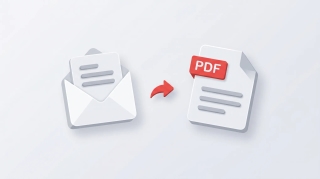
Save Gmail emails as PDFs on every platform — single message or full thread, mobile via AirPrint and Android print, batch save with cloudHQ, and the truncation gotcha for long threads.

Forward meeting invites as an attendee or organizer across new Outlook, classic Outlook, and the web — with notes on the Allow Forwarding toggle and what recipients actually receive.
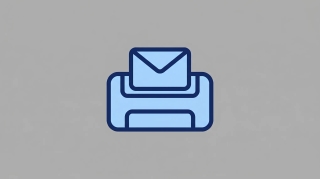
Print single emails, batches of messages, full folders, or save as PDF — across new Outlook, classic Outlook, and the web. Plus fixes for the most common print issues.
Step-by-step instructions for saving single, multiple, and bulk email attachments in Outlook — covering the new desktop app, classic Outlook for Windows, Outlook on the web, and mobile.

Step-by-step instructions for enabling and using Undo Send in Outlook on the web, the new Outlook desktop app, and the workarounds for classic Outlook for Windows.
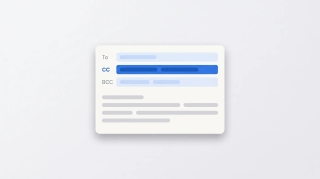
How to CC in Outlook on web, new desktop, classic, Mac, and mobile. Show the CC field, set up always-CC, and learn the difference between CC and BCC.
How to mark all emails as read in Outlook on web, new desktop, classic, Mac, and mobile, plus keyboard shortcuts and folder-level cleanup.
How to mass delete emails in Outlook by sender, date, search, or folder, plus Sweep, rules, and keyboard shortcuts to clear thousands at once.
How to resend an email in Outlook in classic, new Outlook, on the web, and Mac, plus the difference between resend, forward, and recall.
Step-by-step PST export in classic and new Outlook, OLM on Mac, and admin-level Purview Content Search for Microsoft 365 mailboxes.
Mark emails unread in Outlook — right-click, keyboard shortcuts, bulk actions, reading-pane timing, and mobile gestures across every version.
Report phishing and suspicious emails in new Outlook, Outlook on the web, classic Outlook for Windows, Outlook for Mac, and Outlook mobile.
Request read and delivery receipts in classic Outlook, new Outlook, Outlook on the web, and Outlook for Mac — plus why receipts often fail.
Save Outlook emails as PDF on new Outlook, the web, classic Windows, Mac, and mobile — plus how to batch emails and keep attachments.
Snooze emails in new Outlook, Outlook on the web, classic Outlook for Windows, mobile, and Mac — plus fixes when snooze is missing.
Enable, train, and disable Focused Inbox in new Outlook, Outlook on the web, classic Outlook for Windows, Outlook for Mac, and Outlook mobile.
Unsubscribe from marketing emails in Outlook using the built-in unsubscribe link, Sweep, Block Sender, and Rules — across every version of Outlook.

Turn an email into an Outlook calendar event with drag-and-drop, right-click, or the Schedule action — covering new Outlook, classic, web, and mobile.

Step-by-step instructions for sending email to a contact group, distribution list, or Microsoft 365 group in Outlook — covering classic, new Outlook, web, and mobile.

Step-by-step guide to using @mentions in Outlook email and meeting invites — get attention, auto-add recipients, and filter your inbox by mentions.

Step-by-step guide to creating, editing, and using Quick Steps in Outlook to automate multi-step email actions with one click — covering classic, new Outlook, and web alternatives.
Step-by-step instructions for creating polls in Outlook using Microsoft Forms and voting buttons — every version including web, desktop, and mobile.
Step-by-step guide to creating a shared mailbox in Microsoft 365 — admin center setup, adding to Outlook desktop and web, and managing permissions.
Step-by-step instructions for creating tasks in Outlook — My Day, To Do integration, flagging emails, assigning tasks, and every Outlook version.
Step-by-step instructions to delay email delivery in Outlook — hold messages in your Outbox before they send using delay delivery rules and per-message settings.
Step-by-step instructions for exporting emails from Outlook — PST export, saving as .eml or .msg, Microsoft 365 admin tools, and backup strategies.
Step-by-step instructions for changing the default font in Outlook — web, new desktop, classic Windows, and Mac, plus cross-client font rendering.
Step-by-step instructions to automatically forward emails in Outlook — covering web, new desktop, classic Outlook rules, and Exchange admin.
Step-by-step guide to archiving emails in Gmail on desktop and mobile. Learn where archived emails go, how to find them, how to unarchive, and the difference between archive and delete.
Step-by-step guide to using BCC (blind carbon copy) in Gmail on desktop and mobile — plus how to always BCC yourself, when to use BCC, and etiquette tips.
Step-by-step guide to blocking senders in Gmail on desktop and mobile, unblocking, reporting spam and phishing, muting threads, and blocking entire domains with filters.
Step-by-step guide to creating and managing contact groups (labels) in Gmail and Google Contacts — on desktop and mobile, with tips for sending group emails.
Step-by-step guide to enabling, creating, inserting, updating, and deleting email templates in Gmail — plus how to combine templates with filters for auto-replies.
Step-by-step guide to creating, editing, and managing Gmail filters to automatically label, archive, delete, or forward emails — plus common filter recipes for newsletters, notifications, and VIPs.
Gmail uses labels instead of folders — here's how to create labels that work like folders, organize emails into them, and set up auto-sorting with filters.
Step-by-step guide to creating, color-coding, and managing labels in Gmail on desktop and mobile. Organize your inbox with labels, sub-labels, and quick-apply shortcuts.
Step-by-step guide to turning on Gmail's vacation responder on desktop and mobile, writing a good out-of-office message, setting date ranges, and customizing auto-replies for Google Workspace.
Step-by-step guide to unsending emails in Gmail using Undo Send on desktop and mobile. Learn how to change the undo window to 30 seconds, what to do if you miss it, and how Gmail compares to Outlook recall.
Archive emails in Outlook on the web, the new desktop app, classic Outlook, and mobile — plus how to find archived mail and set up auto-archive.
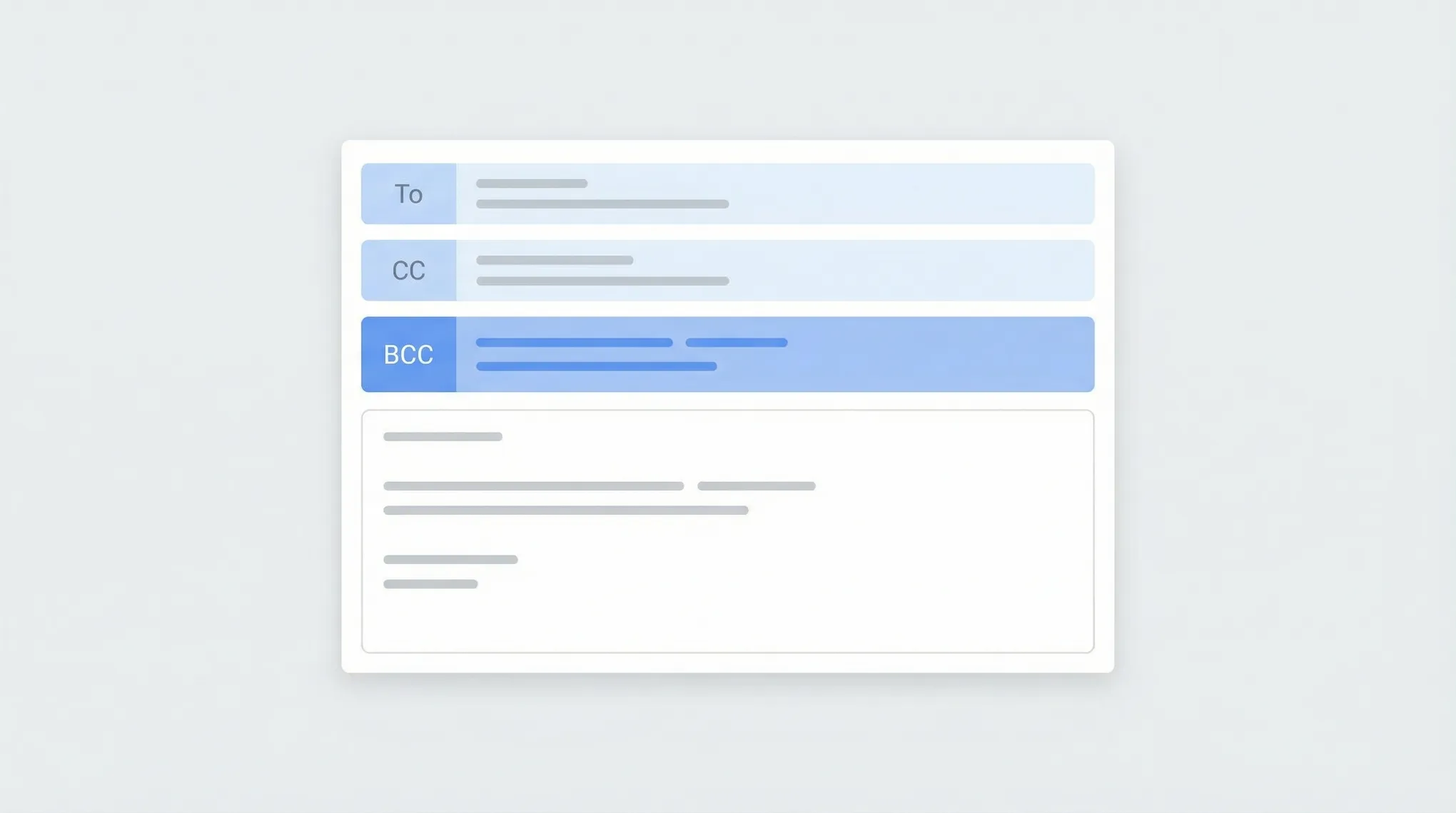
Step-by-step instructions for using BCC in Outlook — how to show the BCC field, always BCC yourself, and use BCC in Outlook on the web, desktop, and mobile.
Block emails and senders in Outlook on the web, the new desktop app, classic Outlook, and mobile — plus how to unblock and manage your blocked senders list.
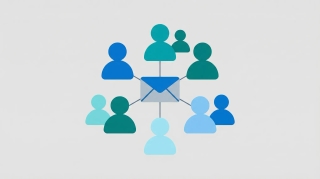
Step-by-step instructions for creating distribution lists (contact groups) in Outlook — covering Outlook on the web, the new desktop app, classic Outlook for Windows, and how to manage and edit your lists.
Step-by-step instructions for creating, saving, and using email templates in Outlook — covering Outlook on the web, the new desktop app, classic Outlook for Windows, and My Templates.
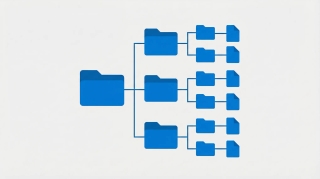
Create folders in Outlook to organize your inbox — on Outlook on the web, the new desktop app, classic Outlook for Windows, and mobile.
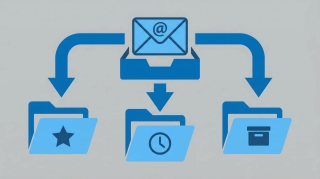
Step-by-step instructions for creating email rules in Outlook to automatically sort, move, flag, or forward messages — covering Outlook on the web, the new desktop app, and classic Outlook for Windows.
Step-by-step instructions for recalling or unsending an email in Outlook — covering classic Outlook for Windows, the new Outlook app, Outlook on the web, and what actually happens when you hit recall.
Step-by-step instructions for setting up out-of-office automatic replies in Outlook on the web, desktop (Windows and Mac), and mobile — including how to set date ranges, customize messages for internal vs. external contacts, and turn it off.

Step-by-step instructions for adding an email signature in Outlook on the web, desktop (Windows and Mac), and mobile — plus how to add images, hyperlinks, and set different signatures for new emails vs. replies.
Stop going back and forth to find meeting times. CC Carly on any email thread and she handles the scheduling for you. See real email examples.
Carly can start email conversations on your behalf, handle the back-and-forth, and update you when meetings are booked. See how delegated outreach works.
Learn how to schedule meetings instantly by emailing Carly. Step-by-step walkthrough with real email examples showing the full scheduling flow.
![How to Schedule Meetings Without the Back-and-Forth [2026]](/_vercel/image?url=_astro%2Fschedule-meetings-hero.BFNkYM6c.webp&w=320&q=100)
Tired of endless email chains to schedule meetings? Learn 7 proven methods to eliminate back-and-forth and book meetings faster. AI solutions included.