Asana vs Trello: Which PM Tool in 2026?
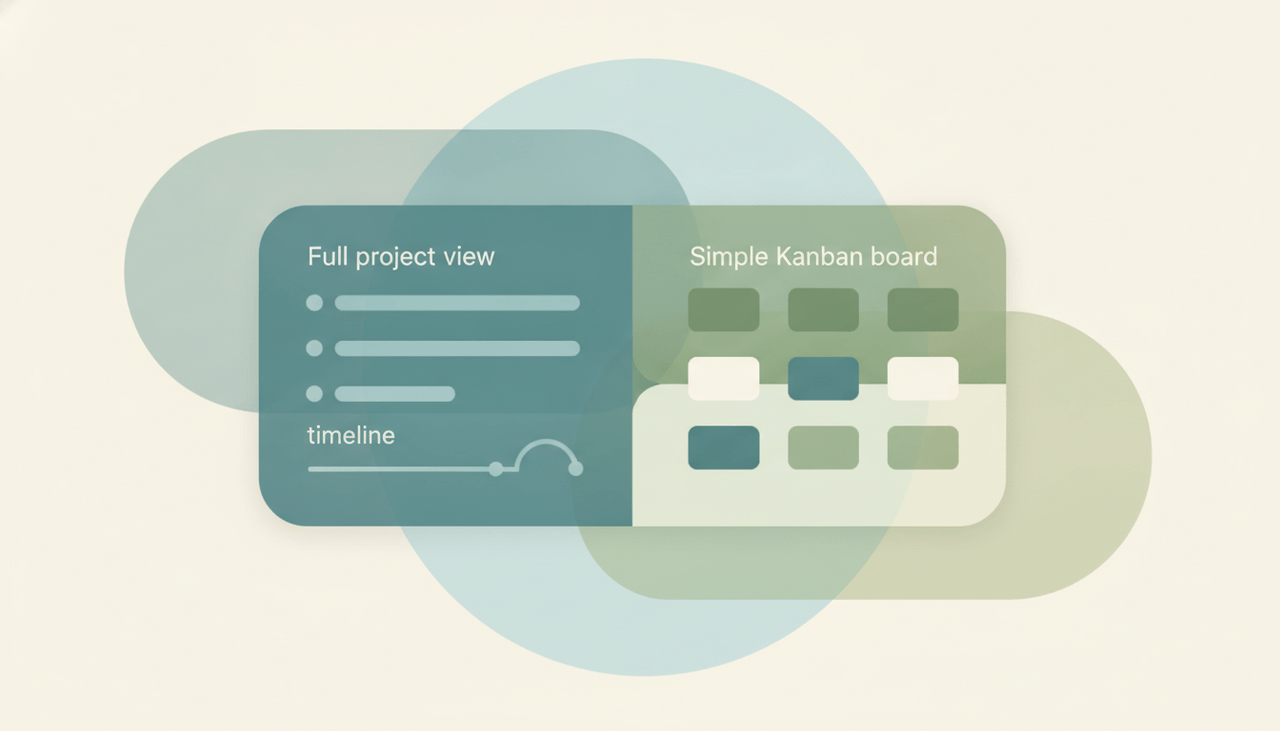
These tools sit at opposite ends of the project management spectrum. Trello is simple Kanban — lightweight boards where you drag cards across columns, with almost no setup and an instantly familiar feel. Asana is full project management — timelines, dependencies, multiple views, and the structure to run complex, multi-step projects across a larger team. If you want the easiest possible board, Trello. If you want to manage real project complexity, Asana.
The One-Sentence Answer
Use Trello if you want a simple, lightweight Kanban board with zero setup. Use Asana if you need full project management with timelines and dependencies.
Side-by-Side Comparison
| Asana | Trello | |
|---|---|---|
| Core strength | Full project management | Simple Kanban boards |
| Setup effort | Moderate | Near zero |
| Views | List, board, timeline, calendar | Board (others via add-ons) |
| Dependencies | Built in | Limited |
| Timeline / Gantt | Excellent | Not native |
| Learning curve | Gentle | Minimal |
| Best-fit team | Larger, process-heavy | Small teams, personal use |
| Complexity handled | High | Low to moderate |
When to Use Trello
- You want a board you can start using in seconds
- Your projects are simple and follow a single flow
- You’re a small team or using it personally
- You value lightness over depth
Think of Trello as a digital whiteboard of sticky notes — drag a card, done.
When to Use Asana
- You’re running multi-step projects with dependencies
- You need timelines, calendars, and multiple views
- Your team is larger or your process is involved
- You want structure that scales as projects grow
The Simplicity-vs-Scale Tradeoff
The choice hinges on how complex your work really is. Trello’s whole appeal is that it does one thing — cards in columns — and does it with zero friction, which is perfect until your project outgrows a single board and you start bolting on add-ons to fake timelines and dependencies. Asana carries more weight up front but absorbs complexity gracefully: dependencies, timelines, and multiple views are native, so the tool grows with the project instead of against it. If your work fits on a board, Trello; if it sprawls across phases and owners, Asana. See our Trello alternatives and Asana alternatives for more.
Rule of thumb: simple, single-flow boards → Trello; complex projects with timelines and dependencies → Asana.
A PM tool tracks the team’s work. If you personally want an assistant to take tasks off your plate — scheduling, email triage, reminders, follow-ups — that’s Carly, an AI executive assistant you email or text. It connects to tools like Asana and Trello, automates multi-step workflows across your stack, and is built to reliably do the work rather than just track it.
Quick Reference
| Your situation… | Pick… |
|---|---|
| Want a board in seconds | Trello |
| Simple, single-flow projects | Trello |
| Small team or personal use | Trello |
| Timelines and dependencies | Asana |
| Multi-step, complex projects | Asana |
| Larger, process-heavy team | Asana |
Related guides: Trello alternatives · Asana alternatives · Best AI tools for project managers
Ready to automate your busywork?
Carly schedules, researches, and briefs you—so you can focus on what matters.
See what people say
"Before Carly, I relied on a Calendly link, but the whole process felt impersonal and not very professional. Carly changed that by handling all the back-and-forth, so I'm no longer stuck in endless email threads trying to line up schedules.
Now Carly reaches out to candidates, shares my real-time availability, lets them pick a slot, then sends a Zoom link and drops it straight into my calendar. She sends reminders to both of us before each call, which has significantly reduced no-shows and last-minute confusion.
On top of scheduling, Carly acts like a full executive assistant, sending me my schedule the night before so I can prepare for each call. It reminds me of the old x.ai assistant, but Carly is noticeably smarter, faster, and better suited to my healthcare recruitment business."