7 Best AI Assistants for Asana in 2026
The best AI assistants for Asana: what AI Studio, AI Teammates, Claude and ChatGPT cover, and which one turns email requests into assigned tasks on its own.
33 posts
The best AI assistants for Asana: what AI Studio, AI Teammates, Claude and ChatGPT cover, and which one turns email requests into assigned tasks on its own.

Asana's AI credits are pooled per billing account, not per user, which changes the math. What each piece does, what you get, and where Carly picks up.

Asana's official MCP server at mcp.asana.com lets any MCP-compatible AI read and write your tasks and projects. How to set it up, and where it stops.

Asana pricing in 2026: Starter is $10.99/user/mo and Advanced $24.99/user/mo billed annually, the free plan now caps at 2 users, plus the seat-bundle and AI credit gotchas.
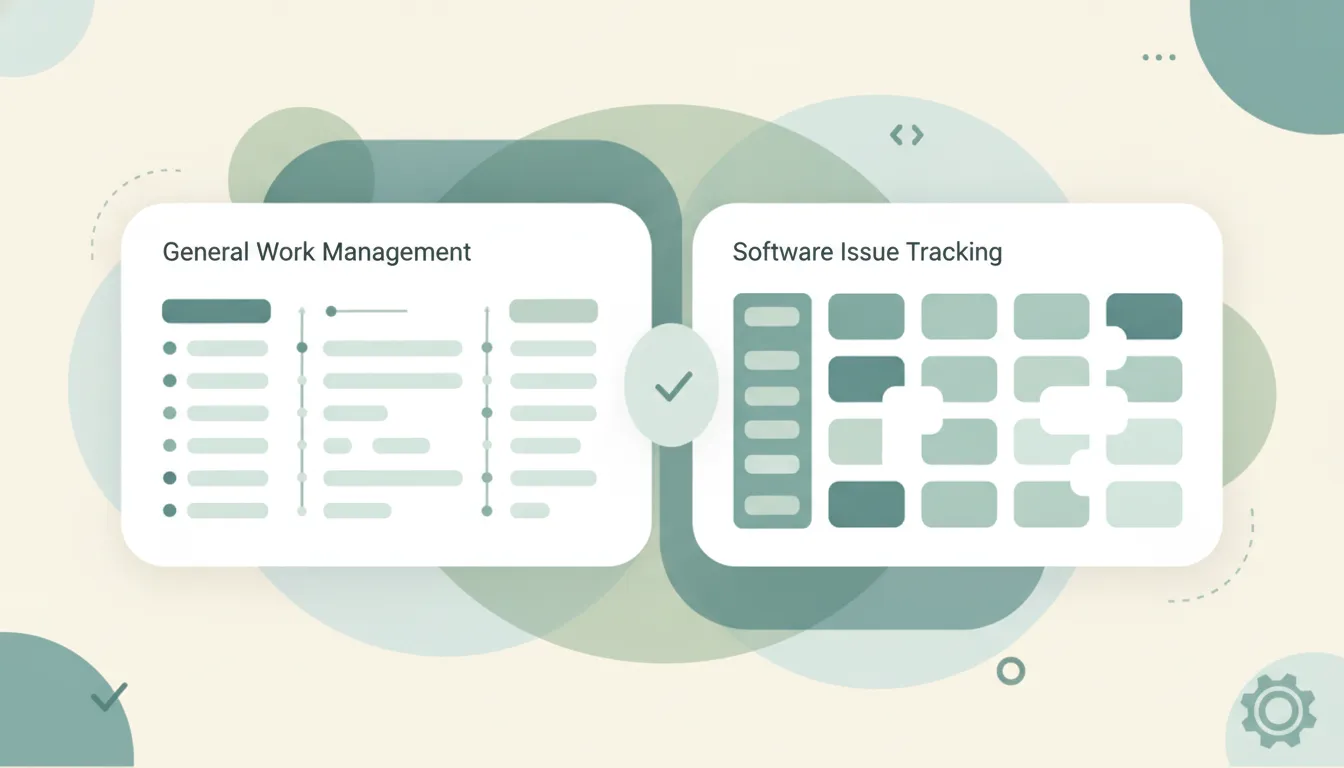
Asana is general work management for cross-functional teams; Jira is issue tracking built for software engineering. Here's which to pick in 2026.
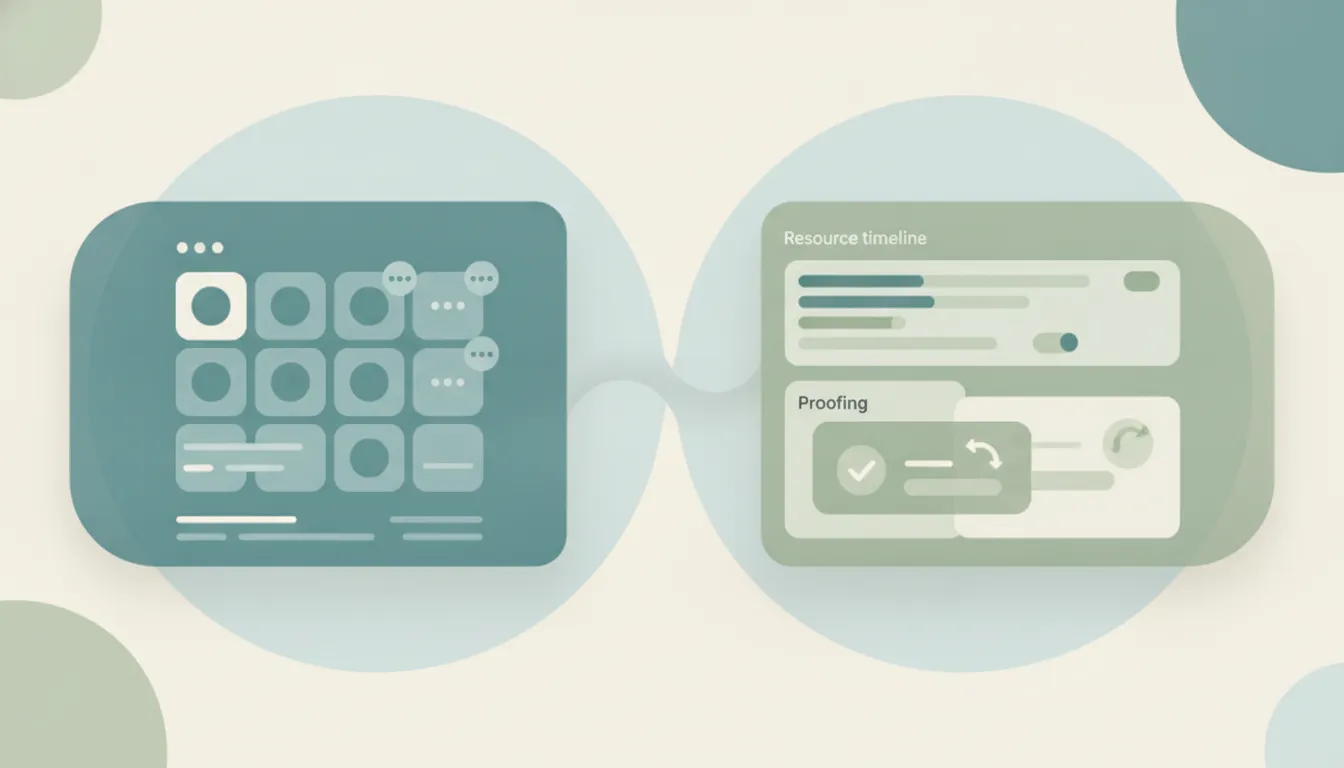
Asana is clean, approachable work management; Wrike is configurable project and resource management. Here's which to pick in 2026.

Basecamp is a calm, opinionated all-in-one team tool; Asana is flexible, feature-rich work management. Here's which to pick in 2026.
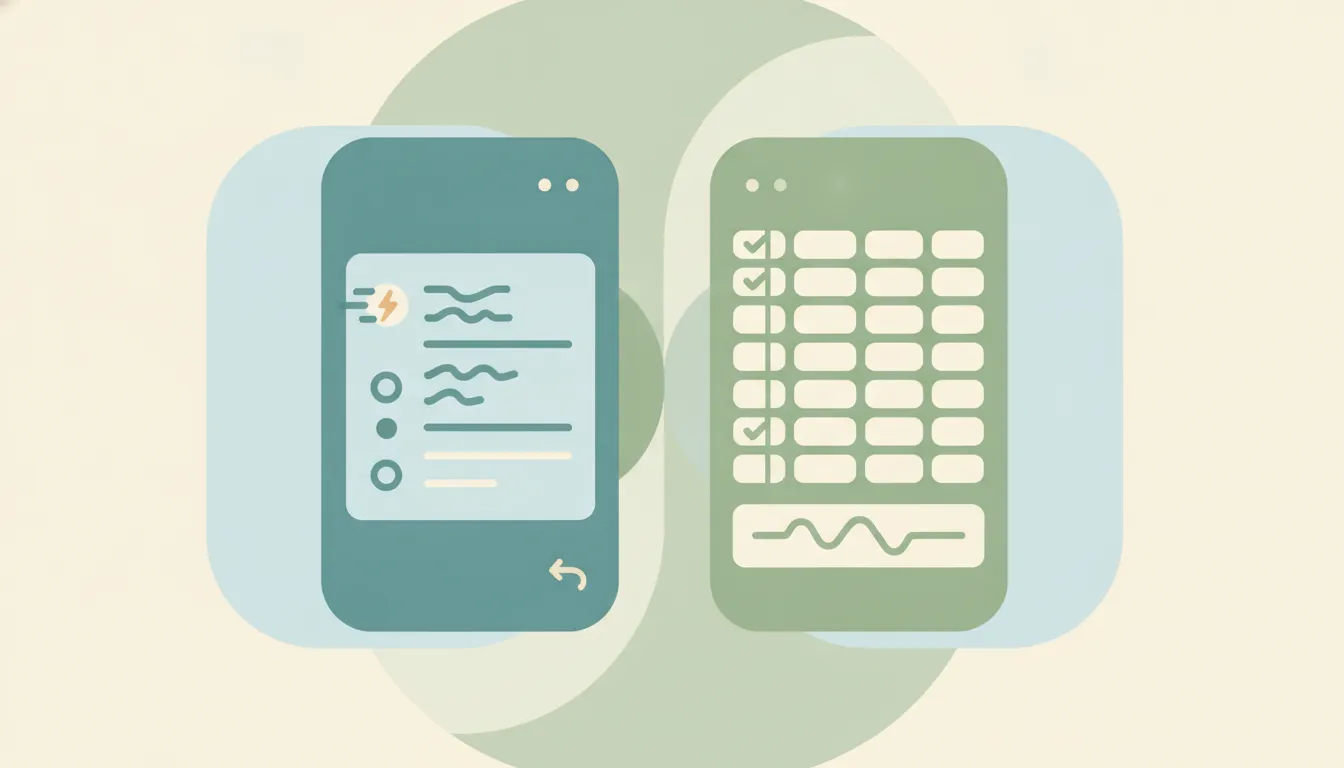
Linear is a fast, keyboard-driven issue tracker for software teams; Asana is flexible work management for any team. Here's which to pick in 2026.
Add and remove collaborators in Asana, understand collaborators vs assignee, what collaborators get notified about, and project members vs task collaborators.
Assign tasks in Asana with the assignee field, reassign work, multi-home tasks, the Tab+A shortcut, and the one-assignee workaround using subtasks.
Create a project in Asana from scratch or a template, pick list, board, timeline, or calendar layout, set privacy, add it to a team, and invite members.
Create sections in Asana in List and Board views, use the Tab+N shortcut, move tasks between sections, and understand how sections relate to board columns.
Duplicate a task in Asana, choose what to copy (assignee, dates, subtasks, attachments), duplicate a whole project, and when to use a template instead.
Set due dates in Asana, add due times and start dates, create recurring due dates, use natural-language date entry, and see how dependencies shift dates.

The best AI automation tools for Asana, ranked by how much real work they take off your plate. Connect Asana to email, Slack, and 200+ tools without building rules.
Asana's free Personal plan caps you at 2 users, no custom fields, rules, or timeline view, and 100MB per file. Here's everything the free tier limits in 2026.

How to create milestones in Asana, convert an existing task into a milestone, see them as diamonds on the Timeline, and use them to track key project dates.
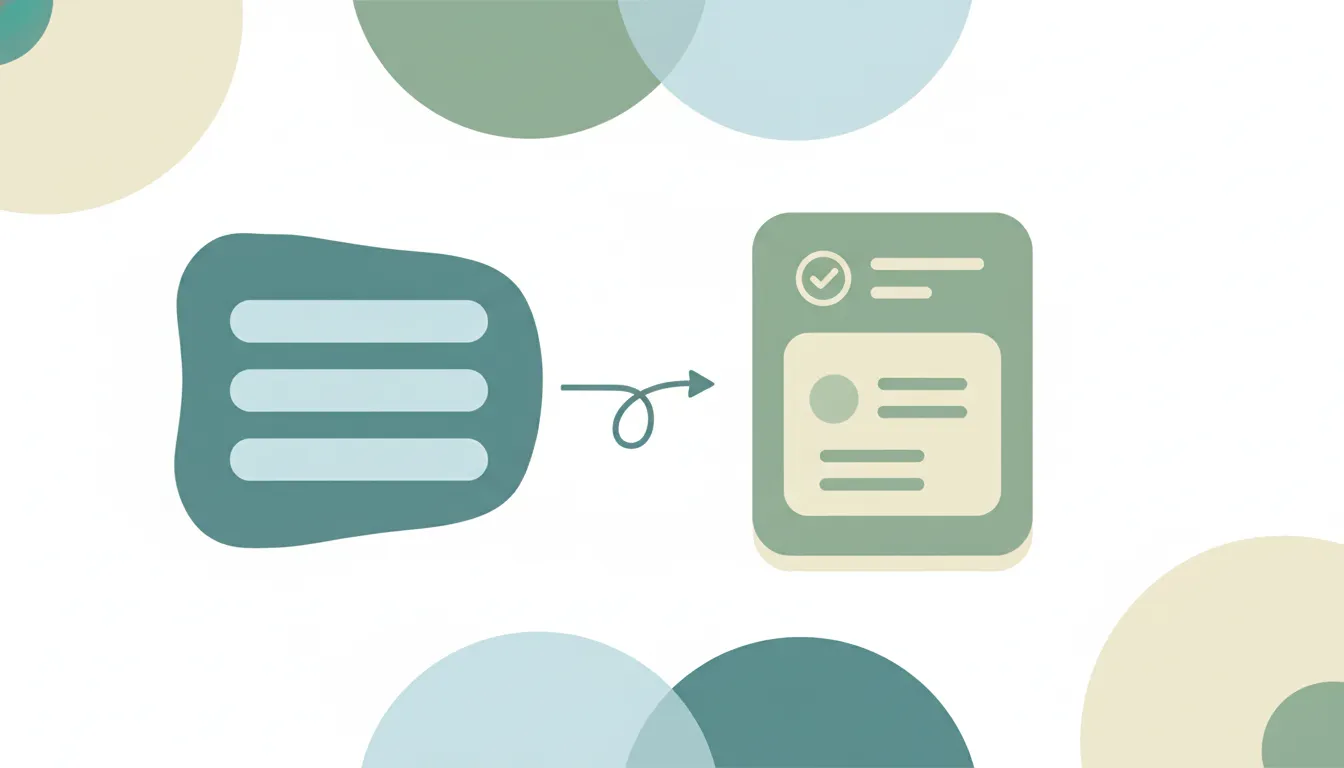
How to build an intake form in Asana — map form fields to task fields, add branching logic, share the link, and route every submission into the right project.

How to build a Gantt chart in Asana using Timeline view — set start and due dates, link dependencies, drag to reschedule, and share a roadmap with your team.

How to mark tasks as waiting on or blocking others in Asana, see dependencies on Timeline, get notified when you're unblocked, and fix the most common issues.

How to track time in Asana — native time tracking with estimated and actual time on the Advanced plan, plus Harvest, Clockify, and Everhour options on any plan.

Three ways to create Asana tasks from email — forward to x@mail.asana.com, use the Gmail or Outlook add-in, or automate it so every request becomes a task.
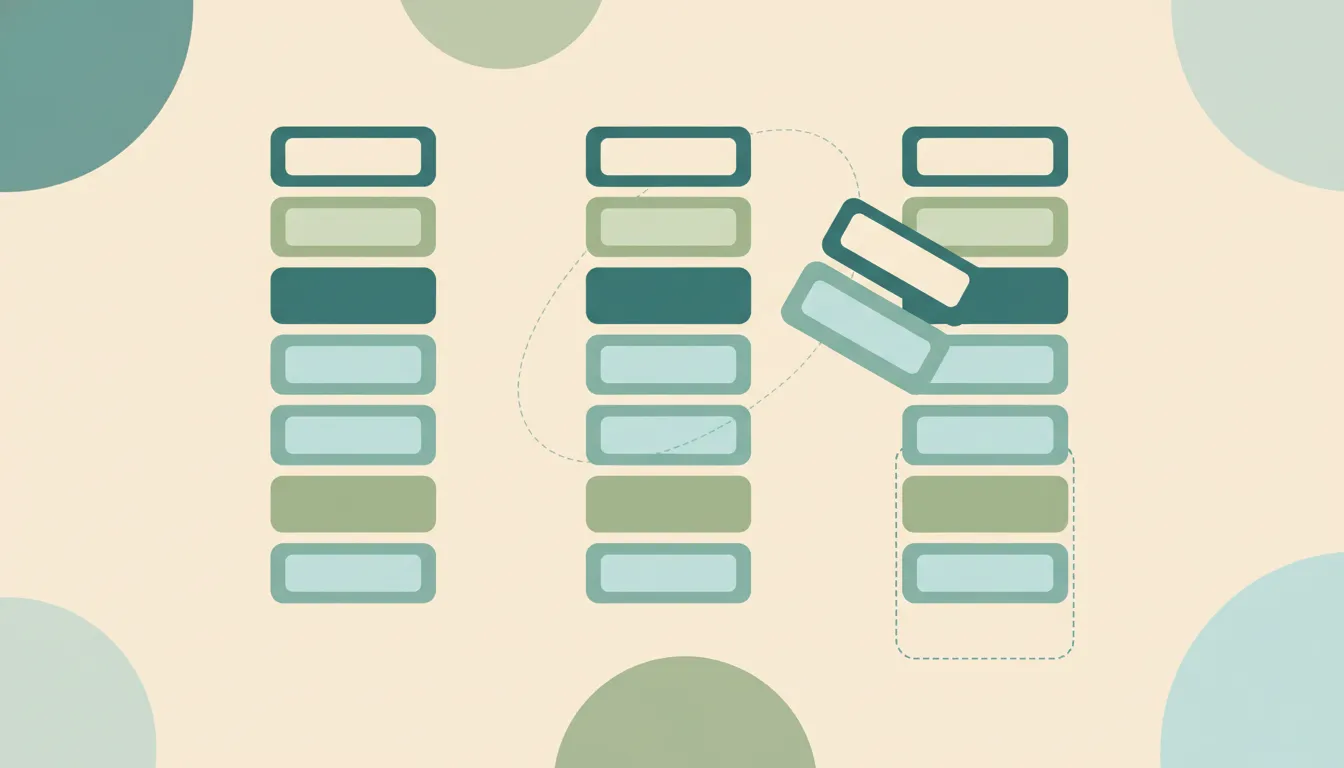
How to use Asana's Board (Kanban) view — add columns, drag tasks between stages, set a default view, and customize cards for a clean visual workflow.

How to use Asana's Calendar view — see tasks by due date, drag to reschedule, color-code by field, view My Tasks on a calendar, and sync to Google or Outlook.

How to add and use custom fields in Asana — dropdowns, numbers, dates, and people fields for priority, status, and cost — plus sorting, filtering, and the field library.

How to add, assign, and organize subtasks in Asana — including nesting, multi-homing into projects, promoting a subtask to a task, and common gotchas.
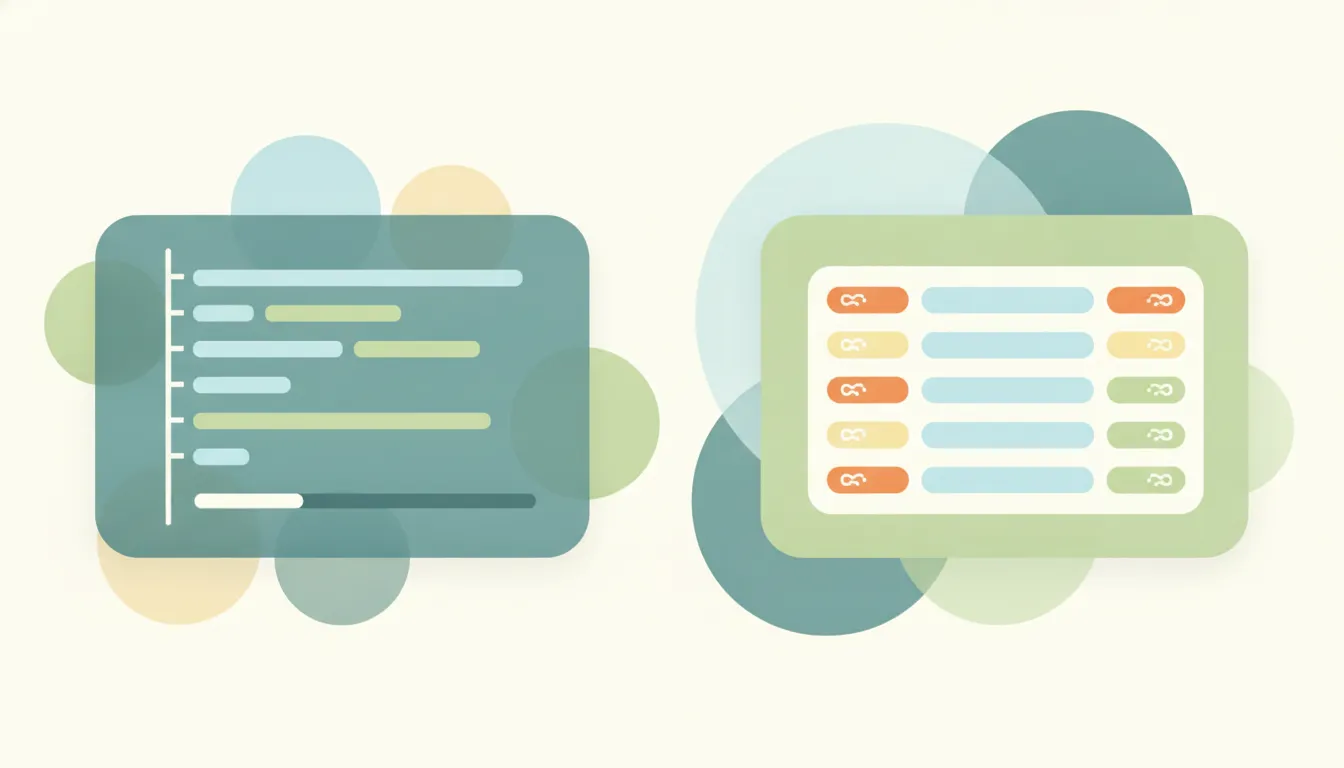
Asana offers task and workflow clarity with strong timelines; monday.com is a colorful, customizable Work OS. Here's which to pick in 2026.
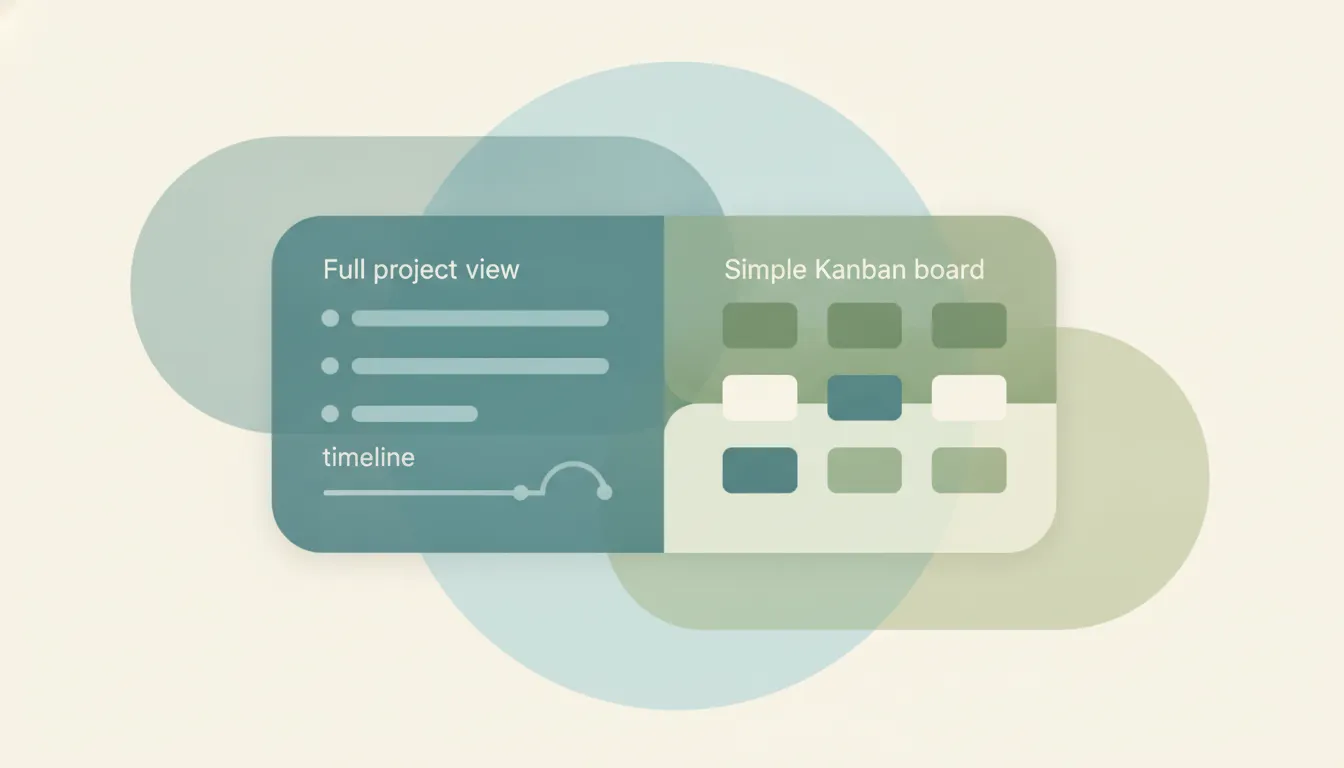
Asana is full project management with timelines and dependencies; Trello is a simple, lightweight Kanban board. Here's which to pick in 2026.
ClickUp is a cheaper everything-app with many views; Asana is clean and mature with polished workflows. Here's which to pick in 2026.
Step-by-step instructions for archiving and restoring projects in Asana, including what archive does, archive vs delete vs CSV export, and who has permission.
Step-by-step instructions for creating project templates, task templates, and project blueprints in Asana, including custom templates, the public gallery, and sharing.
Step-by-step instructions for exporting Asana projects to Excel and CSV, covering project exports, My Tasks, JSON, and full workspace exports via the Asana API.
Step-by-step instructions for setting recurring tasks in Asana, including weekly, monthly, custom days, after completion vs. on date, and troubleshooting.