6 Best AI Assistants for Zoho Mail in 2026
Zoho Mail is the inbox a lot of small firms chose for the price and the custom domain, and the AI question people ask about it is simple: is Zia enough?
Zia is good at the message in front of you. The tools below split by how far they go once the reply is written: booking the meeting, updating the record, chasing the answer that never came.
TL;DR: Carly is the pick when an email turns into work in other apps, because it does that work instead of drafting a note about it. Zia is the best in-window help Zoho Mail offers and worth switching on if you pay for a plan. Zoho Mail is a Carly integration, so the two run side by side.
1. Carly
Carly is an AI agent with its own real email address. Connect Zoho Mail at carlyassistant.com/integrations and it works across your mailboxes, your calendars, and the rest of your stack.
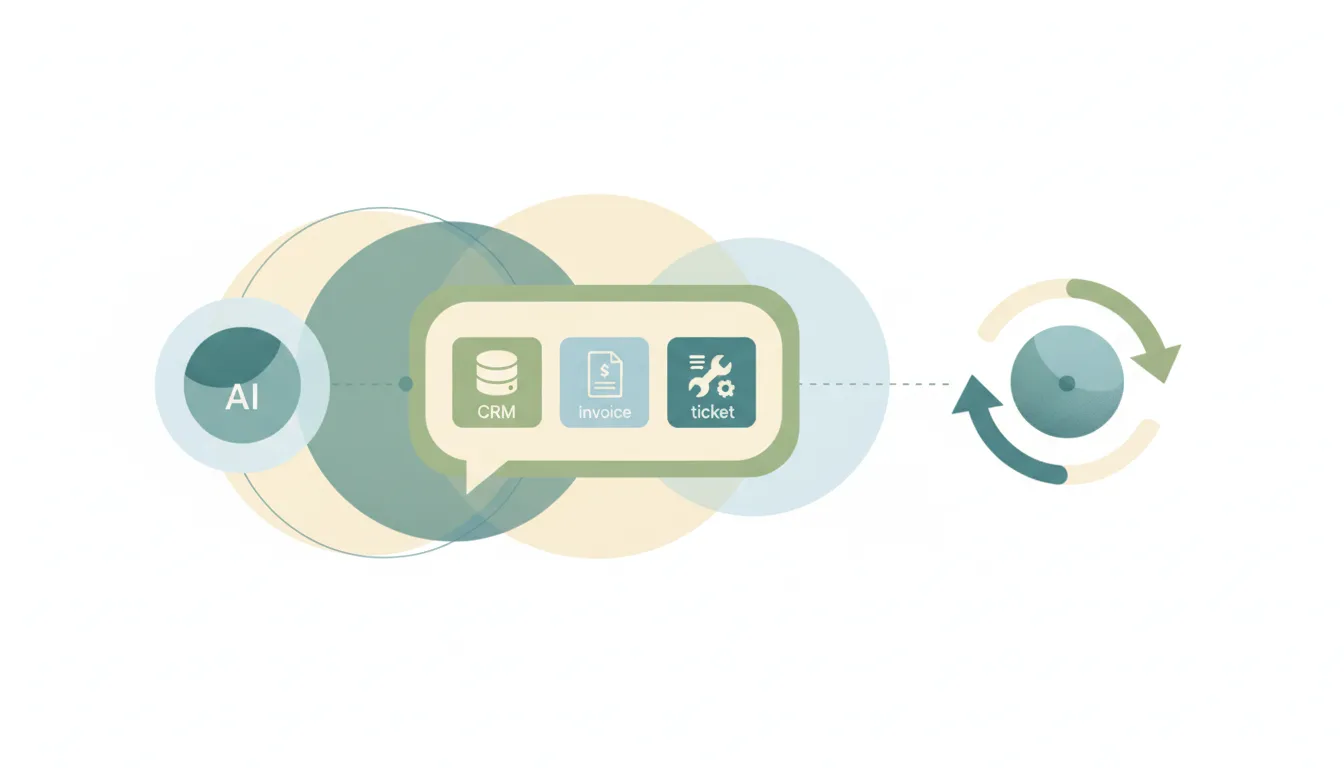
Here is the difference on a normal Tuesday. Josh runs a bookkeeping practice on Zoho Mail. A client writes at 7am asking to push Thursday’s review to next week and to resend the September invoice. Zia can summarize that and draft a polite reply. Carly checks Josh’s calendar, offers two open slots, books the one the client picks, pulls the invoice from QuickBooks, sends it, and replies in the thread confirming both.
It starts on its own, too. A new message in Zoho Mail can fire a workflow, so the lead that lands at 11pm is sorted, answered, and logged in the CRM before Josh opens his laptop.
What makes it different: you give it instructions in plain language instead of rules, and it works across all of your inboxes at once, Zoho Mail next to the Gmail or Outlook account you also keep. It connects to thousands of apps, which is what turns “I’ll send that over” into a thing that already happened.
Best for: Zoho Mail users whose email spills into a calendar, a CRM, and an invoicing tool. Pricing: Free Zapier-style workflows; AI agents from $35/month
Want clients to book themselves instead? Set up a booking page and Carly checks it against all of your calendars.
2. Zia for Mail
Zia is built into Zoho Mail. It writes an email from a short prompt, finishes your sentences as you type, summarizes a message or a long shared-mailbox thread, and checks grammar and style in a writing assistant panel. A summary can go straight into a Zoho task or note, and on the calendar side Zia creates events from plain language.
What makes it different from Carly: it lives inside Zoho’s own windows. It helps you write the reply, and the booking, the CRM update and the follow-up are still yours. It is also paid-plan only. The forever free plan leaves it out, an admin has to enable it, and Zoho caps generations, summaries and suggestions by plan. Paid Zoho Mail starts with Mail Lite at $1 per user per month, with Mail Premium at $4, both billed annually in USD. Where Zia for Mail is available in your region, admins can plug in their own GPT, Gemini, Claude or Cohere key.
Best for: Writing and catching up faster inside Zoho Mail.
3. Zoho Mail filters
Filters sort incoming and outgoing mail by conditions you set: move to a folder, auto-forward, or turn an email into a task. Smart Filters pull newsletters and notifications aside on their own.
What makes it different from Carly: a filter matches a sender or a subject and does the same thing every time. It has no way to tell that this invoice question is urgent and that one can wait.
4. Zoho Flow
Zoho’s own integration platform. Its Zoho Mail connector triggers when a new email arrives, when one matches a search, or when one is sent, and it can create drafts and send mail in return. The natural fit if the rest of your business already runs on Zoho apps.
What makes it different from Carly: every flow is a path you build and maintain step by step, and it fires on every match without judging which ones matter. For the wider Zoho picture, see AI automation tools for Zoho.
5. ChatGPT and Claude
Zoho publishes an official Zoho Mail MCP server. Configure it in Zoho’s MCP console and ChatGPT or Claude can read, send and reply to mail and manage labels, flags and folders. On ChatGPT it needs Plus or higher with developer mode switched on. The Zoho MCP guide covers the setup.
What makes it different from Carly: both reason well about a hard thread, and both wait for you to open a chat. Nothing starts when a new email lands, and the connection is a server you configure rather than a sign-in.
6. Zapier and Make
Both have Zoho Mail apps. Zapier fires on new emails or on emails matching a search; Make watches the inbox, a folder or a search and sends mail back.
What makes it different from Carly: every path is plumbing you define, and each branch is one more thing to fix when a sender or a field changes. See Zapier alternatives and Make alternatives.
Zoho Mail AI Assistants Compared
| Tool | Works with Zoho Mail | Acts outside Zoho | Starts on new mail | Judges what deserves action | Price |
|---|---|---|---|---|---|
| Carly | Yes | Yes | Yes | Yes | From $35/mo |
| Zia for Mail | Built in | Zoho Calendar and tasks | No | No | Paid Zoho Mail plans |
| Zoho Mail filters | Built in | Forwards and tasks | Yes, by rule | No | Included |
| Zoho Flow | Yes | Yes | Yes, by rule | No | Separate Zoho app |
| ChatGPT / Claude | Via Zoho’s MCP server | Limited | No | Partly | Plan-dependent |
| Zapier / Make | Yes | Yes | Yes, by rule | No | Free; paid tiers |
How to pick
If the problem is writing faster, turn on Zia. It is already in your paid Zoho Mail plan and it is the shortest path. If you only need mail moved around by a fixed rule, filters or Zoho Flow will do it.
If every email creates work in your calendar, CRM and billing tool, go with Carly and keep Zoho Mail as the place you read. One owns the inbox, the other owns what the inbox promised. To see it on your own mailbox first, book a quick call.
FAQ
What is the best AI assistant for Zoho Mail? Carly, when the work extends past the reply. It connects to Zoho Mail and to the calendar, CRM and invoicing tools a reply commits you to, and it acts without waiting for you to open a chat.
Is Zia included in every Zoho Mail plan? No. Zia for Mail is for organizations on a paid plan, starting with Mail Lite, and an admin has to enable it. Zoho also limits how many generations, summaries and suggestions each plan gets.
Can ChatGPT or Claude access Zoho Mail? Yes, through Zoho’s official Zoho Mail MCP server, which you configure in Zoho’s MCP console and then add to ChatGPT or Claude. Both answer inside a conversation you start. For email that gets handled while you are away, Carly’s agents run on their own.
How do I connect Zoho Mail to Carly? Open carlyassistant.com/integrations, find Zoho Mail and sign in. Carly then works across all of your mailboxes at once, Zoho Mail alongside any Gmail or Outlook accounts.
Can an AI assistant act on Zoho Mail automatically when new email arrives? Yes. A new Zoho Mail message can start a Carly workflow that sorts it, sends the reply, and updates the other apps involved, across thousands of apps.
More: Zoho MCP · AI automation tools for Zoho · Best AI assistants for Gmail · Best AI assistants for Outlook · Best AI email assistants
Ready to automate your busywork?
Carly schedules, researches, and briefs you—so you can focus on what matters.
See what people say
"Before Carly, I relied on a Calendly link, but the whole process felt impersonal and not very professional. Carly changed that by handling all the back-and-forth, so I'm no longer stuck in endless email threads trying to line up schedules.
Now Carly reaches out to candidates, shares my real-time availability, lets them pick a slot, then sends a Zoom link and drops it straight into my calendar. She sends reminders to both of us before each call, which has significantly reduced no-shows and last-minute confusion.
On top of scheduling, Carly acts like a full executive assistant, sending me my schedule the night before so I can prepare for each call. It reminds me of the old x.ai assistant, but Carly is noticeably smarter, faster, and better suited to my healthcare recruitment business."


