
Can Copilot Connect to Multiple Email Accounts?
Copilot reaches the Outlook account you sign in with and one Gmail, never several. With Carly, Copilot works across every Gmail and Outlook inbox at once.
158 posts
Copilot reaches the Outlook account you sign in with and one Gmail, never several. With Carly, Copilot works across every Gmail and Outlook inbox at once.

tinyNature is a beta AI assistant on WhatsApp, iMessage and Telegram with no published price. Six tinyNature alternatives for email, calendar and calls.

Zapia is a free Spanish-language AI assistant on WhatsApp. Six Zapia alternatives for email, calendar, phone calls and automation, with current prices.

Actordo's Actor caps Premium at 3 accounts and meters automations by the week. Six alternatives for email, calendar and follow-up, with current prices.

Yes for Gmail, since August 2026. Outlook is where it gets vague: personal Outlook.com, a second company, new-mail triggers. How to get all of them.

Partly. Grok Bot reads and drafts in one mailbox and has its own grokbot.com address, but every send waits for you. Carly runs your inbox by your rules.

One Gmail and one work Outlook, and no personal Outlook.com. Add the Carly connector at grok.com and Grok works across all of your inboxes at once.

No. Grok's Outlook connector reaches one work mailbox and no personal Outlook.com. Add the Carly connector and Grok works across all of your Outlook accounts.

Not in any way Perplexity documents. Gmail and Outlook are one connection each, and Outlook can't send yet. Add Carly to reach all of your inboxes at once.
Not that Perplexity documents. Its Outlook connector is one account that reads but can't send. Add the Carly connector to reach all your Outlook accounts.

The best AI email tools for ADHD: apps that hide the noise, write the first draft, turn emails into tasks and text you only when something truly matters.
One Gmail and one Outlook work account, never two of either. Add the Carly connector and one Cowork task covers every inbox you have.

No. Cowork runs on Claude's Microsoft 365 connector, which holds one work account. Add the Carly connector and one Cowork task covers all of them.

Gemini 4 isn't in Gmail or Google Calendar yet. What Google says about the rollout, what Gemini does in your inbox and calendar today, and where it stops.

One Gmail and one work Outlook, never two of either. Add the Carly connector and Claude works across all of your inboxes at once, Gmail and Outlook alike.

One assistant for your inbox and your calendar, on Gmail and Outlook. We compared 9 on booking from threads, meeting prep, follow-ups and price.

The best AI assistants for Missive teams: Missive's own AI, its Claude and ChatGPT connector, Front, Hiver, and the one that works when nobody is logged in.
Ezail delegates email, calendar and calls from WhatsApp, Telegram or Slack for $9 and up. The best alternatives for work inboxes, with pricing and tradeoffs.

Slashy and Superhuman Mail both start at $30 a month. Slashy puts AI drafting on its one plan; Superhuman's Auto Drafts need the $40 tier. How they differ.

Fyxer AI pricing: a Free plan, then Pro $37 and Team $64 per person a month billed annually ($49/$99 monthly). Credits, seat math, trial terms and refunds.

Fyxer AI review: what it does in Gmail and Outlook, how accurate the drafts are, what 740 Trustpilot reviewers report, privacy, and billing complaints.

Gemini stays inside Google, Copilot stays inside Microsoft. We compared nine assistants on both suites at once: which cross the fence and which pick a side.

Six client mailboxes, six logins, six sets of rules. We priced nine AI assistants on the work VAs and OBMs actually do, including the per-inbox math.

Most AI assistants hold one Google Workspace login and a second sign-in replaces it. We compared nine on two or more tenants: which hold all of them.

Kai by Morgen costs $50 per user and launches at $100. Seven AI executive assistant alternatives compared on price, scope and what runs without you.
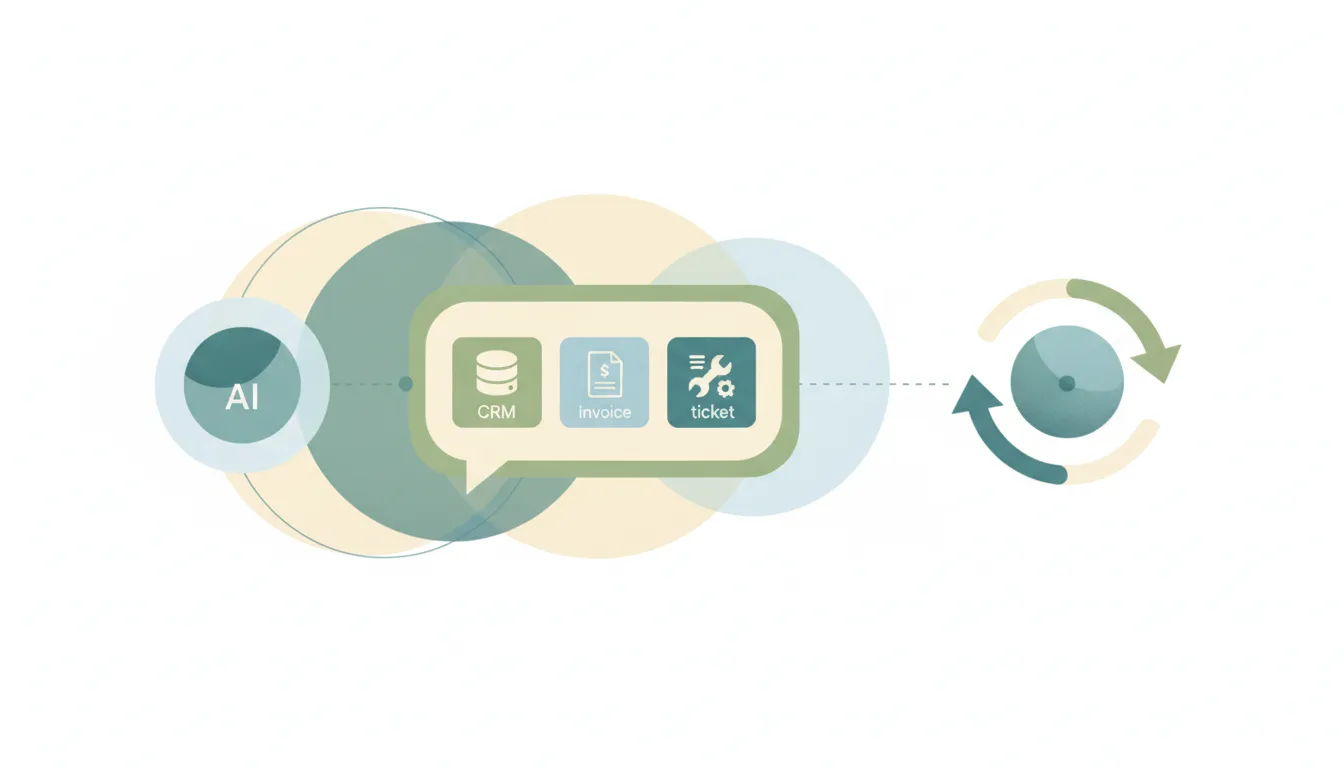
The best AI assistants for Zoho Mail. What Zia does, which plans include it, and what to use when the work an email creates lives outside Zoho.
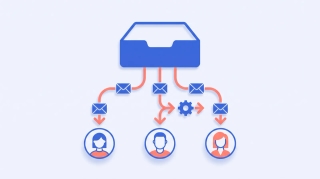
The best AI assistants for Front. What Front's own AI covers, what sits behind Enterprise, and what to use when the work leaves the shared inbox.
We checked 8 AI assistants against two or more Outlook accounts. Which act across all of them, which make you switch, and which bill you per mailbox.

OpenAI says plugins beyond Gmail now take several accounts, but names no Outlook or tenant rules. Connect them to Carly and ChatGPT reaches all of them.
Yes, since August 2026, and one Work task can read all of them. Here is how, where Outlook and Microsoft 365 still fall short, and how Carly fills it.
OpenAI says plugins beyond Gmail now take several accounts, but names no Outlook or tenant rules. Connect them to Carly and ChatGPT Work reaches all of them.
No. Claude's Microsoft 365 connector holds one Entra tenant, so a second work account replaces the first. With Carly, Claude reaches all of them.
No. Consumer Copilot's Gmail connector holds one Google account and the work SKU has none. With Carly, Copilot reaches every inbox you own.
No. Multiple account access is a licensing bridge for documents, not mailbox reach. With Carly, Copilot works across every Outlook account you own.
No. Grok's Gmail connector signs in to one Google account at a time. With Carly, Grok works across every inbox you own in one conversation.
No. Perplexity's Gmail connection is one Google account with no second-account flow. With Carly, Perplexity reaches every inbox you own.
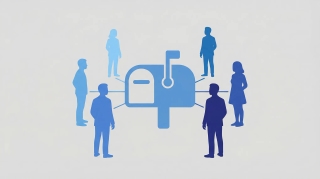
Every chat assistant now reads a shared mailbox. Which ones reply from that address, which can open the attachments, and which act when mail arrives.

Most shared inbox tools give your team a place to work the queue. Only one works it for you, replies from the address, and opens the attachments.

Yes, natively since August 2026. Here is how, and what OpenAI's docs leave out for Outlook.com, Hotmail and Microsoft 365 at more than one company.
No. Claude's Google connector holds one account, and a second replaces the first. Connect every inbox to Carly instead and use them all in one chat.
Claude connects to one Gmail account at a time. Connect every inbox to Carly instead and a single Cowork task reaches all of them.
Most of these draft and stop. Which ones actually send from your Outlook address, what an admin has to approve first, and which watch the inbox.

Gmail now sends, replies and forwards. Outlook needs an admin first. And Cowork has no inbox, so nothing ever reaches it unprompted.
Two answers, because there are two products. The Outlook add-in drafts and never sends. The Microsoft 365 connector sends, once an admin allows it.

Freestyle is a Y Combinator AI assistant for Gmail that drafts, schedules, and bulk-unsubscribes. What it does, what it does not, and what it costs.

Gemini reads and searches Gmail well. It does not draft, send, or delete through the Workspace connection, and nothing starts when mail arrives.
Gemini reads and searches Gmail well. It does not draft, send, or delete through the Workspace connection, and nothing starts when mail arrives.
Most AI assistants pick an ecosystem and stay in it. We checked which ones hold a Google inbox and a Microsoft inbox at once, and what each can do in both.

ChatGPT's Outlook Email and Calendar apps read, draft and send, and now reach shared mailboxes. The plan requirements, the admin gates, and the one gap left.

Microsoft Copilot connects to Gmail, Google Calendar, Contacts and Drive. What it can do with them is narrower than the word connector suggests.

The Gemini app is a Google-account product. Gemini Enterprise has a real Outlook connector that reads mail and sends it, and an admin has to build it.
Gemini finds, summarizes and prioritizes mail, and inbox cleanup is coming. What it still will not do is handle the inbox while you are not looking.
Three routes get a file in front of Gemini, and only two are reliable. What Google documents about attachments, images in Gmail, and the 25 MB ceiling.
Gemini searches Gmail two ways: AI Overviews in Gmail search, and the Gemini app with Workspace connected. What each finds, and where the search stops.
The source settings error, the toggle nobody finds, and the one-word prompt habit that fixes it. Seven causes of Gemini losing access to Gmail, in order.
AI Overviews, Help me write, Suggested Replies, Proofread, AI Inbox. What each one does, who gets it free, and why the side panel disappeared for some users.
Two different connections get confused for one. The exact toggles, the consent screen, and what Gemini can really do with Gmail once connected.
We checked 11 AI assistants on two or more Gmail accounts. Carly is the only one that acts across all of them. Which hold, which switch, which bill you.

Gemini Spark works from the Google account you sign in with. Add every inbox to Carly, wire Carly in over MCP, and reach them all from one Spark session.
Microsoft Copilot reads Gmail but documents no multi-account setup. Here is how to reach several Gmail and Workspace inboxes with Carly.
Grok signs in to one Google account per connector. Add every inbox to Carly, connect Carly to Grok once, and ask across all of them in one conversation.
Perplexity documents one primary calendar and no multi-Gmail setup. Here is how to keep several inboxes available through Carly.
Gemini has no Outlook connector on any plan you can buy. Connect every mailbox to Carly, add Carly to Gemini, and reach them all from one conversation.

ChatGPT holds several Gmail accounts natively. Here are the steps, and how to add Hotmail, Outlook.com and other companies' Microsoft 365 to the same chat.

Claude's Google connector holds one account at a time. Add every Gmail and Workspace account to Carly, connect Carly once, and Claude can reach them all.

Gemini reads one Google account at a time and no setting changes it. Connect every inbox to Carly instead and one assistant covers all of them.

Microsoft's multiple account access covers files, not mailboxes. Connect every Outlook and Microsoft 365 account to Carly to work across them in one place.

Compare the permanent free allowances, history limits, provider support, and paid upgrade points for current AI email assistants.

13 AI email assistants compared on what they do on their own: sorting and labeling, sending, Gmail and Outlook support, and price. Updated October 2026.
We tested 11 AI assistants across Gmail and Outlook together. Carly holds every inbox and acts in each one. Which others cap you, and which bill per account.
ChatGPT Work takes several Gmail accounts natively. Here is the setup, and how to bring Hotmail and other companies' Microsoft 365 into the same Work task.

Add multiple personal and work Gmail accounts to Claude Cowork with Carly, then search, draft, send, label, and schedule from the right inbox.
Manage personal Gmail, work Outlook, and multiple company inboxes with one AI assistant—without forwarding mail, merging accounts, or switching tabs.
alfred_ is an AI executive assistant for email, calendar, and tasks, on Gmail and Outlook. What it does, what it costs, and where its own app is the limit.

Cora turns your inbox into twice-daily briefs and drafts the replies that matter. What it does for $20 a month, and the one thing it deliberately won't do.
Jace AI is an email assistant that drafts replies and organizes Gmail. What it does, how its credit pricing works, and where it stops short of acting for you.

Slashy won Product Hunt with AI drafting and triage at $25 a seat. Two constraints decide it: Outlook is still in beta, and it replaces your email client.
Slashy drafts and triages email well, but it is built for Gmail at $25 a seat with no free tier. Seven alternatives and who each one actually suits.
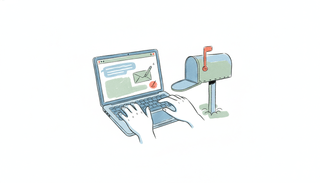
No — Claude has no inbox you can email or CC. Via connectors it can read and draft your mail, but it doesn't have its own address. Here's the reality, and the alternative.

No, ChatGPT has no inbox you can email or CC like a coworker. Here's what it can do with email, and how to give an AI its own real address instead.
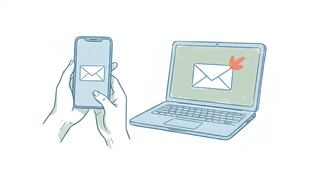
A white-label AI email assistant emails clients from your own domain, DKIM-signed and SPF-aligned, so no one sees a generic robot address. Here's who needs it and how to set it up.
Serif is a flat-rate inbox assistant that replies as you and asks when unsure; Jace is a credits-metered email EA that drafts and organizes Gmail. Here's which to pick in 2026.
Cora is a quiet, Gmail-only inbox that briefs and drafts for you; Fyxer is a per-seat assistant that sorts, drafts, and takes meeting notes in Gmail or Outlook.

Cora screens your inbox so you check it less; Superhuman is a fast client so you get through it quicker. Opposite philosophies — here's which one fits you.

Fyxer works across Gmail and Outlook and bundles meeting notes; Jace is Gmail-centric with a lower entry price and a chat layer. Which fits your inbox.
Fyxer is AI that sorts your inbox and drafts replies on Gmail/Outlook; SaneBox is provider-agnostic filtering that just sorts. Which fits your problem.
Inbox Zero is open-source and self-hostable; Fyxer is a polished hosted app with a built-in notetaker. The real split is data control versus turnkey convenience.
Cora is a done-for-you inbox triage tool you don't configure; Lindy is a no-code agent builder for email and many other jobs. Here's which one you actually want.

MailMaestro is a cheap AI email writer you invoke; Fyxer is a fuller always-on assistant that sorts your inbox and takes meeting notes. Which to pick in 2026.

NewMail is a privacy-first assistant for Gmail, Outlook, and Apple Mail with Zero Data Retention; Cora is a done-for-you Gmail brief. Here's which fits you.
Serif acts as you inside your inbox and sends replies; Mindy is an email-native research agent you email tasks to. Here's how to pick, and Mindy's 2026 status.
Upstream is a new AI-native inbox you switch to (Gmail-only); Serif is an assistant that layers onto the Gmail or Outlook you already use. Here's how to choose.
ChatGPT has an official Gmail connector that can search, summarize, draft — and now send. Here's what the chatgpt gmail integration does and where it stops.
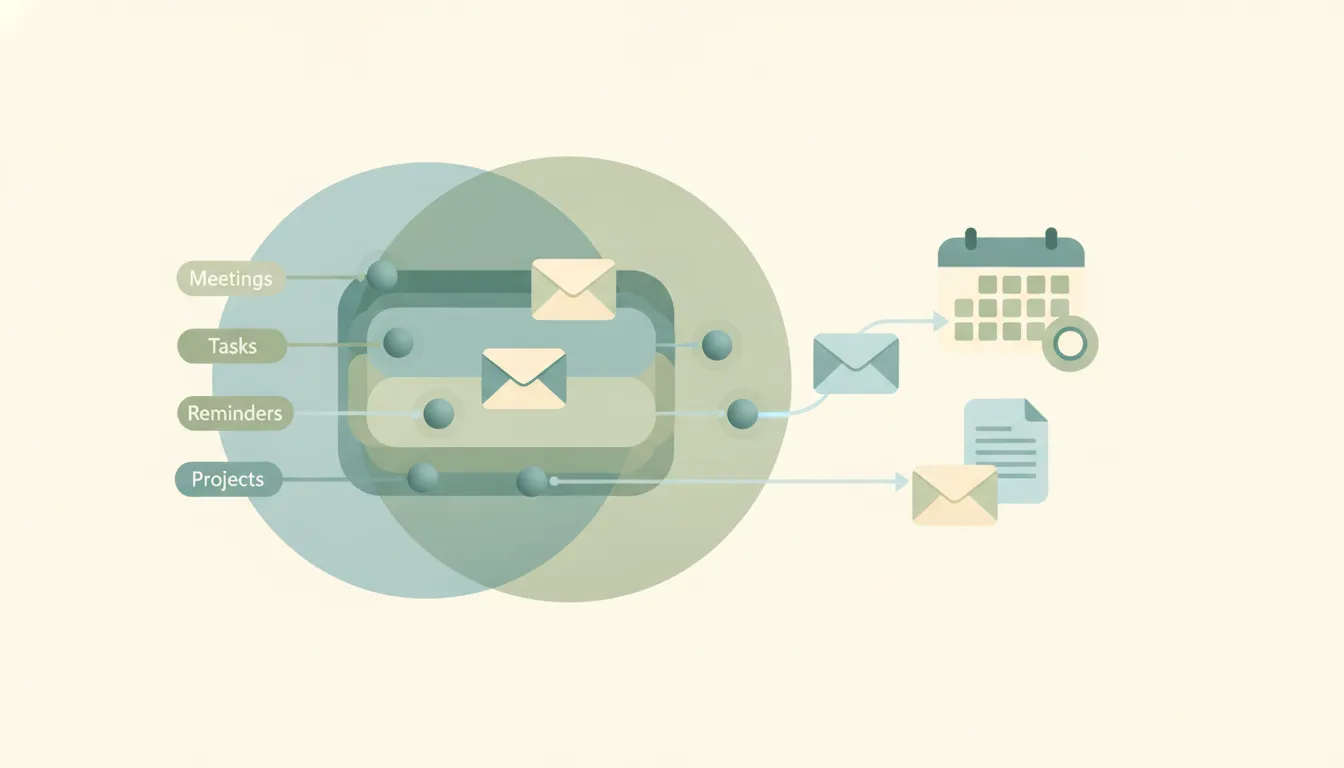
Upstream rebuilds the inbox around AI agents — but it's Gmail-only and weeks old. These 6 alternatives cover agent-driven email, triage, and drafting on any provider.
Gemini drafts email replies in Gmail with Help Me Write, but it drops them in the compose box for you to send. It doesn't reply on its own or on triggers.

Compare Carly AI vs Cora for managing email. Cora screens your Gmail and writes briefs; Carly AI also schedules meetings, works over SMS, and supports Outlook.
Carly AI vs Inbox Zero compared: Carly schedules meetings and works over SMS as a full EA, while Inbox Zero is an open-source inbox-cleanup automation tool.
Carly AI and Jace both run your email, but Carly adds SMS scheduling and Outlook parity while Jace stays Gmail-first and credit-metered. Compared.
Notion Mail shuts down September 22, 2026. Compare Carly AI vs Notion Mail: an email client with AI features vs an assistant that runs your inbox for you.
Compare Carly AI vs SaneBox. SaneBox filters and organizes your inbox; Carly AI drafts, replies, and schedules over email and SMS. Here is how to pick.
NewMail AI drafts, sorts, and prioritizes your Gmail from inside your inbox. These 6 alternatives handle more of the work, including sending and acting on triggers.
Yes. Microsoft 365 Copilot reads your Outlook mailbox with your permissions to summarize and draft in a session, but access isn't monitor-and-act. Explained.

Yes and no — Microsoft 365 Copilot drafts replies in your voice in Outlook, but the send is always your click. There's no auto-reply on triggers. Here's the real gap.

No. Microsoft Copilot writes email drafts in Outlook, but the send is your click and there are no triggers. What it does, what it doesn't, and the fix.

Yes. ChatGPT can read your Google Calendar and create events in chat, but moving or deleting is undocumented and no calendar event triggers it.
Yes. The Gmail connector lets ChatGPT read, search, and send one email at a time with approval. How to connect it, plus the caveats that matter.

Partly. ChatGPT can read your calendar and create Google Calendar events, but it can't manage it on its own, and no calendar event triggers it.

Yes. With Gmail or Outlook connected, ChatGPT reads, searches, and summarizes email on request. A new Gmail message can trigger a task; Outlook mail can't.

Yes. ChatGPT can draft and send a reply one at a time with approval, but it doesn't triage or reply automatically on triggers. The honest scope.

Yes, with caveats: ChatGPT sends one email per prompt on paid plans, no attachments, per-send approval, blocked in the EU/UK. The full limits.

Yes. The Google Calendar connector gives Claude full read/write, and Cowork can run it on a schedule — but there are no event triggers. The details.

Claude can create a calendar event when you ask in chat, but it can't run booking back-and-forth, negotiate times, or act on triggers.
Yes. The Google Workspace connector lets Claude read, search, draft, send, reply and forward in Gmail, asking your approval first. Setup and real limits.

Partly. Claude can create and edit Google Calendar events in a chat, but it can't schedule autonomously and has no triggers. Every surface, compared.
Yes. Claude can read and summarize your Gmail and Outlook when you ask, or on a schedule. No inbox monitoring, no event triggers. Every surface.

Claude drafts replies well and sends from Gmail on approval. The Outlook add-in never sends, Microsoft 365 needs an admin, and nothing triggers on its own.
No. Microsoft 365 Copilot drafts replies in Outlook but sending is your click, and there are no triggers. What it does and doesn't do.
Yes. Gemini reads, searches and drafts in Gmail through the side panel and Connected Apps. It will not send, will not act on new mail, and holds one account.

Yes, on request. Gemini reads, searches and summarizes Gmail in the side panel and app. Why it looks like it is reading your mail, and what it never does.
No. Gemini drafts email in Gmail and the Gemini app, and the send is always your click. Every surface it writes in, why there are no triggers, and the fix.

Clean Email scrubs your inbox with rules, but nothing gets answered. These 5 alternatives unsubscribe, triage, and even reply for you — some with real AI.

Missive is built for shared team inboxes — solo operators end up paying for collaboration they never use. These 6 alternatives fit how you actually work.
Yes, and since August 2026 the plugin holds several Gmail accounts. Outlook has none at all. Connect every mailbox to Carly and reach all of them at once.

Codex has a first-party Outlook Email plugin. What it sends, the plain-text limit, and how one MCP server puts every Outlook and Gmail mailbox in reach.
Can Perplexity read, reply to, and manage your email and calendar? The honest answer for 2026 — what Perplexity does, what it does not, and what to use instead.

Looking for a Stamp alternative? These 5 AI email and inbox tools draft in your voice and organize mail — including full executive assistants that also handle calendar, scheduling, and CRM.

No — every Claude send waits on your approval and it has no triggers, so there is no true auto-reply. Here's why, and what real automatic email replies take.

Claude is a great email writer in chat, but every send waits on you, it has no triggers, and it doesn't run your inbox. Where it stops, and the alternative.
Claude is a great email writer in chat, but every send waits on you, it has no triggers, and it doesn't run your inbox. Where it stops, and the alternative.
Claude can suggest labels and a folder scheme in chat, but it can't apply them to arriving mail or file attachments — no triggers. Here's where it stops and what auto-labeling takes.

Claude writes an excellent follow-up, but it can't react to a non-reply and every send needs your approval. What sends follow-ups on schedule.
Claude's Gmail connector covers one account and waits for you. Add the Carly connector and Claude works every inbox and acts the moment mail lands.
Claude can read and draft in your inbox when you ask, but it can't triage mail on arrival, file it, or act on triggers. Here's where it stops and what real inbox management takes.
Yes. Add the Carly connector to Claude and set up Outlook triggers from the chat: label and sort every email, draft replies, follow up when nobody answers.
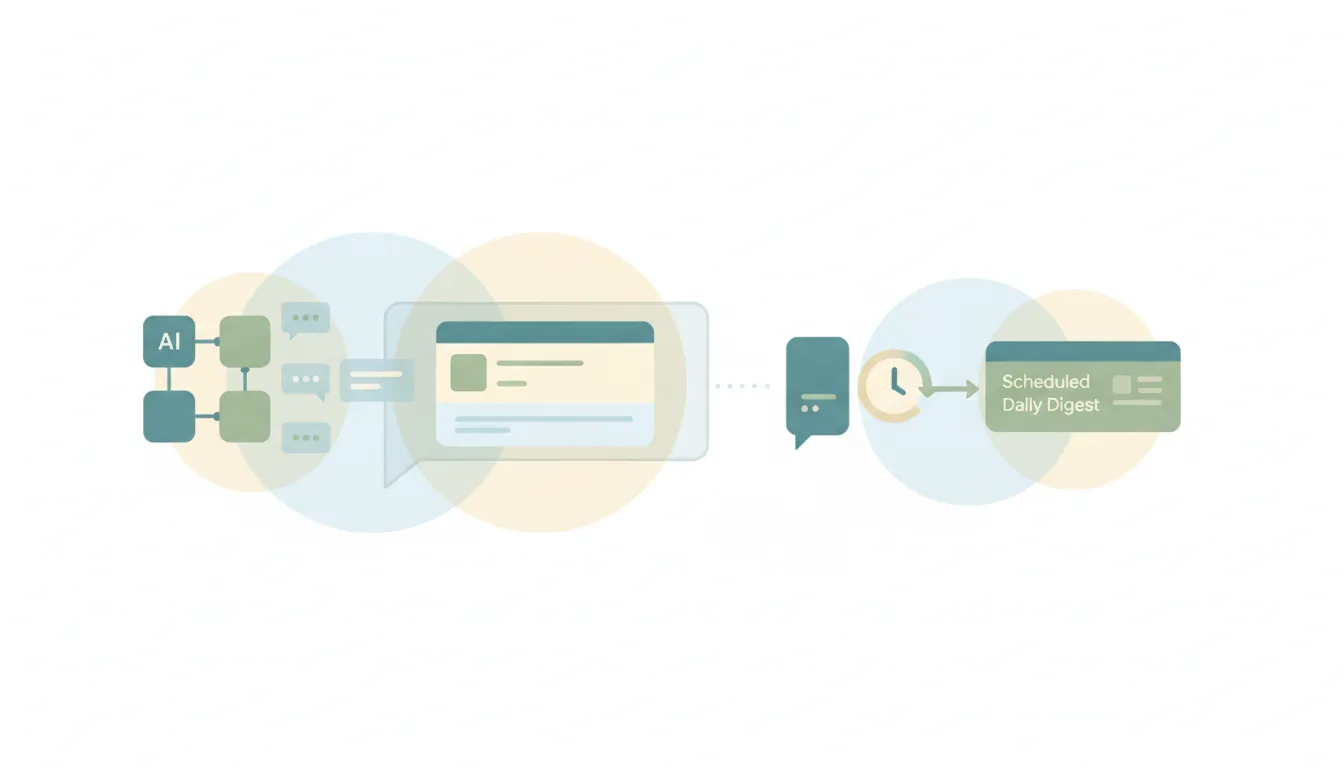
Yes — Claude summarizes email well when you ask in chat, but it can't deliver a scheduled, automatic digest because it has no triggers. Here's where it stops and what real briefings take.

No — Claude can't act on your mailbox to unsubscribe or clean it up. Here's why, and the AI that actually does unsubscribe you and clears the junk automatically.

Claude reads, searches, drafts and now sends in Gmail. But every send waits on your approval and nothing starts when mail arrives. The honest breakdown.

Yes, from Gmail and Microsoft 365, but never unattended. Every send waits on your approval, the Outlook add-in cannot send, and no surface has triggers.
The add-in reads your inbox and writes the reply, then stops before sending. Here is what Claude for Outlook covers, and what gets you Outlook AI that acts.
Superhuman makes you faster at email; Fyxer handles it for you — one's a client you switch into, the other works in your inbox. Which to pick in 2026.
Lindy is a broad personal AI assistant you text; Fyxer drafts replies and sorts the inbox you already have. Here's which one fits — and when to skip both.

Looking for an alfred_ AI alternative? These 7 AI executive assistants handle email, calendar and tasks, including agents that act on threads, not just draft.
Looking for a Cora alternative? These 7 AI email assistants range from agents that act on their own to faster inbox clients, beyond Cora's twice-daily digest.

Looking for a Jace AI alternative? These 7 AI executive assistants go beyond drafting and organizing Gmail, including agents that send and act on their own.
Looking for a Serif AI alternative? These 7 AI executive assistants go beyond drafting and inbox triage, from agents that send on their own to faster email clients.

The best AI assistants for writing emails, tested — drafting, rewriting, and tone-matching replies and outreach. Most stop at the draft; here's what doesn't.
Most 'AI assistant for work' tools are chatbots you have to prompt. We tested the ones that actually do the work — triage, scheduling, follow-up — so you don't.
Most AI email assistants are built for Gmail. We tested the ones that genuinely handle Outlook email: drafting, triage, and follow-up in Microsoft 365.
Gemini drafts emails but can't send them. Here are 8 AI assistants that actually do the work — including ones that run on automatic triggers in your inbox.
Three of the most-hyped AI email tools compared head-to-head. Speed, AI intelligence, autonomous agents, and which one to use depending on how you actually work.

Looking for an Inbox Zero alternative? These 8 AI email tools range from open-source mailbox cleanup to AI agents that take action on your behalf.

Looking for a HEY email alternative? These 5 email tools rethink the inbox — from AI-native Gmail clients to autonomous email agents that take action.

Looking for a HeyHelp alternative? These 5 AI email assistants handle Gmail and Outlook triage, drafting, and follow-ups — beyond the lifetime-deal niche.

Looking for a MailMaestro alternative? These 7 AI email tools go past draft suggestions in Outlook and Gmail — several triage, reply, and send on their own.

Looking for a Fyxer alternative? These 8 AI email tools go beyond inbox organization — from full automation to faster drafting.

AI email agents help small businesses automate sales follow-ups, client intake, recruiting, and filing. Copy-paste setup instructions for 5 agents.

Compare the best AI email agents that autonomously triage, draft, respond, and take action on your behalf. Find the right tool for your business.

10 AI email tools tested for writing faster, cutting inbox time, and automating follow-ups. Includes free options and honest takes on what's overhyped.