ChatGPT Company Knowledge: What It Answers and What It Won't Touch (2026)
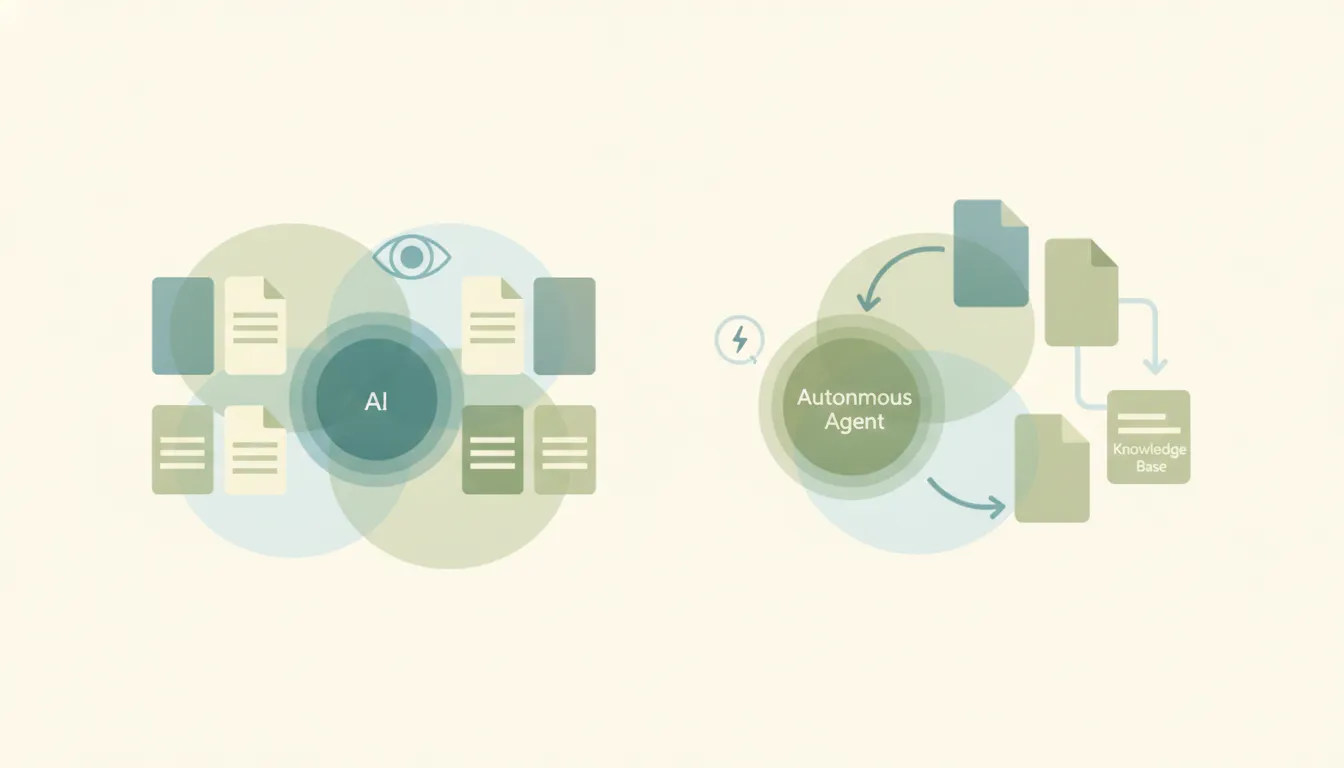
Company knowledge is ChatGPT’s internal-search mode: turn it on, ask a question, and ChatGPT searches across your connected work apps — Slack, Google Drive, SharePoint, GitHub, Notion, HubSpot and others — then answers with citations and the exact snippets it pulled from. OpenAI launched it in October 2025 for Business, Enterprise, and Edu, and it does the thing it promises well. The question worth answering before you buy seats for it is narrower: it’s a retrieval feature, and a deliberately read-only one. That’s the whole decision.
Which plans actually get it
Company knowledge is gated to ChatGPT Business, Enterprise, and Edu. Plus, Pro, Go, and Free don’t have it, and paying $200/month for Pro doesn’t buy your way in — this is a workspace feature, not a power-user feature. Business runs $25/user/month annual (~$30 monthly); Enterprise is quoted per seat. If you’re weighing the tiers themselves, ChatGPT Business breaks down what else the workspace plans include.
The apps that feed it are the same ChatGPT connectors the workspace already uses — OpenAI renamed “connectors” to “apps” in December 2025, so the naming in older articles is stale. The set that feeds company knowledge covers Slack, SharePoint, Google Drive, Gmail, GitHub, Notion, HubSpot, Zendesk, Asana, and Azure DevOps, among others. Under the hood it runs on a version of GPT-5 tuned to fan out across several sources in one question and reconcile them when they disagree, which is why it handles “what did we decide about X” better than a plain file search.
Permissions: the answer most buyers are actually checking
Company knowledge respects each user’s existing permissions in the source system. ChatGPT can only surface what that person could already open in Drive or Slack themselves, and it follows the role-based permissions admins set per connector. Each user connects through their own OAuth grant, so there’s no shared service account quietly widening the blast radius.
Admins get real scoping too. Apps are managed in workspace settings with RBAC and group-level permissions, plus SSO and SCIM for provisioning. The defaults differ by tier and this trips people up: on Business, apps are enabled by default; on Enterprise and Edu, they’re disabled by default and an admin has to turn them on. If you’re on Business and assumed nothing was connected until you said so, check.
Does your company’s content train OpenAI’s models?
No, not by default. Business, Enterprise, and Edu content — including anything reached through connectors — is excluded from model training unless the organization explicitly opts in. Qualifying orgs can also configure retention windows. This is the one place where paying for a workspace tier changes the legal posture and not just the feature list, and it’s usually the reason a company moves off individual Plus seats in the first place.
The limits that shape what it’s good for
None of these are bugs. They’re the shape of the feature:
- Read-only, by design. An app has to expose search and fetch to be eligible for company knowledge, and write mode is not supported. ChatGPT can tell you the renewal date it found in HubSpot; it will not update the record. Actions live in other parts of ChatGPT — agent mode and write-capable apps — not here.
- It costs you the other tools in that turn. With company knowledge on, you can’t browse the web, generate images, or build charts in the same response. You get internal retrieval or you get the general assistant, and you toggle between them.
- It only runs when someone asks. There is no schedule and no trigger. Nothing is watching the CRM for a stalled deal or the Drive folder for a new contract. If nobody opens a chat and types the question, the answer never gets produced.
- Freshness depends on the connector, not the model. Answers are only as current as what the connected app returns at query time, and retrieval quality degrades when sources contradict each other — which, in a real company Slack, they constantly do. The citations are the mitigation: check the snippet before you act on it.
- Surface coverage has lagged. It shipped web-first, with desktop and mobile trailing. Verify on the surfaces your team actually works on before you assume parity.
For what it’s worth, the same read-only, in-session ceiling applies to Claude’s knowledge base and to MCP connectors generally. It isn’t an OpenAI shortcoming — it’s what retrieval is.
Where the “someone has to ask” gap bites
Company knowledge is excellent at “where did we land on that pricing exception for the Riverside account?” It is structurally incapable of “tell me when a Riverside invoice goes past due.” The first is a question with an answer sitting in Slack. The second is a job that has to run whether or not anyone is thinking about Riverside today — and most of the work people hope to automate is the second kind.
That’s the half Carly does. Carly connects natively to ~260 apps — most of the ones feeding company knowledge included — and to anything else with a public API through your own key, pasted on your integrations dashboard. The difference is that Carly’s workflows are triggered and scheduled, and they write:
- When a deal moves to closed-won in HubSpot → create the onboarding doc in Drive, post it to the right Slack channel, and book the kickoff call.
- Every Monday at 8am → pull last week’s open tickets from Zendesk and last week’s revenue from Stripe into a Sheet and email the summary.
- When a contract in SharePoint hits 30 days to renewal → draft the outreach, log the task, and ping the account owner.
Carly is free for Zapier-style workflows, with AI agents from $35/month, so the connective plumbing between apps isn’t metered.
The two coexist cleanly. Company knowledge is the thing you open when you need to know something your company already wrote down. Carly is the thing that runs when nobody’s watching.
FAQ
Which ChatGPT plans include company knowledge? ChatGPT Business, Enterprise, and Edu. It is not available on Free, Go, Plus, or Pro — including Pro at $200/month, since it’s a workspace feature rather than a usage tier.
Does ChatGPT company knowledge respect file permissions? Yes. It only surfaces what each individual user is already permitted to view in the source app, and it follows the role-based permissions admins configure per connector. Each user authorizes their own connections via OAuth.
Will my company’s documents be used to train OpenAI’s models? No, not by default. Content from Business, Enterprise, and Edu workspaces, including material reached through connectors, is excluded from model training unless the organization opts in.
Can company knowledge update records or take actions in my apps? No. Eligible apps expose search and fetch only — write mode isn’t supported in company knowledge. It reads and cites; it doesn’t edit. Writes require agent mode, a write-capable app, or an automation layer like Carly.
Can I schedule company knowledge to run a report automatically? No. It responds inside a chat someone starts. There are no triggers and no schedules, so recurring or event-driven work needs a separate automation tool.
Why can’t I browse the web when company knowledge is on? It’s a deliberate restriction. While company knowledge is active, web browsing, image generation, and chart creation are unavailable in that response — you toggle it off to get the general-purpose tools back.
Which apps feed company knowledge? Slack, SharePoint, Google Drive, Gmail, GitHub, Notion, HubSpot, Zendesk, Asana, and Azure DevOps are among the supported set, with the list expanding. Admins control which are enabled — on by default for Business, off by default for Enterprise and Edu.
Ready to automate your busywork?
Carly schedules, researches, and briefs you—so you can focus on what matters.
See what people say
"Before Carly, I relied on a Calendly link, but the whole process felt impersonal and not very professional. Carly changed that by handling all the back-and-forth, so I'm no longer stuck in endless email threads trying to line up schedules.
Now Carly reaches out to candidates, shares my real-time availability, lets them pick a slot, then sends a Zoom link and drops it straight into my calendar. She sends reminders to both of us before each call, which has significantly reduced no-shows and last-minute confusion.
On top of scheduling, Carly acts like a full executive assistant, sending me my schedule the night before so I can prepare for each call. It reminds me of the old x.ai assistant, but Carly is noticeably smarter, faster, and better suited to my healthcare recruitment business."