Cluely vs Clicky: Which Screen AI Fits You? 2026
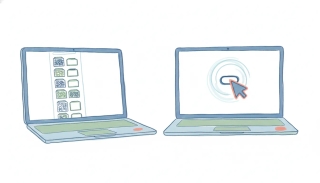
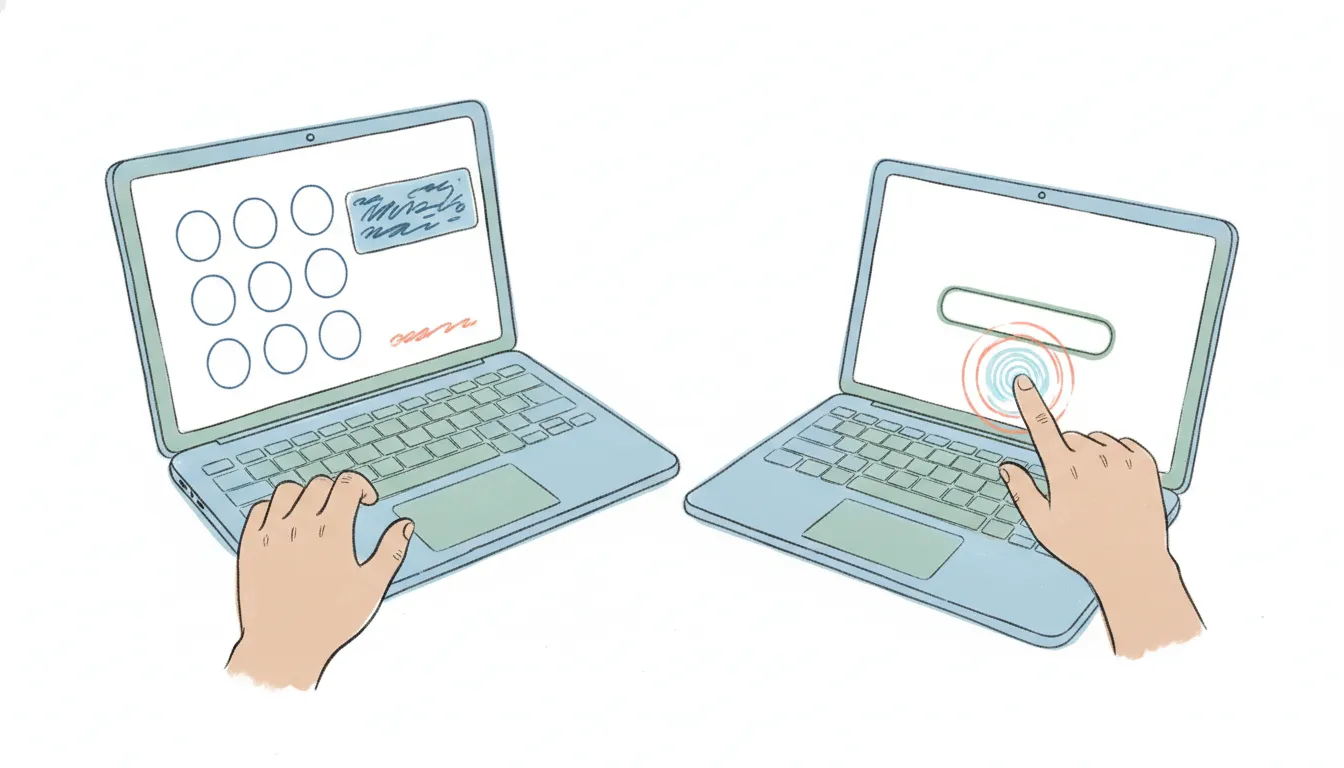
Cluely (cluely.com) is a real-time meeting copilot: a desktop overlay that listens to your call and puts answers, notes, and next lines on your screen while the conversation is happening, built around staying invisible to the other side and to screen share. Clicky (heyclicky.com, also clicky.so) is a voice-first cursor companion for Mac that watches your screen and answers out loud, hold a key, ask about whatever you’re looking at, and it talks you through it while pulsing a halo on the exact button to click. The one distinction that decides it: Cluely feeds you lines during a live conversation with another person, while Clicky is a hands-on tutor for the software in front of you. Name which one is your problem, the anxious minutes of a call or the friction of learning a tool, and the choice gets easy. If you’re weighing the wider field, see Cluely alternatives and Clicky alternatives.
Note: there are two unrelated products named Clicky. This page is about the AI cursor companion at heyclicky.com, not clicky.com, the privacy-friendly web analytics platform.
The One-Sentence Answer
Use Cluely if your problem is performing well during a live call and you want answers on screen in the moment; use Clicky if you want a voice-first assistant that watches your screen and walks you through the software you’re actually using.
Side-by-Side Comparison
| Dimension | Cluely | Clicky |
|---|---|---|
| What it is | Covert real-time in-call answer overlay | Voice-first cursor companion that guides you through apps |
| Core job | Live prompts, notes, and answers during a call with another person | Answers out loud about what’s on your screen and points to the next click |
| Signature trait | Designed to be undetectable on screen and in screen share | Hold-to-talk voice, a halo pulse on the exact button, “clicky agent” background tasks |
| Platforms | Desktop (Mac) and iOS | Desktop (Mac); Windows waitlisted (verify current) |
| Pricing (2026) | Free (limited responses/notetaking); Pro $19.99/mo; Pro + Undetectability $149.99/mo; Enterprise around $200/mo; Mobile around $8/week (verify current) | Limited free tier; Pro $20/mo for 150 agent messages plus unlimited voice (verify current) |
| Meeting notes | Yes, generated live during the call | Not its focus; it’s built for using software, not summarizing calls |
| Acts on your behalf | No, surfaces answers you use yourself | Partly, “clicky agent” runs background tasks and has voice integrations to Gmail, Google Calendar, Notion, and Linear |
| Best fit | People who want an invisible safety net on camera | People who want a talking buddy while they learn or use apps |
Pricing and tiers for both tools have shifted more than once, and reported prices for Cluely’s undetectability tier in particular have ranged widely between sources (roughly $75 to $149.99/mo across 2026), so confirm the current number on each vendor’s pricing page before you buy.
When to Use Cluely
- You freeze or scramble during live calls (sales, interviews, support) and want answers on screen in real time.
- You want notes and instant lookups during the conversation, not a summary afterward.
- You value that Cluely stays off the other side’s screen share and never joins as a visible bot.
- You mostly work from a Mac or your phone and the pain is concentrated in the call itself.
Cluely was founded in 2025 by Chungin “Roy” Lee and co-founders after Lee was suspended from Columbia over a tool that fed AI answers during coding interviews, and it launched under a “cheat on everything” tagline before pivoting toward a sales and meeting copilot for teams. The headline feature is still being undetectable, which is worth thinking through before you rely on it in front of a client, interviewer, or manager, both for the trust question and because detection is an active back-and-forth.
When to Use Clicky
- Your friction is using software, editing in DaVinci, designing in Figma, learning a new tool, and you want to ask out loud instead of hunting through menus.
- You want an assistant that points at the exact button rather than one that just describes the steps.
- You’d rather talk to your computer than type, and you like a companion that lives next to your cursor.
- You’re on a Mac today (Windows is waitlisted, so confirm before you count on it).
Clicky, built by Farza Majeed (previously of Buildspace) and backed by Y Combinator’s Spring 2026 batch with roughly $10.1M raised, went viral as a voice-first, personality-forward buddy that sees your screen and answers in real time. Its “clicky agent” mode can spin up a background agent to build, research, or automate a task while you keep working, and it ships native voice integrations to Gmail, Google Calendar, Notion, and Linear, so you can draft an email or check your calendar out loud. It fits people whose problem is the software itself, not a conversation with another human.
The Trade-Off That Actually Decides It
Both tools read your screen, but they point that in opposite directions. Cluely reads a conversation and quietly feeds you what to say, its whole design is to be invisible to the other person, which is powerful under pressure and is also exactly the trust question a client or employer might raise. Clicky reads your software and talks back out loud to help you operate it, so it’s overt by nature; the sensitivity there is less about hiding it from someone else and more about a voice assistant capturing your screen (it uses macOS’s ScreenCaptureKit and sends what it sees to Anthropic’s Claude for visual analysis). Decide whether you need help in front of a person (Cluely) or help using an app (Clicky), and the rest follows.
For the scheduling-agent angle, Carly AI vs Clicky covers that comparison.
One caveat on follow-through: Cluely surfaces answers and notes but leaves the sending and scheduling to you, and Clicky’s agent can draft a Gmail message or check Google Calendar by voice, but only on your Mac, in the moment, while you’re at the keyboard, and it doesn’t reach Outlook or Microsoft 365. If what you actually want is work taken off your plate, email, calendar, scheduling handled while you’re away, rather than real-time on-screen answers, an async assistant like Carly is a different category and starts at $35/month.
Quick Reference
| Your situation | Pick |
|---|---|
| I panic on live calls and want answers on screen | Cluely |
| I want notes and lookups during a meeting, not after | Cluely |
| I care most about the other side never seeing it | Cluely |
| I get stuck inside apps and want a voice walkthrough | Clicky |
| I want it to point at the exact button to click | Clicky |
| I’d rather talk out loud than type | Clicky |
FAQ
Is Cluely or Clicky better for meetings? Cluely, clearly. It’s built for the live call, putting answers and notes on your screen in real time and staying off the other side’s screen share. Clicky isn’t a meeting tool at all; it’s a voice-first helper for using software on your own screen. If the stressful part is a conversation with another person, Cluely is the one aimed at that.
Does Clicky run on Windows? As of mid-2026, Clicky is Mac-first and Windows is waitlisted, so confirm current availability before you count on it. Cluely runs on Mac desktop and iOS.
What does Cluely’s undetectable tier cost? Cluely’s free tier is limited and Pro runs $19.99/month; the Pro + Undetectability tier that hides it from screen-sharing software has been listed around $149.99/month in 2026, though earlier sources quoted closer to $75, and Enterprise sits around $200/month. Prices move, so check Cluely’s pricing page for the current figure.
Can either one actually send the follow-up or book the next meeting? Cluely can’t; it gives you lines and notes in the moment and leaves the follow-through to you. Clicky goes further than most screen assistants: its agent has voice integrations to Gmail, Google Calendar, Notion, and Linear, so it can draft an email or check your calendar out loud. The limits are that it works on your Mac while you’re there with the app open, and it doesn’t cover Outlook or Microsoft 365, so hands-off follow-through is still a different kind of tool.
More: Cluely alternatives · Clicky alternatives · Cluely vs Highlight AI · Highlight AI vs Clicky
Ready to automate your busywork?
Carly schedules, researches, and briefs you—so you can focus on what matters.
See what people say
"Before Carly, I relied on a Calendly link, but the whole process felt impersonal and not very professional. Carly changed that by handling all the back-and-forth, so I'm no longer stuck in endless email threads trying to line up schedules.
Now Carly reaches out to candidates, shares my real-time availability, lets them pick a slot, then sends a Zoom link and drops it straight into my calendar. She sends reminders to both of us before each call, which has significantly reduced no-shows and last-minute confusion.
On top of scheduling, Carly acts like a full executive assistant, sending me my schedule the night before so I can prepare for each call. It reminds me of the old x.ai assistant, but Carly is noticeably smarter, faster, and better suited to my healthcare recruitment business."